MISC FLOW
Bottom sheet app flow
A misc flow in 4 screens, from peek to loading content. Start your app from it, and your agent draws it on your own design system.
- 4 screens
- 3 patterns
- Mobile and desktop
- Brand: Rapi (made up)
The screens, in order
- Peek
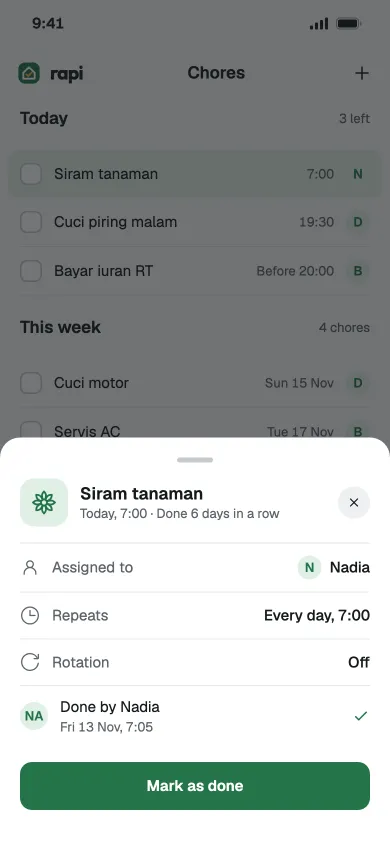
- Expanded with pinned actionPro
- Action listPro
- Loading contentPro
See all 4 screens, at mobile and desktop.Pro opens the whole flow in your Universe, with the prompt and code for each screen.
Upgrade to ProAlready Pro? Open in UniverseWhen to use it
USE WHEN
Details or actions for one thing on the screen without leaving it: a chore's details at half height, the same sheet pulled to full height with a pinned action, or the list of actions for a list.
AVOID WHEN
Long or multi-step tasks (use a full page), warnings that need an answer (use Misc › Modal and dialog), and a sheet opened from inside another sheet.
Patterns and why they work
3 decisions this flow makes, and the clarity each one buys.
Show a grabber and a close button: the grabber says the sheet can be dragged, the close button is the way out for people who never drag and for screen readers
Pin the main action when the sheet scrolls: Mark as done stays on a footer above the history, so pulling the sheet to full height never hides what most people opened it for
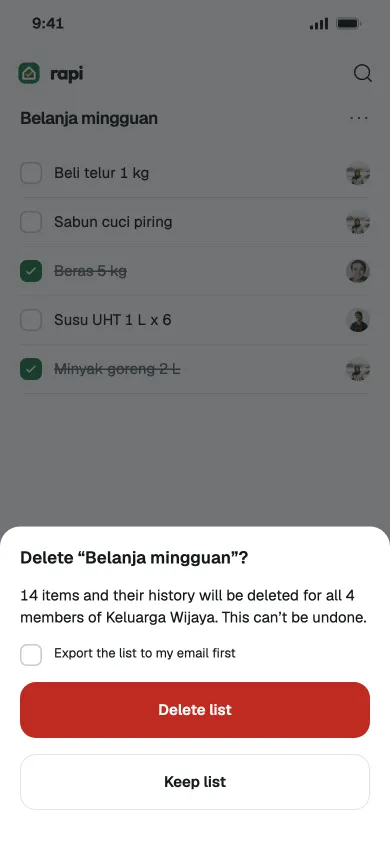
Put destructive actions last and apart: Delete list is red, after a divider, away from Share list where the thumb lands first. A slip on the first row then costs nothing
Each pattern also has its psychology, the intuition behind it and what it rules out, plus layout notes for mobile and desktop.
Open in UniverseStates to cover
The screens people forget until a user hits them.
- Peek (medium height)
- Expanded with scrolling content and a pinned action
- Action list with the destructive action red and last
- Loading with the known fields shown and skeletons for the rest
- Error inside a sheet follows Misc › Errors
Pairs with
The flows this one hands off to or comes back from.
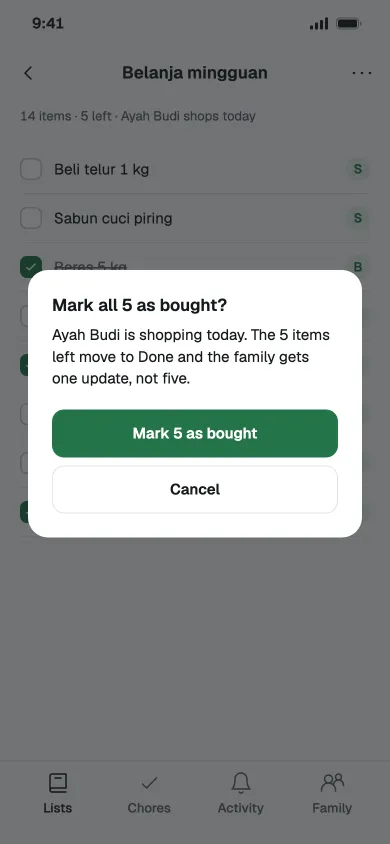
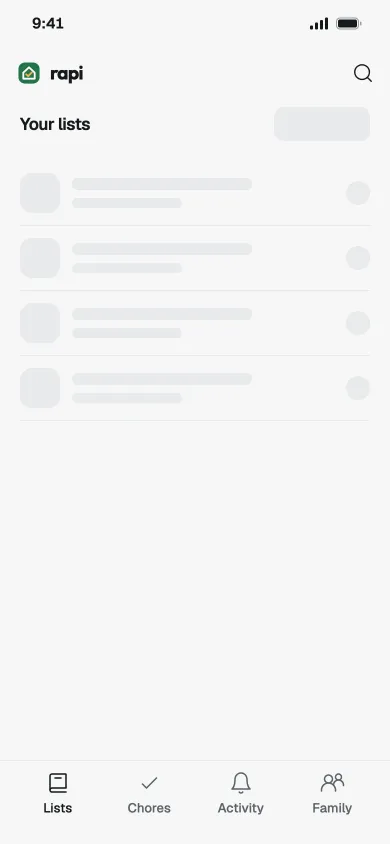
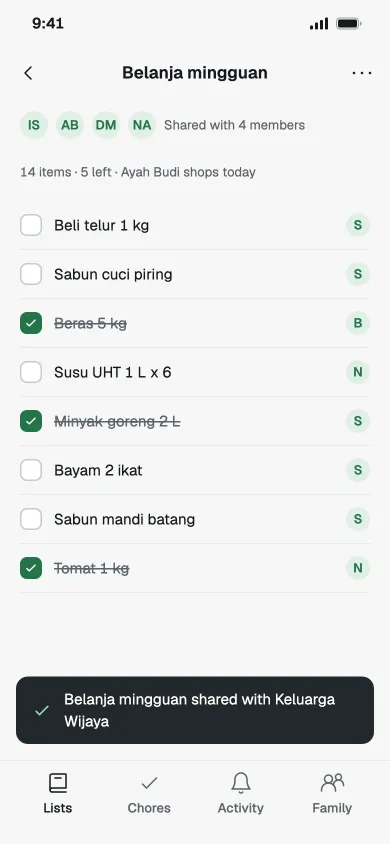
More Misc flows
Drawn for the same brand, so they fit together.
Questions
- When should I use a bottom sheet flow?
- Details or actions for one thing on the screen without leaving it: a chore's details at half height, the same sheet pulled to full height with a pinned action, or the list of actions for a list. Use another pattern for long or multi-step tasks (use a full page), warnings that need an answer (use Misc › Modal and dialog), and a sheet opened from inside another sheet.
- Which screens does it need?
- This pattern uses 4: Peek, Expanded with pinned action, Action list and Loading content. Plan for these states too: peek (medium height), expanded with scrolling content and a pinned action, action list with the destructive action red and last, loading with the known fields shown and skeletons for the rest.
- Is Rapi a real app?
- No. Rapi is a made-up family lists and chores app: shared groceries, chores and reminders for one household, so the screens show the pattern without copying anyone's brand. Your agent redraws the flow on your own tokens and components.
- How does my agent use this flow?
- Connect Claude Code, Codex or Claude Desktop to Wonderblok over MCP. The agent calls use_pattern for this flow, reads its screens, rules and states, and draws them in your file.
- Is it free?
- Browsing Universe is free. Full pattern notes and use with your agent are part of Pro, and the Free plan opens a few flows in full each month.