BUSINESS FLOW
Time tracking and timesheets app flow
A business flow in 6 screens, from my week to approved for payroll. Start your app from it, and your agent draws it on your own design system.
- 6 screens
- 3 patterns
- Mobile and desktop
- Brand: Nota (made up)
The screens, in order
- My week
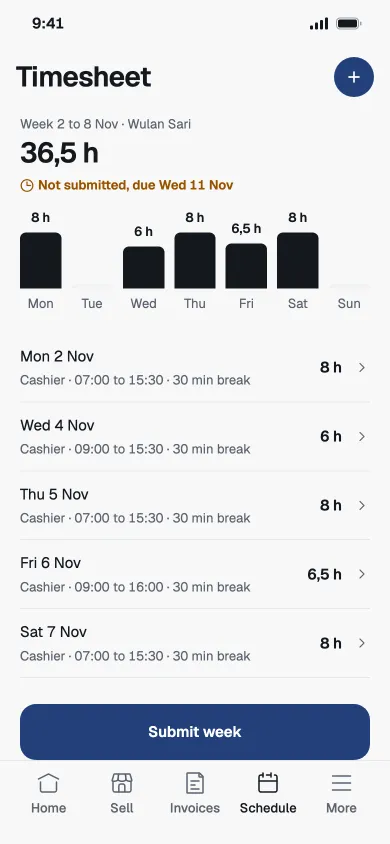
- Add an entryPro
- Submit the weekPro
- Approver reviewPro
- Request changesPro
- Approved for payrollPro
See all 6 screens, at mobile and desktop.Pro opens the whole flow in your Universe, with the prompt and code for each screen.
Upgrade to ProAlready Pro? Open in UniverseWhen to use it
USE WHEN
Staff record their hours and a manager approves them before payroll: a week with daily totals, add an entry, submit, review with request changes, and approval into the pay run.
AVOID WHEN
Planning who works when (use Business › Staff scheduling) or paying people (use Business › Run payroll).
Patterns and why they work
3 decisions this flow makes, and the clarity each one buys.
The week at a glance
Daily totals as bars and entries below
Submit with what happens next
The sheet shows regular hours, overtime and breaks
Review the team in one table
Regular, overtime and total hours with a status
Each pattern also has its psychology, the intuition behind it and what it rules out, plus layout notes for mobile and desktop.
Open in UniverseStates to cover
The screens people forget until a user hits them.
- Week not submitted
- Add entry
- Over 40 hours counts as overtime
- Submit
- Waiting for you
- Request changes
- Approved
- Not submitted by a team member
- Withdrawn
- Locked after approval
- Hours
- The 40 hour limit and the deadlines are placeholders
- A withdrawn week and an over-capacity warning are only noted
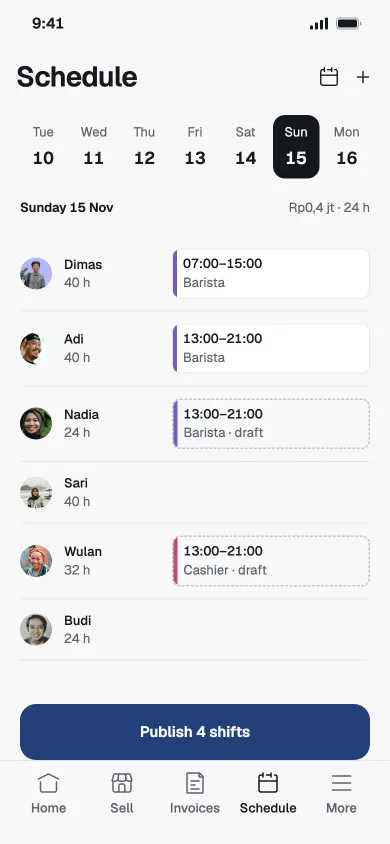
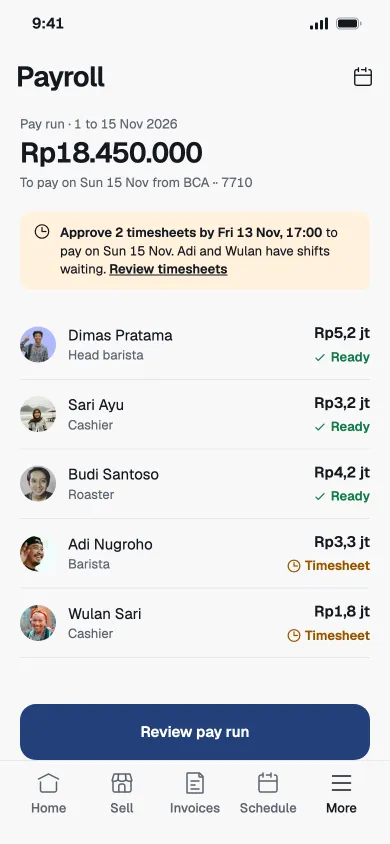
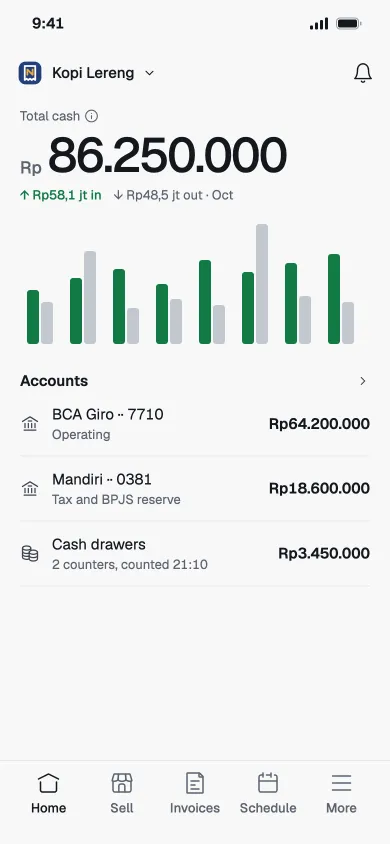
Pairs with
The flows this one hands off to or comes back from.
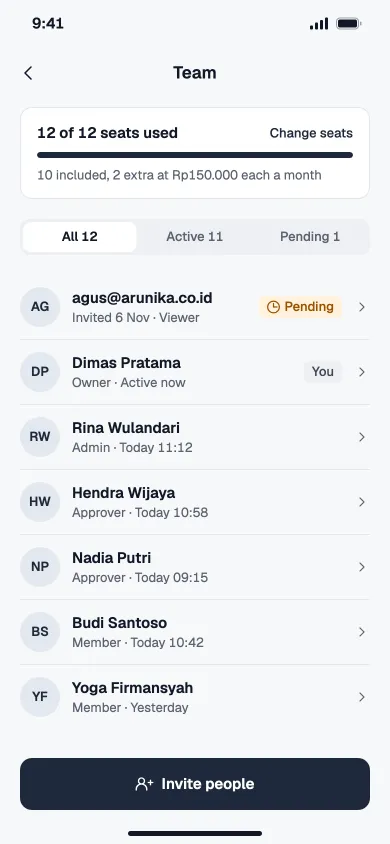
More Business flows
Drawn for the same brand, so they fit together.
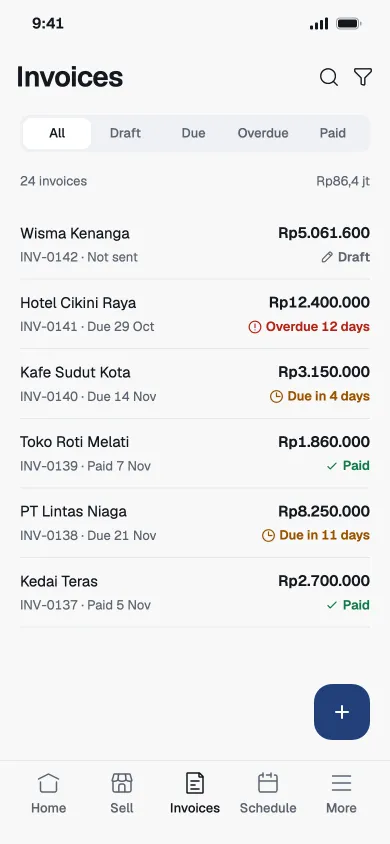
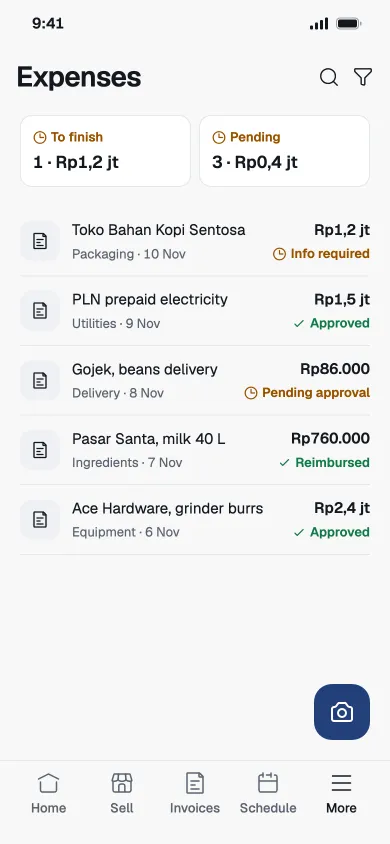
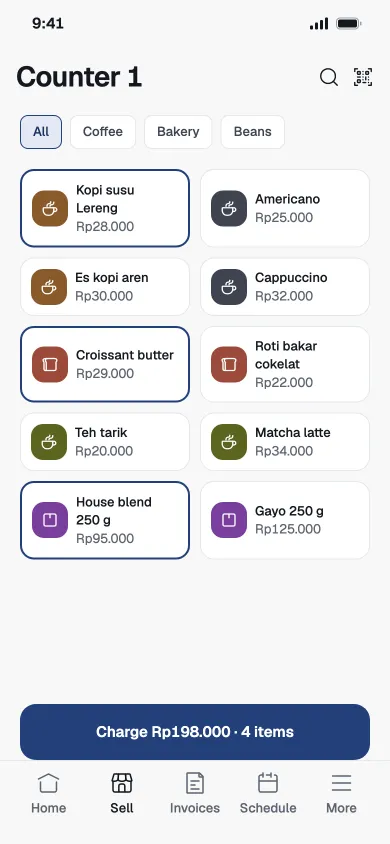
Questions
- When should I use a time tracking and timesheets flow?
- Staff record their hours and a manager approves them before payroll: a week with daily totals, add an entry, submit, review with request changes, and approval into the pay run. Use another pattern for planning who works when (use Business › Staff scheduling) or paying people (use Business › Run payroll).
- Which screens does it need?
- This pattern uses 6: My week, Add an entry, Submit the week, Approver review, Request changes and Approved for payroll. Plan for these states too: week not submitted, add entry, over 40 hours counts as overtime, submit.
- Is Nota a real app?
- No. Nota is a made-up back office for small Indonesian businesses: invoices, expenses, payroll, the till, stock, shifts and cash for a coffee roaster, a laundry or a bakery, so the screens show the pattern without copying anyone's brand. Your agent redraws the flow on your own tokens and components.
- How does my agent use this flow?
- Connect Claude Code, Codex or Claude Desktop to Wonderblok over MCP. The agent calls use_pattern for this flow, reads its screens, rules and states, and draws them in your file.
- Is it free?
- Browsing Universe is free. Full pattern notes and use with your agent are part of Pro, and the Free plan opens a few flows in full each month.