BUSINESS FLOW
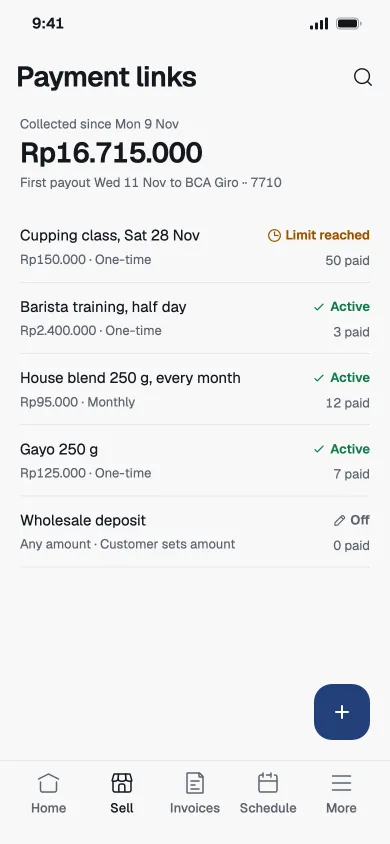
Payment links app flow
A business flow in 6 screens, from payment links list to refund a payment. Start your app from it, and your agent draws it on your own design system.
- 6 screens
- 5 patterns
- Mobile and desktop
- Brand: Nota (made up)
The screens, in order
- Payment links list
- Create link with previewPro
- Link detail and paymentsPro
- Limit reachedPro
- Expired and reusable linksPro
- Refund a paymentPro
See all 6 screens, at mobile and desktop.Pro opens the whole flow in your Universe, with the prompt and code for each screen.
Upgrade to ProAlready Pro? Open in UniverseWhen to use it
USE WHEN
A small seller wants to get paid for one product, a class or a monthly box without writing an invoice or standing at the till.
AVOID WHEN
The buyer is a business that needs a tax invoice and terms (use Create and send invoice) or the customer is at the counter (use Point of sale checkout).
Patterns and why they work
5 decisions this flow makes, and the clarity each one buys.
Form beside a live checkout preview
The owner sees the exact page the customer gets
One-time, monthly or customer sets amount as one segmented choice
Three ways to charge, named in plain words
What you get per payment, by method
QRIS, virtual account and card fees in rupiah
URL, QR and methods on one link page
Everything needed to share sits at the top
Limit reached as a calm state with choices
Why the link stopped and what customers now see
Each pattern also has its psychology, the intuition behind it and what it rules out, plus layout notes for mobile and desktop.
Open in UniverseStates to cover
The screens people forget until a user hits them.
- No links yet
- Draft
- Active
- Monthly link with subscribers
- Customer sets amount
- Limit reached
- Turned off
- Expired date
- Payment failed
- Refunded payment
- Payout scheduled
- Payout paid
- Drawn in screens 5 and 6: expired date with reopen choices
- Reusable link
- Refund of one payment with the fee note
Pairs with
The flows this one hands off to or comes back from.
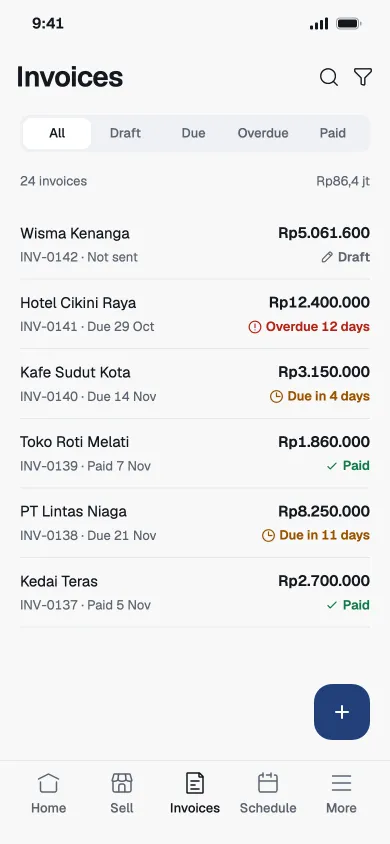
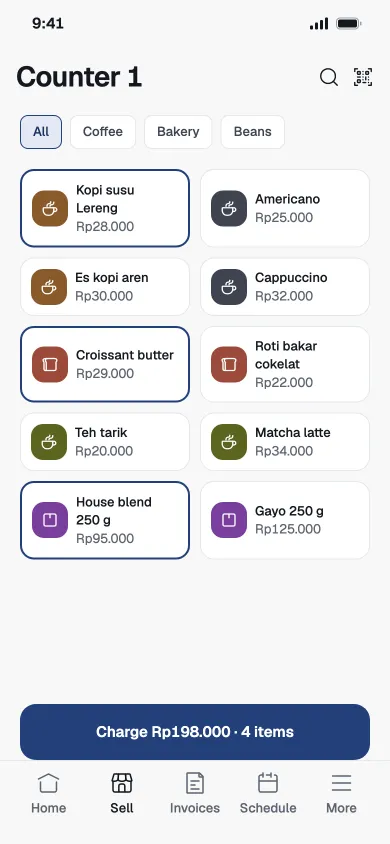
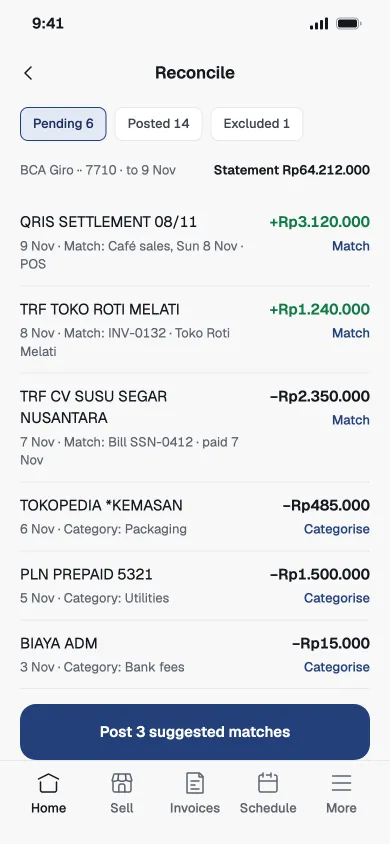
More Business flows
Drawn for the same brand, so they fit together.
Questions
- When should I use a payment links flow?
- A small seller wants to get paid for one product, a class or a monthly box without writing an invoice or standing at the till. Use another pattern for the buyer is a business that needs a tax invoice and terms (use Create and send invoice) or the customer is at the counter (use Point of sale checkout).
- Which screens does it need?
- This pattern uses 6: Payment links list, Create link with preview, Link detail and payments, Limit reached, Expired and reusable links and Refund a payment. Plan for these states too: no links yet, draft, active, monthly link with subscribers.
- Is Nota a real app?
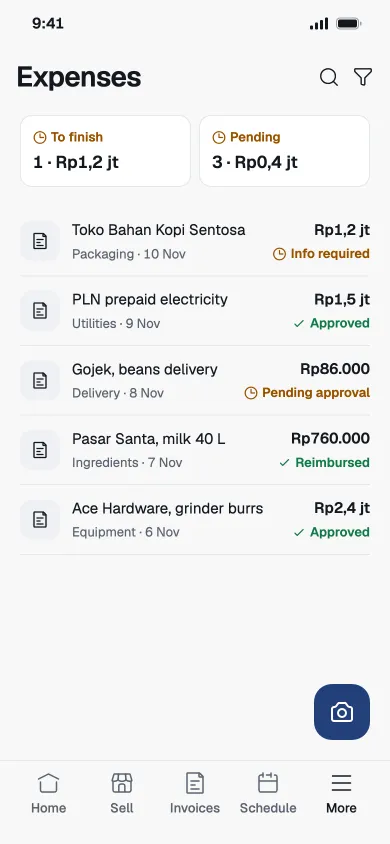
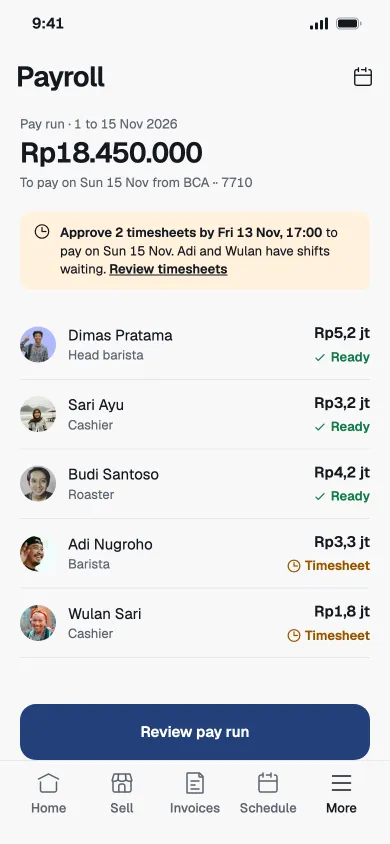
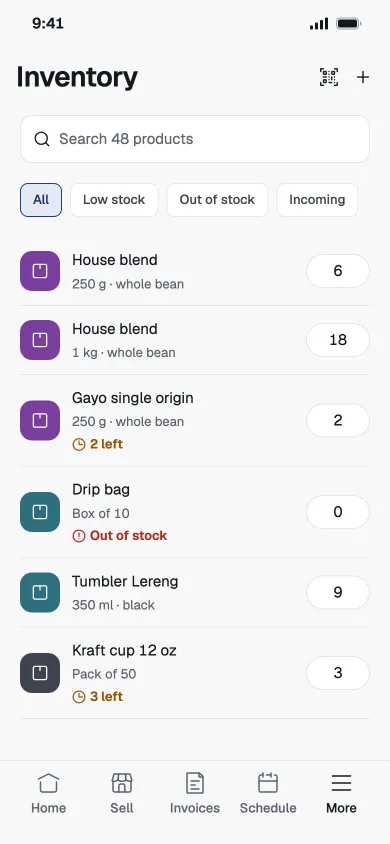
- No. Nota is a made-up back office for small Indonesian businesses: invoices, expenses, payroll, the till, stock, shifts and cash for a coffee roaster, a laundry or a bakery, so the screens show the pattern without copying anyone's brand. Your agent redraws the flow on your own tokens and components.
- How does my agent use this flow?
- Connect Claude Code, Codex or Claude Desktop to Wonderblok over MCP. The agent calls use_pattern for this flow, reads its screens, rules and states, and draws them in your file.
- Is it free?
- Browsing Universe is free. Full pattern notes and use with your agent are part of Pro, and the Free plan opens a few flows in full each month.