BUSINESS FLOW
Business financing app flow
A business flow in 6 screens, from financing home to repay early. Start your app from it, and your agent draws it on your own design system.
- 6 screens
- 5 patterns
- Mobile and desktop
- Brand: Nota (made up)
The screens, in order
- Financing home
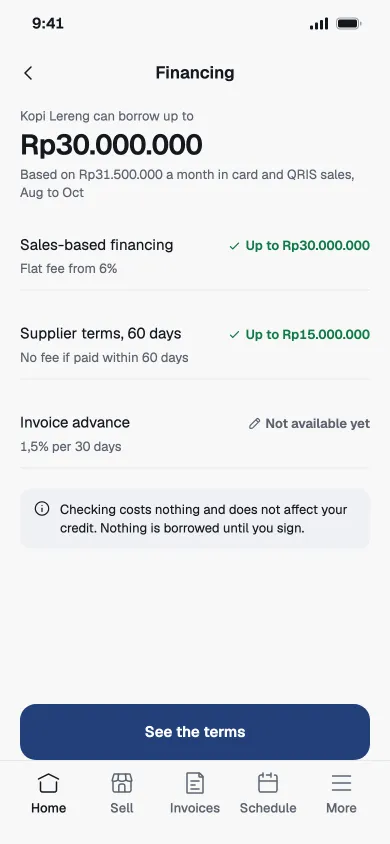
- Compare optionsPro
- Offer detailPro
- Application under reviewPro
- DeclinedPro
- Repay earlyPro
See all 6 screens, at mobile and desktop.Pro opens the whole flow in your Universe, with the prompt and code for each screen.
Upgrade to ProAlready Pro? Open in UniverseWhen to use it
USE WHEN
A business that already sells through the product can borrow against those sales or get supplier terms, and needs the full cost before applying.
AVOID WHEN
The user is a consumer borrowing for themselves (consumer credit has its own rules) or the product has no sales data to base an offer on.
Patterns and why they work
5 decisions this flow makes, and the clarity each one buys.
Cost in rupiah before applying
Fee, total repayment and the yearly equivalent at current sales
Repayment as a share of card and QRIS sales with a minimum
12% of each day and Rp3.534.000 every 60 days
Options table with what each is based on
Three ways to fund, side by side
No pressure
The slider starts below the maximum and presets are smaller amounts
Who sees what
Data shared with the lender and data never shared
Each pattern also has its psychology, the intuition behind it and what it rules out, plus layout notes for mobile and desktop.
Open in UniverseStates to cover
The screens people forget until a user hits them.
- No offer yet
- Offer available
- Not available yet with the unlock
- Application under review
- More documents needed
- Approved
- Approved for less
- Declined with a reason
- Funds sent
- Repaying with progress
- Minimum due soon
- Repaid
- Drawn in screens 5 and 6: declined with the lender's reasons and when to apply again
- Repaying with early payoff and what the fee does
Pairs with
The flows this one hands off to or comes back from.
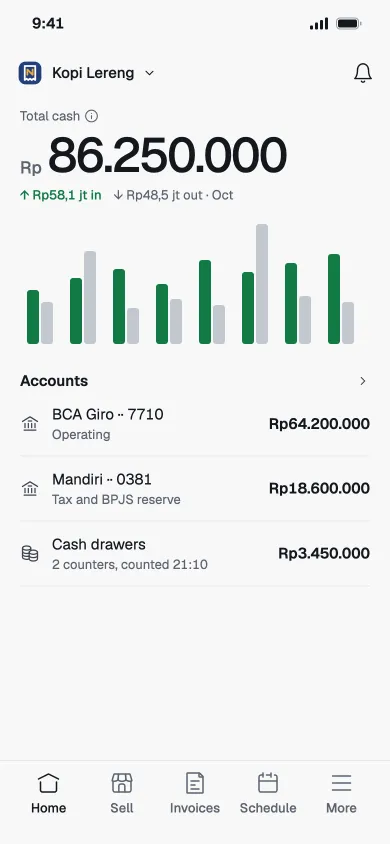
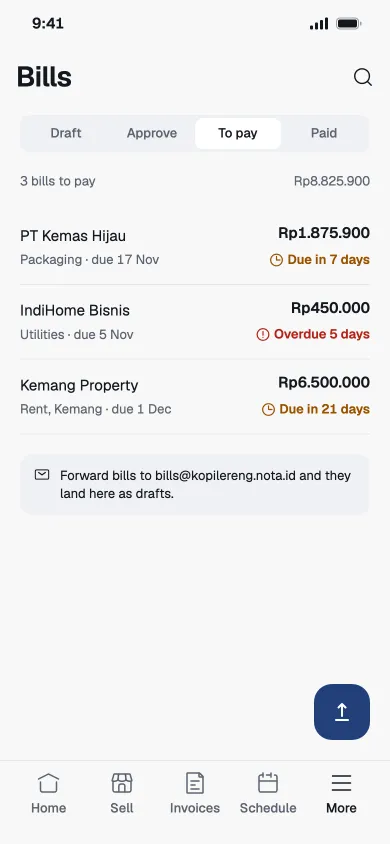
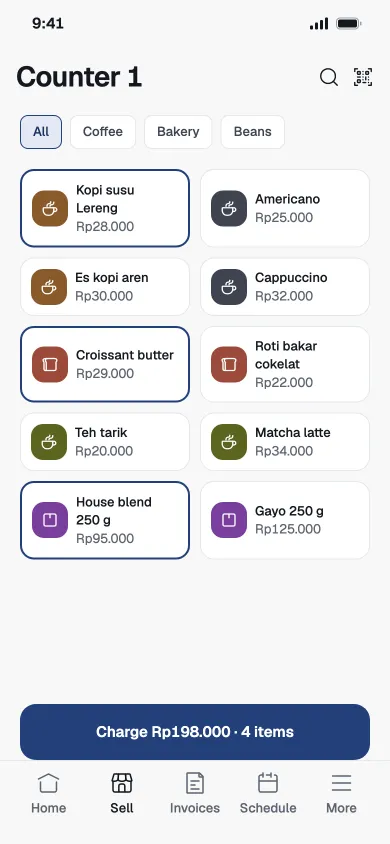
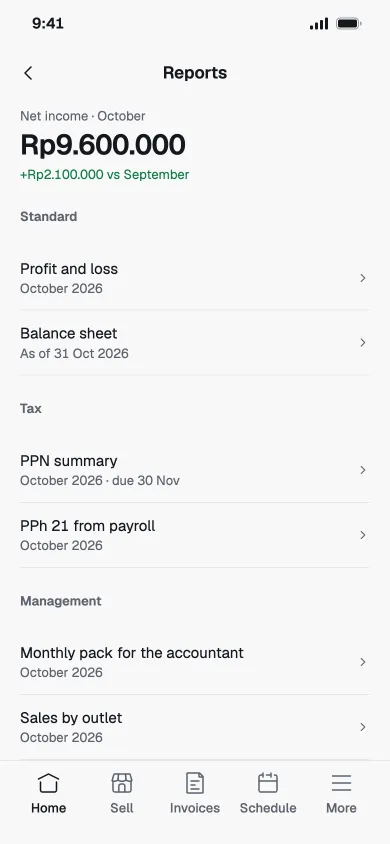
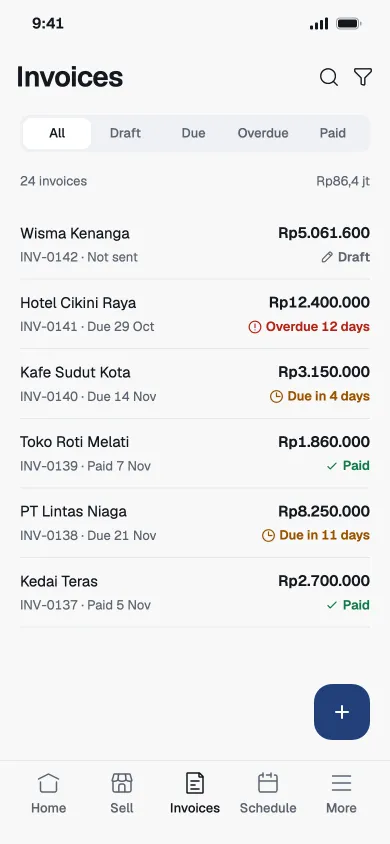
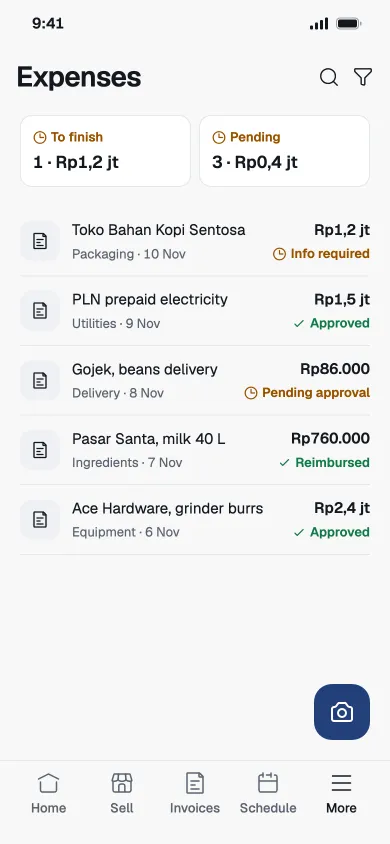
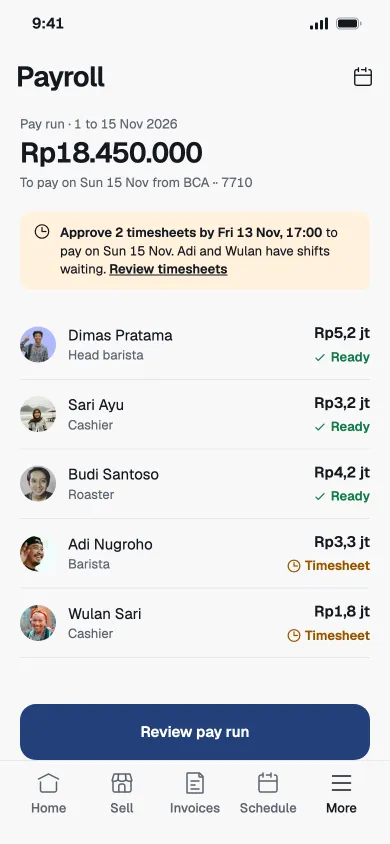
More Business flows
Drawn for the same brand, so they fit together.
Questions
- When should I use a business financing flow?
- A business that already sells through the product can borrow against those sales or get supplier terms, and needs the full cost before applying. Use another pattern for the user is a consumer borrowing for themselves (consumer credit has its own rules) or the product has no sales data to base an offer on.
- Which screens does it need?
- This pattern uses 6: Financing home, Compare options, Offer detail, Application under review, Declined and Repay early. Plan for these states too: no offer yet, offer available, not available yet with the unlock, application under review.
- Is Nota a real app?
- No. Nota is a made-up back office for small Indonesian businesses: invoices, expenses, payroll, the till, stock, shifts and cash for a coffee roaster, a laundry or a bakery, so the screens show the pattern without copying anyone's brand. Your agent redraws the flow on your own tokens and components.
- How does my agent use this flow?
- Connect Claude Code, Codex or Claude Desktop to Wonderblok over MCP. The agent calls use_pattern for this flow, reads its screens, rules and states, and draws them in your file.
- Is it free?
- Browsing Universe is free. Full pattern notes and use with your agent are part of Pro, and the Free plan opens a few flows in full each month.