BUSINESS FLOW
Bills and payables app flow
A business flow in 6 screens, from bills list to duplicate bill. Start your app from it, and your agent draws it on your own design system.
- 6 screens
- 5 patterns
- Mobile and desktop
- Brand: Nota (made up)
The screens, in order
- Bills list
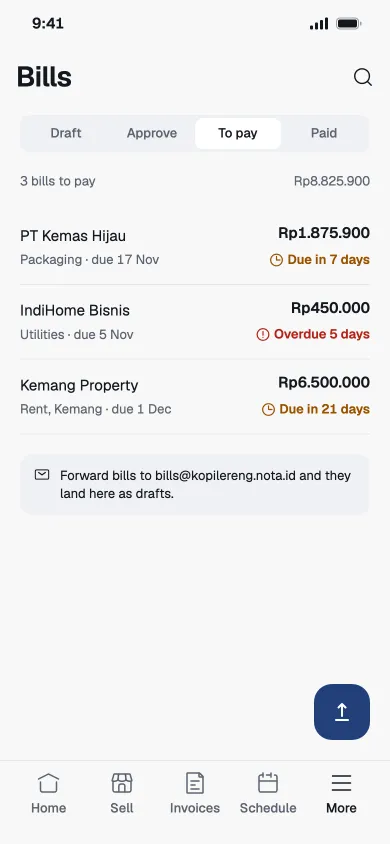
- Bill detailPro
- Schedule or mark paidPro
- Overdue and scheduledPro
- Pay part and approval neededPro
- Duplicate billPro
See all 6 screens, at mobile and desktop.Pro opens the whole flow in your Universe, with the prompt and code for each screen.
Upgrade to ProAlready Pro? Open in UniverseWhen to use it
USE WHEN
A business receives supplier bills and has to check, approve and pay them on time.
AVOID WHEN
The business is the one billing (use Create and send invoice) or a card purchase with a receipt (use Capture expense and receipt).
Patterns and why they work
5 decisions this flow makes, and the clarity each one buys.
Forward bills by email
One address, shown where bills live
PDF beside the fields read from it
Each field says Read from PDF
Status cards with counts and totals
How much is due at a glance
Schedule or mark as paid in one modal
Pay date, from account with balance, verified supplier account
Overdue banner with the consequence
How late and what happens next
Each pattern also has its psychology, the intuition behind it and what it rules out, plus layout notes for mobile and desktop.
Open in UniverseStates to cover
The screens people forget until a user hits them.
- No bills yet
- Draft needing checks
- For approval
- Ready
- Scheduled
- Overdue
- Paid
- Paid suppliers empty
- Wrong supplier account warning
- Partial payment
- Drawn in screens 5 and 6: partial payment
- Bill over the limit waiting for a second approver
- Duplicate bill held back with both copies side by side
Pairs with
The flows this one hands off to or comes back from.
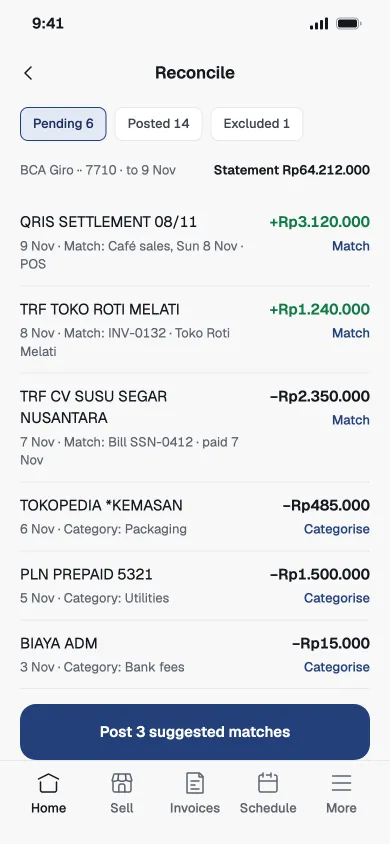
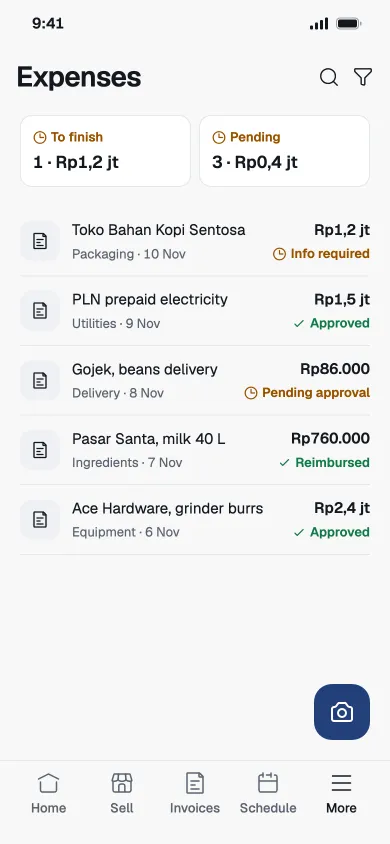
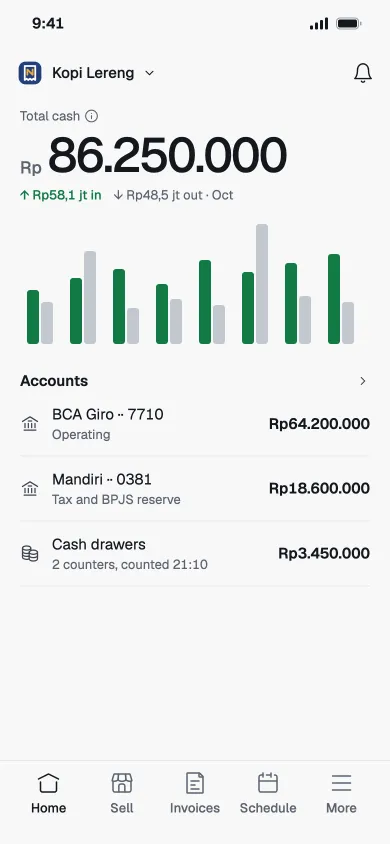
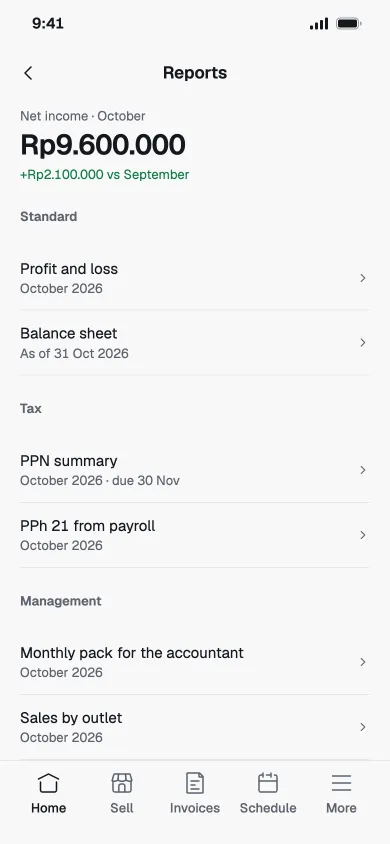
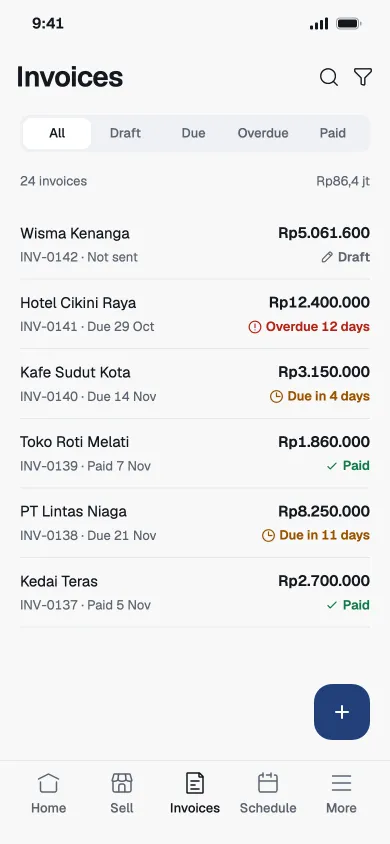
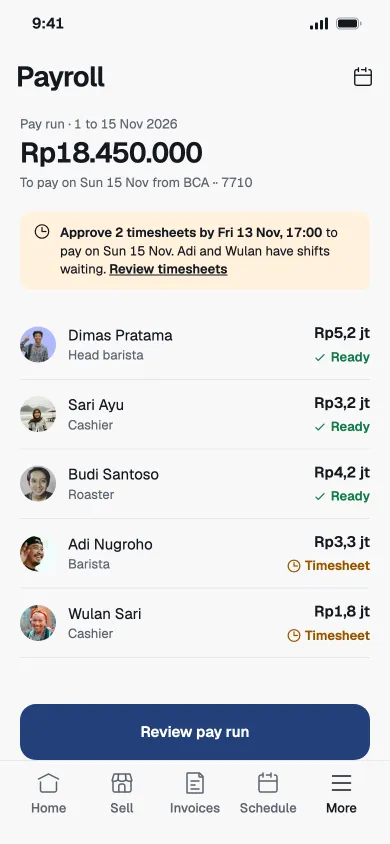
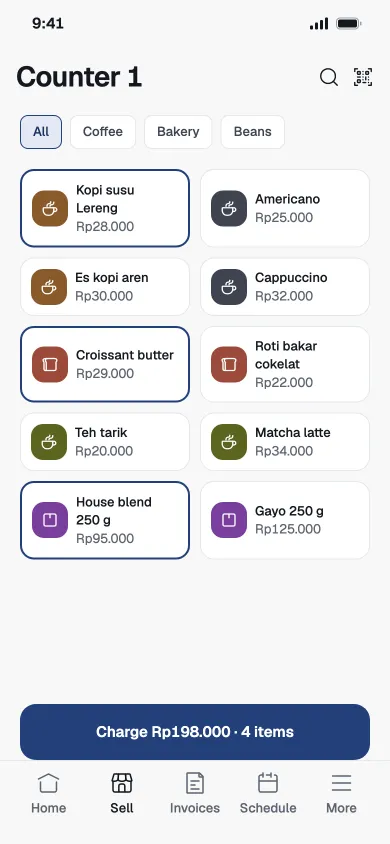
More Business flows
Drawn for the same brand, so they fit together.
Questions
- When should I use a bills and payables flow?
- A business receives supplier bills and has to check, approve and pay them on time. Use another pattern for the business is the one billing (use Create and send invoice) or a card purchase with a receipt (use Capture expense and receipt).
- Which screens does it need?
- This pattern uses 6: Bills list, Bill detail, Schedule or mark paid, Overdue and scheduled, Pay part and approval needed and Duplicate bill. Plan for these states too: no bills yet, draft needing checks, for approval, ready.
- Is Nota a real app?
- No. Nota is a made-up back office for small Indonesian businesses: invoices, expenses, payroll, the till, stock, shifts and cash for a coffee roaster, a laundry or a bakery, so the screens show the pattern without copying anyone's brand. Your agent redraws the flow on your own tokens and components.
- How does my agent use this flow?
- Connect Claude Code, Codex or Claude Desktop to Wonderblok over MCP. The agent calls use_pattern for this flow, reads its screens, rules and states, and draws them in your file.
- Is it free?
- Browsing Universe is free. Full pattern notes and use with your agent are part of Pro, and the Free plan opens a few flows in full each month.