BUSINESS FLOW
Inventory and stock app flow
A business flow in 7 screens, from inventory list to variants and negative stock. Start your app from it, and your agent draws it on your own design system.
- 7 screens
- 6 patterns
- Mobile and desktop
- Brand: Nota (made up)
The screens, in order
- Inventory list
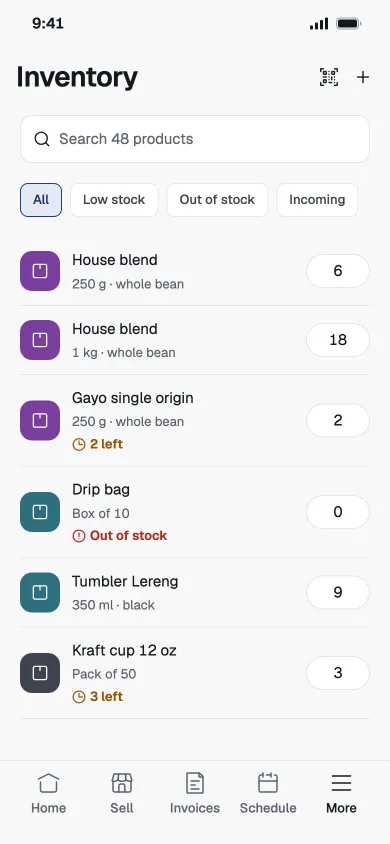
- Adjust stock with reasonPro
- Saved with change previewPro
- Low stock filterPro
- Stock countPro
- Transfer between locationsPro
- Variants and negative stockPro
See all 7 screens, at mobile and desktop.Pro opens the whole flow in your Universe, with the prompt and code for each screen.
Upgrade to ProAlready Pro? Open in UniverseWhen to use it
USE WHEN
A business sells physical goods and needs counts per item, variant and location.
AVOID WHEN
The business sells only services or time (use Staff scheduling and Point of sale checkout without stock).
Patterns and why they work
6 decisions this flow makes, and the clarity each one buys.
Inline editable quantities with batch save
Edit where you read
Adjust by with original shown
Delta vs absolute
Before to after diff
Preview the change
Committed vs available split
What is already sold but not shipped
Stock as coloured text on lists
Problem rows pop
Scan to find
Physical item to record
Each pattern also has its psychology, the intuition behind it and what it rules out, plus layout notes for mobile and desktop.
Open in UniverseStates to cover
The screens people forget until a user hits them.
- Tracking off
- No products
- Normal
- Low stock
- Out of stock
- Negative stock
- Incoming
- Multiple locations
- Editing unsaved
- Adjust with reason
- Save success
- Conflict (changed by a sale meanwhile)
- Scan not found
- Adjustment history
- Drawn in screens 5 to 7: stock count with differences
- Transfer between locations with an over-limit warning
- Variants of one product
- Negative stock with its cause and the allow-below-zero setting
Pairs with
The flows this one hands off to or comes back from.
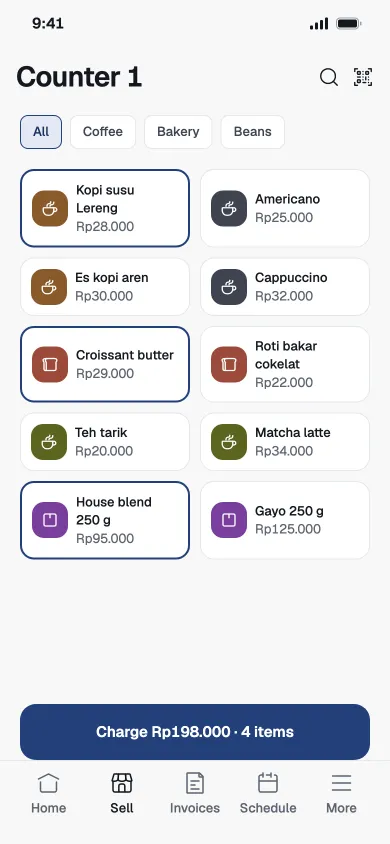
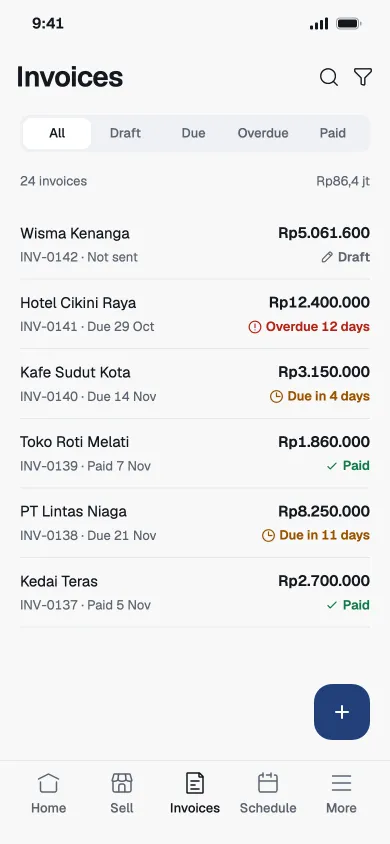
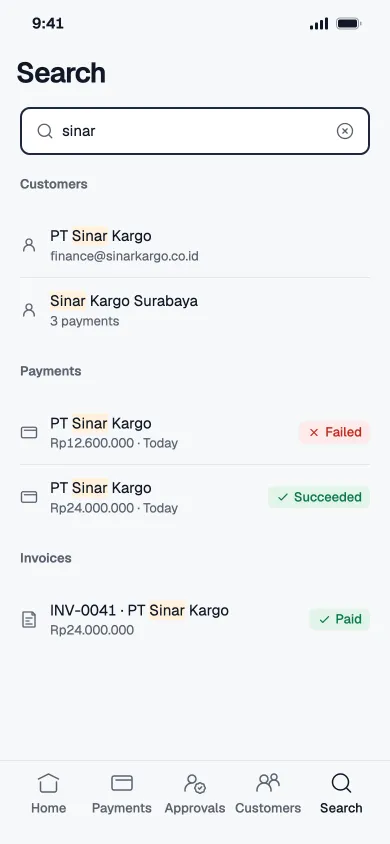
More Business flows
Drawn for the same brand, so they fit together.
Questions
- When should I use a inventory and stock flow?
- A business sells physical goods and needs counts per item, variant and location. Use another pattern for the business sells only services or time (use Staff scheduling and Point of sale checkout without stock).
- Which screens does it need?
- This pattern uses 7: Inventory list, Adjust stock with reason, Saved with change preview, Low stock filter, Stock count, Transfer between locations and Variants and negative stock. Plan for these states too: tracking off, no products, normal, low stock.
- Is Nota a real app?
- No. Nota is a made-up back office for small Indonesian businesses: invoices, expenses, payroll, the till, stock, shifts and cash for a coffee roaster, a laundry or a bakery, so the screens show the pattern without copying anyone's brand. Your agent redraws the flow on your own tokens and components.
- How does my agent use this flow?
- Connect Claude Code, Codex or Claude Desktop to Wonderblok over MCP. The agent calls use_pattern for this flow, reads its screens, rules and states, and draws them in your file.
- Is it free?
- Browsing Universe is free. Full pattern notes and use with your agent are part of Pro, and the Free plan opens a few flows in full each month.