BUSINESS FLOW
Customers and vendors app flow
A business flow in 5 screens, from customers and vendors to customer record. Start your app from it, and your agent draws it on your own design system.
- 5 screens
- 3 patterns
- Mobile and desktop
- Brand: Nota (made up)
The screens, in order
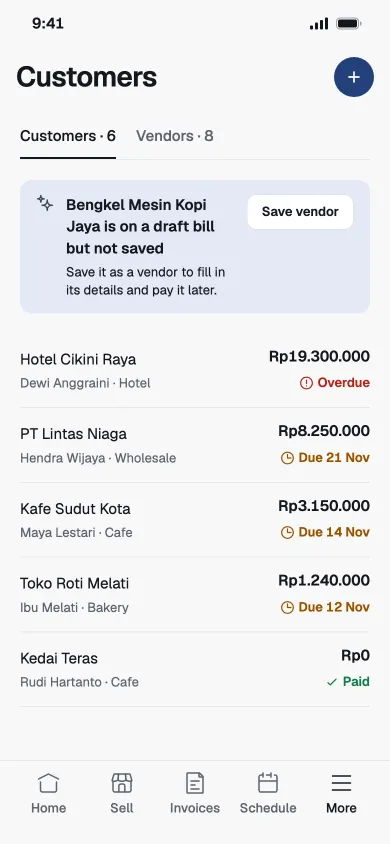
- Customers and vendors
- Add a customerPro
- Check the detailsPro
- SavedPro
- Customer recordPro
See all 5 screens, at mobile and desktop.Pro opens the whole flow in your Universe, with the prompt and code for each screen.
Upgrade to ProAlready Pro? Open in UniverseWhen to use it
USE WHEN
A small business keeps the people it sells to and buys from: a list with balances, a suggestion from a bill, add a customer, check the details, and a record with what they owe.
AVOID WHEN
A sales pipeline with deals and stages (use CRM › Deal pipeline) or a staff directory (use Business › Staff scheduling).
Patterns and why they work
3 decisions this flow makes, and the clarity each one buys.
Balance first in the list
The amount owed sits right-aligned beside a status word
Warn before a duplicate
A strip names the similar customer and when it was saved
Say what cannot change
The country field shows a lock
Each pattern also has its psychology, the intuition behind it and what it rules out, plus layout notes for mobile and desktop.
Open in UniverseStates to cover
The screens people forget until a user hits them.
- List with balances
- Suggestion from a draft bill
- Add form
- Country locked after saving
- NPWP format error with a 15 or 16 digit rule
- Similar name found
- Saved toast
- Record with overdue invoices
- Vendors tab
- The customer list is not empty
- Because invoices already exist
- A true empty state is only noted
Pairs with
The flows this one hands off to or comes back from.
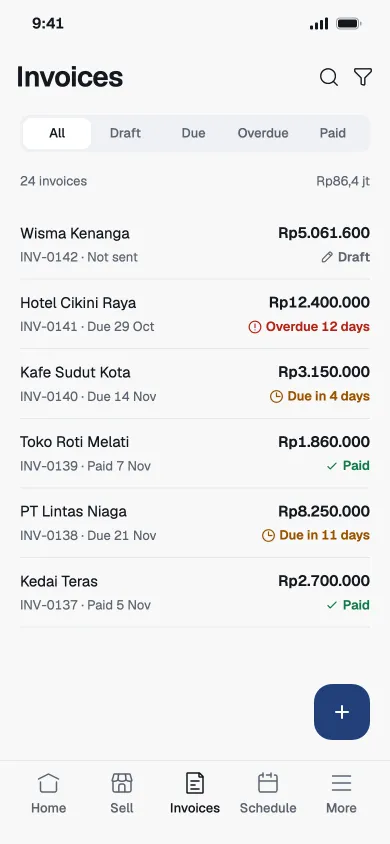
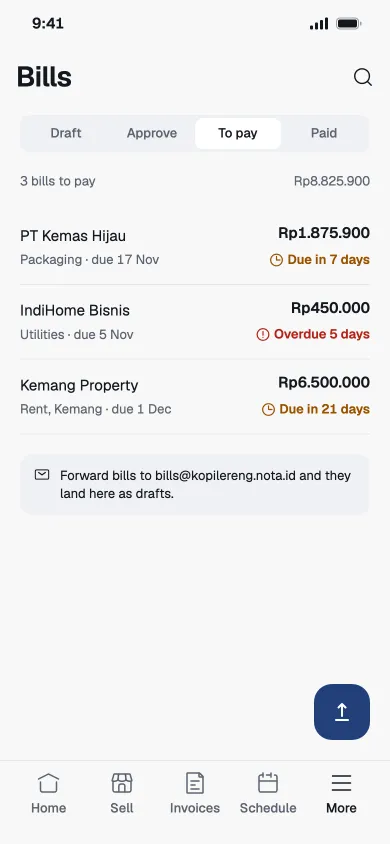
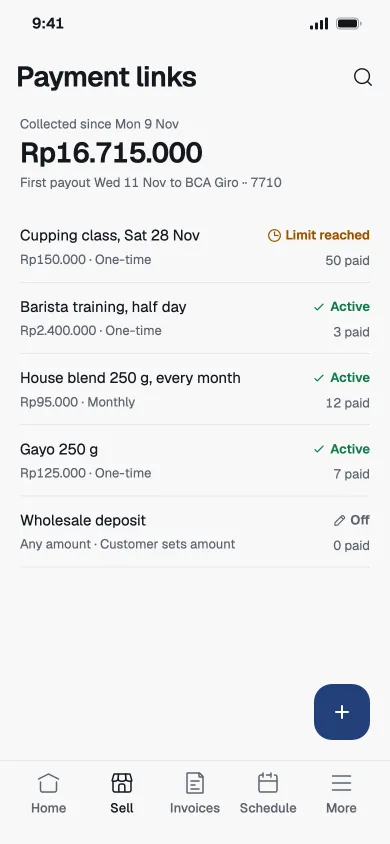
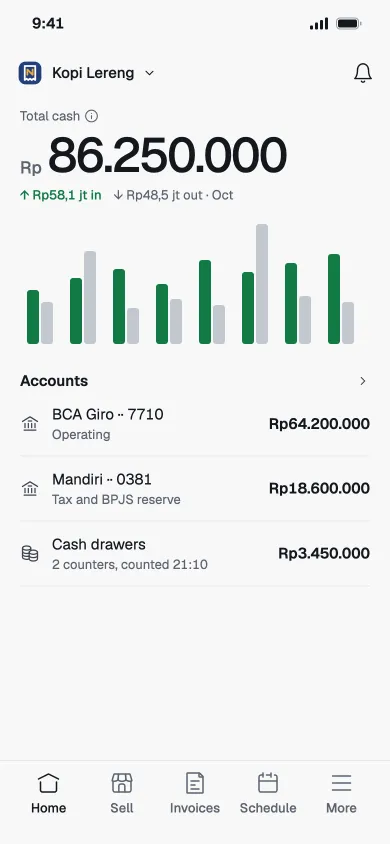
More Business flows
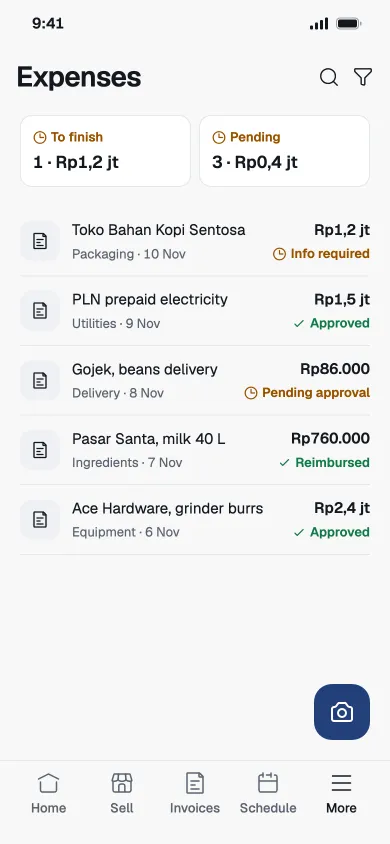
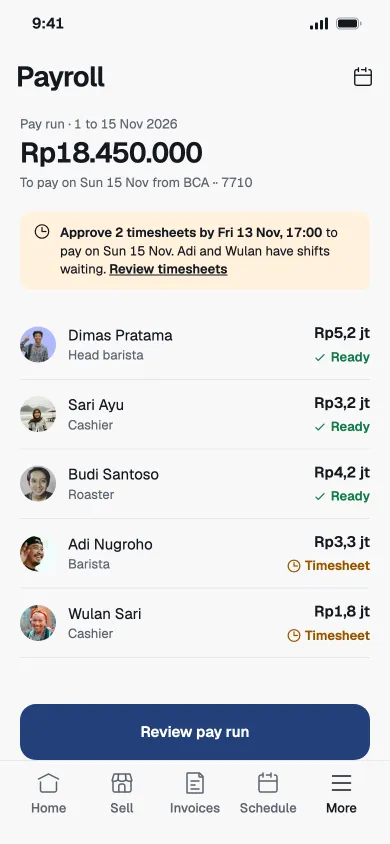
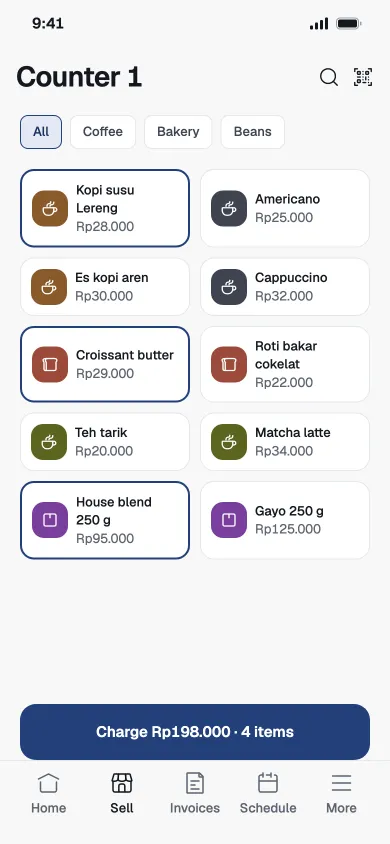
Drawn for the same brand, so they fit together.
Questions
- When should I use a customers and vendors flow?
- A small business keeps the people it sells to and buys from: a list with balances, a suggestion from a bill, add a customer, check the details, and a record with what they owe. Use another pattern for a sales pipeline with deals and stages (use CRM › Deal pipeline) or a staff directory (use Business › Staff scheduling).
- Which screens does it need?
- This pattern uses 5: Customers and vendors, Add a customer, Check the details, Saved and Customer record. Plan for these states too: list with balances, suggestion from a draft bill, add form, country locked after saving.
- Is Nota a real app?
- No. Nota is a made-up back office for small Indonesian businesses: invoices, expenses, payroll, the till, stock, shifts and cash for a coffee roaster, a laundry or a bakery, so the screens show the pattern without copying anyone's brand. Your agent redraws the flow on your own tokens and components.
- How does my agent use this flow?
- Connect Claude Code, Codex or Claude Desktop to Wonderblok over MCP. The agent calls use_pattern for this flow, reads its screens, rules and states, and draws them in your file.
- Is it free?
- Browsing Universe is free. Full pattern notes and use with your agent are part of Pro, and the Free plan opens a few flows in full each month.