BUSINESS FLOW
Create and send invoice app flow
A business flow in 7 screens, from invoices list to repeat every month. Start your app from it, and your agent draws it on your own design system.
- 7 screens
- 6 patterns
- Mobile and desktop
- Brand: Nota (made up)
The screens, in order
- Invoices list
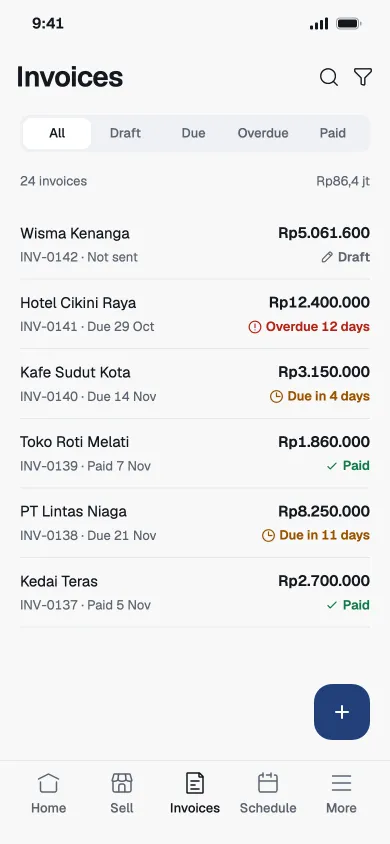
- Invoice editorPro
- Review and sendPro
- Invoice sent and statusPro
- Part paid with overdue remindersPro
- Void or credit notePro
- Repeat every monthPro
See all 7 screens, at mobile and desktop.Pro opens the whole flow in your Universe, with the prompt and code for each screen.
Upgrade to ProAlready Pro? Open in UniverseWhen to use it
USE WHEN
A business bills a client for goods or services with terms, tax and a due date.
AVOID WHEN
Payment is immediate and in person (use Point of sale checkout) or recurring and automatic (Commerce › Subscriptions).
Patterns and why they work
6 decisions this flow makes, and the clarity each one buys.
Live document preview beside the form
The user sees exactly what the customer gets
Draft autosave stamp
Nothing is lost
Send vs finalise split
Sending and locking are separate
Totals ladder
Subtotal, discount, tax, total, amount paid, remaining
Record title as a sentence
Who and how much at once
Share link after send
A second channel
Each pattern also has its psychology, the intuition behind it and what it rules out, plus layout notes for mobile and desktop.
Open in UniverseStates to cover
The screens people forget until a user hits them.
- List empty (first invoice)
- Draft autosaving
- Customer not found then created inline
- Currency change warning
- Item added
- Discount and tax applied
- Missing email (Send disabled)
- Review modal
- Scheduled send
- Sent toast
- Open
- Partially paid
- Paid
- Overdue with reminder
- Void
- Drawn in screens 5 to 7: part paid with the balance left
- Overdue reminders on a schedule
- Void or credit note
- Repeat every month
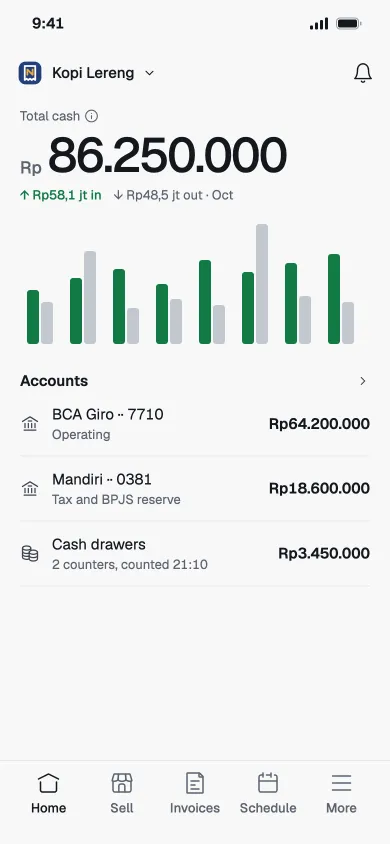
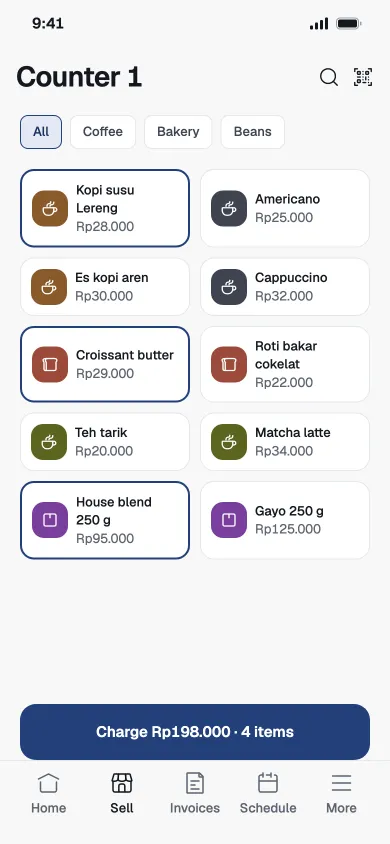
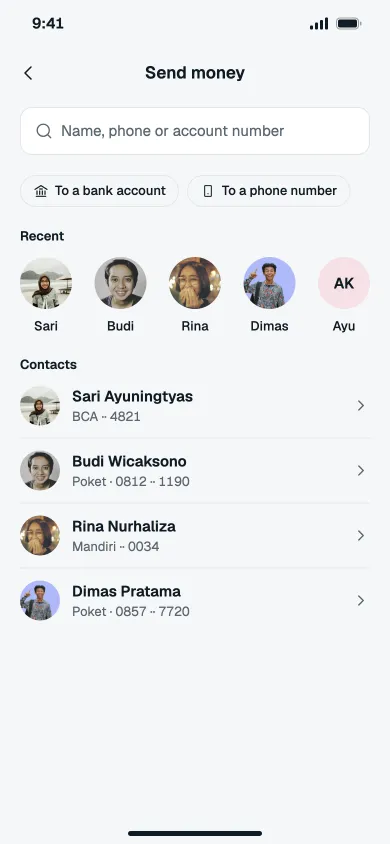
Pairs with
The flows this one hands off to or comes back from.
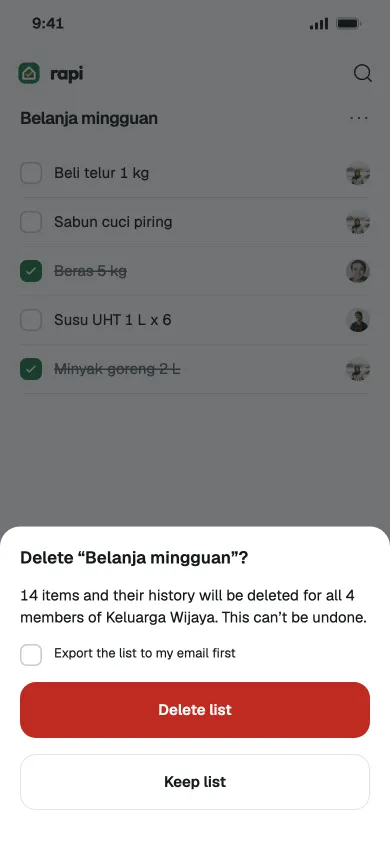
More Business flows
Drawn for the same brand, so they fit together.
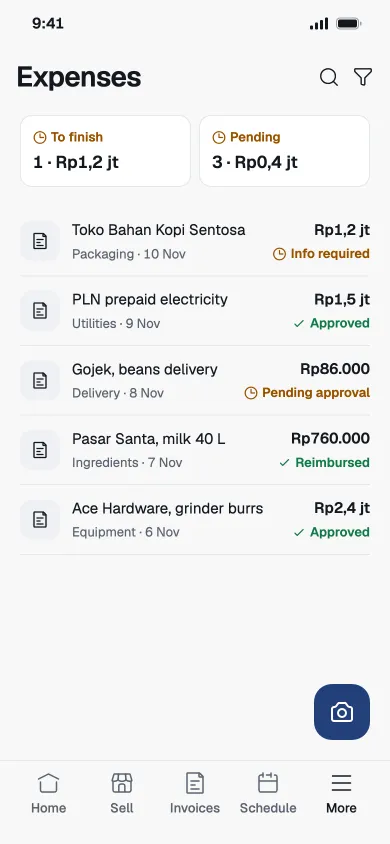
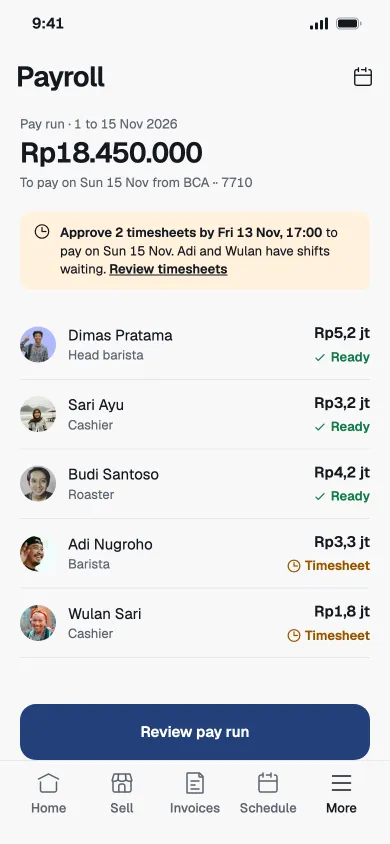
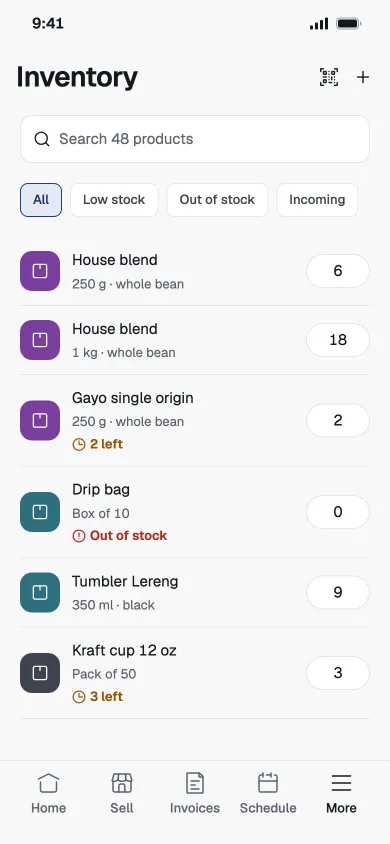
Questions
- When should I use a create and send invoice flow?
- A business bills a client for goods or services with terms, tax and a due date. Use another pattern for payment is immediate and in person (use Point of sale checkout) or recurring and automatic (Commerce › Subscriptions).
- Which screens does it need?
- This pattern uses 7: Invoices list, Invoice editor, Review and send, Invoice sent and status, Part paid with overdue reminders, Void or credit note and Repeat every month. Plan for these states too: list empty (first invoice), draft autosaving, customer not found then created inline, currency change warning.
- Is Nota a real app?
- No. Nota is a made-up back office for small Indonesian businesses: invoices, expenses, payroll, the till, stock, shifts and cash for a coffee roaster, a laundry or a bakery, so the screens show the pattern without copying anyone's brand. Your agent redraws the flow on your own tokens and components.
- How does my agent use this flow?
- Connect Claude Code, Codex or Claude Desktop to Wonderblok over MCP. The agent calls use_pattern for this flow, reads its screens, rules and states, and draws them in your file.
- Is it free?
- Browsing Universe is free. Full pattern notes and use with your agent are part of Pro, and the Free plan opens a few flows in full each month.