BUSINESS FLOW
Point of sale checkout app flow
A business flow in 7 screens, from register and cart to discount and void item. Start your app from it, and your agent draws it on your own design system.
- 7 screens
- 6 patterns
- Mobile and desktop
- Brand: Nota (made up)
The screens, in order
- Register and cart
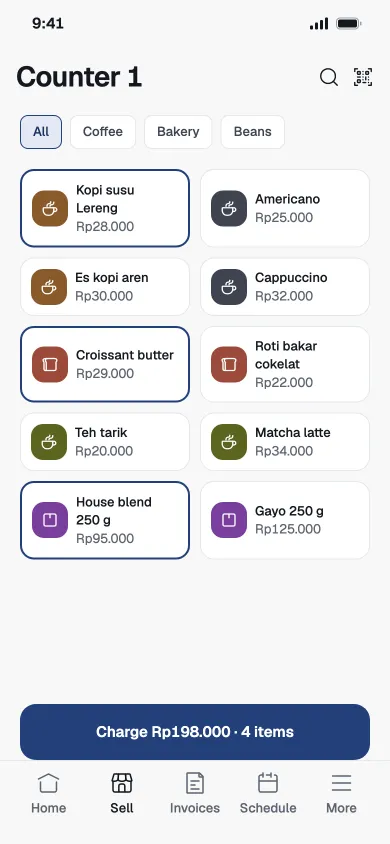
- Select tipPro
- Select paymentPro
- Payment complete and receiptPro
- Offline modePro
- Split payment and declined cardPro
- Discount and void itemPro
See all 7 screens, at mobile and desktop.Pro opens the whole flow in your Universe, with the prompt and code for each screen.
Upgrade to ProAlready Pro? Open in UniverseWhen to use it
USE WHEN
Selling in person, fast, at a counter, booth or chair.
AVOID WHEN
The customer pays later or remotely (Create and send invoice) or self-checks out online (Commerce › Purchase and ordering).
Patterns and why they work
6 decisions this flow makes, and the clarity each one buys.
Persistent cart column
Total always visible
Tip tiles with computed amounts
Percent and money together
Tender as tiles not a dropdown
Options visible
Walk-in default
Customer optional
Manual paid with explanation
What this records
Step breadcrumb
Where in the sale
Each pattern also has its psychology, the intuition behind it and what it rules out, plus layout notes for mobile and desktop.
Open in UniverseStates to cover
The screens people forget until a user hits them.
- Empty cart
- Walk-in
- Customer attached
- Item out of stock
- Discount
- Tip selected
- No tip
- Card waiting for tap
- Card declined
- Cash with change due
- Split payment partial
- Full payment added
- Receipt sent
- Offline mode queued
- Refund
- Drawn in screens 5 to 7: offline mode queued
- Split payment partial
- Card declined with next steps
- Discount with reason and manager PIN
- Voided item
Pairs with
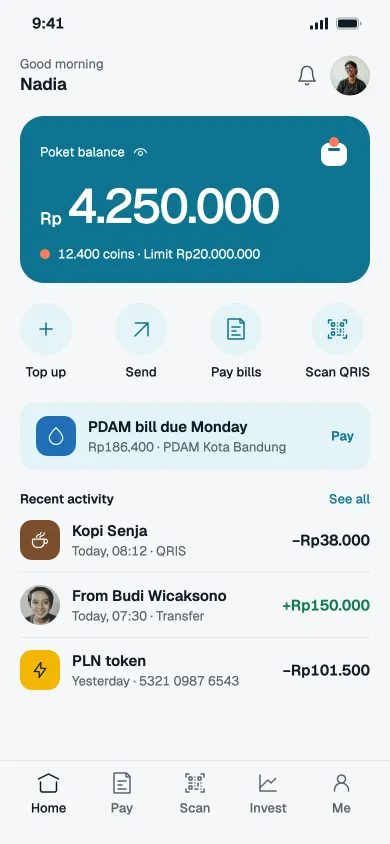
The flows this one hands off to or comes back from.
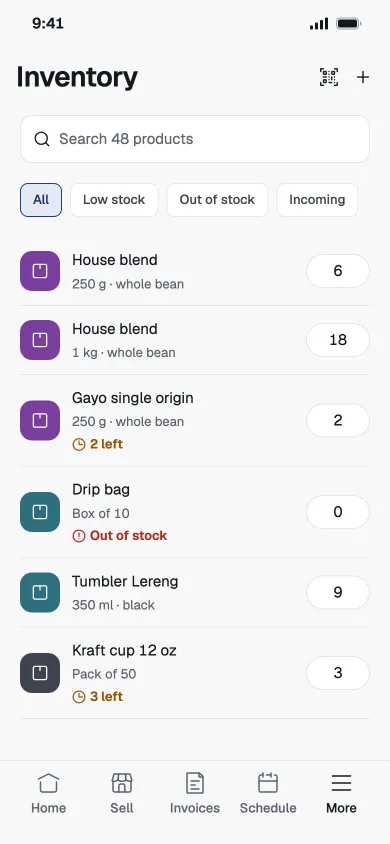
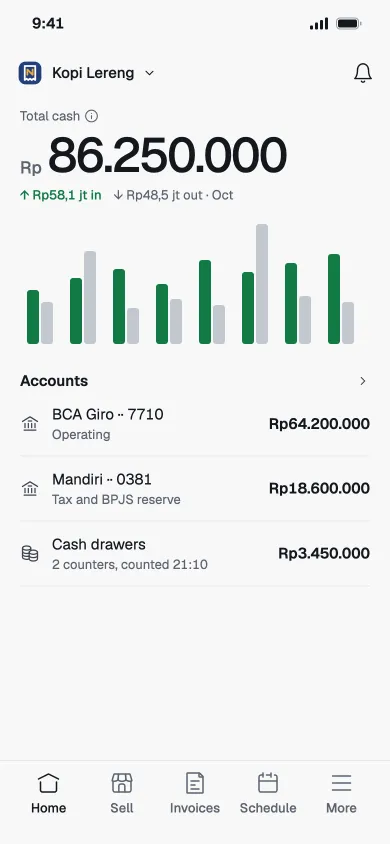
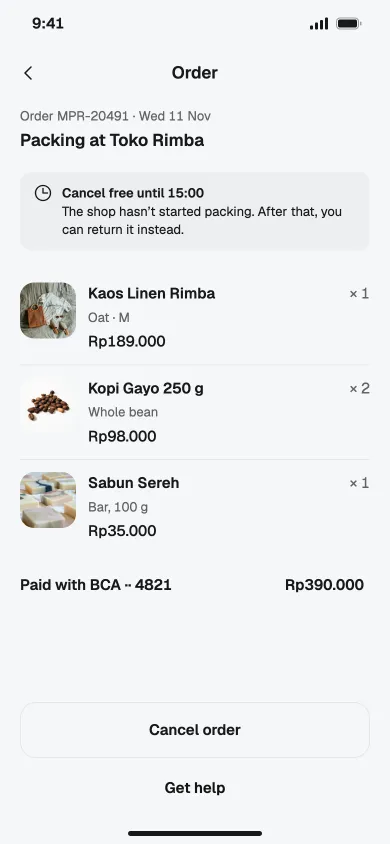
More Business flows
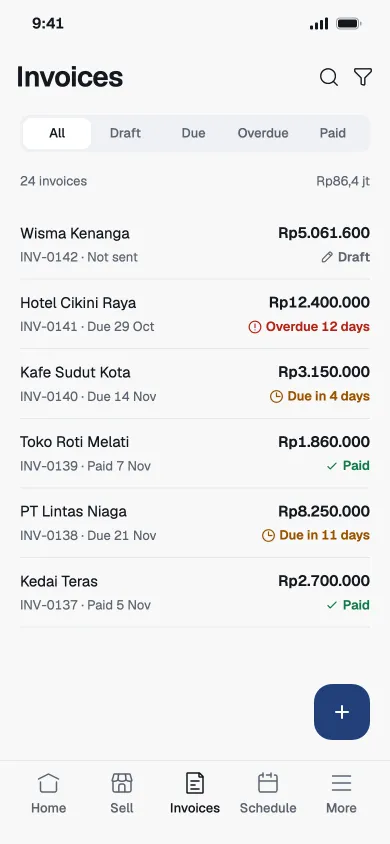
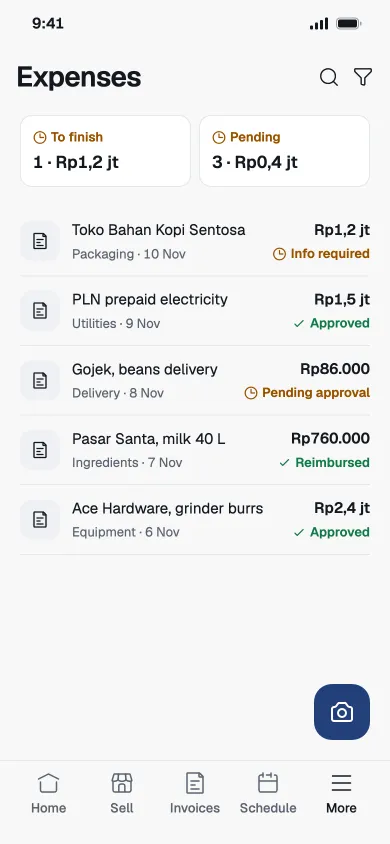
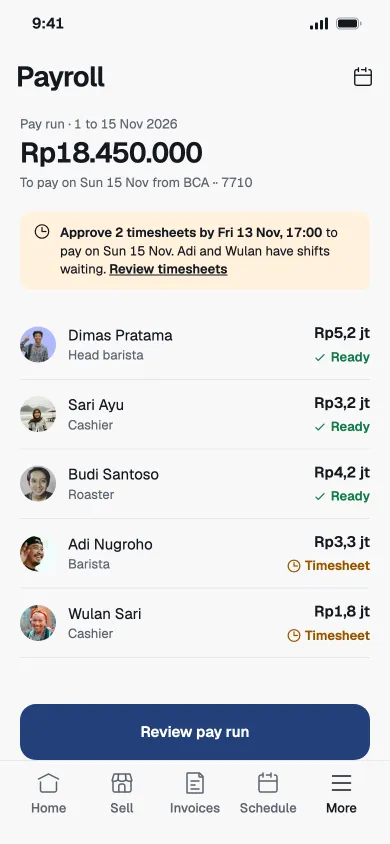
Drawn for the same brand, so they fit together.
Questions
- When should I use a point of sale checkout flow?
- Selling in person, fast, at a counter, booth or chair. Use another pattern for the customer pays later or remotely (Create and send invoice) or self-checks out online (Commerce › Purchase and ordering).
- Which screens does it need?
- This pattern uses 7: Register and cart, Select tip, Select payment, Payment complete and receipt, Offline mode, Split payment and declined card and Discount and void item. Plan for these states too: empty cart, walk-in, customer attached, item out of stock.
- Is Nota a real app?
- No. Nota is a made-up back office for small Indonesian businesses: invoices, expenses, payroll, the till, stock, shifts and cash for a coffee roaster, a laundry or a bakery, so the screens show the pattern without copying anyone's brand. Your agent redraws the flow on your own tokens and components.
- How does my agent use this flow?
- Connect Claude Code, Codex or Claude Desktop to Wonderblok over MCP. The agent calls use_pattern for this flow, reads its screens, rules and states, and draws them in your file.
- Is it free?
- Browsing Universe is free. Full pattern notes and use with your agent are part of Pro, and the Free plan opens a few flows in full each month.