BUSINESS FLOW
Business account overview app flow
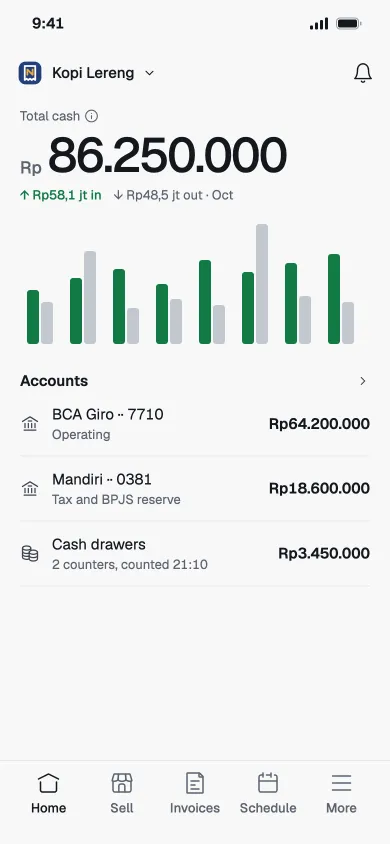
A business flow in 6 screens, from cash overview to account on hold. Start your app from it, and your agent draws it on your own design system.
- 6 screens
- 6 patterns
- Mobile and desktop
- Brand: Nota (made up)
The screens, in order
- Cash overview
- Balance breakdownPro
- Spend by categoryPro
- Review transactionsPro
- Download a statementPro
- Account on holdPro
See all 6 screens, at mobile and desktop.Pro opens the whole flow in your Universe, with the prompt and code for each screen.
Upgrade to ProAlready Pro? Open in UniverseWhen to use it
USE WHEN
The owner needs to know cash position, runway and where money is going across business accounts.
AVOID WHEN
The user is a consumer checking a personal wallet (Finance › Wallet) or an operator needs SaaS metrics (Platform and Dashboard › Dashboard).
Patterns and why they work
6 decisions this flow makes, and the clarity each one buys.
Net cash flow with prior-period delta
Direction, size and parts
Runway in months
Survival time in one number
Available vs current breakdown
What can be spent now
Category share bars
Where money went
Explainer for automation
Why rows are labelled
Disabled action with the blocker named
Why it is off
Each pattern also has its psychology, the intuition behind it and what it rules out, plus layout notes for mobile and desktop.
Open in UniverseStates to cover
The screens people forget until a user hits them.
- New account no data
- No bank linked
- Single account
- Multi-account
- Period switch
- Positive and negative net flow
- Low runway warning
- Pending outgoing
- Failed transaction
- Uncategorized backlog
- All categorised
- Transfer blocked
- Multi-entity switcher
- Drawn in screens 5 and 6: statement download with account
- Period and format
- Account on hold with what is paused
- What Nota needs and what waits
Pairs with
The flows this one hands off to or comes back from.
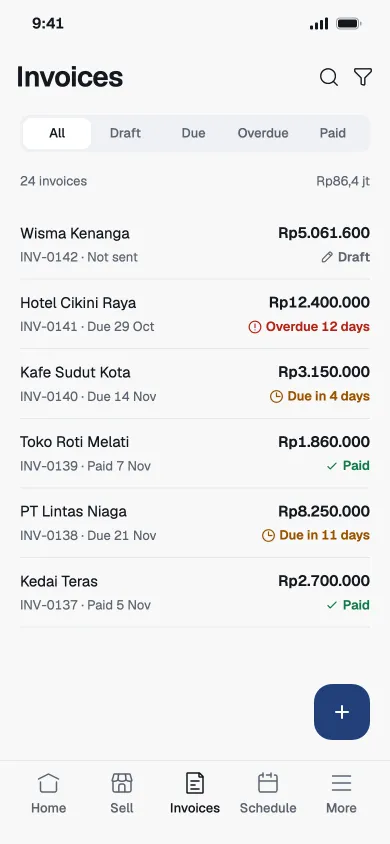
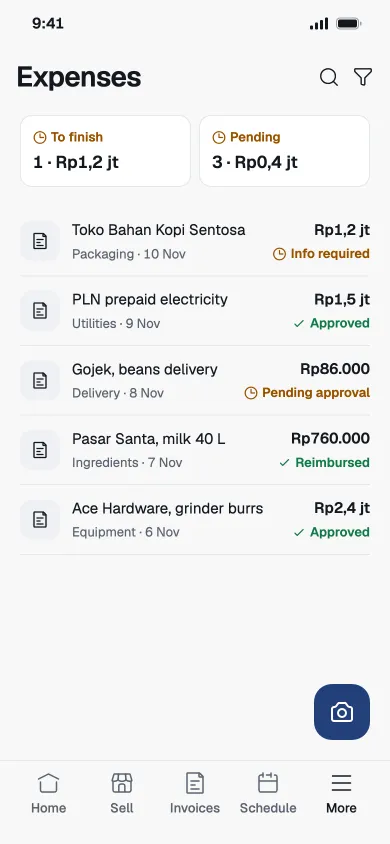
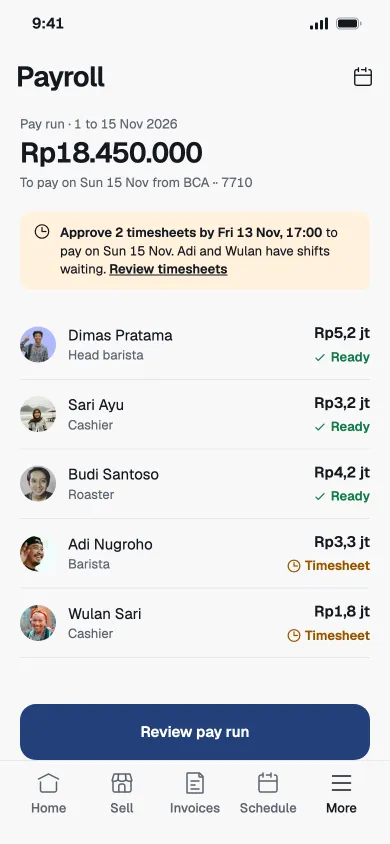
More Business flows
Drawn for the same brand, so they fit together.
Questions
- When should I use a business account overview flow?
- The owner needs to know cash position, runway and where money is going across business accounts. Use another pattern for the user is a consumer checking a personal wallet (Finance › Wallet) or an operator needs SaaS metrics (Platform and Dashboard › Dashboard).
- Which screens does it need?
- This pattern uses 6: Cash overview, Balance breakdown, Spend by category, Review transactions, Download a statement and Account on hold. Plan for these states too: new account no data, no bank linked, single account, multi-account.
- Is Nota a real app?
- No. Nota is a made-up back office for small Indonesian businesses: invoices, expenses, payroll, the till, stock, shifts and cash for a coffee roaster, a laundry or a bakery, so the screens show the pattern without copying anyone's brand. Your agent redraws the flow on your own tokens and components.
- How does my agent use this flow?
- Connect Claude Code, Codex or Claude Desktop to Wonderblok over MCP. The agent calls use_pattern for this flow, reads its screens, rules and states, and draws them in your file.
- Is it free?
- Browsing Universe is free. Full pattern notes and use with your agent are part of Pro, and the Free plan opens a few flows in full each month.