PROFESSIONAL AND RECRUITMENT FLOW
Professional profile and resume app flow
A professional and recruitment flow in 6 screens, from profile overview with checklist to incomplete profile warning. Start your app from it, and your agent draws it on your own design system.
- 6 screens
- 6 patterns
- Mobile and desktop
- Brand: Rekan (made up)
The screens, in order
- Profile overview with checklist
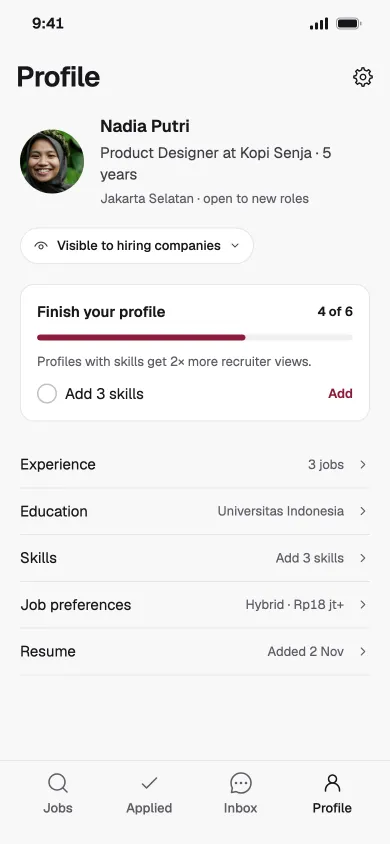
- Resume upload and parsePro
- Edit experiencePro
- Preferences and visibilityPro
- Resume could not be readPro
- Incomplete profile warningPro
See all 6 screens, at mobile and desktop.Pro opens the whole flow in your Universe, with the prompt and code for each screen.
Upgrade to ProAlready Pro? Open in UniverseWhen to use it
USE WHEN
Any product where a person's work history drives matching, applying or being sourced.
AVOID WHEN
A one-off application with no account (use a single apply form with resume upload) or when the generic account profile already covers name and photo only (use Account and Onboarding › Account and profile).
Patterns and why they work
6 decisions this flow makes, and the clarity each one buys.
Visibility as one clear control
Who can see me
Completeness checklist with strike-through
What is missing
Resume reused to prefill
Why upload
Looking-for summary with icons
What I want at a glance
Locked and rate-limited fields explained
Why I cannot change it
Separate availability from visibility
Being open to work is not the same as being searchable
Each pattern also has its psychology, the intuition behind it and what it rules out, plus layout notes for mobile and desktop.
Open in UniverseStates to cover
The screens people forget until a user hits them.
- New empty profile
- Resume uploading
- Resume parsed for review
- Parse failed
- File too large
- Profile partly complete
- Profile complete
- Editing a section
- Required field error
- Locked field
- Saved toast
- Preferences empty
- Preferences set
- Visible to employers
- Hidden
- Open to work on
- Multiple resumes with default
- Round 5 added: scanned resume that cannot be read
- Warning for missing skills and portfolio link
Pairs with
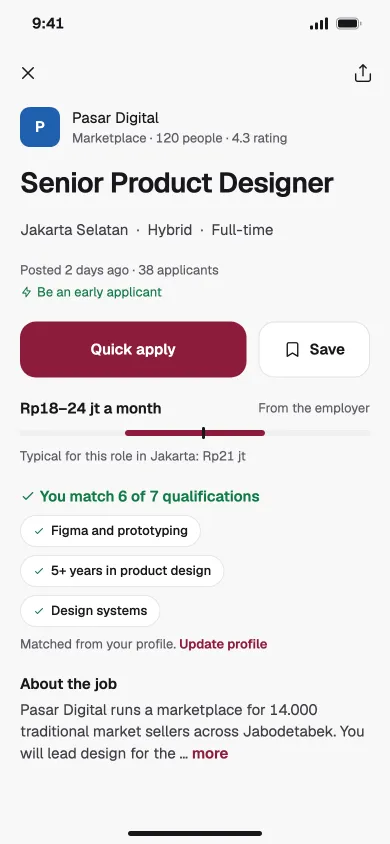
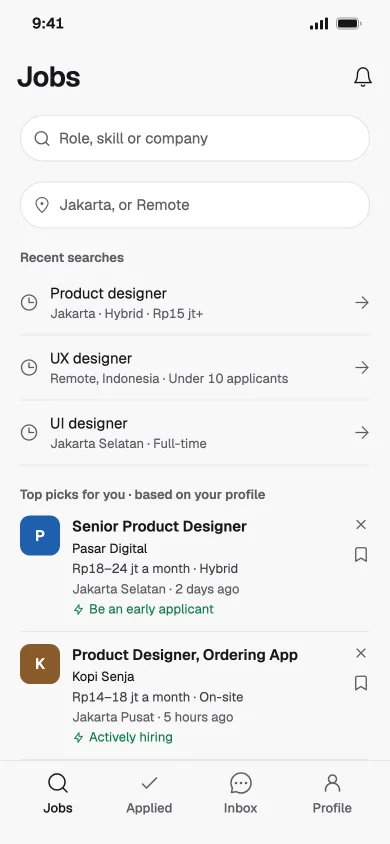
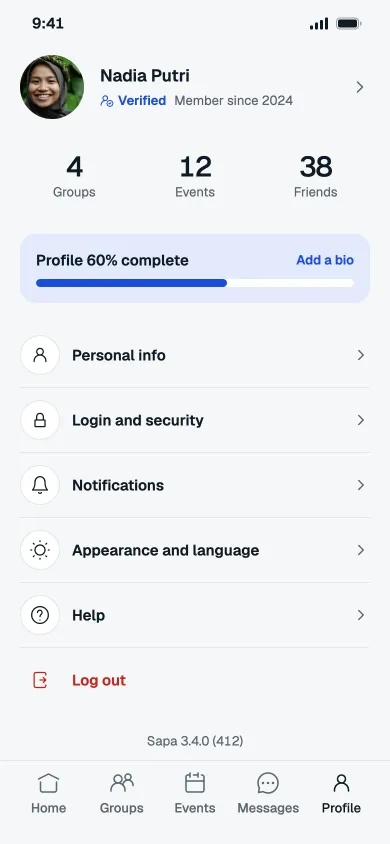
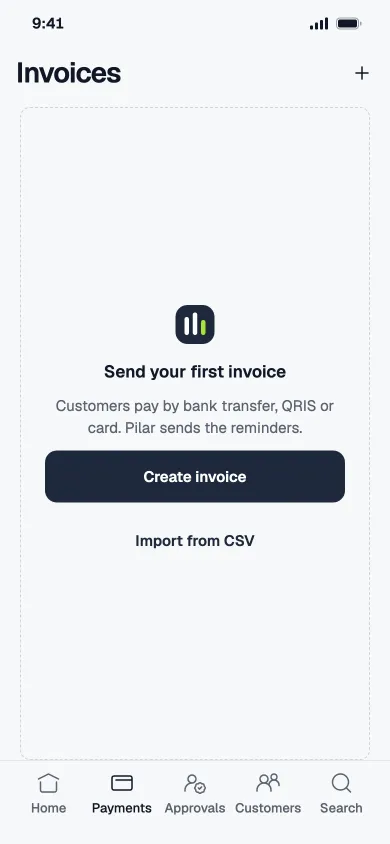
The flows this one hands off to or comes back from.
More Professional and Recruitment flows
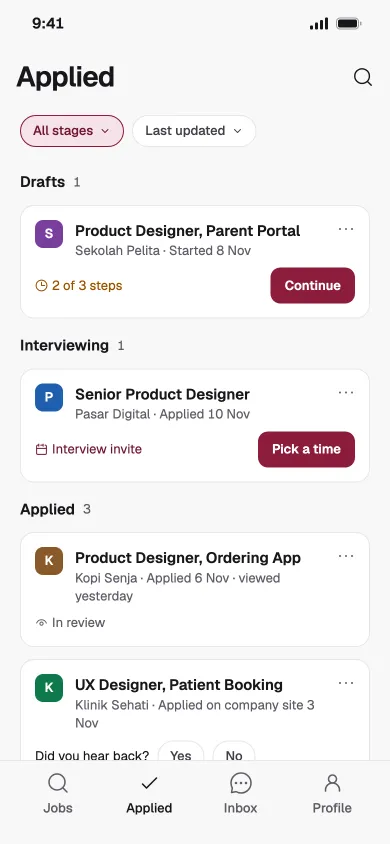
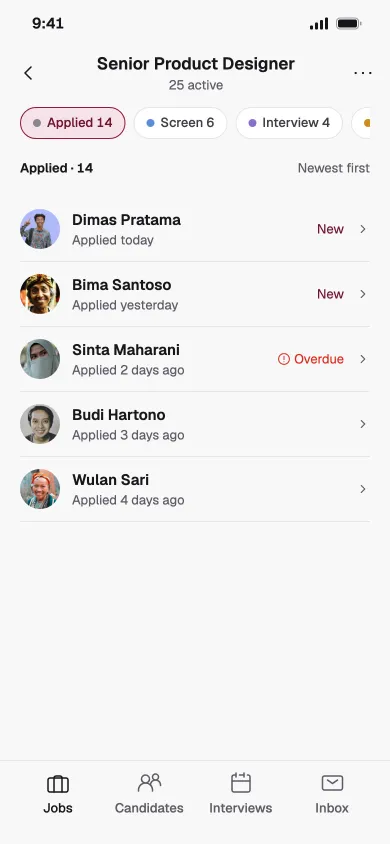
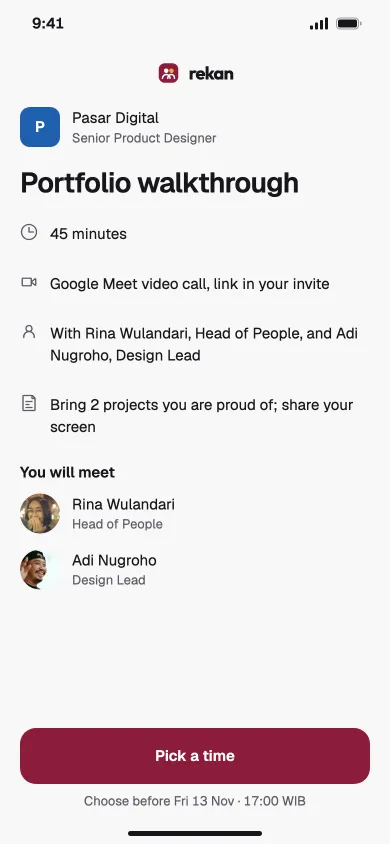
Drawn for the same brand, so they fit together.
Questions
- When should I use a professional profile and resume flow?
- Any product where a person's work history drives matching, applying or being sourced. Use another pattern for a one-off application with no account (use a single apply form with resume upload) or when the generic account profile already covers name and photo only (use Account and Onboarding › Account and profile).
- Which screens does it need?
- This pattern uses 6: Profile overview with checklist, Resume upload and parse, Edit experience, Preferences and visibility, Resume could not be read and Incomplete profile warning. Plan for these states too: new empty profile, resume uploading, resume parsed for review, parse failed.
- Is Rekan a real app?
- No. Rekan is a made-up hiring app: job search and apply for candidates; hiring pipeline, interview scheduling and offers for small companies in Jakarta, so the screens show the pattern without copying anyone's brand. Your agent redraws the flow on your own tokens and components.
- How does my agent use this flow?
- Connect Claude Code, Codex or Claude Desktop to Wonderblok over MCP. The agent calls use_pattern for this flow, reads its screens, rules and states, and draws them in your file.
- Is it free?
- Browsing Universe is free. Full pattern notes and use with your agent are part of Pro, and the Free plan opens a few flows in full each month.