PROFESSIONAL AND RECRUITMENT FLOW
Company page and reviews app flow
A professional and recruitment flow in 6 screens, from company page to report a review. Start your app from it, and your agent draws it on your own design system.
- 6 screens
- 6 patterns
- Mobile and desktop
- Brand: Rekan (made up)
The screens, in order
- Company page
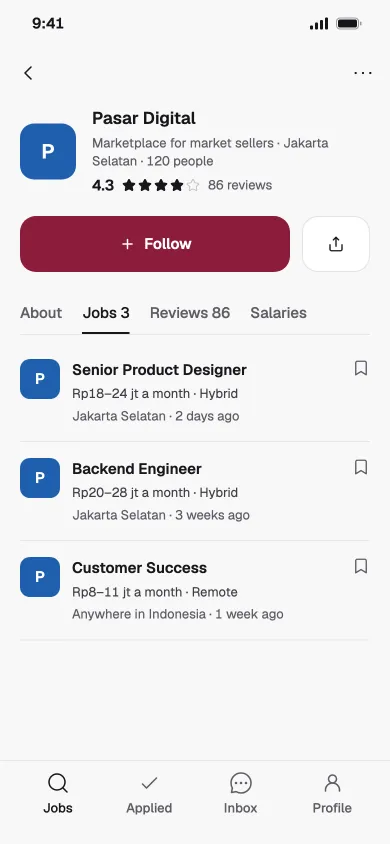
- Reviews with filtersPro
- Review detailPro
- No reviews yetPro
- Claim this pagePro
- Report a reviewPro
See all 6 screens, at mobile and desktop.Pro opens the whole flow in your Universe, with the prompt and code for each screen.
Upgrade to ProAlready Pro? Open in UniverseWhen to use it
USE WHEN
A seeker researches an employer before applying, or a careers marketplace shows employer profiles with anonymous employee reviews.
AVOID WHEN
The product is a single company's careers site (use Job detail and apply with an About block) or reviews are of products or places (use Commerce or Maps patterns).
Patterns and why they work
6 decisions this flow makes, and the clarity each one buys.
Rating with its distribution, not just an average
4.3 from 86 reviews, and how they spread
Role and tenure chips on every review, no names or faces
Who is speaking and how long they worked there
Pros and cons as separate marked lines
Good and bad never blur
Recommend, CEO approval and outlook as checks
Three quick signals
Employer response under the review
The company's side is attached to the claim
Empty reviews with a gated Write a review
No reviews is a state
Each pattern also has its psychology, the intuition behind it and what it rules out, plus layout notes for mobile and desktop.
Open in UniverseStates to cover
The screens people forget until a user hits them.
- Company page
- Following
- No open jobs
- Reviews list
- Filters with no match
- Review detail
- Helpful marked
- Report review
- Employer response
- No reviews yet
- Write review gated
- Work email sent
- Review submitted pending
- Salaries not enough data
- Round 5 added: claim a page with a work email
- Report a review with a reason
- Employer response was already drawn in Review detail
Pairs with
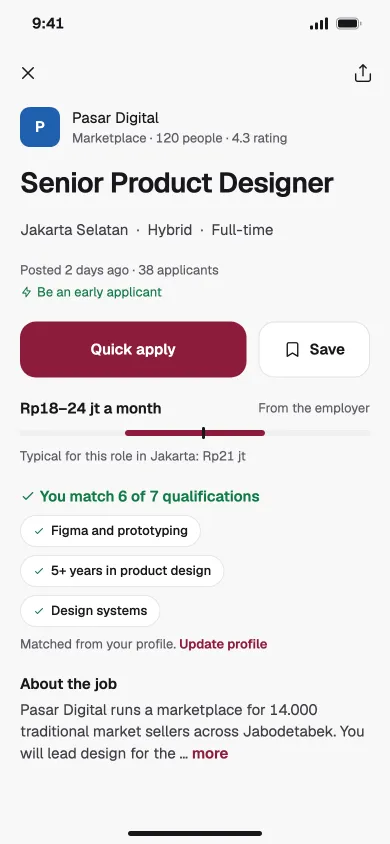
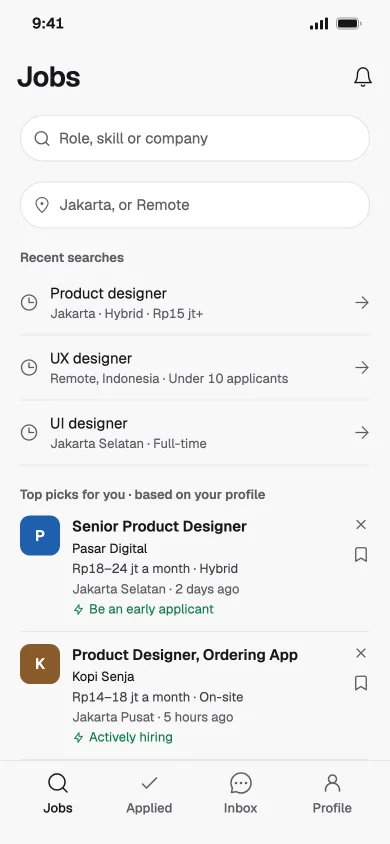
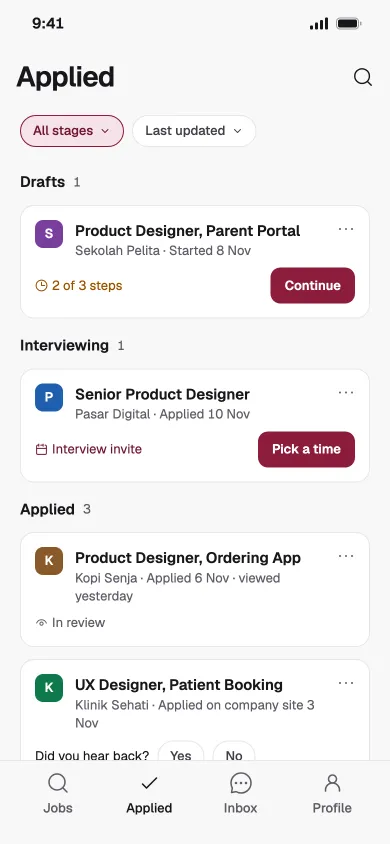
The flows this one hands off to or comes back from.
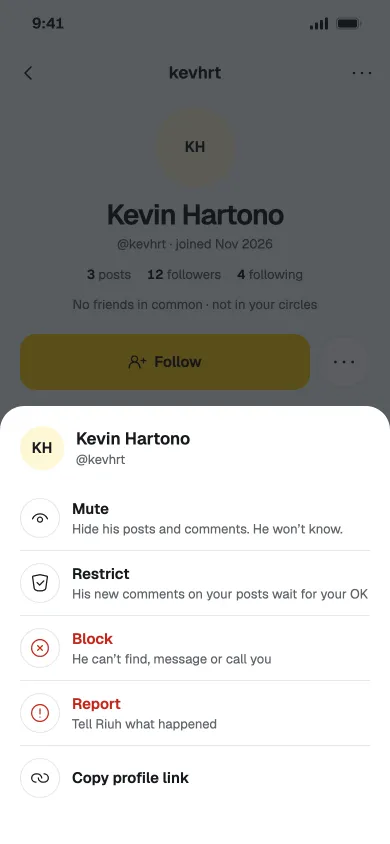
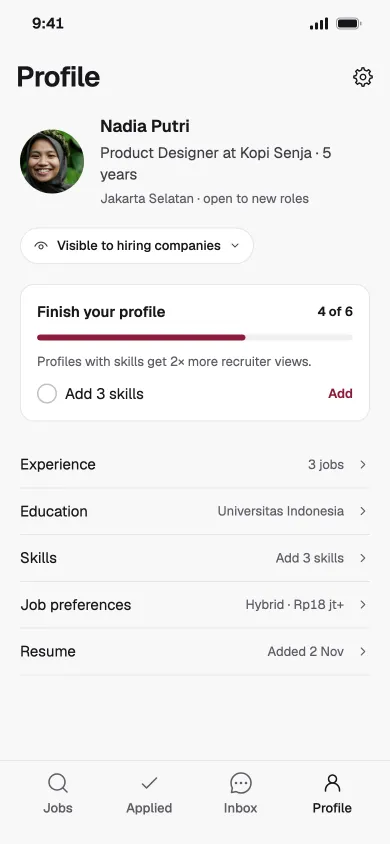
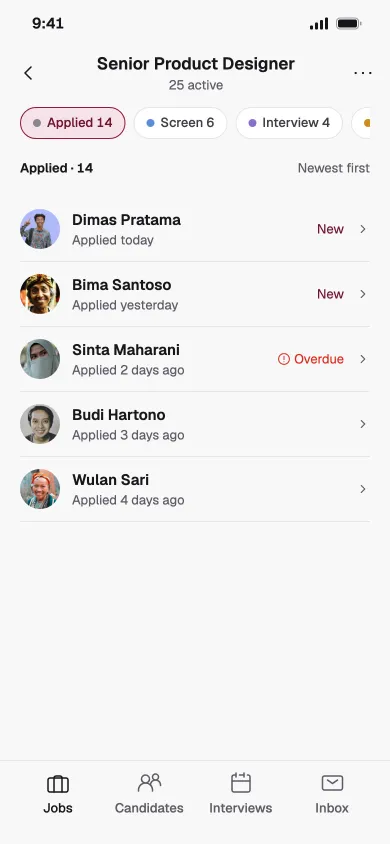
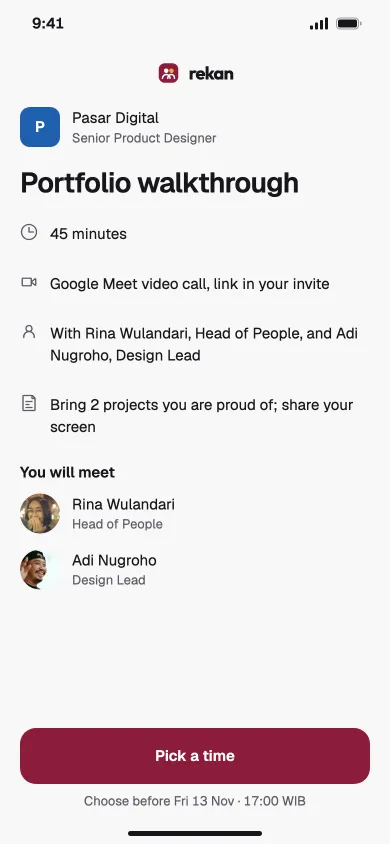
More Professional and Recruitment flows
Drawn for the same brand, so they fit together.
Questions
- When should I use a company page and reviews flow?
- A seeker researches an employer before applying, or a careers marketplace shows employer profiles with anonymous employee reviews. Use another pattern for the product is a single company's careers site (use Job detail and apply with an About block) or reviews are of products or places (use Commerce or Maps patterns).
- Which screens does it need?
- This pattern uses 6: Company page, Reviews with filters, Review detail, No reviews yet, Claim this page and Report a review. Plan for these states too: company page, following, no open jobs, reviews list.
- Is Rekan a real app?
- No. Rekan is a made-up hiring app: job search and apply for candidates; hiring pipeline, interview scheduling and offers for small companies in Jakarta, so the screens show the pattern without copying anyone's brand. Your agent redraws the flow on your own tokens and components.
- How does my agent use this flow?
- Connect Claude Code, Codex or Claude Desktop to Wonderblok over MCP. The agent calls use_pattern for this flow, reads its screens, rules and states, and draws them in your file.
- Is it free?
- Browsing Universe is free. Full pattern notes and use with your agent are part of Pro, and the Free plan opens a few flows in full each month.