PROFESSIONAL AND RECRUITMENT FLOW
Hiring pipeline and candidate review app flow
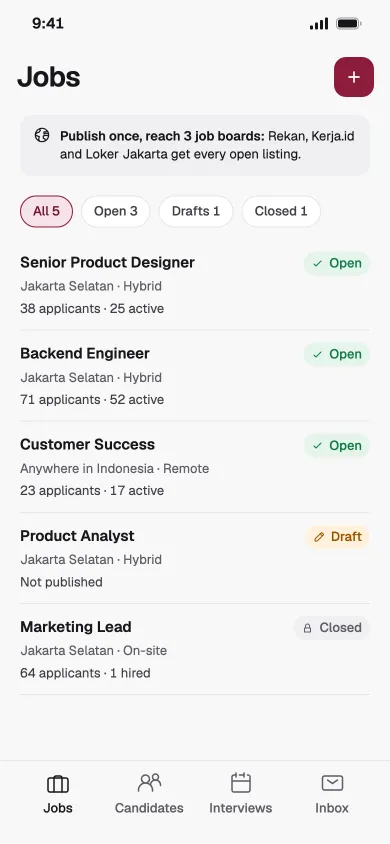
A professional and recruitment flow in 7 screens, from pipeline board to reason required to reject. Start your app from it, and your agent draws it on your own design system.
- 7 screens
- 7 patterns
- Mobile and desktop
- Brand: Rekan (made up)
The screens, in order
- Pipeline board
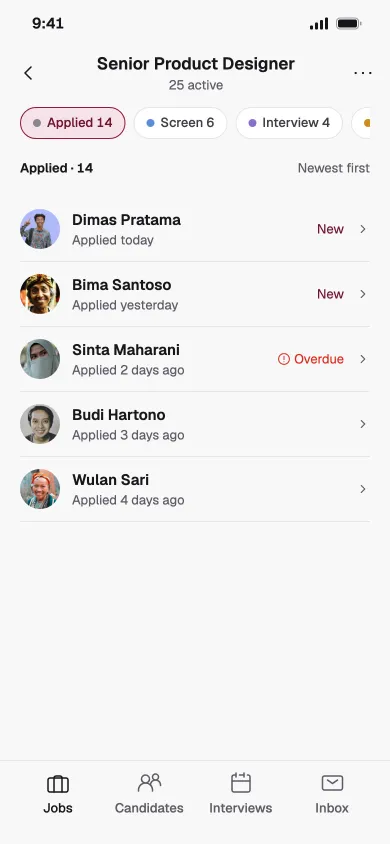
- Candidate review with ratingPro
- Scorecard submittedPro
- Move or rejectPro
- Bulk movePro
- Duplicate candidatePro
- Reason required to rejectPro
See all 7 screens, at mobile and desktop.Pro opens the whole flow in your Universe, with the prompt and code for each screen.
Upgrade to ProAlready Pro? Open in UniverseWhen to use it
USE WHEN
A team reviews more than a handful of applicants per role across several interview stages.
AVOID WHEN
A solo hiring manager with under 10 applicants (a simple list with statuses is enough) or a sales pipeline of deals (use the CRM category's pipeline instead of recruitment stages).
Patterns and why they work
7 decisions this flow makes, and the clarity each one buys.
Stage columns with counts
Where every candidate is
Next and previous through the stage
How many are left to review
Split button with the default next stage
One obvious next step
Structured rating scale
Comparable feedback
Private until you submit
Who sees feedback
Rejection with a reason
Why a candidate left the pipeline
Next event in the side panel
What happens next with this person
Each pattern also has its psychology, the intuition behind it and what it rules out, plus layout notes for mobile and desktop.
Open in UniverseStates to cover
The screens people forget until a user hits them.
- Empty job (no applicants)
- Board with counts
- List view
- Filter by status
- Candidate drawer new
- Resume preview
- Scorecard empty
- Scorecard submitted
- Others' scorecards hidden then shown
- Move to next stage
- Move via menu
- Reject with reason and email
- Snoozed
- Withdrawn
- Duplicate warning
- Bulk select and move
- Overdue review badge
- Round 5 added: bulk select and move
- Duplicate warning when adding a candidate
- Reject blocked until a reason is chosen
Pairs with
The flows this one hands off to or comes back from.
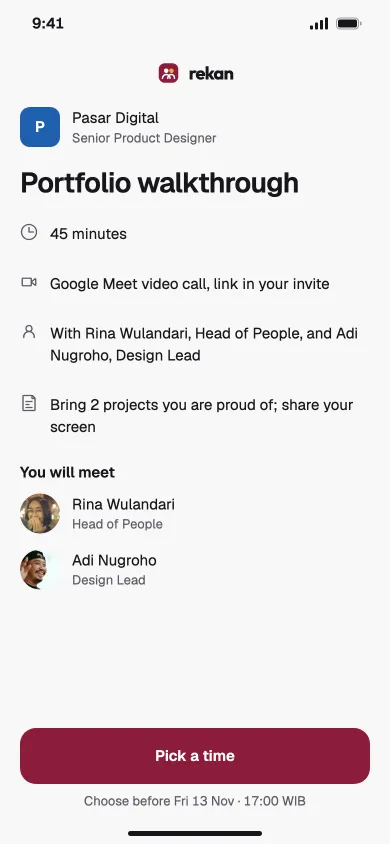
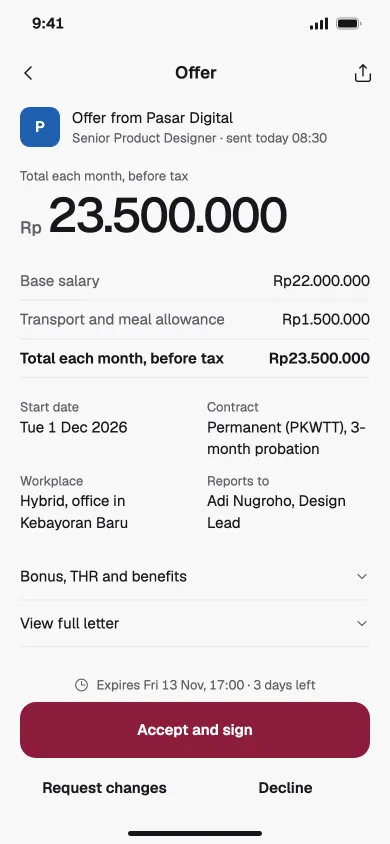
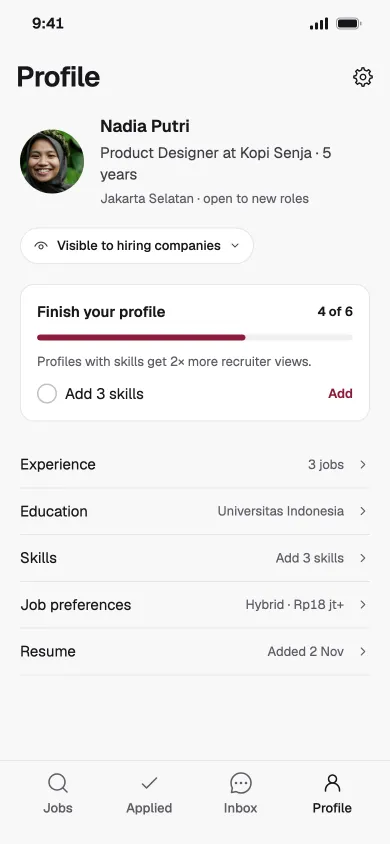
More Professional and Recruitment flows
Drawn for the same brand, so they fit together.
Questions
- When should I use a hiring pipeline and candidate review flow?
- A team reviews more than a handful of applicants per role across several interview stages. Use another pattern for a solo hiring manager with under 10 applicants (a simple list with statuses is enough) or a sales pipeline of deals (use the CRM category's pipeline instead of recruitment stages).
- Which screens does it need?
- This pattern uses 7: Pipeline board, Candidate review with rating, Scorecard submitted, Move or reject, Bulk move, Duplicate candidate and Reason required to reject. Plan for these states too: empty job (no applicants), board with counts, list view, filter by status.
- Is Rekan a real app?
- No. Rekan is a made-up hiring app: job search and apply for candidates; hiring pipeline, interview scheduling and offers for small companies in Jakarta, so the screens show the pattern without copying anyone's brand. Your agent redraws the flow on your own tokens and components.
- How does my agent use this flow?
- Connect Claude Code, Codex or Claude Desktop to Wonderblok over MCP. The agent calls use_pattern for this flow, reads its screens, rules and states, and draws them in your file.
- Is it free?
- Browsing Universe is free. Full pattern notes and use with your agent are part of Pro, and the Free plan opens a few flows in full each month.