PROFESSIONAL AND RECRUITMENT FLOW
Job detail and apply app flow
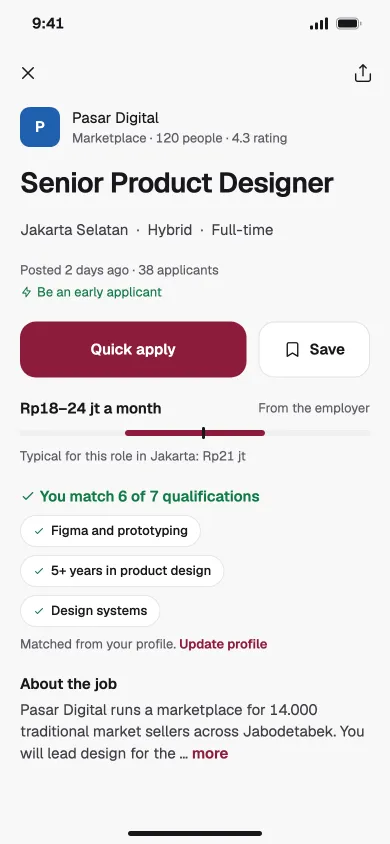
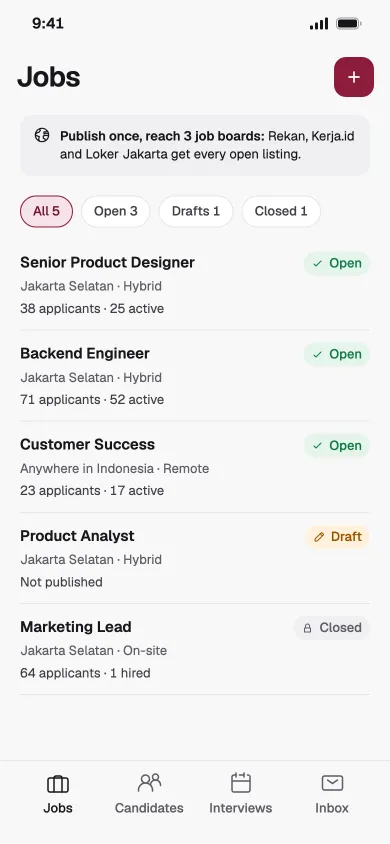
A professional and recruitment flow in 8 screens, from job detail with pay and fit to save a draft. Start your app from it, and your agent draws it on your own design system.
- 8 screens
- 7 patterns
- Mobile and desktop
- Brand: Rekan (made up)
The screens, in order
- Job detail with pay and fit
- Quick apply reviewPro
- Employer questions stepPro
- Applied confirmationPro
- Job closedPro
- Resume mismatchPro
- Apply on the company sitePro
- Save a draftPro
See all 8 screens, at mobile and desktop.Pro opens the whole flow in your Universe, with the prompt and code for each screen.
Upgrade to ProAlready Pro? Open in UniverseWhen to use it
USE WHEN
Any job or gig where the candidate applies in-product or is handed to an external system.
AVOID WHEN
The hiring flow is a conversation first (marketplaces where you message the poster; use Social › Chatting and messages) or an invite-only role where apply is replaced by "Request intro".
Patterns and why they work
7 decisions this flow makes, and the clarity each one buys.
Pay range with its source
What the job pays and how sure that is
Fit block with matched chips
Why this job suits you
Apply path named on the button
Will I leave the app
Profile checklist before one-tap submit
Exactly what the employer receives
Wizard with job summary pinned
Which job you are applying to at every step
Review with Edit per section
Last chance to fix
Applied state replaces the button
Done, and when
Each pattern also has its psychology, the intuition behind it and what it rules out, plus layout notes for mobile and desktop.
Open in UniverseStates to cover
The screens people forget until a user hits them.
- Detail loading
- Detail with employer pay
- Detail with estimated pay
- Fit all matched
- Fit with gaps
- Already saved
- Apply in-app
- Apply external handoff
- Quick apply review
- Wizard step with progress
- Required field error
- Resume missing
- Review with Edit
- Submitting
- Applied tag with toast
- Job closed
- Already applied
- Draft saved on exit
- Round 5 added: job closed with the draft kept
- Resume and profile disagree
- External handoff sheet
- Save as draft on exit
Pairs with
The flows this one hands off to or comes back from.
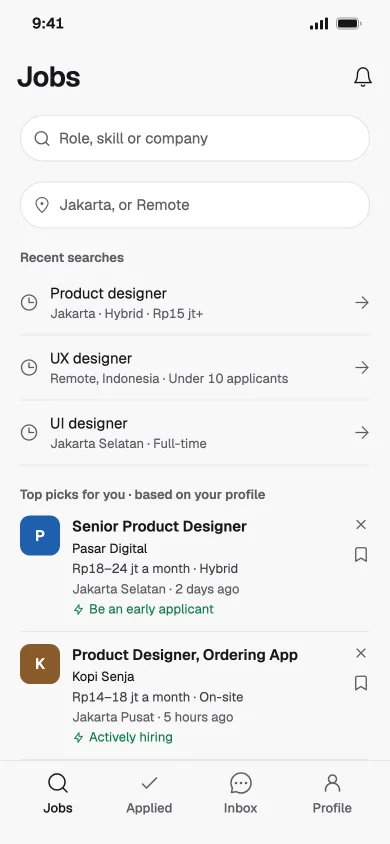
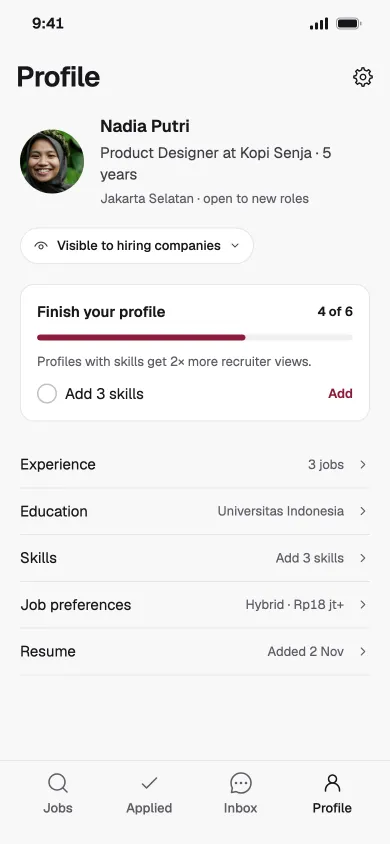
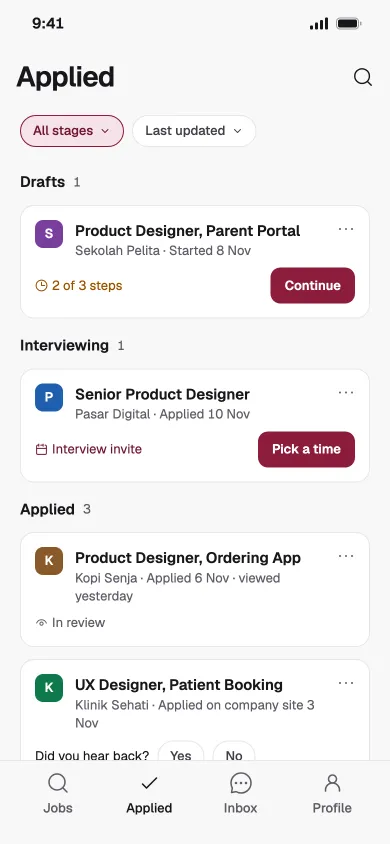
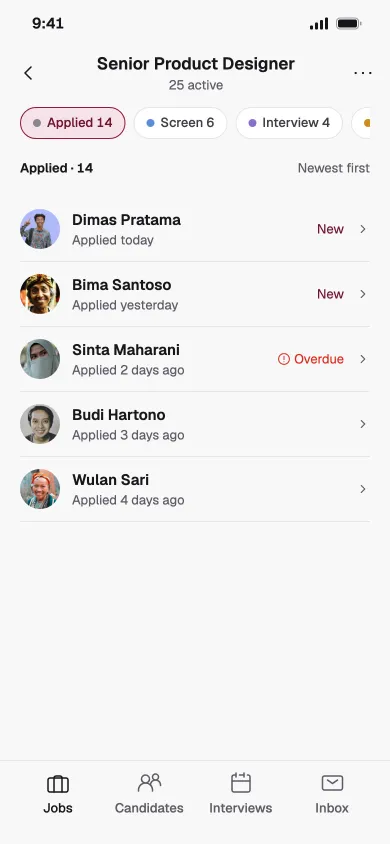
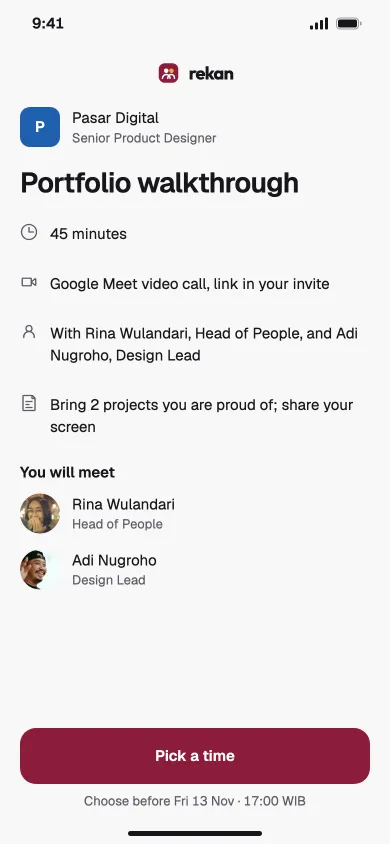
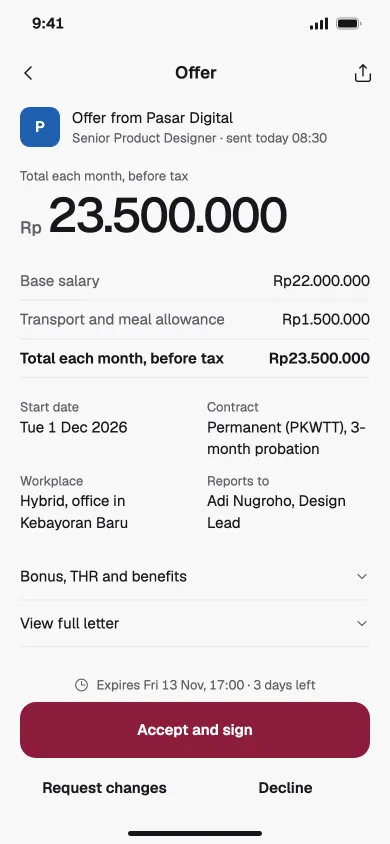
More Professional and Recruitment flows
Drawn for the same brand, so they fit together.
Questions
- When should I use a job detail and apply flow?
- Any job or gig where the candidate applies in-product or is handed to an external system. Use another pattern for the hiring flow is a conversation first (marketplaces where you message the poster; use Social › Chatting and messages) or an invite-only role where apply is replaced by "Request intro".
- Which screens does it need?
- This pattern uses 8: Job detail with pay and fit, Quick apply review, Employer questions step, Applied confirmation, Job closed, Resume mismatch, Apply on the company site and Save a draft. Plan for these states too: detail loading, detail with employer pay, detail with estimated pay, fit all matched.
- Is Rekan a real app?
- No. Rekan is a made-up hiring app: job search and apply for candidates; hiring pipeline, interview scheduling and offers for small companies in Jakarta, so the screens show the pattern without copying anyone's brand. Your agent redraws the flow on your own tokens and components.
- How does my agent use this flow?
- Connect Claude Code, Codex or Claude Desktop to Wonderblok over MCP. The agent calls use_pattern for this flow, reads its screens, rules and states, and draws them in your file.
- Is it free?
- Browsing Universe is free. Full pattern notes and use with your agent are part of Pro, and the Free plan opens a few flows in full each month.