PROFESSIONAL AND RECRUITMENT FLOW
Offer and acceptance app flow
A professional and recruitment flow in 8 screens, from offer summary to offer expired. Start your app from it, and your agent draws it on your own design system.
- 8 screens
- 6 patterns
- Mobile and desktop
- Brand: Rekan (made up)
The screens, in order
- Offer summary
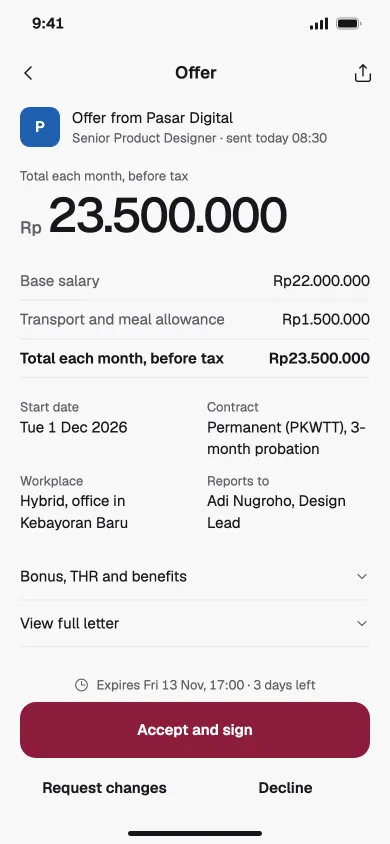
- Full offer letterPro
- Sign and acceptPro
- Offer acceptedPro
- Decline with reasonPro
- Ask to negotiatePro
- Revised offerPro
- Offer expiredPro
See all 8 screens, at mobile and desktop.Pro opens the whole flow in your Universe, with the prompt and code for each screen.
Upgrade to ProAlready Pro? Open in UniverseWhen to use it
USE WHEN
A formal offer with compensation and terms needs a clear accept, negotiate or decline decision and a signature.
AVOID WHEN
An informal verbal offer stage (track it as a stage in the pipeline) or a contract that legally requires a wet signature.
Patterns and why they work
6 decisions this flow makes, and the clarity each one buys.
Summary before the legal letter
The numbers that matter first
Money breakdown to the take-home figure
What you actually get
Three-way decision with consequence text
What each choice does
Expiry shown everywhere
The deadline
Signing progress banner
Ready to continue
Highlighted prefilled fields
Which parts are personal
Each pattern also has its psychology, the intuition behind it and what it rules out, plus layout notes for mobile and desktop.
Open in UniverseStates to cover
The screens people forget until a user hits them.
- Offer received card
- Summary view
- Full letter viewer
- Download PDF
- Request changes with note
- Changes requested pending
- Updated offer with changes highlighted
- Decline with reason
- Decline confirmation
- Signing in progress
- Required field missing
- All fields complete
- Accepted success with next steps
- Expired
- Withdrawn by employer
- Recruiter view sent and awaiting
- Round 5 added: decline with a private reason
- Ask for changes with a message
- Revised offer with changes shown
- Expired offer
Pairs with
The flows this one hands off to or comes back from.
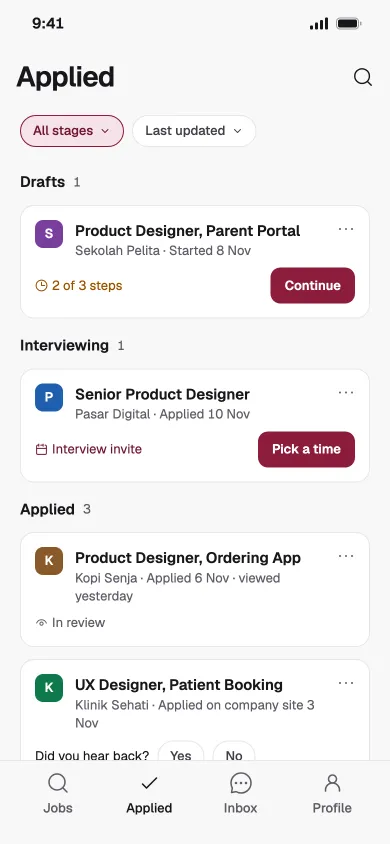
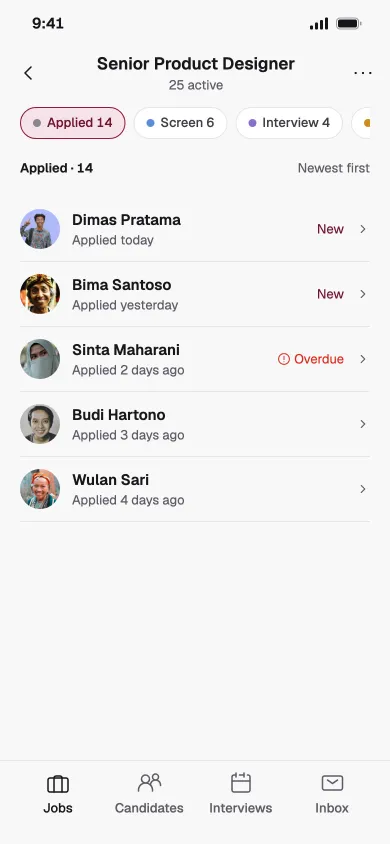
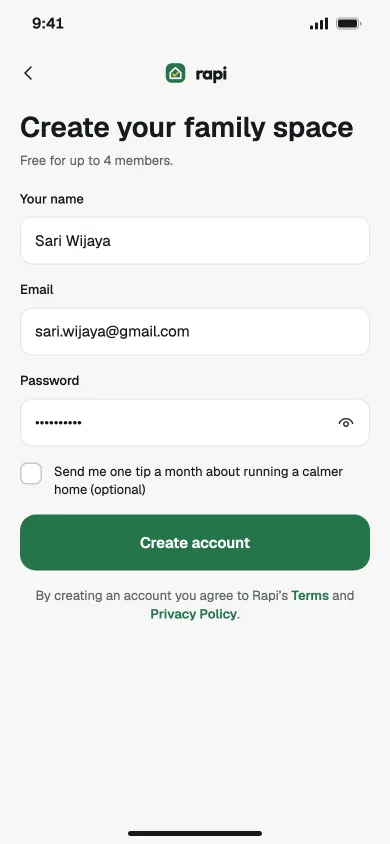
More Professional and Recruitment flows
Drawn for the same brand, so they fit together.
Questions
- When should I use a offer and acceptance flow?
- A formal offer with compensation and terms needs a clear accept, negotiate or decline decision and a signature. Use another pattern for an informal verbal offer stage (track it as a stage in the pipeline) or a contract that legally requires a wet signature.
- Which screens does it need?
- This pattern uses 8: Offer summary, Full offer letter, Sign and accept, Offer accepted, Decline with reason, Ask to negotiate, Revised offer and Offer expired. Plan for these states too: offer received card, summary view, full letter viewer, download pdf.
- Is Rekan a real app?
- No. Rekan is a made-up hiring app: job search and apply for candidates; hiring pipeline, interview scheduling and offers for small companies in Jakarta, so the screens show the pattern without copying anyone's brand. Your agent redraws the flow on your own tokens and components.
- How does my agent use this flow?
- Connect Claude Code, Codex or Claude Desktop to Wonderblok over MCP. The agent calls use_pattern for this flow, reads its screens, rules and states, and draws them in your file.
- Is it free?
- Browsing Universe is free. Full pattern notes and use with your agent are part of Pro, and the Free plan opens a few flows in full each month.