PROFESSIONAL AND RECRUITMENT FLOW
New hire onboarding app flow
A professional and recruitment flow in 4 screens, from hired handoff to task done and progress. Start your app from it, and your agent draws it on your own design system.
- 4 screens
- 3 patterns
- Mobile and desktop
- Brand: Rekan (made up)
The screens, in order
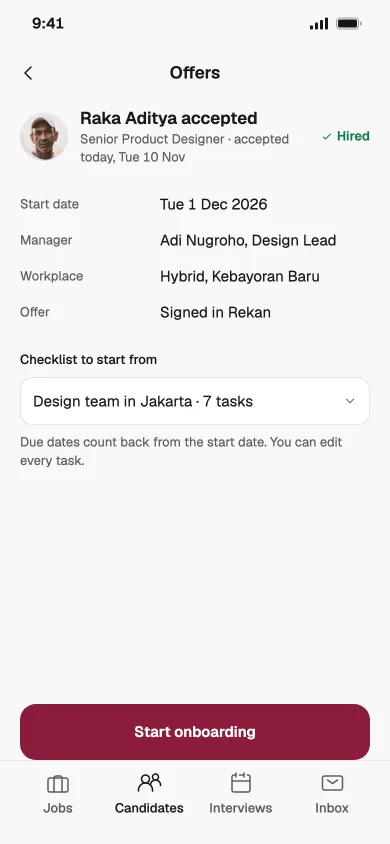
- Hired handoff
- Checklist builderPro
- New hire portalPro
- Task done and progressPro
See all 4 screens, at mobile and desktop.Pro opens the whole flow in your Universe, with the prompt and code for each screen.
Upgrade to ProAlready Pro? Open in UniverseWhen to use it
USE WHEN
After an offer is accepted: the recruiter starts onboarding from the hire, builds a checklist with owners and due dates, and the new hire sees only their tasks with a countdown to day one.
AVOID WHEN
The offer itself (use Professional › Offer and acceptance) or payroll and contracts for staff already working (use Business › Run payroll).
Patterns and why they work
3 decisions this flow makes, and the clarity each one buys.
Handoff in one place
Who accepted, start date, manager and workplace
Tasks have an owner and a date
The new hire, IT, the manager and HR each own tasks
A countdown and progress
Days to the first day and tasks done out of seven
Each pattern also has its psychology, the intuition behind it and what it rules out, plus layout notes for mobile and desktop.
Open in UniverseStates to cover
The screens people forget until a user hits them.
- Hired handoff
- Template chosen
- Owner and due date set
- Sent to the new hire
- 0 of 7 done
- Task done toast
- Paperwork overdue
- Start date moved
- All done
- The overdue and moved states are described
- Not drawn
- The task names and the first week plan are invented placeholders
Pairs with
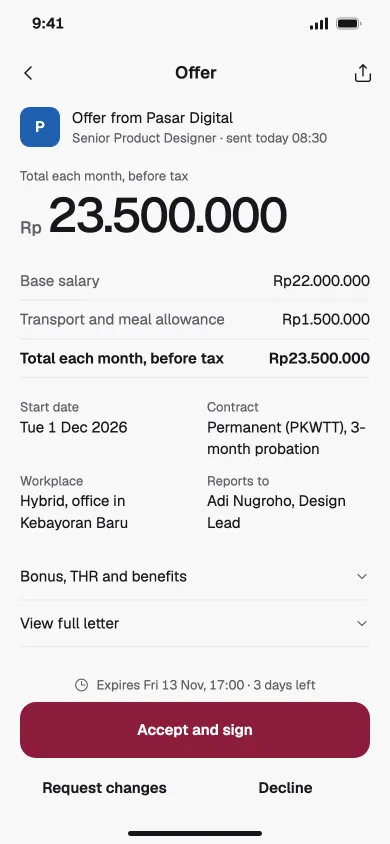
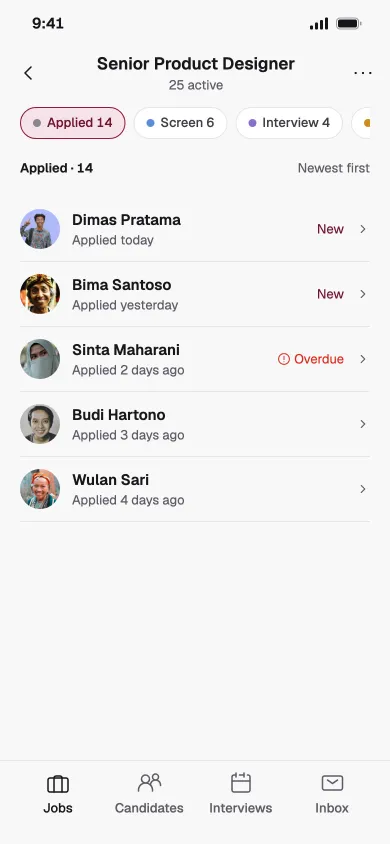
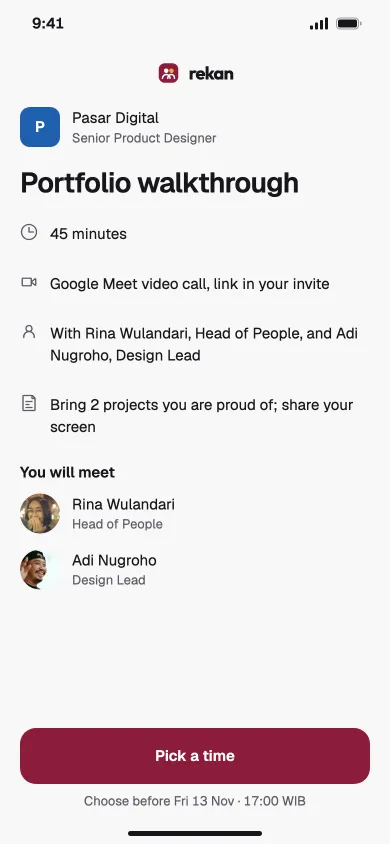
The flows this one hands off to or comes back from.
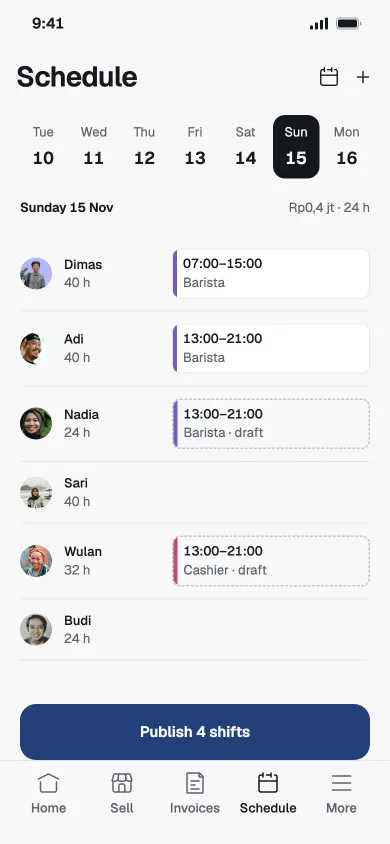
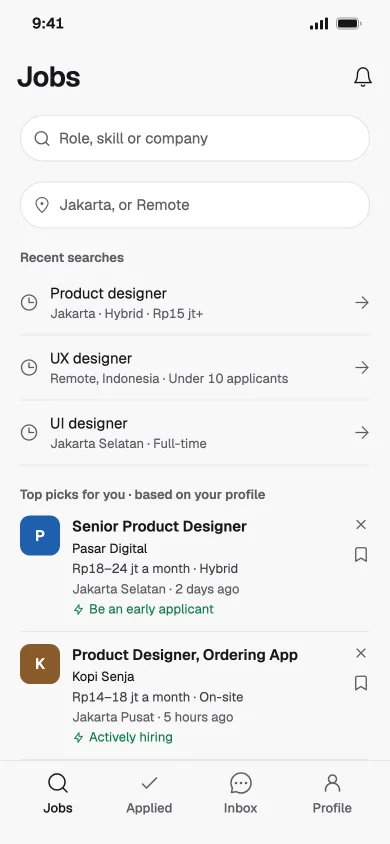
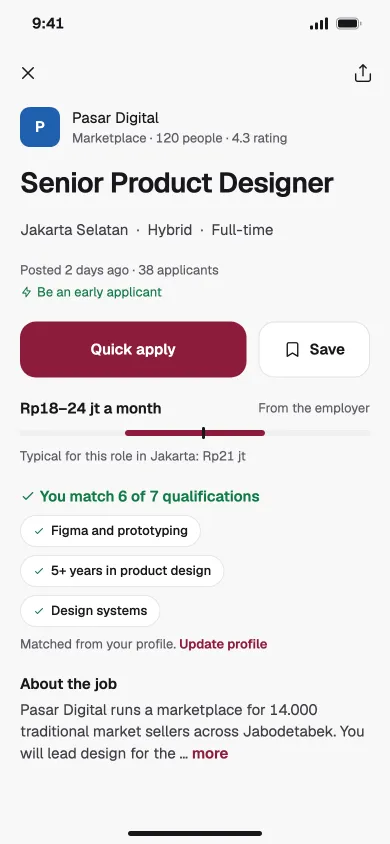
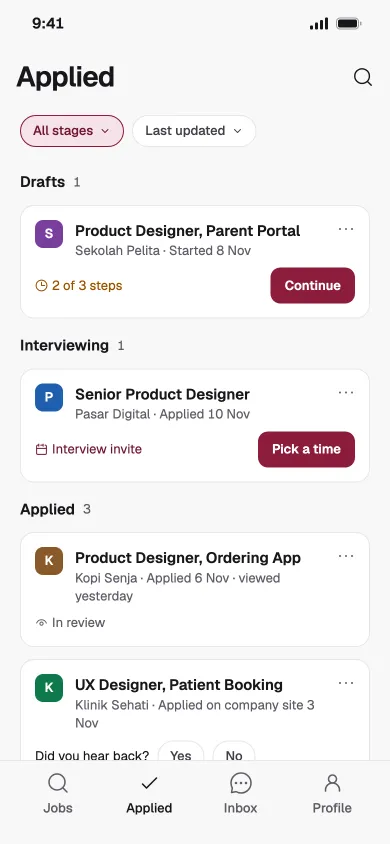
More Professional and Recruitment flows
Drawn for the same brand, so they fit together.
Questions
- When should I use a new hire onboarding flow?
- After an offer is accepted: the recruiter starts onboarding from the hire, builds a checklist with owners and due dates, and the new hire sees only their tasks with a countdown to day one. Use another pattern for the offer itself (use Professional › Offer and acceptance) or payroll and contracts for staff already working (use Business › Run payroll).
- Which screens does it need?
- This pattern uses 4: Hired handoff, Checklist builder, New hire portal and Task done and progress. Plan for these states too: hired handoff, template chosen, owner and due date set, sent to the new hire.
- Is Rekan a real app?
- No. Rekan is a made-up hiring app: job search and apply for candidates; hiring pipeline, interview scheduling and offers for small companies in Jakarta, so the screens show the pattern without copying anyone's brand. Your agent redraws the flow on your own tokens and components.
- How does my agent use this flow?
- Connect Claude Code, Codex or Claude Desktop to Wonderblok over MCP. The agent calls use_pattern for this flow, reads its screens, rules and states, and draws them in your file.
- Is it free?
- Browsing Universe is free. Full pattern notes and use with your agent are part of Pro, and the Free plan opens a few flows in full each month.