COMMERCE FLOW
Order help and contact seller app flow
A commerce flow in 5 screens, from order detail to message the seller. Start your app from it, and your agent draws it on your own design system.
- 5 screens
- 3 patterns
- Mobile and desktop
- Brand: Mampir (made up)
The screens, in order
- Order detail
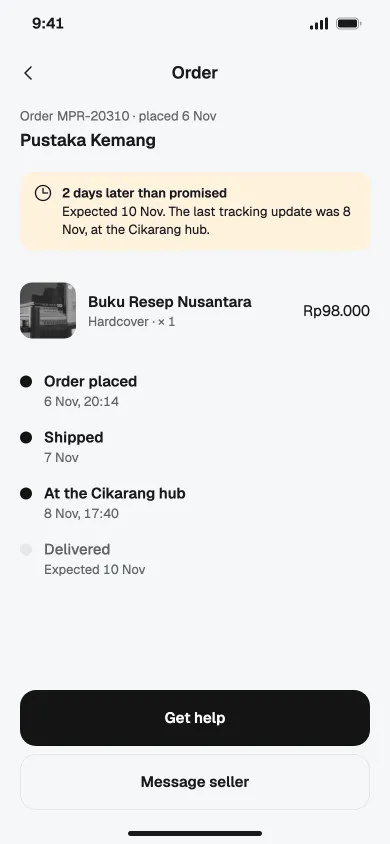
- What is the issuePro
- Details and photoPro
- Case sentPro
- Message the sellerPro
See all 5 screens, at mobile and desktop.Pro opens the whole flow in your Universe, with the prompt and code for each screen.
Upgrade to ProAlready Pro? Open in UniverseWhen to use it
USE WHEN
An order that went wrong after payment: not arrived, wrong item, damaged or charged wrong, with a case, a photo and a way to message the seller.
AVOID WHEN
A change before the shop packs (use Commerce › Cancel order and refund), or sending back something that is fine (use Commerce › Return an item).
Patterns and why they work
3 decisions this flow makes, and the clarity each one buys.
Help starts on the order
Get help is a button on the order, so the order is already known
Pick the issue, then the details
Five plain issues
A deadline on the seller
The seller has 48 hours
Each pattern also has its psychology, the intuition behind it and what it rules out, plus layout notes for mobile and desktop.
Open in UniverseStates to cover
The screens people forget until a user hits them.
- Order detail
- Late note
- What is the issue
- Details and photo
- Case sent
- Seller replied
- Seller silent for 48 hours (Mampir steps in)
- Refunded
- Case closed
Pairs with
The flows this one hands off to or comes back from.
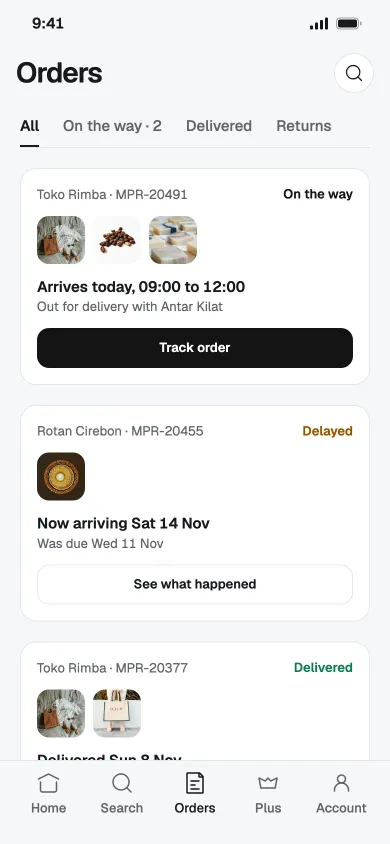
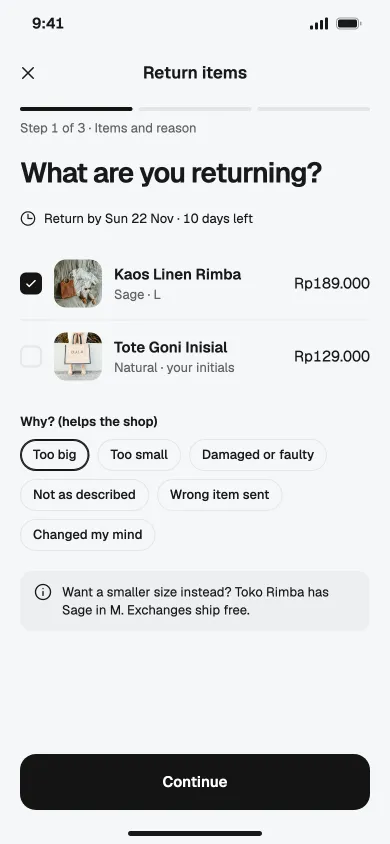
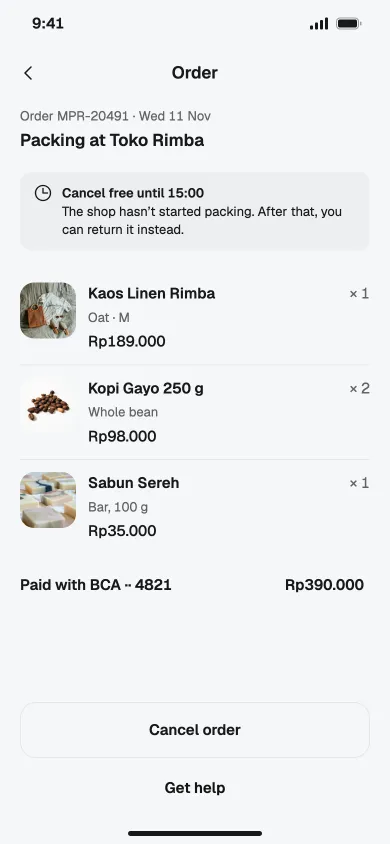
More Commerce flows
Drawn for the same brand, so they fit together.
Questions
- When should I use a order help and contact seller flow?
- An order that went wrong after payment: not arrived, wrong item, damaged or charged wrong, with a case, a photo and a way to message the seller. Use another pattern for a change before the shop packs (use Commerce › Cancel order and refund), or sending back something that is fine (use Commerce › Return an item).
- Which screens does it need?
- This pattern uses 5: Order detail, What is the issue, Details and photo, Case sent and Message the seller. Plan for these states too: order detail, late note, what is the issue, details and photo.
- Is Mampir a real app?
- No. Mampir is a made-up neighbourhood marketplace: order, book, subscribe, so the screens show the pattern without copying anyone's brand. Your agent redraws the flow on your own tokens and components.
- How does my agent use this flow?
- Connect Claude Code, Codex or Claude Desktop to Wonderblok over MCP. The agent calls use_pattern for this flow, reads its screens, rules and states, and draws them in your file.
- Is it free?
- Browsing Universe is free. Full pattern notes and use with your agent are part of Pro, and the Free plan opens a few flows in full each month.