COMMERCE FLOW
Purchase and ordering app flow
A commerce flow in 8 screens, from review and pay to payment window expired. Start your app from it, and your agent draws it on your own design system.
- 8 screens
- 8 patterns
- Mobile and desktop
- Brand: Mampir (made up)
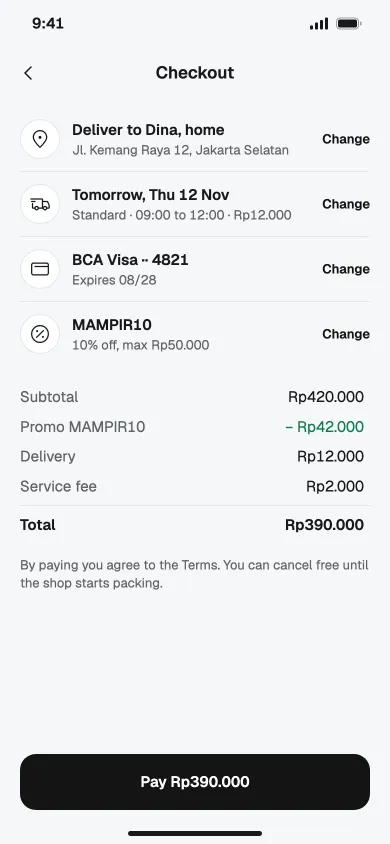
- Review and pay
- Delivery optionsPro
- Add a cardPro
- Payment declinedPro
- Order confirmedPro
- Address and voucher problemsPro
- Waiting for bank transferPro
- Payment window expiredPro
See all 8 screens, at mobile and desktop, in 3 brands.Pro opens the whole flow in your Universe, with the prompt and code for each screen.
Upgrade to ProAlready Pro? Open in UniverseWhen to use it
USE WHEN
Any one-off purchase of goods or services, mobile or web.
AVOID WHEN
Recurring billing (use Subscriptions) or time-slot inventory (use Booking and reserving).
Patterns and why they work
8 decisions this flow makes, and the clarity each one buys.
Total inside the pay button
Shows exactly what will be charged
Summary rows with chevrons instead of a long form
Each decision is one line
Express wallet beside standard checkout
Two clear paths
Dated delivery promise per option
"Delivers Tue 13/08" beats "3-5 days"
Price breakdown with info icons on shipping and tax
Every fee is itemised
Split layout on web
Order summary stays visible while typing
Billing same as shipping default on
Fewer fields
Post-purchase status tracker
One bar says where the order is
Each pattern also has its psychology, the intuition behind it and what it rules out, plus layout notes for mobile and desktop.
Open in UniversePairs with
The flows this one hands off to or comes back from.
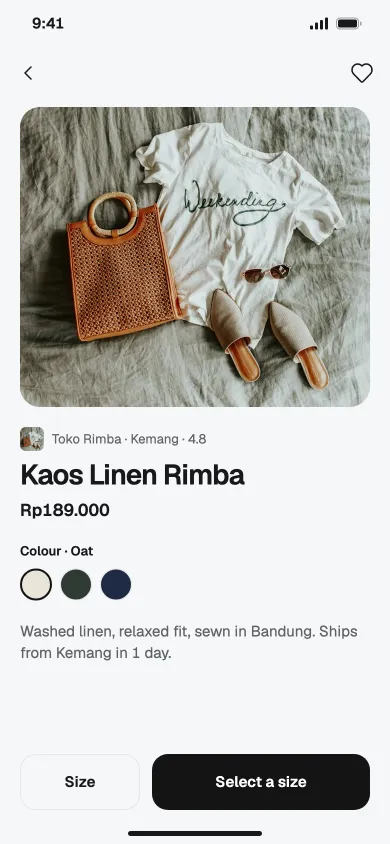
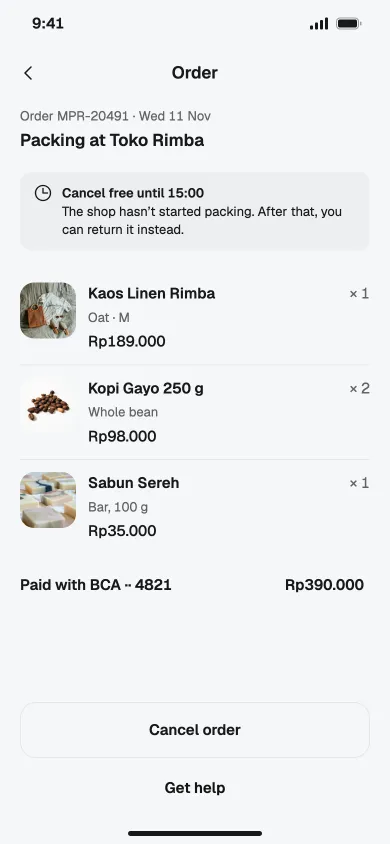
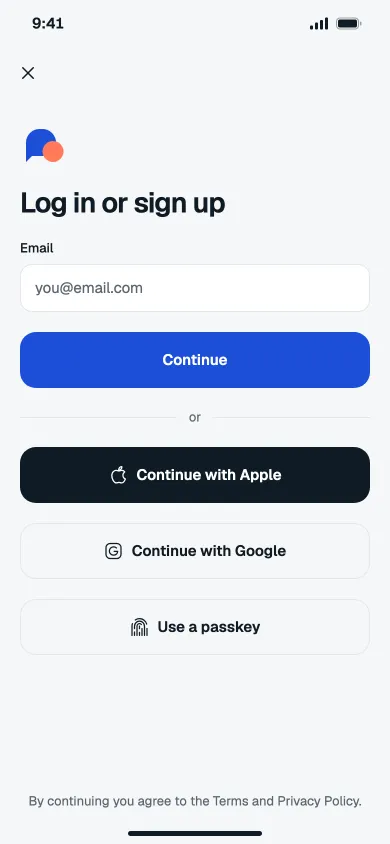
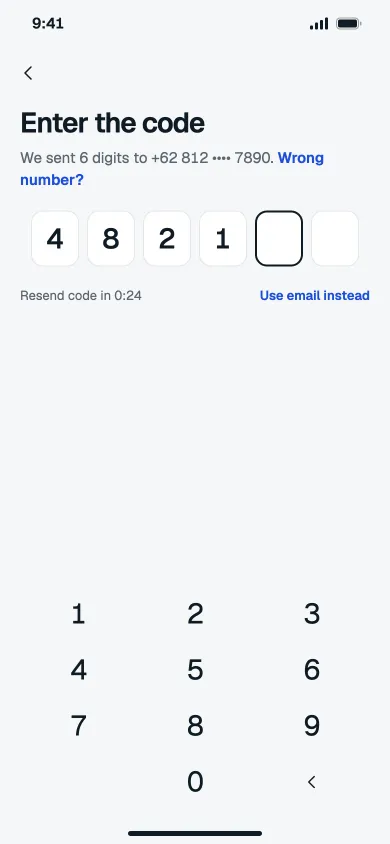
More Commerce flows
Drawn for the same brand, so they fit together.
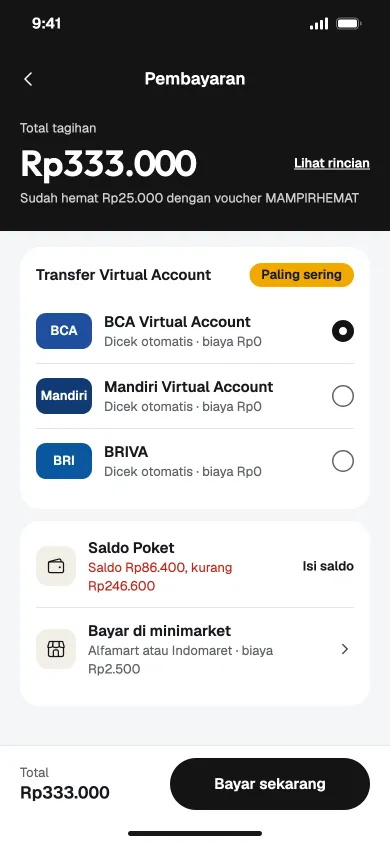
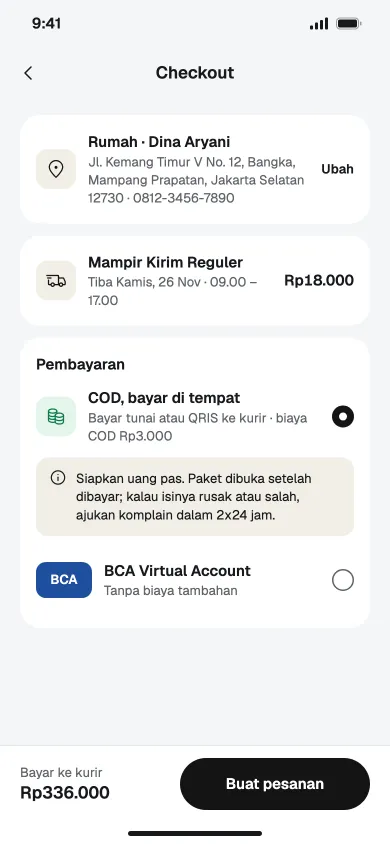
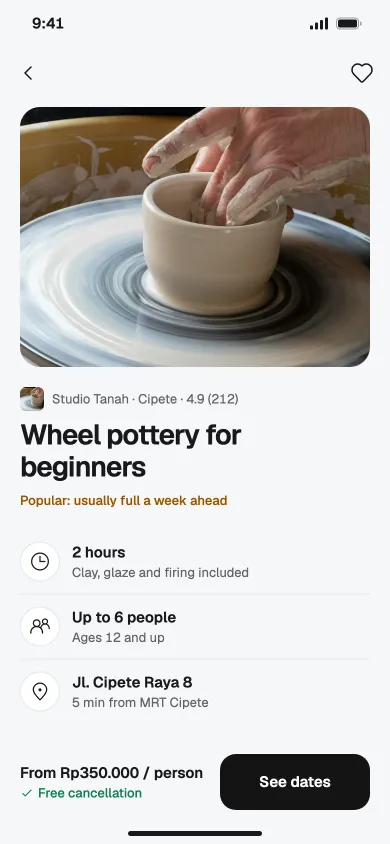
Questions
- When should I use a purchase and ordering flow?
- Any one-off purchase of goods or services, mobile or web. Use another pattern for recurring billing (use Subscriptions) or time-slot inventory (use Booking and reserving).
- Which screens does it need?
- This pattern uses 8: Review and pay, Delivery options, Add a card, Payment declined, Order confirmed, Address and voucher problems, Waiting for bank transfer and Payment window expired.
- Is Mampir a real app?
- No. Mampir is a made-up neighbourhood marketplace: order, book, subscribe, so the screens show the pattern without copying anyone's brand. Your agent redraws the flow on your own tokens and components.
- How does my agent use this flow?
- Connect Claude Code, Codex or Claude Desktop to Wonderblok over MCP. The agent calls use_pattern for this flow, reads its screens, rules and states, and draws them in your file.
- Is it free?
- Browsing Universe is free. Full pattern notes and use with your agent are part of Pro, and the Free plan opens a few flows in full each month.