COMMERCE FLOW
Product detail app flow
A commerce flow in 6 screens, from product page to loading. Start your app from it, and your agent draws it on your own design system.
- 6 screens
- 3 patterns
- Mobile and desktop
- Brand: Mampir (made up)
The screens, in order
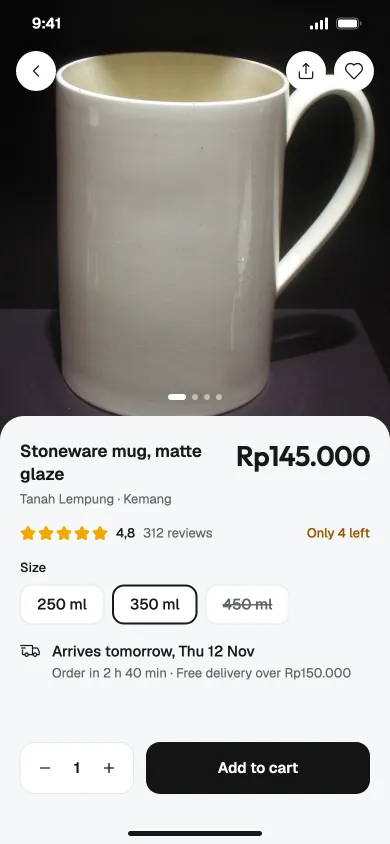
- Product page
- Photo galleryPro
- Reviews summaryPro
- Size sold outPro
- Added to cartPro
- LoadingPro
See all 6 screens, at mobile and desktop.Pro opens the whole flow in your Universe, with the prompt and code for each screen.
Upgrade to ProAlready Pro? Open in UniverseWhen to use it
USE WHEN
A marketplace or shop page for one item that sells on its looks: a photo you can open full screen, the price and stock, the one option that matters (size), when it arrives and one Add to cart.
AVOID WHEN
Booking a time slot (use Commerce › Booking and reserving), a long spec sheet for electronics, or a list of many items (use Commerce › Product listing grid).
Patterns and why they work
3 decisions this flow makes, and the clarity each one buys.
Photo first, then the sheet: the picture gets the top half of the screen and the facts sit on a sheet over it, so the product sells itself before any text. Shoppers judge a physical item by its photos, and zoomable detail shots answer questions copy cannot
Say stock and the arrival day next to the button: Only 4 left, Arrives tomorrow, Thu 12 Nov, free delivery over Rp150.000. Delivery date and cost are what people check before they add, and showing them early cuts surprise at checkout
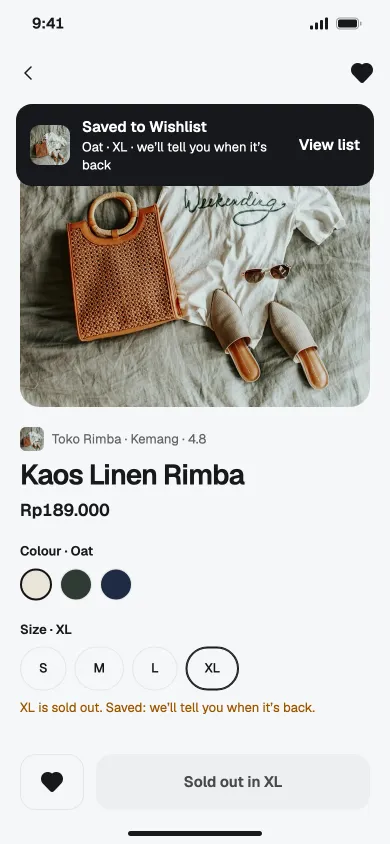
A sold-out size stays visible and offers Notify me: the 450 ml pill is struck through, not hidden, and the button changes to a dated restock alert with the in-stock size as the quiet route. Hiding the option makes people think it never existed; a date keeps them
Each pattern also has its psychology, the intuition behind it and what it rules out, plus layout notes for mobile and desktop.
Open in UniverseStates to cover
The screens people forget until a user hits them.
- Product page
- Photo gallery full screen
- Reviews summary with the 5 to 1 spread and buyer photos
- A sold-out size with Notify me
- Added to cart with the free-delivery gap and a pairing
- Loading skeleton
- Out of stock for every size and an error state follow Misc › Errors
Pairs with
The flows this one hands off to or comes back from.
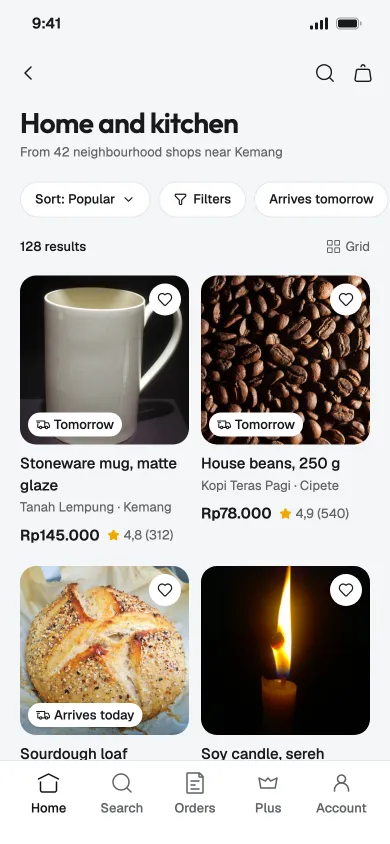
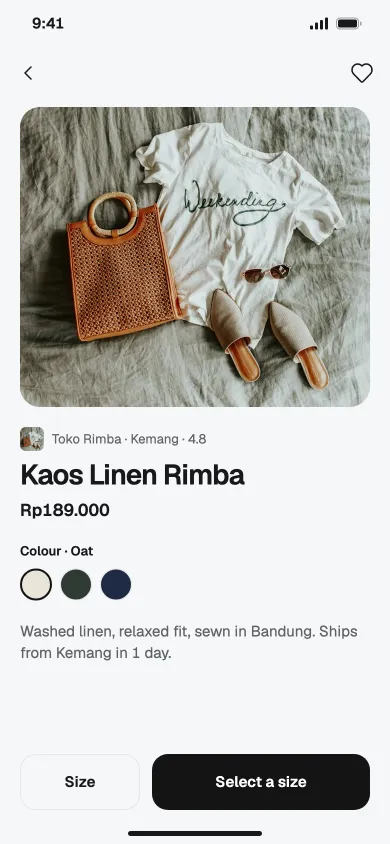
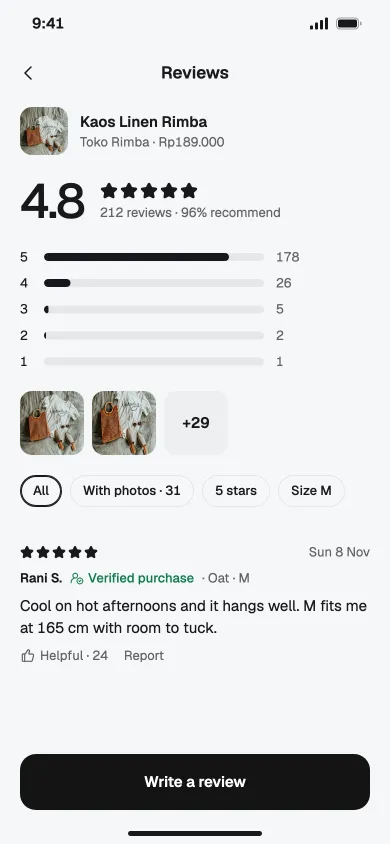
More Commerce flows
Drawn for the same brand, so they fit together.
Questions
- When should I use a product detail flow?
- A marketplace or shop page for one item that sells on its looks: a photo you can open full screen, the price and stock, the one option that matters (size), when it arrives and one Add to cart. Use another pattern for booking a time slot (use Commerce › Booking and reserving), a long spec sheet for electronics, or a list of many items (use Commerce › Product listing grid).
- Which screens does it need?
- This pattern uses 6: Product page, Photo gallery, Reviews summary, Size sold out, Added to cart and Loading. Plan for these states too: product page, photo gallery full screen, reviews summary with the 5 to 1 spread and buyer photos, a sold-out size with notify me.
- Is Mampir a real app?
- No. Mampir is a made-up neighbourhood marketplace: order, book, subscribe, so the screens show the pattern without copying anyone's brand. Your agent redraws the flow on your own tokens and components.
- How does my agent use this flow?
- Connect Claude Code, Codex or Claude Desktop to Wonderblok over MCP. The agent calls use_pattern for this flow, reads its screens, rules and states, and draws them in your file.
- Is it free?
- Browsing Universe is free. Full pattern notes and use with your agent are part of Pro, and the Free plan opens a few flows in full each month.