COMMERCE FLOW
Vouchers and gift cards app flow
A commerce flow in 5 screens, from voucher wallet to balance applied. Start your app from it, and your agent draws it on your own design system.
- 5 screens
- 3 patterns
- Mobile and desktop
- Brand: Mampir (made up)
The screens, in order
- Voucher wallet
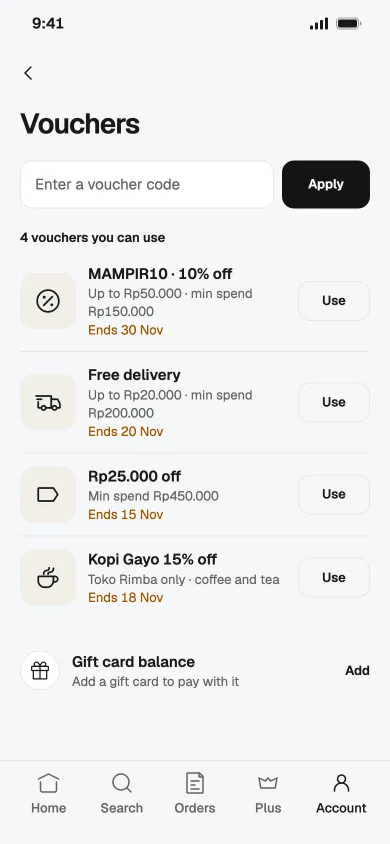
- Applied at checkoutPro
- Not eligiblePro
- Gift card number and PINPro
- Balance appliedPro
See all 5 screens, at mobile and desktop.Pro opens the whole flow in your Universe, with the prompt and code for each screen.
Upgrade to ProAlready Pro? Open in UniverseWhen to use it
USE WHEN
A shop where people hold codes and gift balance: a wallet of vouchers, one that applies at checkout with the saving shown, a clear not-eligible reason, and a gift card with number and PIN.
AVOID WHEN
A first-time welcome offer on sign-up (use Account › Onboarding), or loyalty points that grow with every order (not built in Universe yet).
Patterns and why they work
3 decisions this flow makes, and the clarity each one buys.
The code field sits above the wallet
Type a code or pick one from the same page
Not eligible says how far away
Rp420.000 of Rp450.000
A gift card is checked before it is used
Number and PIN, then the balance
Each pattern also has its psychology, the intuition behind it and what it rules out, plus layout notes for mobile and desktop.
Open in UniverseStates to cover
The screens people forget until a user hits them.
- Wallet
- Code applied
- Code invalid
- Expired
- Not eligible (minimum spend)
- One voucher per order
- Gift card checked
- Wrong PIN
- Balance applied
- Balance zero
Pairs with
The flows this one hands off to or comes back from.
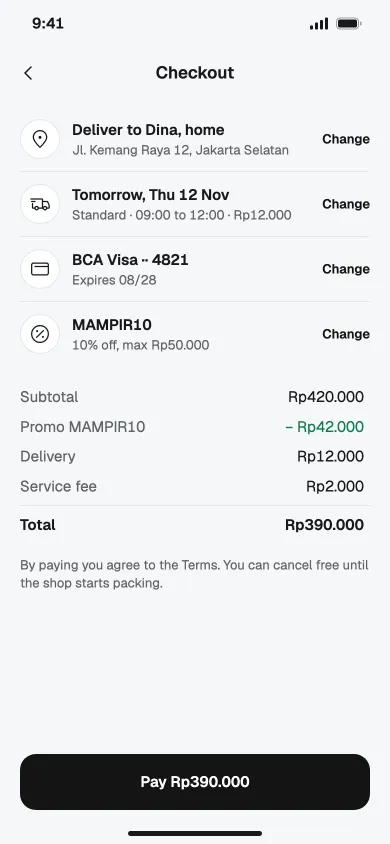
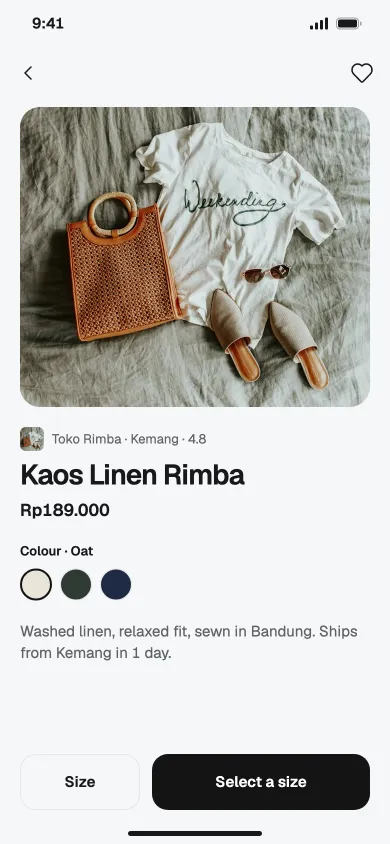
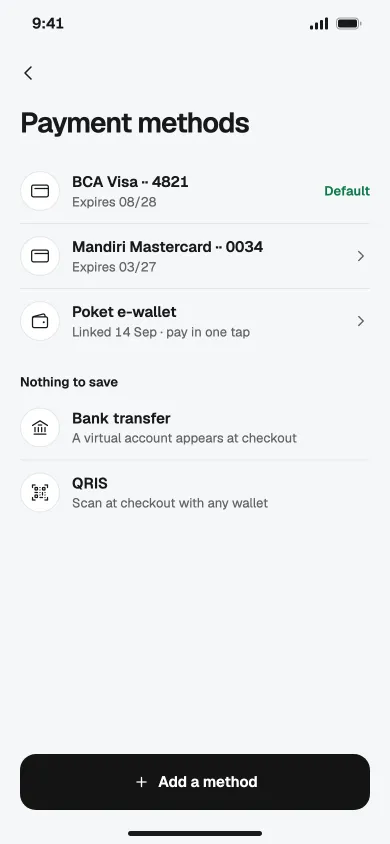
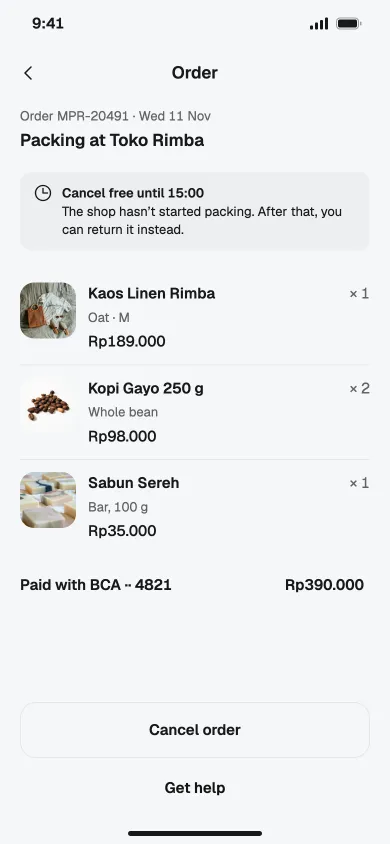
More Commerce flows
Drawn for the same brand, so they fit together.
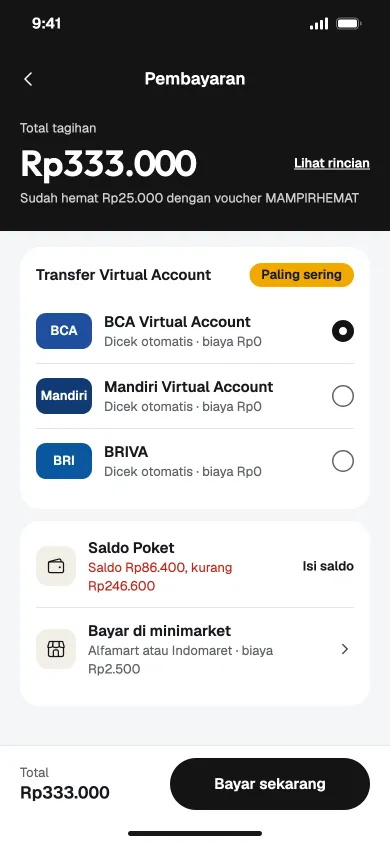
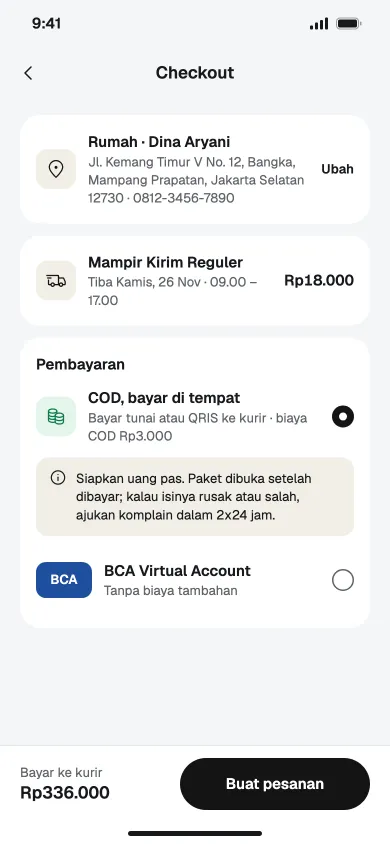
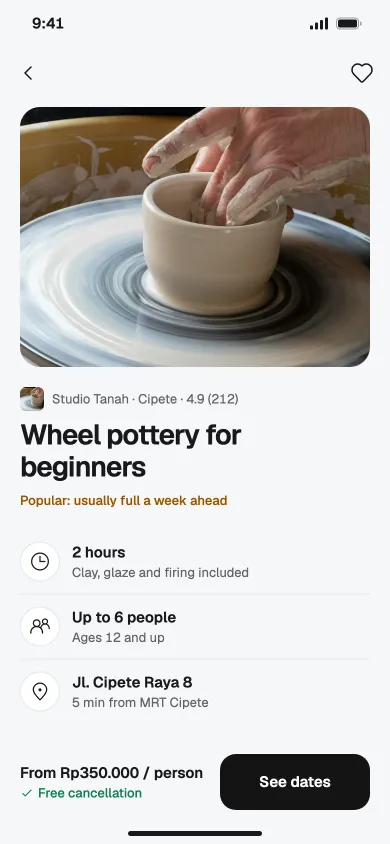
Questions
- When should I use a vouchers and gift cards flow?
- A shop where people hold codes and gift balance: a wallet of vouchers, one that applies at checkout with the saving shown, a clear not-eligible reason, and a gift card with number and PIN. Use another pattern for a first-time welcome offer on sign-up (use Account › Onboarding), or loyalty points that grow with every order (not built in Universe yet).
- Which screens does it need?
- This pattern uses 5: Voucher wallet, Applied at checkout, Not eligible, Gift card number and PIN and Balance applied. Plan for these states too: wallet, code applied, code invalid, expired.
- Is Mampir a real app?
- No. Mampir is a made-up neighbourhood marketplace: order, book, subscribe, so the screens show the pattern without copying anyone's brand. Your agent redraws the flow on your own tokens and components.
- How does my agent use this flow?
- Connect Claude Code, Codex or Claude Desktop to Wonderblok over MCP. The agent calls use_pattern for this flow, reads its screens, rules and states, and draws them in your file.
- Is it free?
- Browsing Universe is free. Full pattern notes and use with your agent are part of Pro, and the Free plan opens a few flows in full each month.