COMMERCE FLOW
Booking and reserving app flow
A commerce flow in 5 screens, from class page to cancel booking. Start your app from it, and your agent draws it on your own design system.
- 5 screens
- 8 patterns
- Mobile and desktop
- Brand: Mampir (made up)
The screens, in order
- Class page
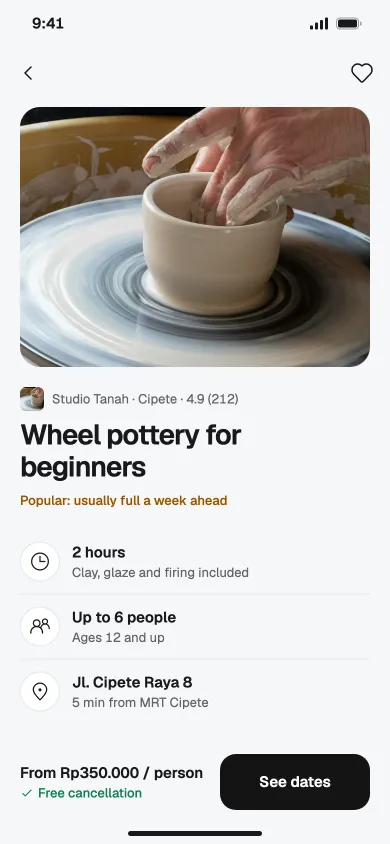
- Date, time and guestsPro
- Confirm and payPro
- BookedPro
- Cancel bookingPro
See all 5 screens, at mobile and desktop.Pro opens the whole flow in your Universe, with the prompt and code for each screen.
Upgrade to ProAlready Pro? Open in UniverseWhen to use it
USE WHEN
Inventory tied to time or capacity: stays, experiences, rides, appointments, tables, classes.
AVOID WHEN
Physical goods with no slot (use Add to cart) or instant on-demand services with no scheduling.
Patterns and why they work
8 decisions this flow makes, and the clarity each one buys.
Sticky price bar with total and dates
Real total, not nightly bait
Free cancellation pill next to Reserve
Risk stated at the decision
Slot cards with time, price and Choose
Each option is complete
Guest steppers with age bands and Clear
Who counts is defined
Dated refund timeline
Before X full, Before Y partial, After none
Honest scarcity
One factual line
Keep booking as the primary on cancel
Two named outcomes
Status tag on the booking card
State at a glance
Each pattern also has its psychology, the intuition behind it and what it rules out, plus layout notes for mobile and desktop.
Open in UniverseStates to cover
The screens people forget until a user hits them.
- No dates selected (price "from")
- Dates selected (total)
- Unavailable or sold out
- Request pending host approval
- Confirmed
- Upcoming reminder
- Modify (price difference)
- Cancelled with refund
- Past booking with review prompt
- Payment failed or OTP timeout
Pairs with
The flows this one hands off to or comes back from.
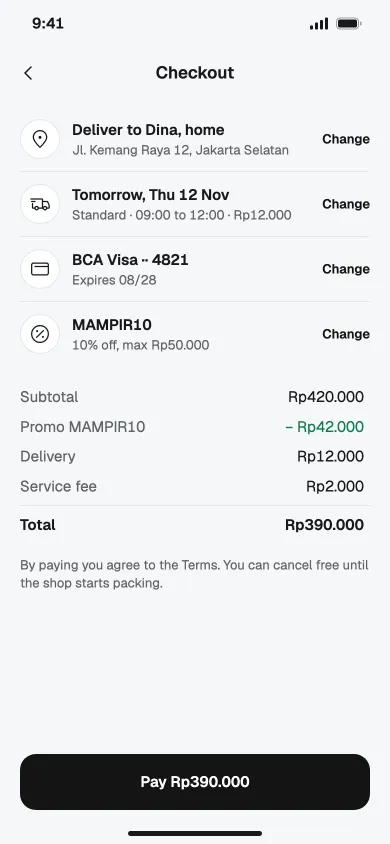
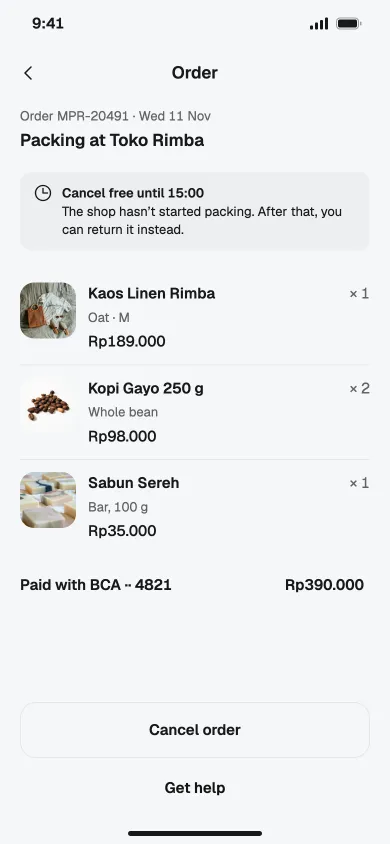
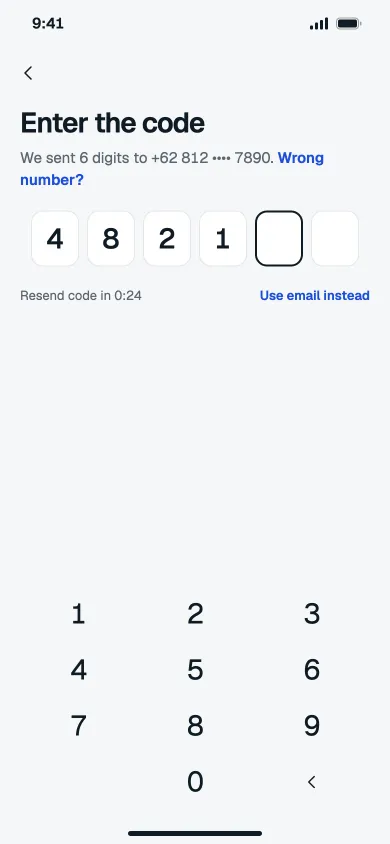
More Commerce flows
Drawn for the same brand, so they fit together.
Questions
- When should I use a booking and reserving flow?
- Inventory tied to time or capacity: stays, experiences, rides, appointments, tables, classes. Use another pattern for physical goods with no slot (use Add to cart) or instant on-demand services with no scheduling.
- Which screens does it need?
- This pattern uses 5: Class page, Date, time and guests, Confirm and pay, Booked and Cancel booking. Plan for these states too: no dates selected (price "from"), dates selected (total), unavailable or sold out, request pending host approval.
- Is Mampir a real app?
- No. Mampir is a made-up neighbourhood marketplace: order, book, subscribe, so the screens show the pattern without copying anyone's brand. Your agent redraws the flow on your own tokens and components.
- How does my agent use this flow?
- Connect Claude Code, Codex or Claude Desktop to Wonderblok over MCP. The agent calls use_pattern for this flow, reads its screens, rules and states, and draws them in your file.
- Is it free?
- Browsing Universe is free. Full pattern notes and use with your agent are part of Pro, and the Free plan opens a few flows in full each month.