COMMERCE FLOW
Return an item app flow
A commerce flow in 4 screens, from choose items and reason to return window closed. Start your app from it, and your agent draws it on your own design system.
- 4 screens
- 5 patterns
- Mobile and desktop
- Brand: Mampir (made up)
The screens, in order
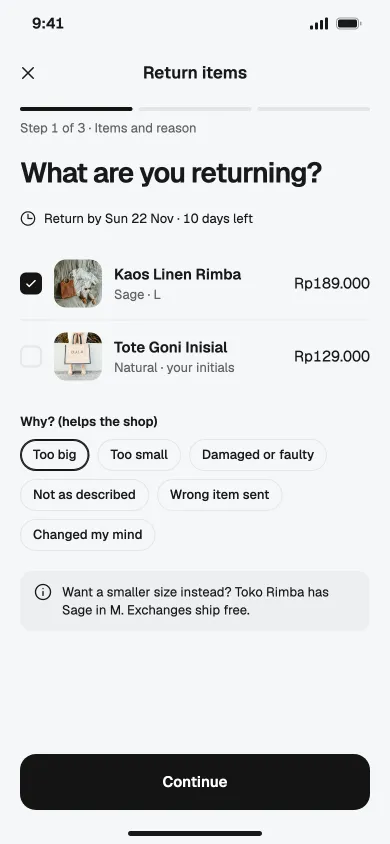
- Choose items and reason
- How to send it backPro
- Return startedPro
- Return window closedPro
See all 4 screens, at mobile and desktop.Pro opens the whole flow in your Universe, with the prompt and code for each screen.
Upgrade to ProAlready Pro? Open in UniverseWhen to use it
USE WHEN
A delivered item goes back to the shop for a refund or an exchange.
AVOID WHEN
The order has not shipped (use Cancel order and refund) or a subscription ends (use Subscriptions).
Patterns and why they work
5 decisions this flow makes, and the clarity each one buys.
Deadline stated on the first screen
How long you have is never a surprise
Reason chips plus an exchange offer
A reason in one tap
Drop-off versus pickup as priced options
Cost and date per method
QR code instead of a printed label
Show it at the counter
Refund after inspection, with the amount
When the money comes back and how much
Each pattern also has its psychology, the intuition behind it and what it rules out, plus layout notes for mobile and desktop.
Open in UniverseStates to cover
The screens people forget until a user hits them.
- Items and reason
- Exchange offered
- Method and refund destination
- Condition acknowledgement
- Return started with QR
- Dropped off
- Refund pending after inspection
- Refunded
- Window closed
- Item not returnable (final sale)
Pairs with
The flows this one hands off to or comes back from.
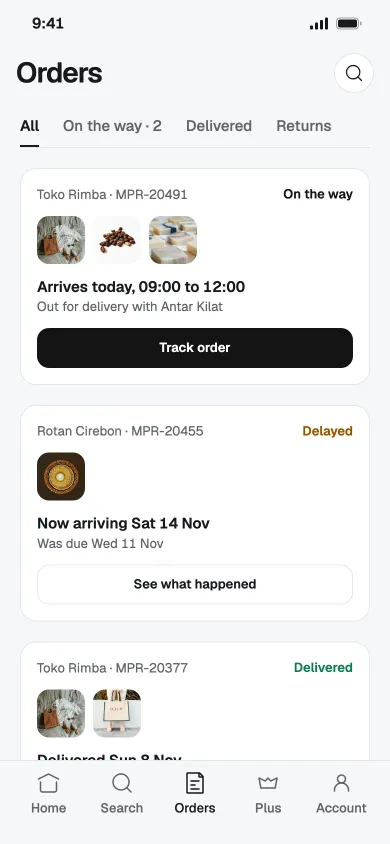
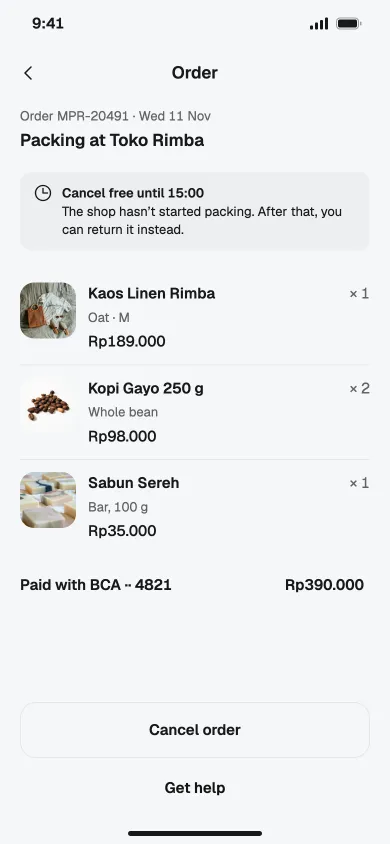
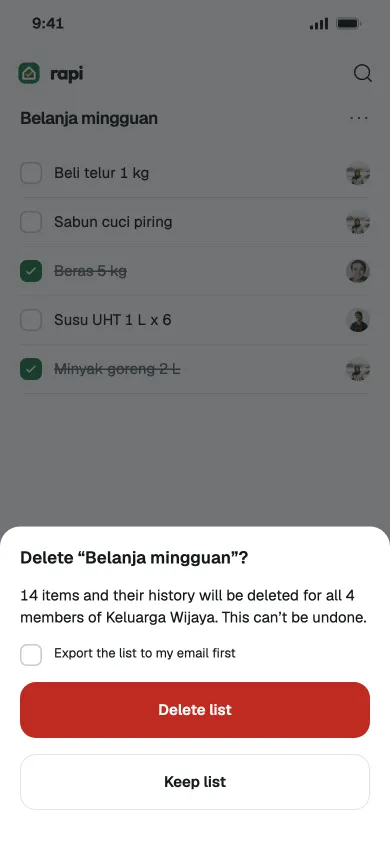
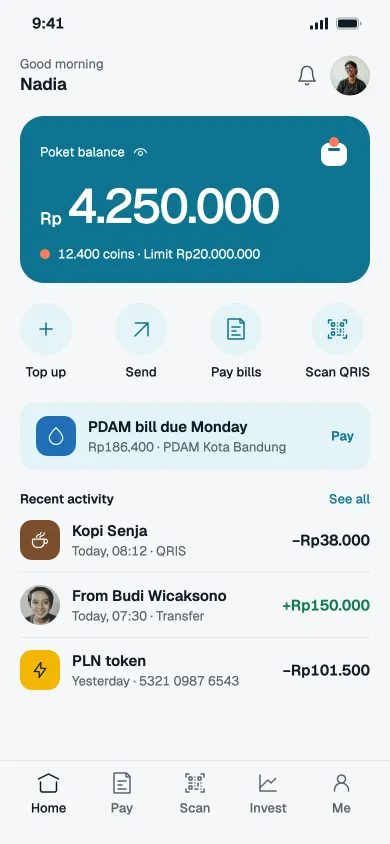
More Commerce flows
Drawn for the same brand, so they fit together.
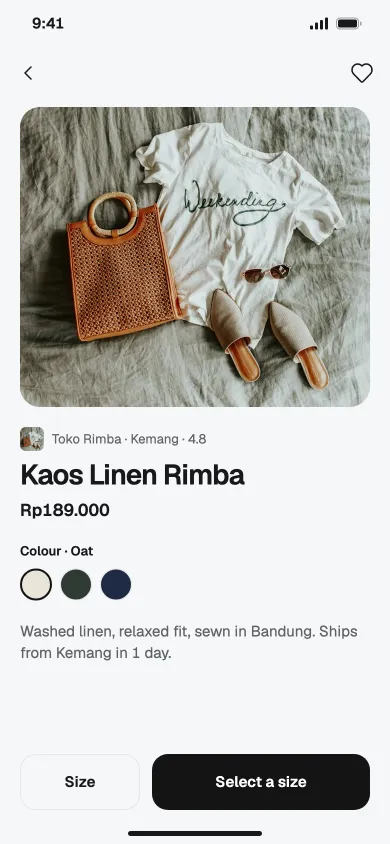
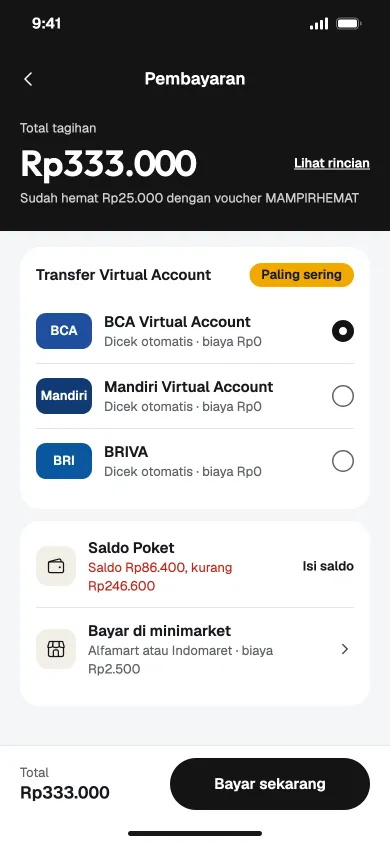
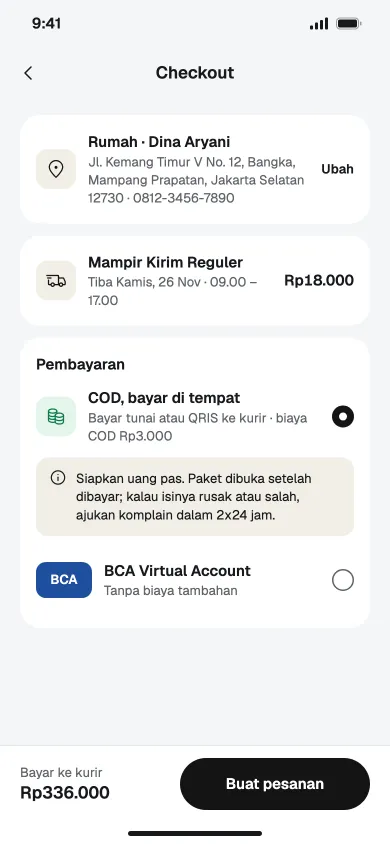
Questions
- When should I use a return an item flow?
- A delivered item goes back to the shop for a refund or an exchange. Use another pattern for the order has not shipped (use Cancel order and refund) or a subscription ends (use Subscriptions).
- Which screens does it need?
- This pattern uses 4: Choose items and reason, How to send it back, Return started and Return window closed. Plan for these states too: items and reason, exchange offered, method and refund destination, condition acknowledgement.
- Is Mampir a real app?
- No. Mampir is a made-up neighbourhood marketplace: order, book, subscribe, so the screens show the pattern without copying anyone's brand. Your agent redraws the flow on your own tokens and components.
- How does my agent use this flow?
- Connect Claude Code, Codex or Claude Desktop to Wonderblok over MCP. The agent calls use_pattern for this flow, reads its screens, rules and states, and draws them in your file.
- Is it free?
- Browsing Universe is free. Full pattern notes and use with your agent are part of Pro, and the Free plan opens a few flows in full each month.