COMMERCE FLOW
Bayar dengan Virtual Account app flow
A commerce flow in 5 screens, from pilih pembayaran to waktu bayar habis. Start your app from it, and your agent draws it on your own design system.
- 5 screens
- 6 patterns
- Mobile and desktop
- Brand: Mampir (made up)
The screens, in order
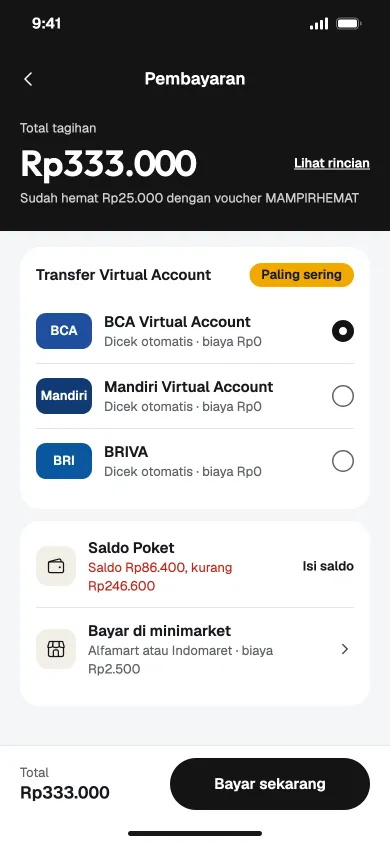
- Pilih pembayaran
- Menunggu pembayaranPro
- Belum masukPro
- Pembayaran diterimaPro
- Waktu bayar habisPro
See all 5 screens, at mobile and desktop.Pro opens the whole flow in your Universe, with the prompt and code for each screen.
Upgrade to ProAlready Pro? Open in UniverseWhen to use it
USE WHEN
An Indonesian checkout takes bank transfer: the buyer gets a virtual account (VA) number per order, pays from any m-banking, ATM or internet banking, and the order confirms itself when the money lands.
AVOID WHEN
You sell outside Indonesia, or the payment is instant in-app: use Commerce › Checkout. Topping up a wallet by VA is Isi saldo e-wallet.
Patterns and why they work
6 decisions this flow makes, and the clarity each one buys.
Total in the header band, VA banks as coloured tiles with 'Dicek otomatis · biaya Rp0', the most used bank preselected
The buyer checks the amount once, then only picks a bank; tiles are type on colour, never a bank's logo
VA number and exact amount each with its own Salin button, and a warning that a different amount is refused
Pasting both into m-banking removes the commonest failure (typing the number or the amount wrong)
Deadline as a date and a countdown pill ('Bayar sebelum Selasa, 24 Nov, 14.35 WIB' and 23:59:12)
A visible clock moves people to pay now; the date and WIB time make it unambiguous across time zones
How to pay per channel in an accordion (m-banking open, ATM and internet banking closed), the payee name to check
One set of steps at a time; checking the payee name ('MAMPIR · DINA ARYANI') protects against a wrong VA
'Cek status pembayaran' plus auto-check: a 'Belum masuk' state with what to check and how long transfers take Trust: the buyer is told the system checks every minute, so the button is reassurance, not the only way
Expired: the VA is dead, money sent late returns in 1x24 hours, stock and voucher kept, one action to pay again No dead end: the order can be retried without rebuilding the cart
Each pattern also has its psychology, the intuition behind it and what it rules out, plus layout notes for mobile and desktop.
Open in UniverseStates to cover
The screens people forget until a user hits them.
- Choose bank
- Waiting (VA, amount, countdown, steps)
- Not received yet after a check
- Paid
- Expired
- Amount mismatch refused by the bank
- VA list loading
- Bank under maintenance
Pairs with
The flows this one hands off to or comes back from.
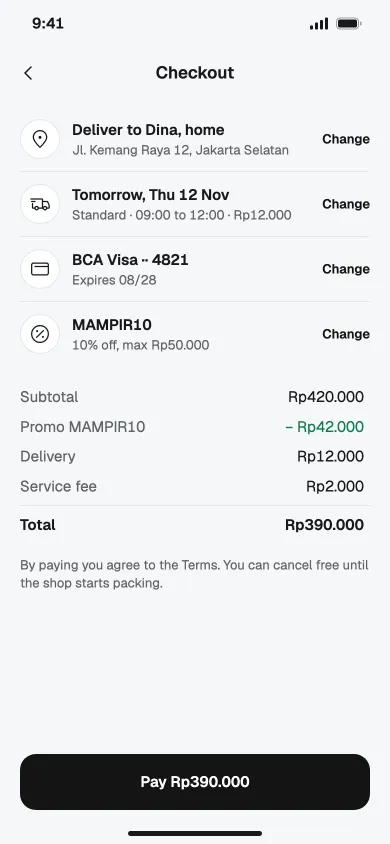
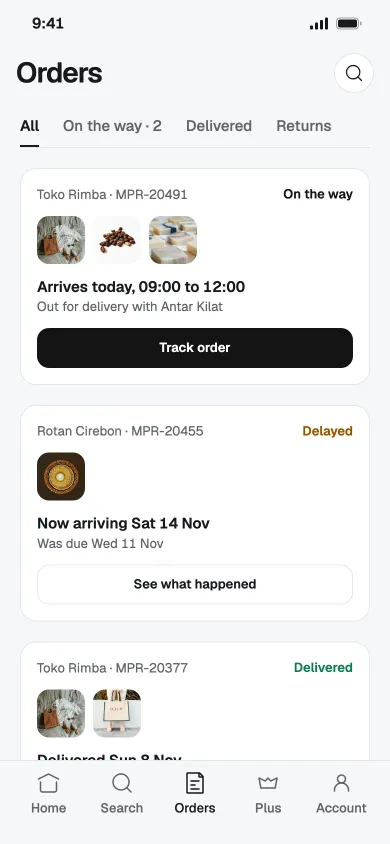
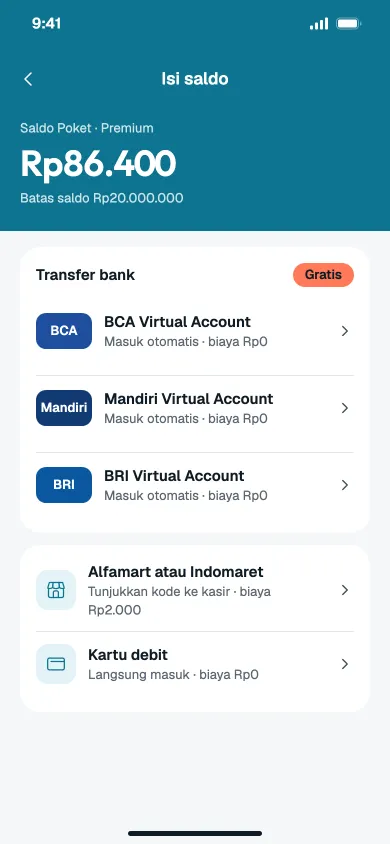
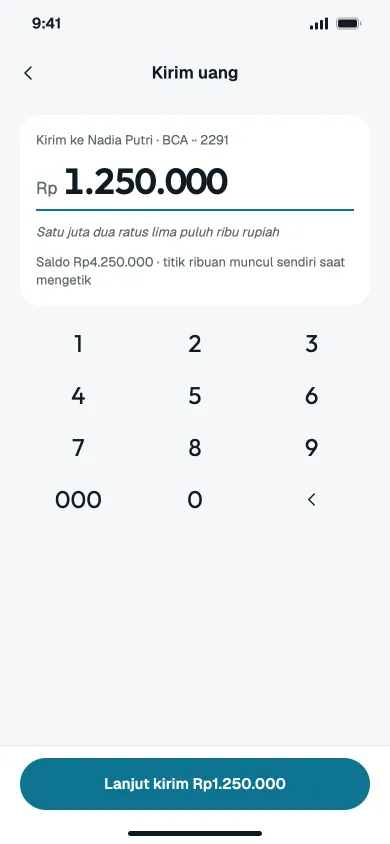
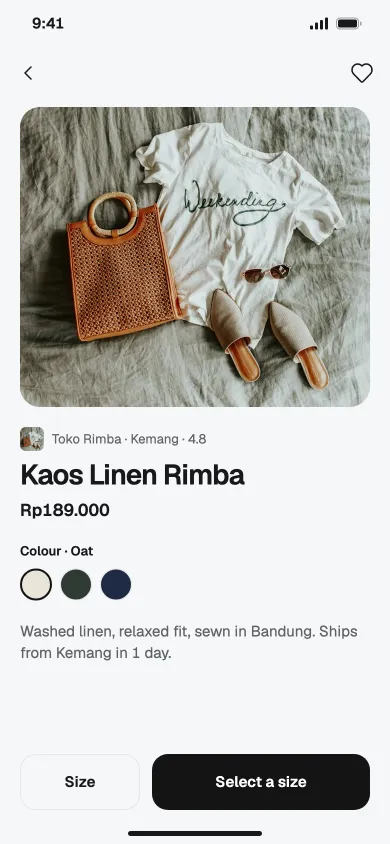
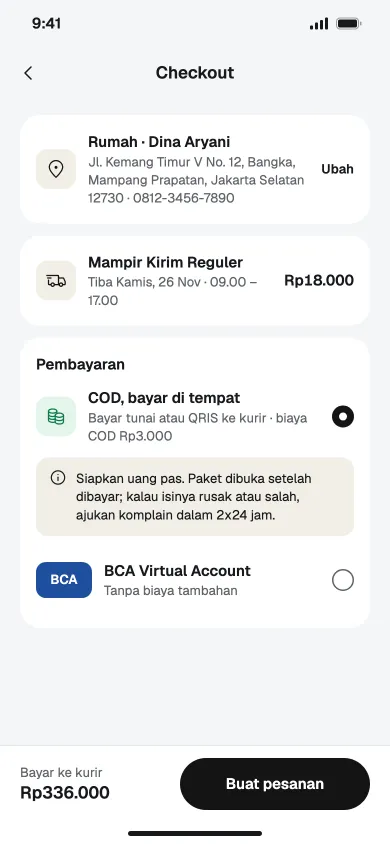
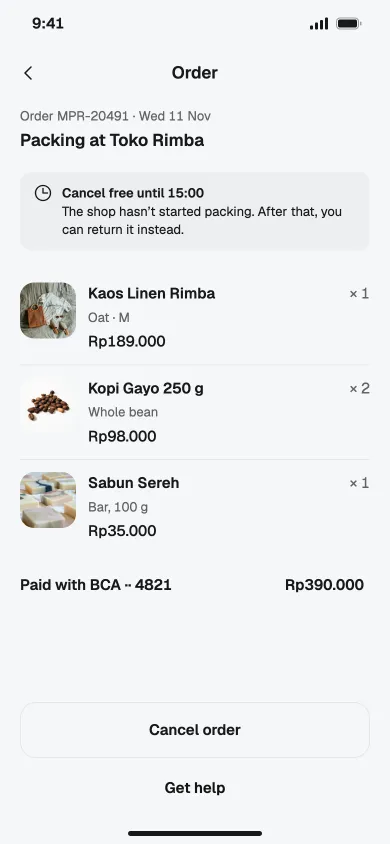
More Commerce flows
Drawn for the same brand, so they fit together.
Questions
- When should I use a bayar dengan virtual account flow?
- An Indonesian checkout takes bank transfer: the buyer gets a virtual account (VA) number per order, pays from any m-banking, ATM or internet banking, and the order confirms itself when the money lands. Use another pattern for you sell outside Indonesia, or the payment is instant in-app: use Commerce › Checkout. Topping up a wallet by VA is Isi saldo e-wallet.
- Which screens does it need?
- This pattern uses 5: Pilih pembayaran, Menunggu pembayaran, Belum masuk, Pembayaran diterima and Waktu bayar habis. Plan for these states too: choose bank, waiting (va, amount, countdown, steps), not received yet after a check, paid.
- Is Mampir a real app?
- No. Mampir is a made-up neighbourhood marketplace: order, book, subscribe, so the screens show the pattern without copying anyone's brand. Your agent redraws the flow on your own tokens and components.
- How does my agent use this flow?
- Connect Claude Code, Codex or Claude Desktop to Wonderblok over MCP. The agent calls use_pattern for this flow, reads its screens, rules and states, and draws them in your file.
- Is it free?
- Browsing Universe is free. Full pattern notes and use with your agent are part of Pro, and the Free plan opens a few flows in full each month.