MAPS AND NAVIGATION FLOW
Transit departures and lines app flow
A maps and navigation flow in 4 screens, from nearby departures to no more service tonight. Start your app from it, and your agent draws it on your own design system.
- 4 screens
- 6 patterns
- Mobile and desktop
- Brand: Tuju (made up)
The screens, in order
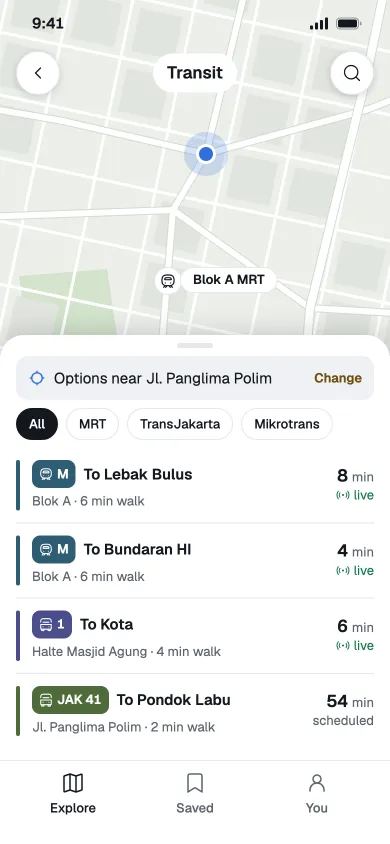
- Nearby departures
- Transit itineraryPro
- Line detailPro
- No more service tonightPro
See all 4 screens, at mobile and desktop.Pro opens the whole flow in your Universe, with the prompt and code for each screen.
Upgrade to ProAlready Pro? Open in UniverseWhen to use it
USE WHEN
A city map serves people who ride trains and buses (MRT, KRL, TransJakarta) and need live departures near them, a stop-by-stop plan, and line timetables.
AVOID WHEN
The trip needs a ticket booked ahead (use Travel › Search trips) or only driving and walking matter (use Directions and route options alone).
Patterns and why they work
6 decisions this flow makes, and the clarity each one buys.
Live minutes as the biggest number, with "live" or "scheduled" under it
How long until it leaves
Line badges in line colours plus a colour bar on each row
Which line at a glance
Itinerary as one timeline (walk, board, ride, walk) with times on the right
Every leg and when it starts
Late departure as struck scheduled time plus a red now time and a plain note
What changed and by how much
Stop timeline with the rider's stops bold and labelled Board here and Get off here
Where to get on and off
No more service as a state with the first departure tomorrow and other options
Why there is no plan
Each pattern also has its psychology, the intuition behind it and what it rules out, plus layout notes for mobile and desktop.
Open in UniverseStates to cover
The screens people forget until a user hits them.
- Nearby departures
- Filter by mode
- Scheduled-only line
- No departures nearby
- Itinerary leave now
- Late departure still connecting
- Missed connection with next option
- Line detail with alerts
- Lift or station closure
- Last train passed with first departure and alternatives
- Location off
Pairs with
The flows this one hands off to or comes back from.
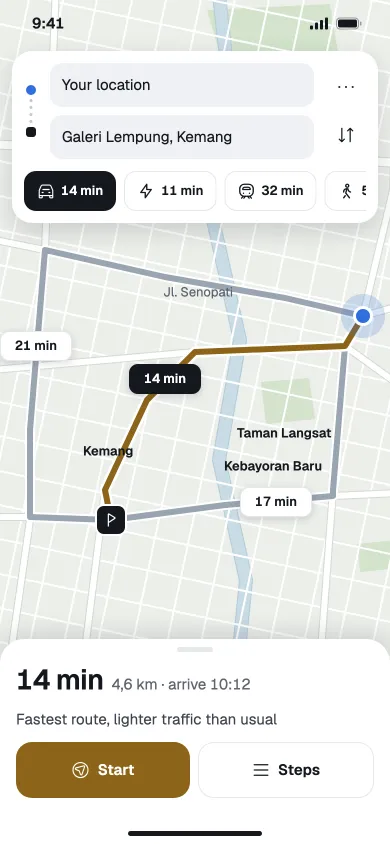
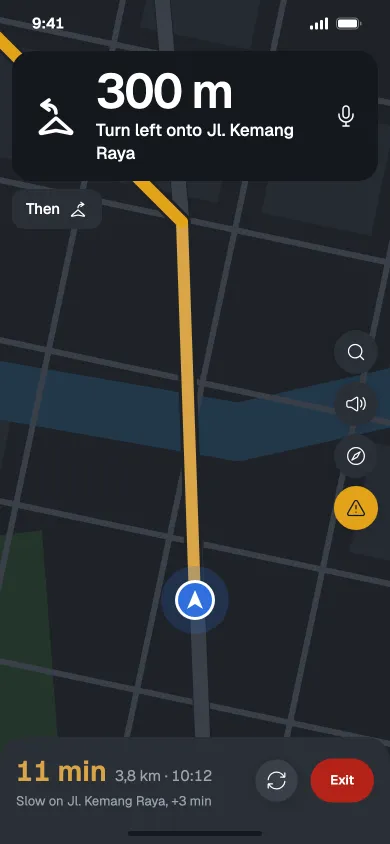
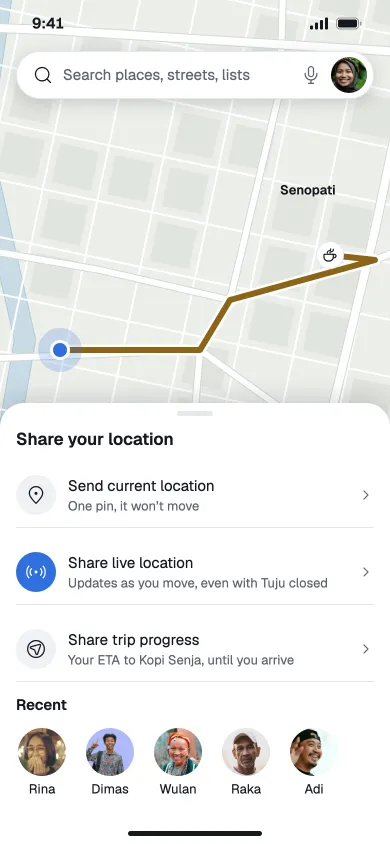
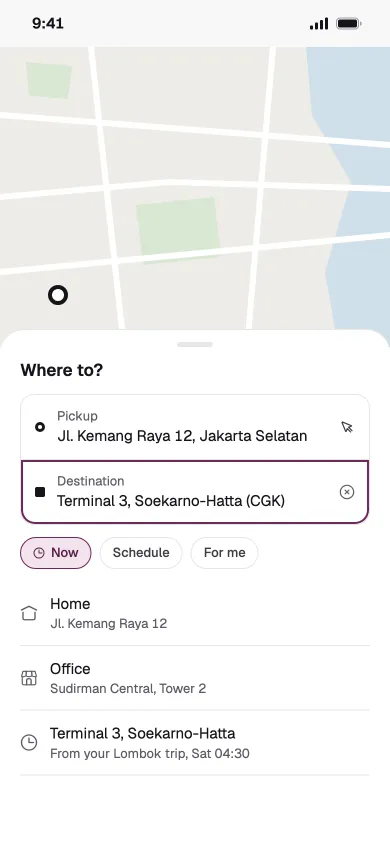
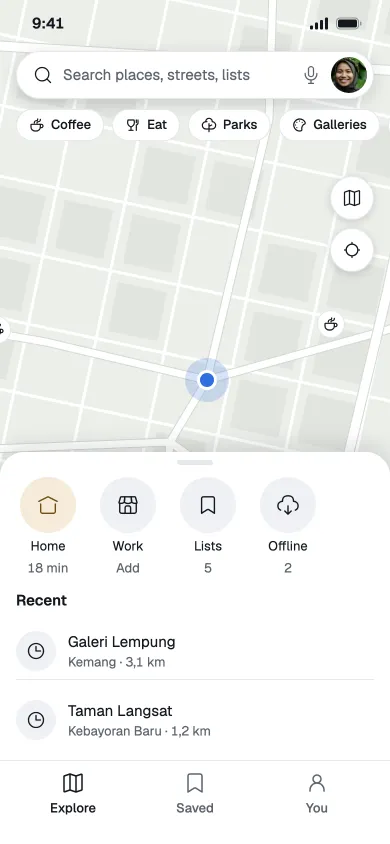
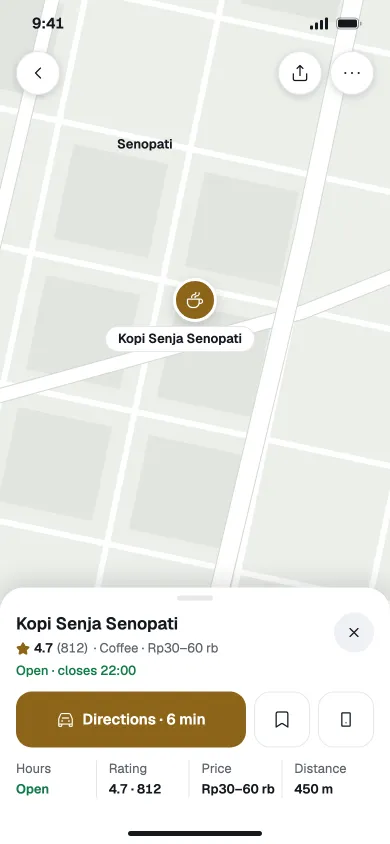
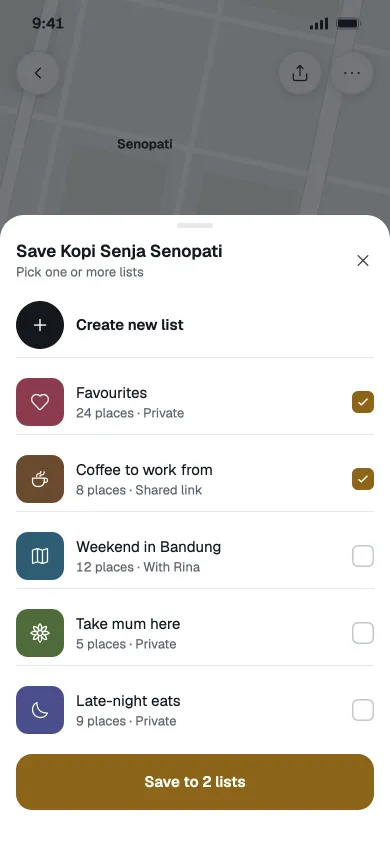
More Maps and Navigation flows
Drawn for the same brand, so they fit together.
Questions
- When should I use a transit departures and lines flow?
- A city map serves people who ride trains and buses (MRT, KRL, TransJakarta) and need live departures near them, a stop-by-stop plan, and line timetables. Use another pattern for the trip needs a ticket booked ahead (use Travel › Search trips) or only driving and walking matter (use Directions and route options alone).
- Which screens does it need?
- This pattern uses 4: Nearby departures, Transit itinerary, Line detail and No more service tonight. Plan for these states too: nearby departures, filter by mode, scheduled-only line, no departures nearby.
- Is Tuju a real app?
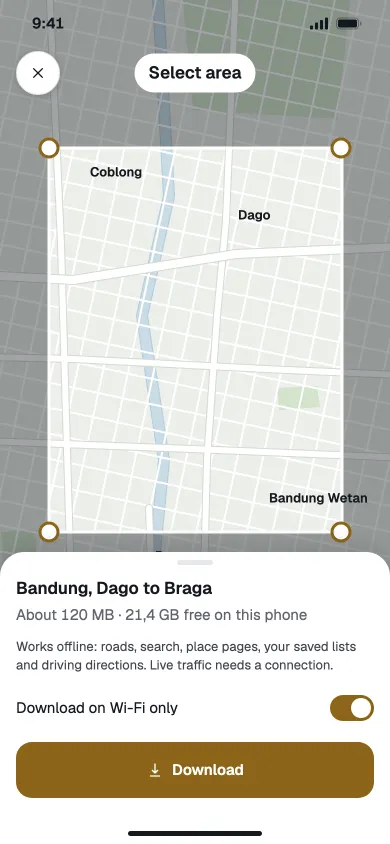
- No. Tuju is a made-up city map of places worth going in Jakarta and Bandung: search, place pages, directions, navigation, saved lists, live location and offline maps, so the screens show the pattern without copying anyone's brand. Your agent redraws the flow on your own tokens and components.
- How does my agent use this flow?
- Connect Claude Code, Codex or Claude Desktop to Wonderblok over MCP. The agent calls use_pattern for this flow, reads its screens, rules and states, and draws them in your file.
- Is it free?
- Browsing Universe is free. Full pattern notes and use with your agent are part of Pro, and the Free plan opens a few flows in full each month.