MAPS AND NAVIGATION FLOW
Offline maps app flow
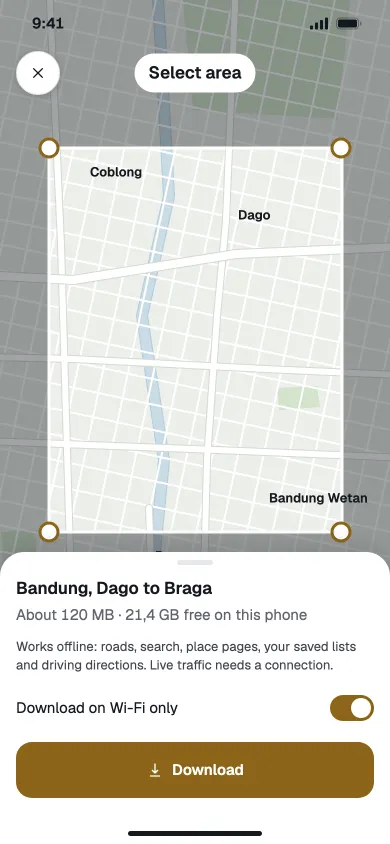
A maps and navigation flow in 6 screens, from select download area to update available. Start your app from it, and your agent draws it on your own design system.
- 6 screens
- 6 patterns
- Mobile and desktop
- Brand: Tuju (made up)
The screens, in order
- Select download area
- DownloadingPro
- Offline maps listPro
- Map detail and managePro
- Not enough spacePro
- Update availablePro
See all 6 screens, at mobile and desktop.Pro opens the whole flow in your Universe, with the prompt and code for each screen.
Upgrade to ProAlready Pro? Open in UniverseWhen to use it
USE WHEN
Travel, hiking, cycling, low-coverage regions, roaming abroad.
AVOID WHEN
The product needs live data to be useful (live traffic only) or areas would be too large to store; offer a list of places instead.
Patterns and why they work
6 decisions this flow makes, and the clarity each one buys.
Download as a first-class place action
Offline is available where trips start
Size and contents before downloading
Cost in storage and value
Progress inside the button
It is working and can be stopped
Name the area
Maps are findable later
Freshness and delete in detail
How current and how big
Teaching empty state
What this page is for
Each pattern also has its psychology, the intuition behind it and what it rules out, plus layout notes for mobile and desktop.
Open in UniverseStates to cover
The screens people forget until a user hits them.
- Entry from place card
- Area selection with estimate
- Area too large
- Name area
- Storage warning
- Downloading in button
- Downloading in list
- Paused on cellular
- Downloaded with check
- Offline maps list
- Map detail
- Resize area
- Update available
- Expired map
- Delete confirmation
- Offline mode banner
- Empty offline list
- Drawn in wave 3: storage full before a download
- Maps with updates waiting
Pairs with
The flows this one hands off to or comes back from.
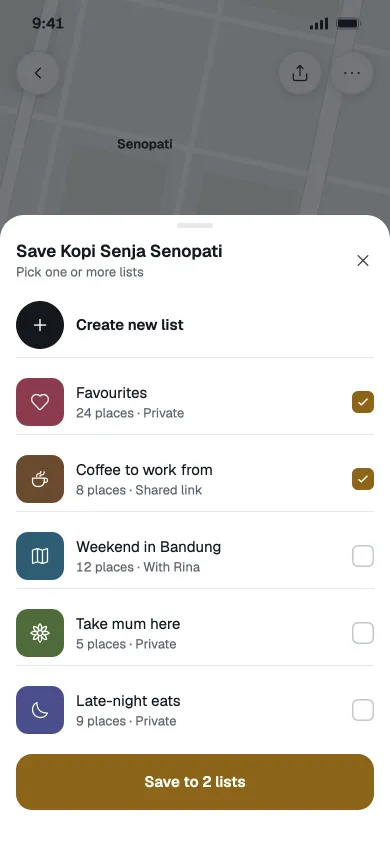
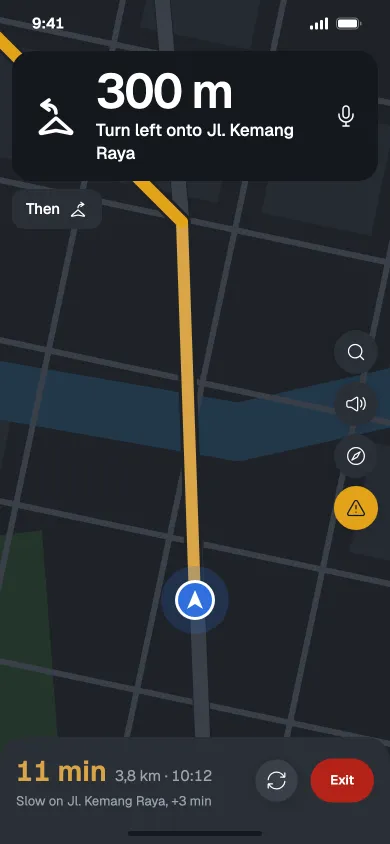
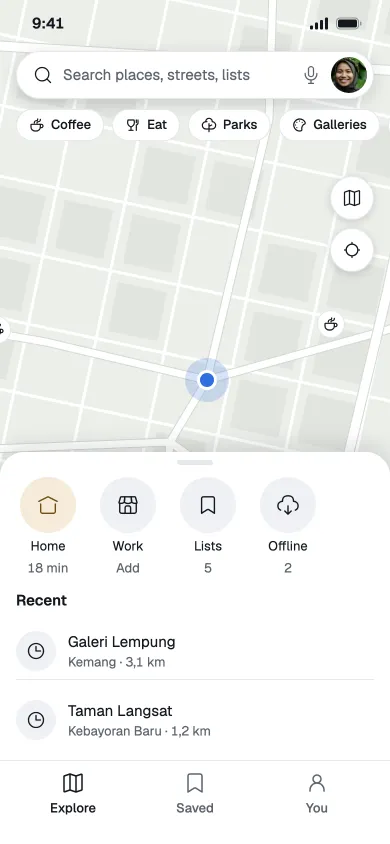
More Maps and Navigation flows
Drawn for the same brand, so they fit together.
Questions
- When should I use a offline maps flow?
- Travel, hiking, cycling, low-coverage regions, roaming abroad. Use another pattern for the product needs live data to be useful (live traffic only) or areas would be too large to store; offer a list of places instead.
- Which screens does it need?
- This pattern uses 6: Select download area, Downloading, Offline maps list, Map detail and manage, Not enough space and Update available. Plan for these states too: entry from place card, area selection with estimate, area too large, name area.
- Is Tuju a real app?
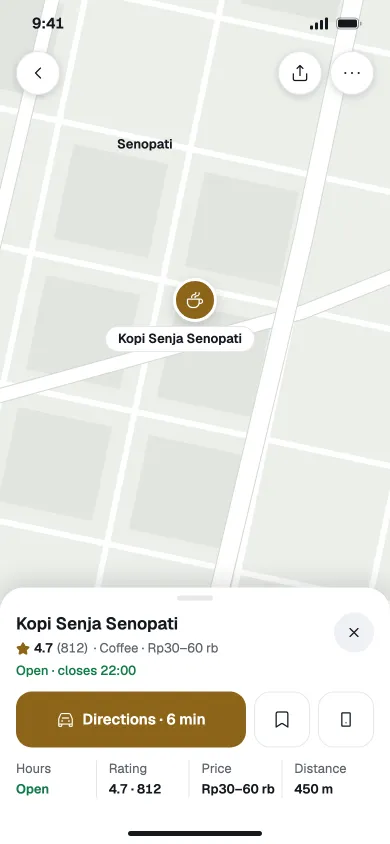
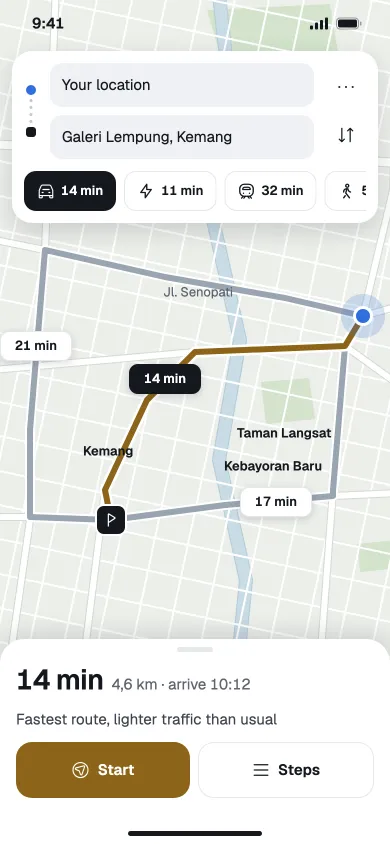
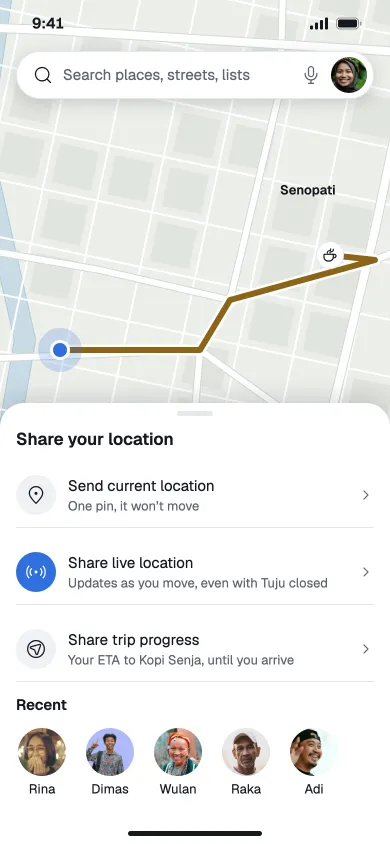
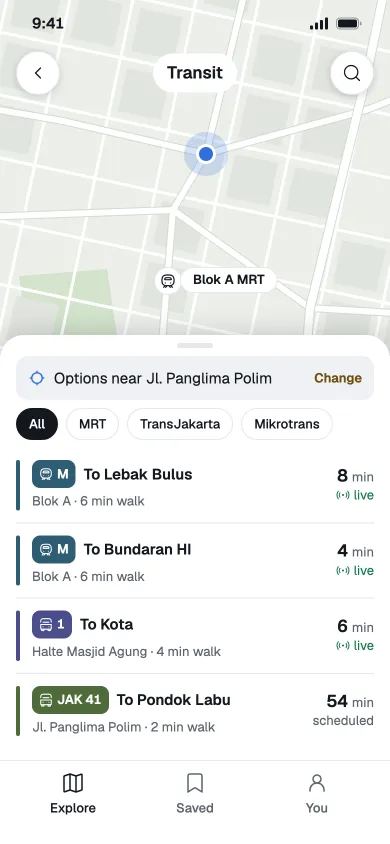
- No. Tuju is a made-up city map of places worth going in Jakarta and Bandung: search, place pages, directions, navigation, saved lists, live location and offline maps, so the screens show the pattern without copying anyone's brand. Your agent redraws the flow on your own tokens and components.
- How does my agent use this flow?
- Connect Claude Code, Codex or Claude Desktop to Wonderblok over MCP. The agent calls use_pattern for this flow, reads its screens, rules and states, and draws them in your file.
- Is it free?
- Browsing Universe is free. Full pattern notes and use with your agent are part of Pro, and the Free plan opens a few flows in full each month.