MAPS AND NAVIGATION FLOW
Directions and route options app flow
A maps and navigation flow in 7 screens, from route overview with modes to arrive by. Start your app from it, and your agent draws it on your own design system.
- 7 screens
- 6 patterns
- Mobile and desktop
- Brand: Tuju (made up)
The screens, in order
- Route overview with modes
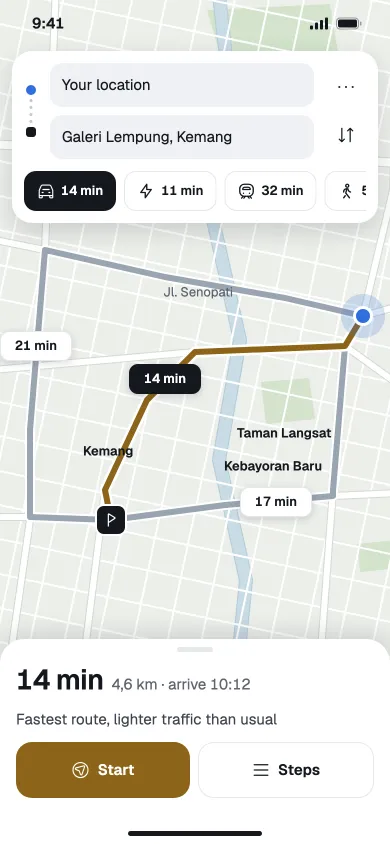
- Alternate routes comparedPro
- Route options and avoidPro
- Steps listPro
- Add a stopPro
- No route foundPro
- Arrive byPro
See all 7 screens, at mobile and desktop.Pro opens the whole flow in your Universe, with the prompt and code for each screen.
Upgrade to ProAlready Pro? Open in UniverseWhen to use it
USE WHEN
Any A to B journey: driving, walking, cycling, transit, multi-stop errands.
AVOID WHEN
The user cannot act on route choice (a delivery ETA, use Share live location and ETA) or the trip is booked transport with a fixed itinerary (flights, trains: hand to Travel and Transportation).
Patterns and why they work
6 decisions this flow makes, and the clarity each one buys.
Mode strip with times on every mode
Compare walk, drive and transit at a glance
Route cards with a reason label
Why this route
Time callouts on the map routes
Map and list tell the same story
Avoid and depart chips
Active preferences are visible
Route type for active modes
Walking and cycling care about more than time
Warnings in the summary
Risks before Start
Each pattern also has its psychology, the intuition behind it and what it rules out, plus layout notes for mobile and desktop.
Open in UniverseStates to cover
The screens people forget until a user hits them.
- Default driving route
- Alternates shown
- Mode switched to walking
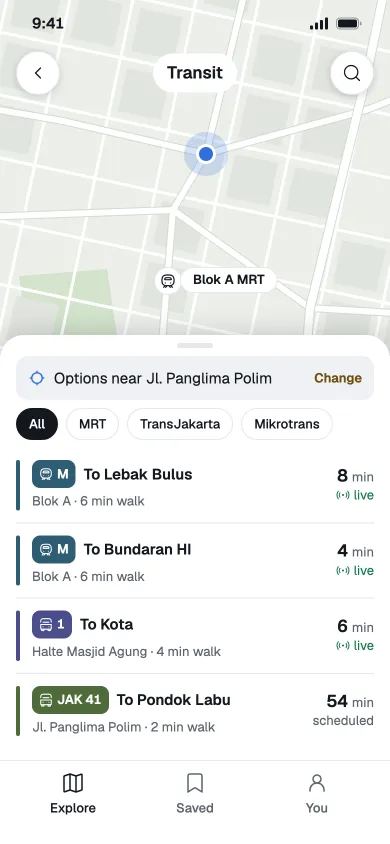
- Transit card (synthesized)
- Cycling with elevation
- Add stop
- Swap ends
- Depart at a set time
- Avoid tolls active
- Steps list
- Route warning
- No route for mode
- Reminder to leave set
- Share directions
- Drawn in wave 3: add a stop with legs
- No route found for walking to a city 148 km away
- Arrive by with the leave-by time
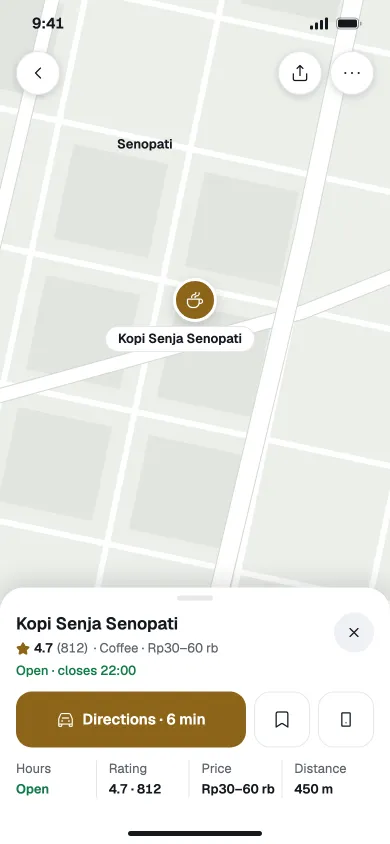
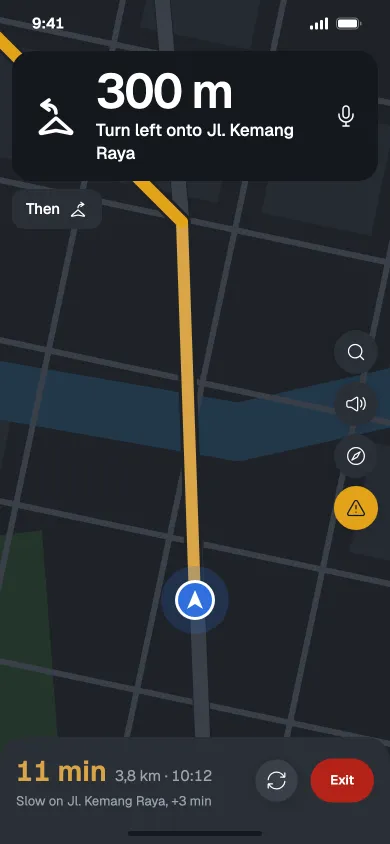
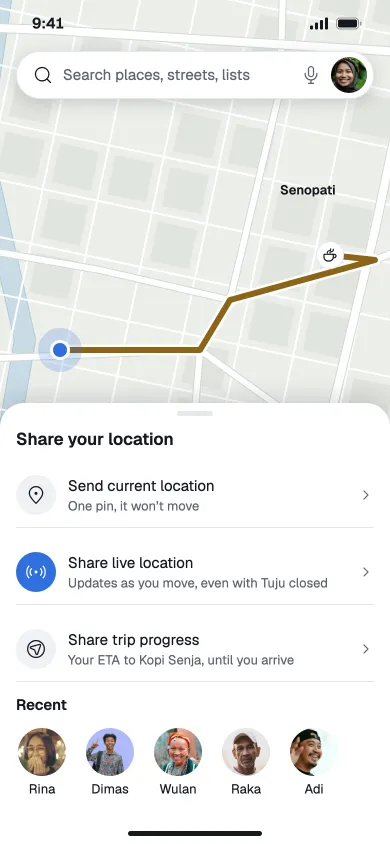
Pairs with
The flows this one hands off to or comes back from.
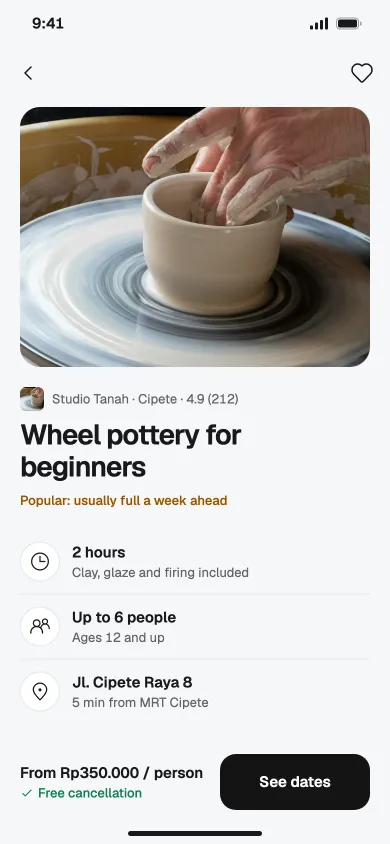
More Maps and Navigation flows
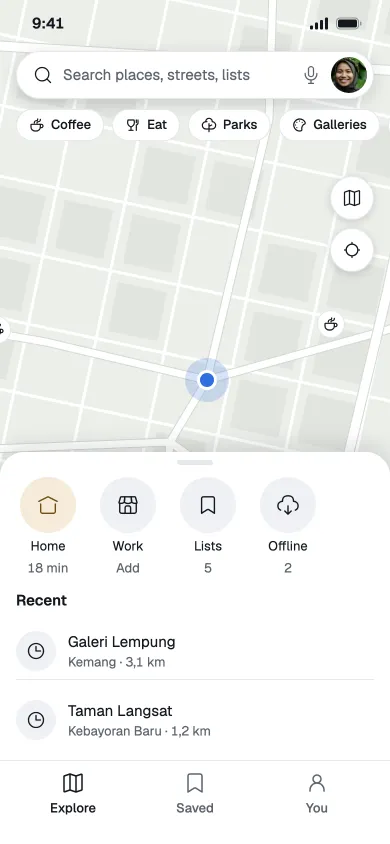
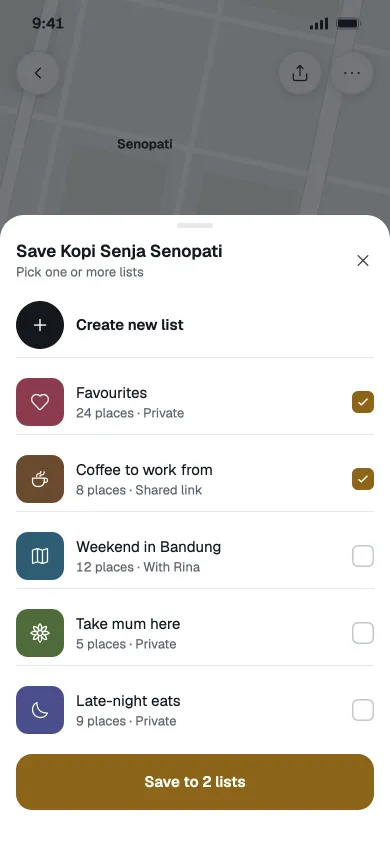
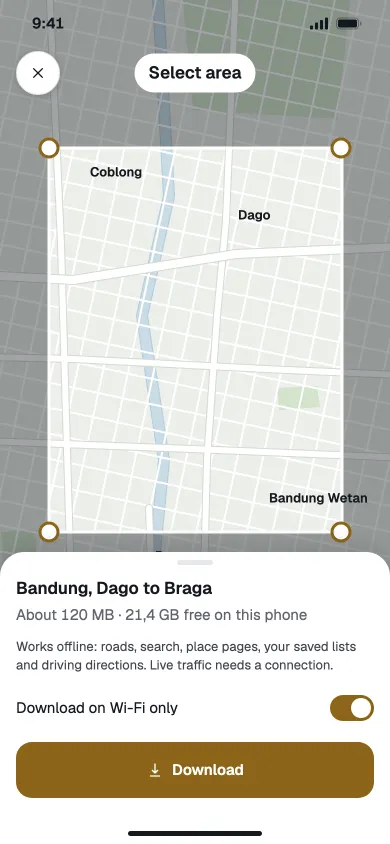
Drawn for the same brand, so they fit together.
Questions
- When should I use a directions and route options flow?
- Any A to B journey: driving, walking, cycling, transit, multi-stop errands. Use another pattern for the user cannot act on route choice (a delivery ETA, use Share live location and ETA) or the trip is booked transport with a fixed itinerary (flights, trains: hand to Travel and Transportation).
- Which screens does it need?
- This pattern uses 7: Route overview with modes, Alternate routes compared, Route options and avoid, Steps list, Add a stop, No route found and Arrive by. Plan for these states too: default driving route, alternates shown, mode switched to walking, transit card (synthesized).
- Is Tuju a real app?
- No. Tuju is a made-up city map of places worth going in Jakarta and Bandung: search, place pages, directions, navigation, saved lists, live location and offline maps, so the screens show the pattern without copying anyone's brand. Your agent redraws the flow on your own tokens and components.
- How does my agent use this flow?
- Connect Claude Code, Codex or Claude Desktop to Wonderblok over MCP. The agent calls use_pattern for this flow, reads its screens, rules and states, and draws them in your file.
- Is it free?
- Browsing Universe is free. Full pattern notes and use with your agent are part of Pro, and the Free plan opens a few flows in full each month.