MAPS AND NAVIGATION FLOW
Turn-by-turn navigation app flow
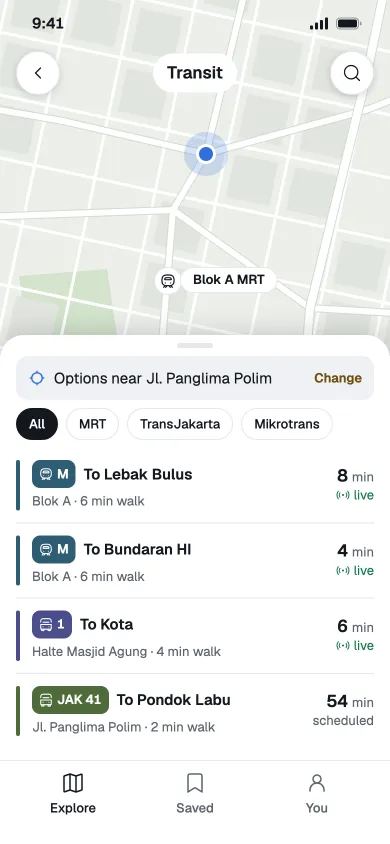
A maps and navigation flow in 7 screens, from navigation banner and bar to voice muted. Start your app from it, and your agent draws it on your own design system.
- 7 screens
- 6 patterns
- Mobile and desktop
- Brand: Tuju (made up)
The screens, in order
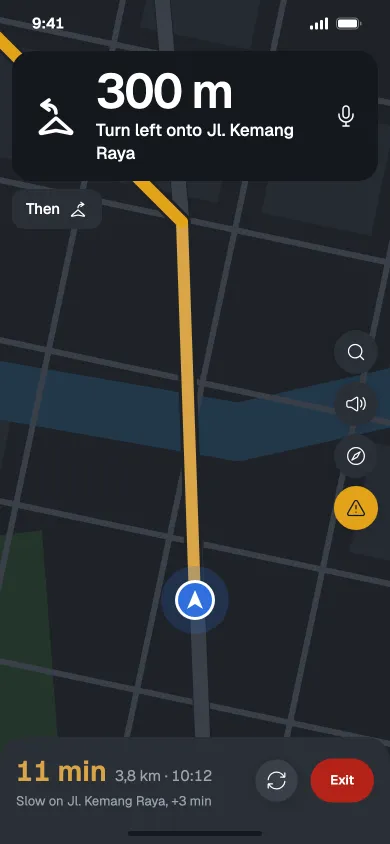
- Navigation banner and bar
- Trip options sheetPro
- Report an incidentPro
- Arriving at destinationPro
- GPS signal lostPro
- Off route and reroutingPro
- Voice mutedPro
See all 7 screens, at mobile and desktop.Pro opens the whole flow in your Universe, with the prompt and code for each screen.
Upgrade to ProAlready Pro? Open in UniverseWhen to use it
USE WHEN
Real-time guidance for driving, cycling or walking where the user cannot study the screen.
AVOID WHEN
The user is a passenger or recipient (use Share live location and ETA) or the trip is a fixed transit itinerary without manoeuvres (use a step list).
Patterns and why they work
6 decisions this flow makes, and the clarity each one buys.
Oversized next-manoeuvre banner
One glance answers what and when
Bottom bar with time, distance and arrival
Progress without opening anything
Traffic colours on the route
Where delay is
Large-tile report picker with a safety line
Incident types as big icons
Confirmation on the map
The report landed
First-run tip bar with Skip
Where settings are
Each pattern also has its psychology, the intuition behind it and what it rules out, plus layout notes for mobile and desktop.
Open in UniverseStates to cover
The screens people forget until a user hits them.
- Start with first-run notice
- Normal guidance
- Complex junction with lanes (synthesized)
- Approaching turn
- Traffic ahead
- Faster route found
- Rerouting
- Options sheet
- Report picker
- Report confirmed
- Muted voice
- GPS lost
- Offline guidance
- Arriving
- End route confirmation
- Drawn in wave 3: GPS lost with last position
- Off route and rerouting
- Voice muted with the three voice choices
Pairs with
The flows this one hands off to or comes back from.
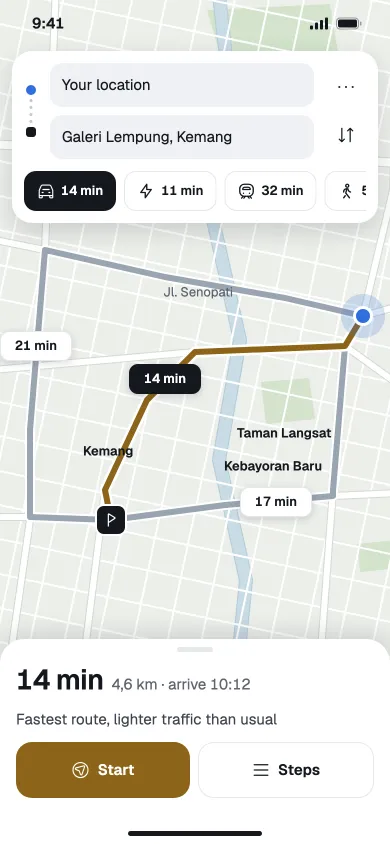
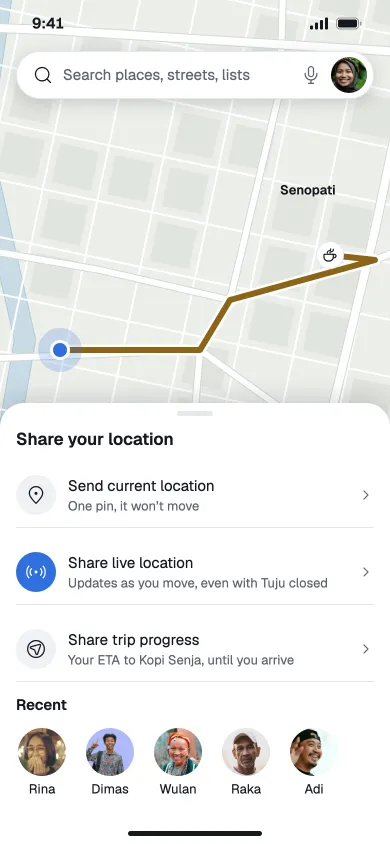
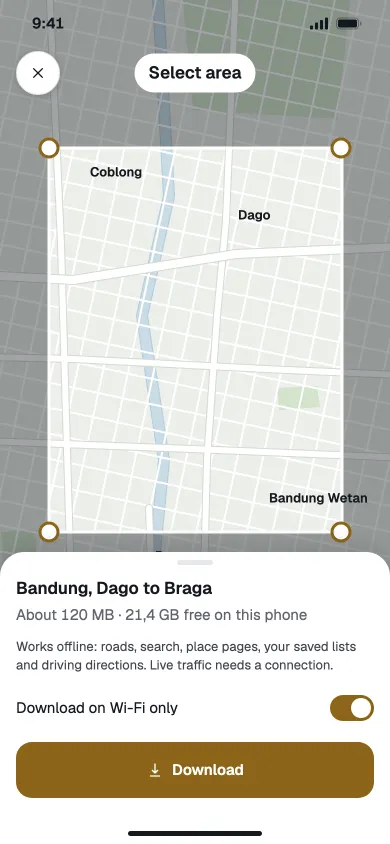
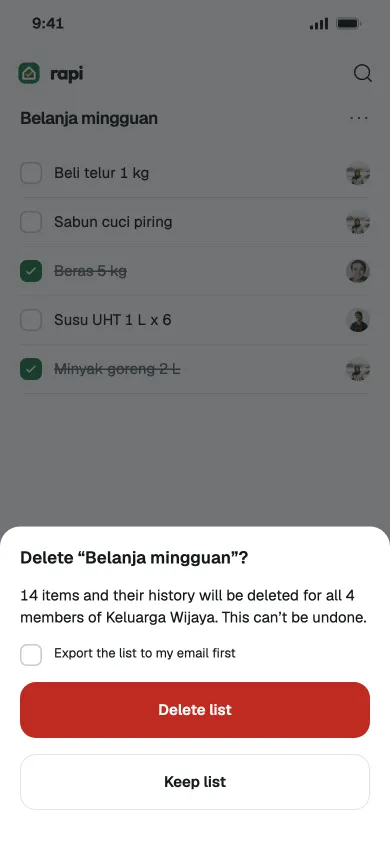
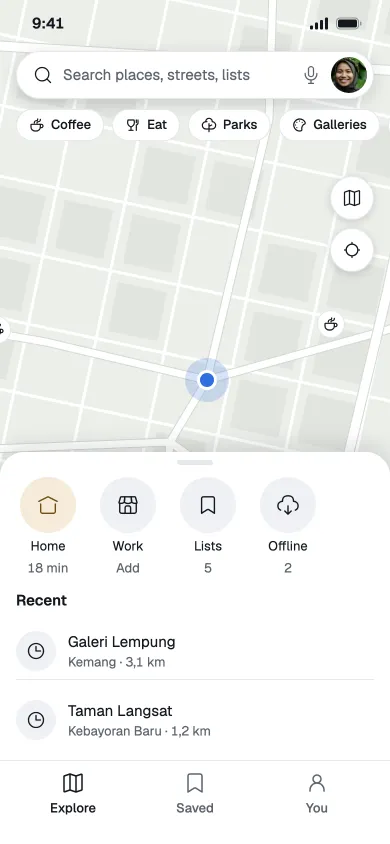
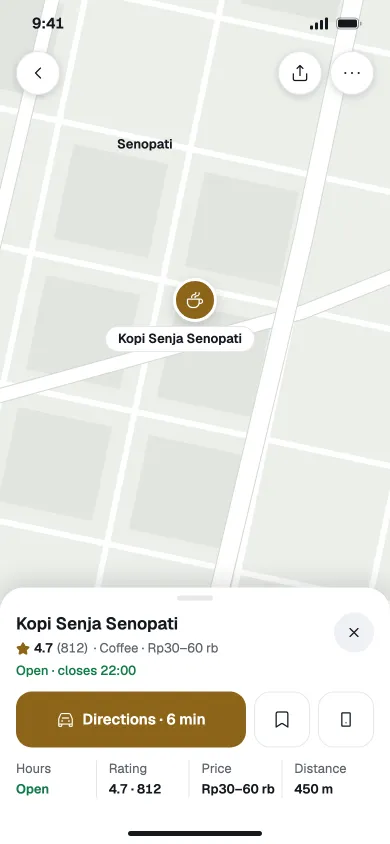
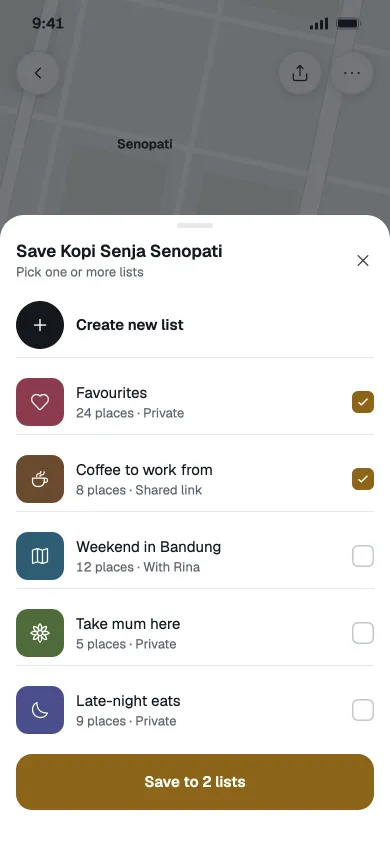
More Maps and Navigation flows
Drawn for the same brand, so they fit together.
Questions
- When should I use a turn-by-turn navigation flow?
- Real-time guidance for driving, cycling or walking where the user cannot study the screen. Use another pattern for the user is a passenger or recipient (use Share live location and ETA) or the trip is a fixed transit itinerary without manoeuvres (use a step list).
- Which screens does it need?
- This pattern uses 7: Navigation banner and bar, Trip options sheet, Report an incident, Arriving at destination, GPS signal lost, Off route and rerouting and Voice muted. Plan for these states too: start with first-run notice, normal guidance, complex junction with lanes (synthesized), approaching turn.
- Is Tuju a real app?
- No. Tuju is a made-up city map of places worth going in Jakarta and Bandung: search, place pages, directions, navigation, saved lists, live location and offline maps, so the screens show the pattern without copying anyone's brand. Your agent redraws the flow on your own tokens and components.
- How does my agent use this flow?
- Connect Claude Code, Codex or Claude Desktop to Wonderblok over MCP. The agent calls use_pattern for this flow, reads its screens, rules and states, and draws them in your file.
- Is it free?
- Browsing Universe is free. Full pattern notes and use with your agent are part of Pro, and the Free plan opens a few flows in full each month.