MAPS AND NAVIGATION FLOW
Search and explore nearby app flow
A maps and navigation flow in 7 screens, from map home with chips to voice search. Start your app from it, and your agent draws it on your own design system.
- 7 screens
- 6 patterns
- Mobile and desktop
- Brand: Tuju (made up)
The screens, in order
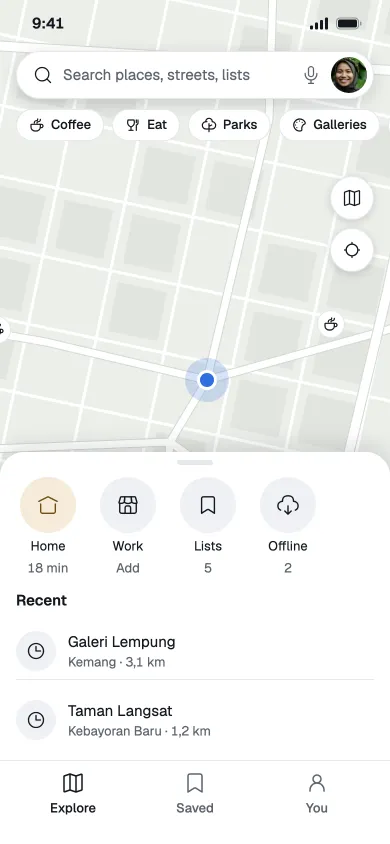
- Map home with chips
- Typing suggestionsPro
- Results map and listPro
- Selected result cardPro
- No resultsPro
- Recent searches clearedPro
- Voice searchPro
See all 7 screens, at mobile and desktop.Pro opens the whole flow in your Universe, with the prompt and code for each screen.
Upgrade to ProAlready Pro? Open in UniverseWhen to use it
USE WHEN
Any product where location is part of the choice: maps, local discovery, store finders, stays and activities.
AVOID WHEN
Location does not affect the decision (use a plain list) or there are only one to three places (show a static map on a detail page instead).
Patterns and why they work
6 decisions this flow makes, and the clarity each one buys.
Search field over the map with chips below
One obvious place to start
Typed suggestion rows with distinct icons
Recent, query and place are told apart
Synced list and pins
Every row has a spot on the map
Rating pills as pins
Quality visible before tapping
Selected result card with live status
The most decision-critical fact up front
Travel time from a fixed point
How far it really is
Each pattern also has its psychology, the intuition behind it and what it rules out, plus layout notes for mobile and desktop.
Open in UniverseStates to cover
The screens people forget until a user hits them.
- Home with chips
- Typing with recents
- Typing with completions and places
- Results on map with list
- Clustered pins
- Pin selected with card
- Swipe between cards
- Map moved with "Search this area"
- Filters applied
- No results
- Location permission denied
- Offline banner
- Ambiguous place picker
- Drawn in wave 3: no results with two filters on
- Recent searches cleared with undo
- Voice search listening
Pairs with
The flows this one hands off to or comes back from.
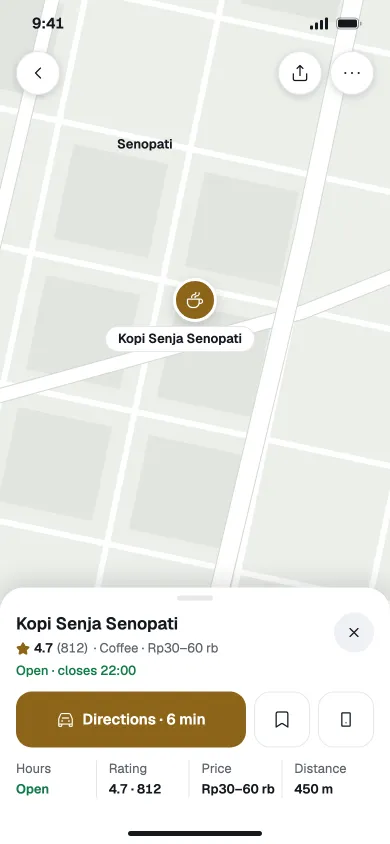
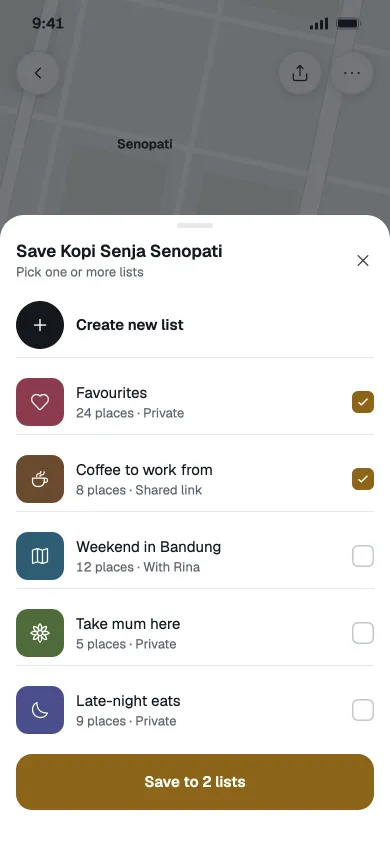
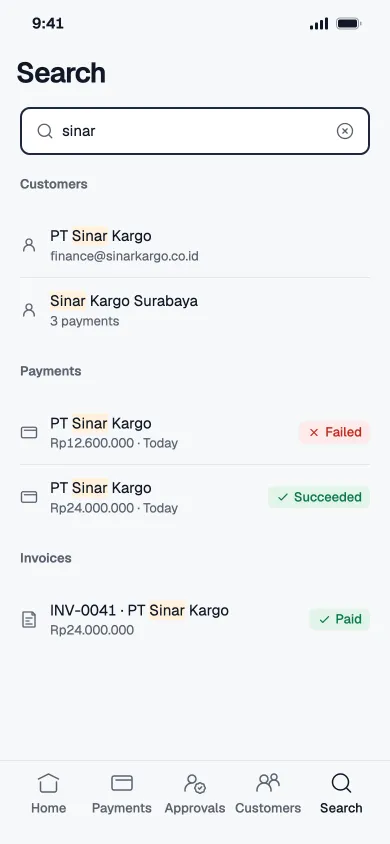
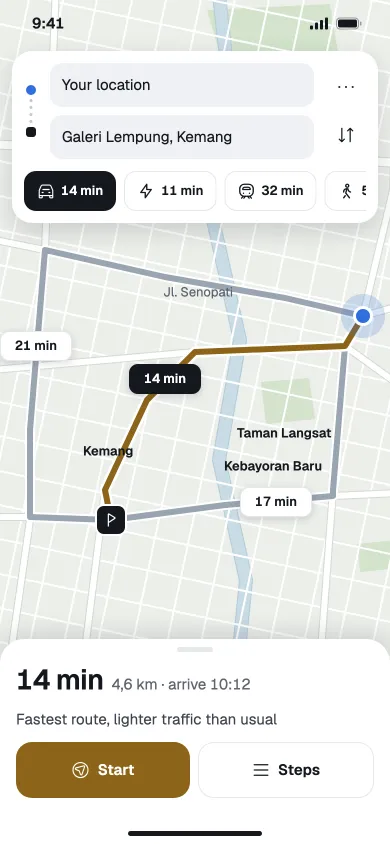
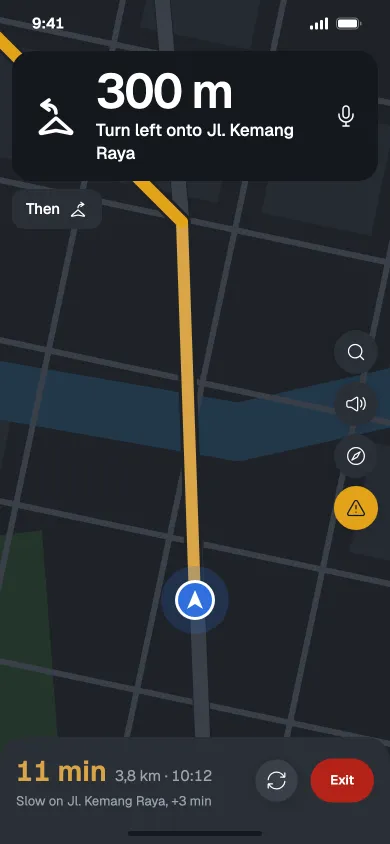
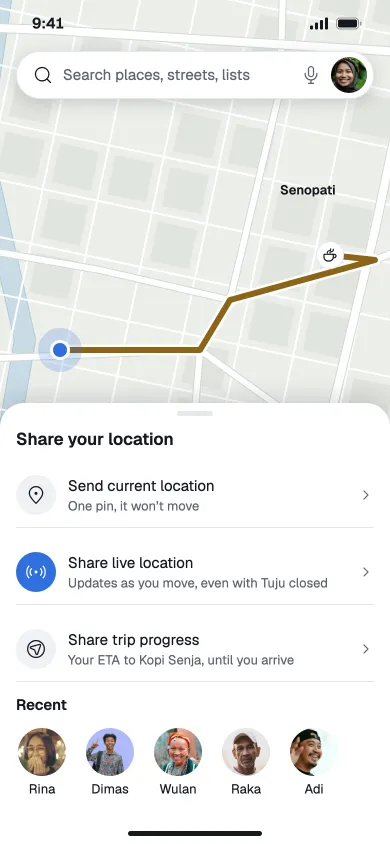
More Maps and Navigation flows
Drawn for the same brand, so they fit together.
Questions
- When should I use a search and explore nearby flow?
- Any product where location is part of the choice: maps, local discovery, store finders, stays and activities. Use another pattern for location does not affect the decision (use a plain list) or there are only one to three places (show a static map on a detail page instead).
- Which screens does it need?
- This pattern uses 7: Map home with chips, Typing suggestions, Results map and list, Selected result card, No results, Recent searches cleared and Voice search. Plan for these states too: home with chips, typing with recents, typing with completions and places, results on map with list.
- Is Tuju a real app?
- No. Tuju is a made-up city map of places worth going in Jakarta and Bandung: search, place pages, directions, navigation, saved lists, live location and offline maps, so the screens show the pattern without copying anyone's brand. Your agent redraws the flow on your own tokens and components.
- How does my agent use this flow?
- Connect Claude Code, Codex or Claude Desktop to Wonderblok over MCP. The agent calls use_pattern for this flow, reads its screens, rules and states, and draws them in your file.
- Is it free?
- Browsing Universe is free. Full pattern notes and use with your agent are part of Pro, and the Free plan opens a few flows in full each month.