MAPS AND NAVIGATION FLOW
Place detail app flow
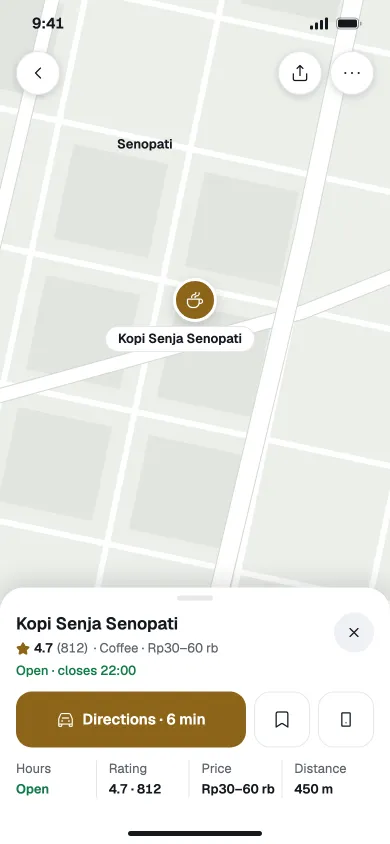
A maps and navigation flow in 4 screens, from place peek card to hours and details. Start your app from it, and your agent draws it on your own design system.
- 4 screens
- 7 patterns
- Mobile and desktop
- Brand: Tuju (made up)
The screens, in order
- Place peek card
- Place full pagePro
- Photos and reviewsPro
- Hours and detailsPro
See all 4 screens, at mobile and desktop.Pro opens the whole flow in your Universe, with the prompt and code for each screen.
Upgrade to ProAlready Pro? Open in UniverseWhen to use it
USE WHEN
Any pin the user might travel to: venues, stores, parks, trailheads, offices.
AVOID WHEN
The place is not visitable (service areas, delivery zones; show coverage instead) or the detail lives in another product (link out from a compact card).
Patterns and why they work
7 decisions this flow makes, and the clarity each one buys.
Status in words and colour next to the name
Can I go now
Stats strip
Four key facts in one row
Equal-weight primary actions
The main jobs are buttons, not links
Sticky action bar while scrolling
Actions never scroll away
Busy-times chart
When to go
Attribute checklists
Scannable yes facts
Suggest an edit
Data can be wrong and fixable
Each pattern also has its psychology, the intuition behind it and what it rules out, plus layout notes for mobile and desktop.
Open in UniverseStates to cover
The screens people forget until a user hits them.
- Peek card
- Half sheet
- Full page
- Open now
- Closing soon
- Closed with next opening
- Temporarily closed
- Week hours expanded
- Photos tab
- Photo lightbox
- Reviews tab
- Busy times
- No photos
- Saved state
- Suggest an edit sheet
- Call and website actions
Pairs with
The flows this one hands off to or comes back from.
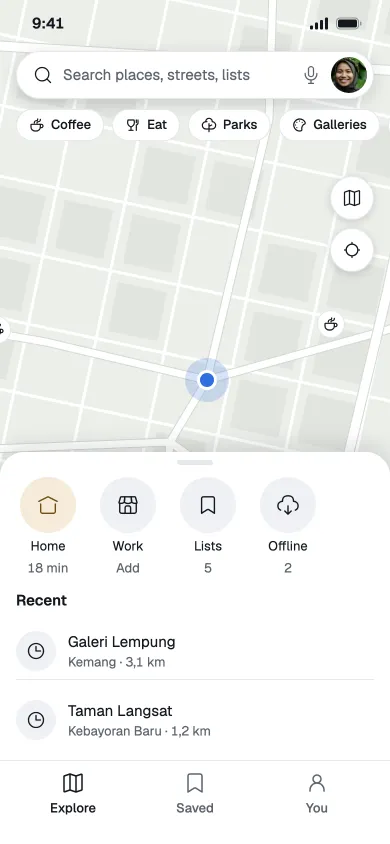
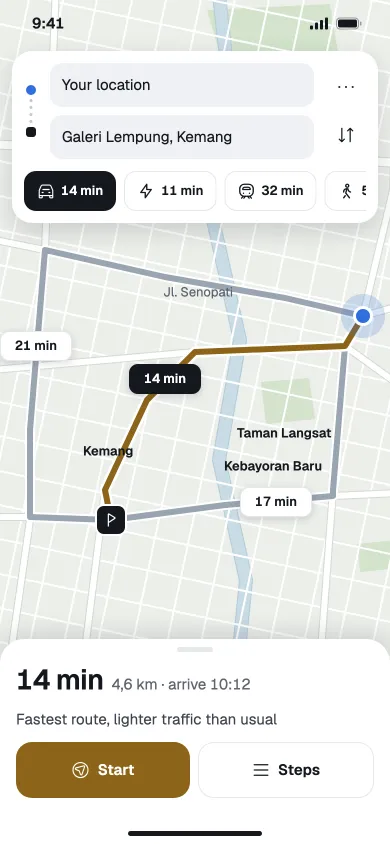
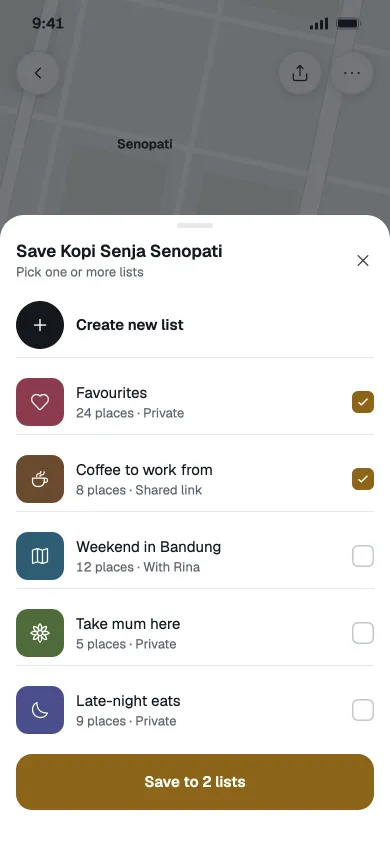
More Maps and Navigation flows
Drawn for the same brand, so they fit together.
Questions
- When should I use a place detail flow?
- Any pin the user might travel to: venues, stores, parks, trailheads, offices. Use another pattern for the place is not visitable (service areas, delivery zones; show coverage instead) or the detail lives in another product (link out from a compact card).
- Which screens does it need?
- This pattern uses 4: Place peek card, Place full page, Photos and reviews and Hours and details. Plan for these states too: peek card, half sheet, full page, open now.
- Is Tuju a real app?
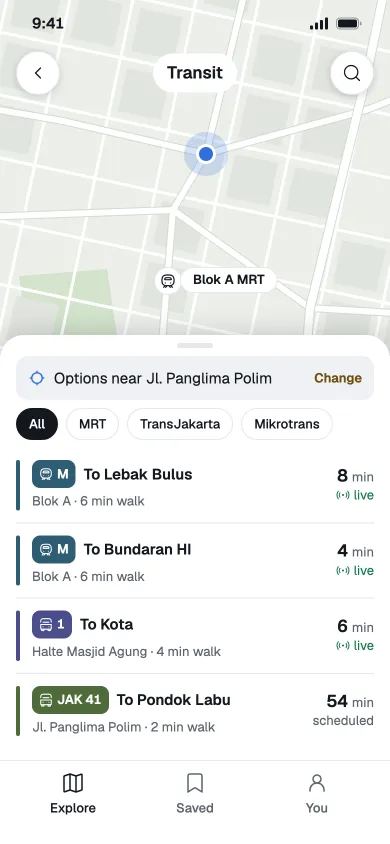
- No. Tuju is a made-up city map of places worth going in Jakarta and Bandung: search, place pages, directions, navigation, saved lists, live location and offline maps, so the screens show the pattern without copying anyone's brand. Your agent redraws the flow on your own tokens and components.
- How does my agent use this flow?
- Connect Claude Code, Codex or Claude Desktop to Wonderblok over MCP. The agent calls use_pattern for this flow, reads its screens, rules and states, and draws them in your file.
- Is it free?
- Browsing Universe is free. Full pattern notes and use with your agent are part of Pro, and the Free plan opens a few flows in full each month.