MAPS AND NAVIGATION FLOW
Share live location and ETA app flow
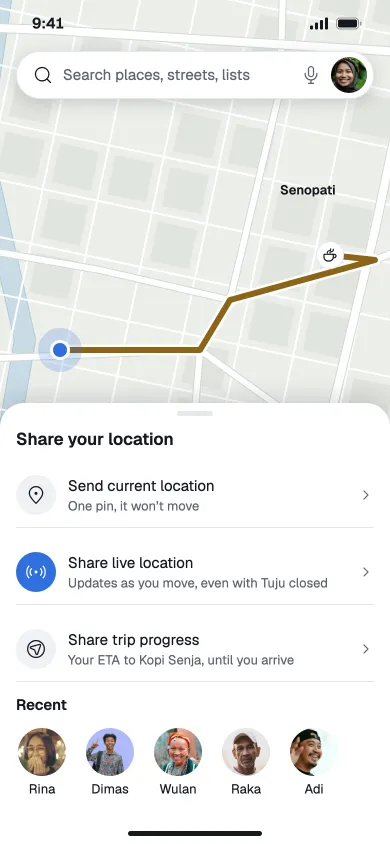
A maps and navigation flow in 6 screens, from share options to sharing ended. Start your app from it, and your agent draws it on your own design system.
- 6 screens
- 6 patterns
- Mobile and desktop
- Brand: Tuju (made up)
The screens, in order
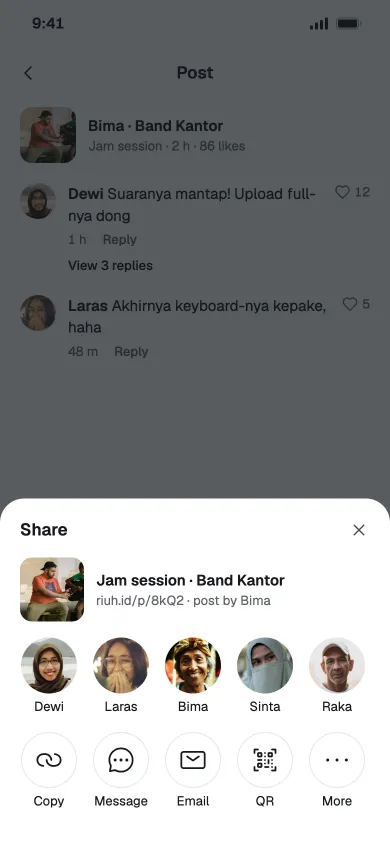
- Share options
- Duration and peoplePro
- Sharing activePro
- Friend ETA viewPro
- Battery lowPro
- Sharing endedPro
See all 6 screens, at mobile and desktop.Pro opens the whole flow in your Universe, with the prompt and code for each screen.
Upgrade to ProAlready Pro? Open in UniverseWhen to use it
USE WHEN
Meeting up, safety while travelling or hiking, letting someone know when you will arrive.
AVOID WHEN
The location is not the user's to share (other people's devices without consent) or a single static pin is enough (send a place instead).
Patterns and why they work
6 decisions this flow makes, and the clarity each one buys.
Duration choice with a plain consequence sentence
What and how long
Persistent sharing indicator
Sharing is on right now
Countdown on the live bubble
Time left
ETA as the headline
The recipient's real question
Freshness stamp
How current the dot is
End time tied to context
Sharing matches the activity
Each pattern also has its psychology, the intuition behind it and what it rules out, plus layout notes for mobile and desktop.
Open in UniverseStates to cover
The screens people forget until a user hits them.
- Share entry sheet
- Contact picker
- Duration picker
- Link created and share sheet
- Sharing active indicator
- Sender sees viewers
- Recipient map with ETA
- Recipient web link page
- Location stale
- Sender arrived
- Sharing ended
- Permission limited to While Using
- Stop sharing confirmation
- Drawn in wave 3: battery low at 9% while sharing
- Sharing ended on arrival
Pairs with
The flows this one hands off to or comes back from.
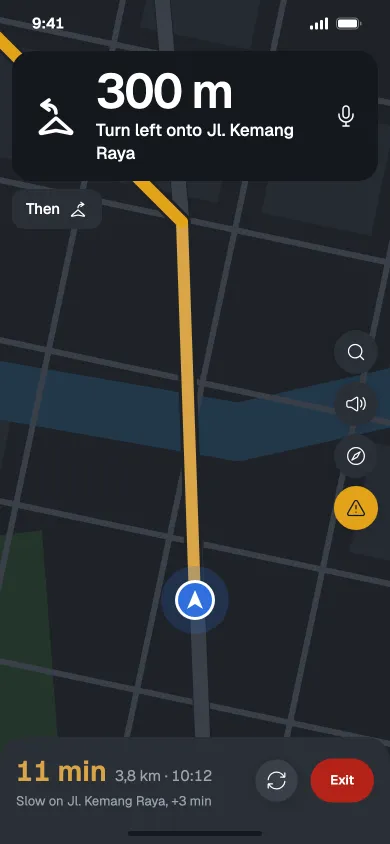
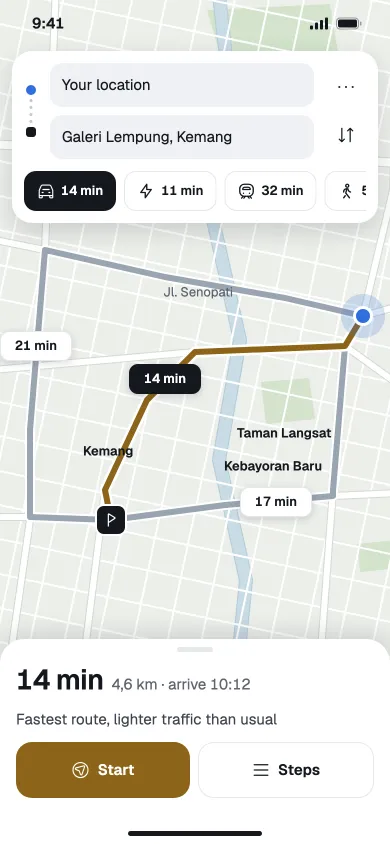
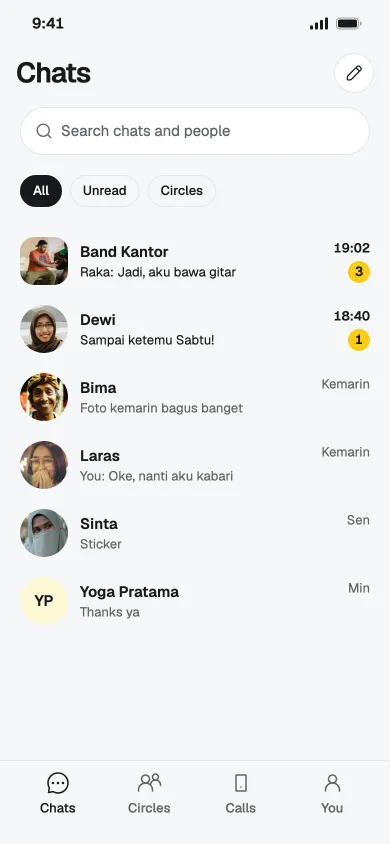
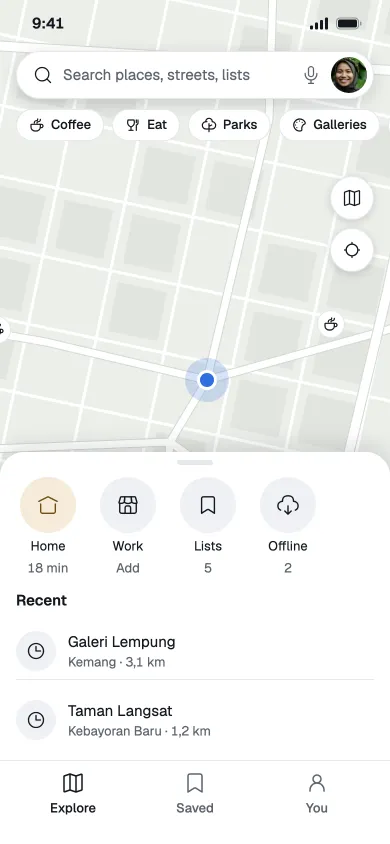
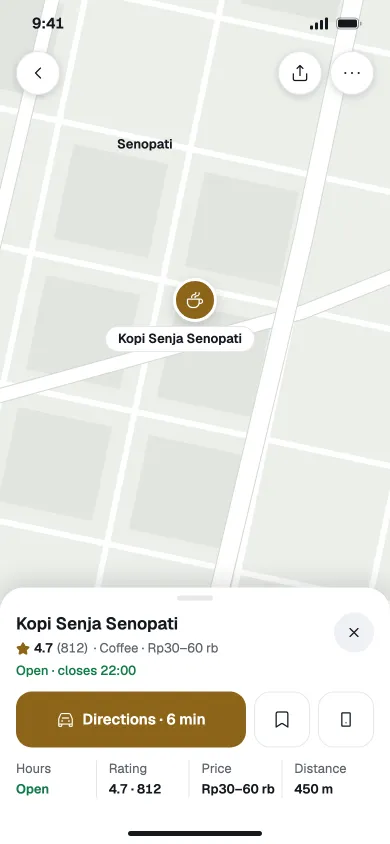
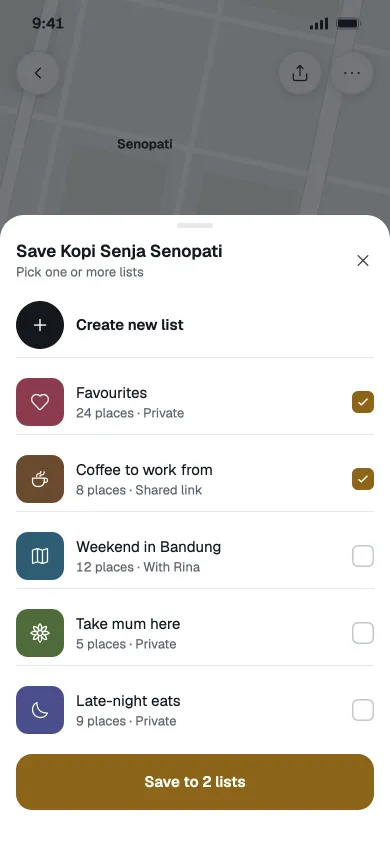
More Maps and Navigation flows
Drawn for the same brand, so they fit together.
Questions
- When should I use a share live location and eta flow?
- Meeting up, safety while travelling or hiking, letting someone know when you will arrive. Use another pattern for the location is not the user's to share (other people's devices without consent) or a single static pin is enough (send a place instead).
- Which screens does it need?
- This pattern uses 6: Share options, Duration and people, Sharing active, Friend ETA view, Battery low and Sharing ended. Plan for these states too: share entry sheet, contact picker, duration picker, link created and share sheet.
- Is Tuju a real app?
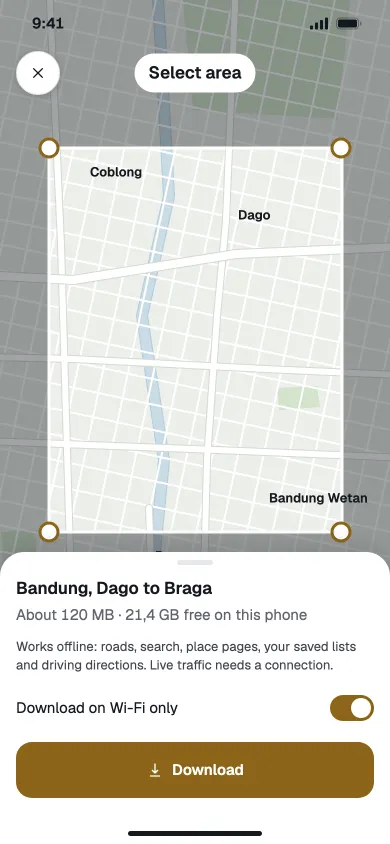
- No. Tuju is a made-up city map of places worth going in Jakarta and Bandung: search, place pages, directions, navigation, saved lists, live location and offline maps, so the screens show the pattern without copying anyone's brand. Your agent redraws the flow on your own tokens and components.
- How does my agent use this flow?
- Connect Claude Code, Codex or Claude Desktop to Wonderblok over MCP. The agent calls use_pattern for this flow, reads its screens, rules and states, and draws them in your file.
- Is it free?
- Browsing Universe is free. Full pattern notes and use with your agent are part of Pro, and the Free plan opens a few flows in full each month.