FINANCE FLOW
Force update and maintenance app flow
A finance flow in 6 screens, from update available to back online. Start your app from it, and your agent draws it on your own design system.
- 6 screens
- 3 patterns
- Mobile and desktop
- Brand: Poket (made up)
The screens, in order
- Update available
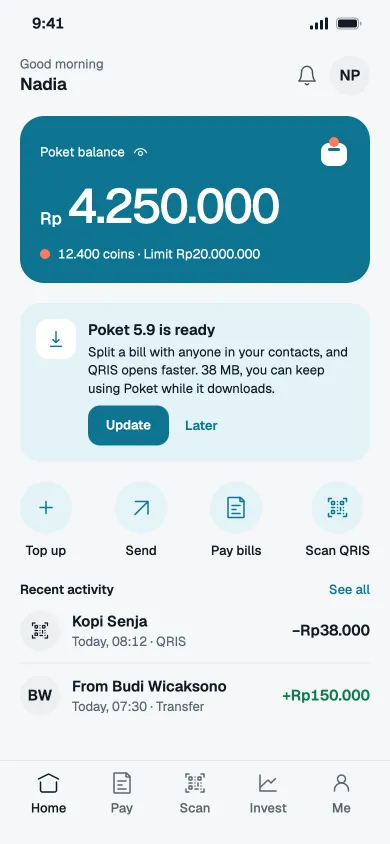
- Update readyPro
- Required updatePro
- Maintenance announcedPro
- Maintenance in progressPro
- Back onlinePro
See all 6 screens, at mobile and desktop.Pro opens the whole flow in your Universe, with the prompt and code for each screen.
Upgrade to ProAlready Pro? Open in UniverseWhen to use it
USE WHEN
A money app that must tell people about a new version (optional or required) or about planned downtime: a soft update banner, a blocking security update, a maintenance notice ahead of time, the maintenance screen itself and the all clear.
AVOID WHEN
An outage nobody planned or a region you do not serve (use Misc › Service unavailable and out of area), release notes for a feature (use Misc › What's new and announcements) or a single failed request (use Misc › Errors).
Patterns and why they work
3 decisions this flow makes, and the clarity each one buys.
Optional and required updates look different on purpose: the optional one is a banner on a working Home with Later beside Update, the required one is a full screen with one button. People learn that a banner can wait and a full screen cannot
Say what still works, not only what stops: QRIS pay, balance and card keep working during maintenance, send, top up and pay bills pause. People plan around a window when they know which jobs they can still do
Exact times in WIB and a reason in plain words: Tue 10 Nov, 00:00 to 04:00 WIB, and a security fix to the PIN screen. A named time and a reason build trust; a vague soon or an error code makes people think their money is at risk
Each pattern also has its psychology, the intuition behind it and what it rules out, plus layout notes for mobile and desktop.
Open in UniverseStates to cover
The screens people forget until a user hits them.
- Update available
- Downloaded and ready to restart
- Required security update
- Maintenance announced with the exact WIB window
- Maintenance in progress with the end time
- Back online with the payment made during the window
- Download failure and the store's own sheet are not drawn
Pairs with
The flows this one hands off to or comes back from.
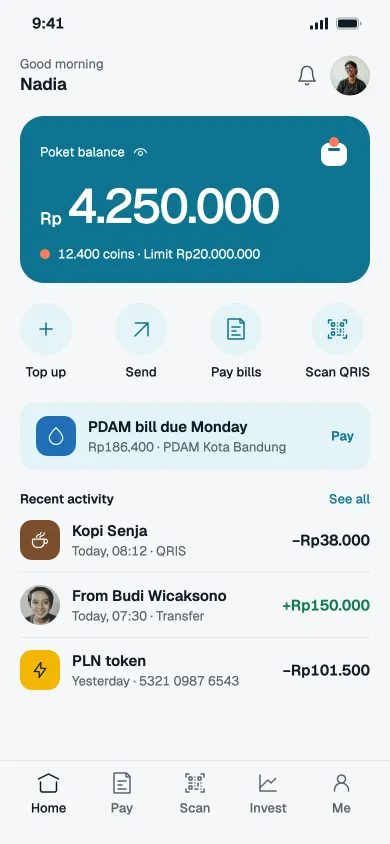
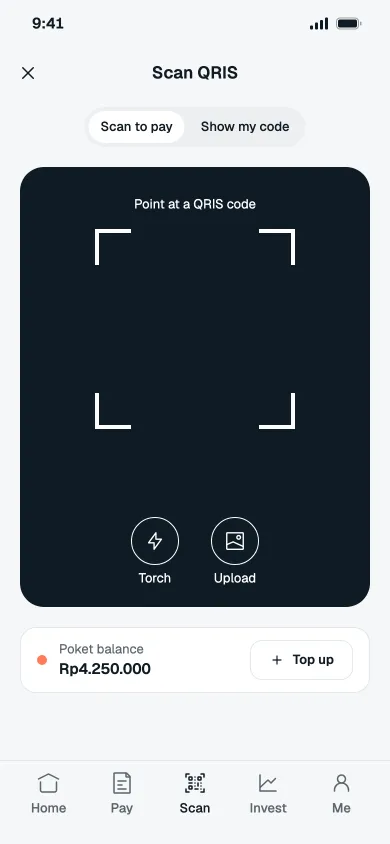
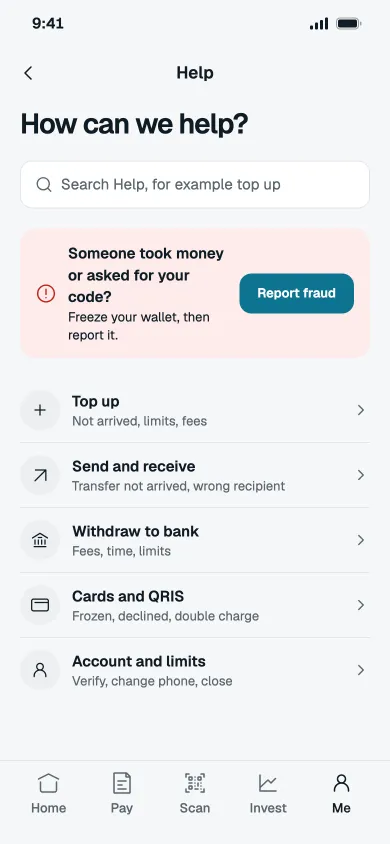
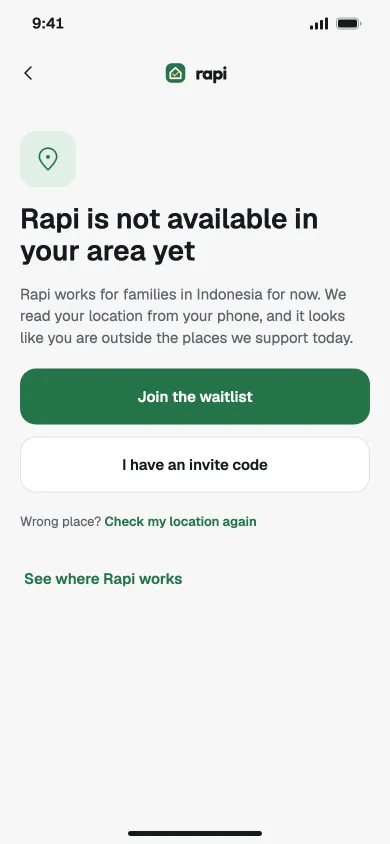
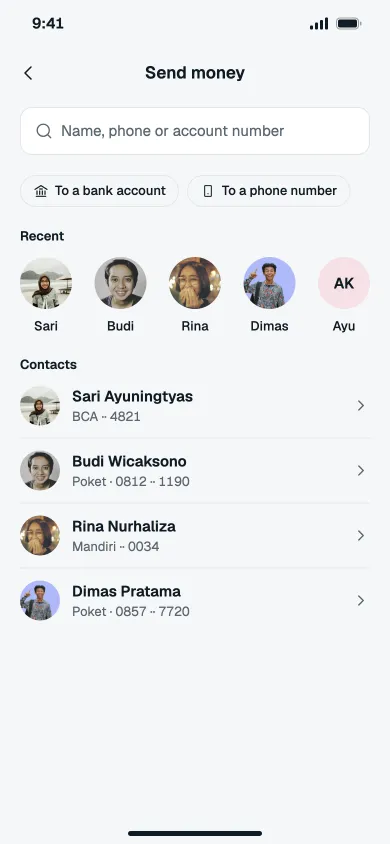
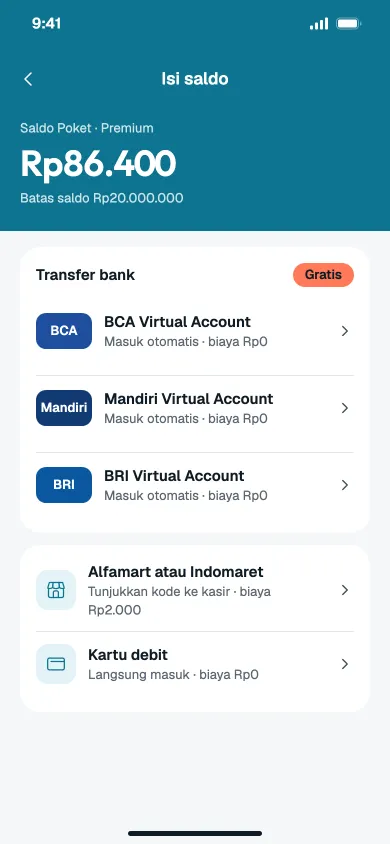
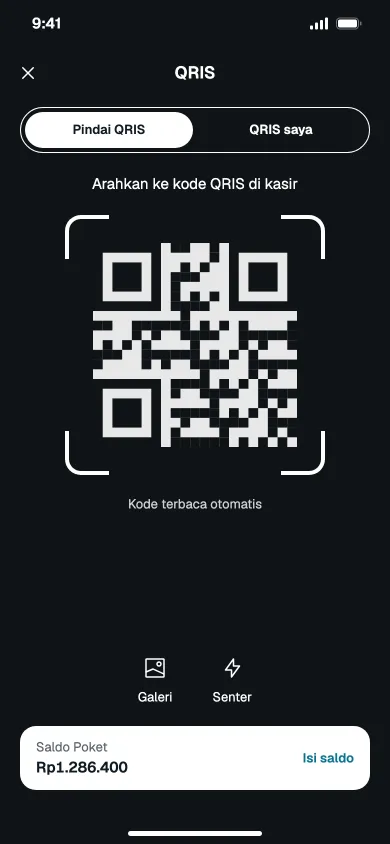
More Finance flows
Drawn for the same brand, so they fit together.
Questions
- When should I use a force update and maintenance flow?
- A money app that must tell people about a new version (optional or required) or about planned downtime: a soft update banner, a blocking security update, a maintenance notice ahead of time, the maintenance screen itself and the all clear. Use another pattern for an outage nobody planned or a region you do not serve (use Misc › Service unavailable and out of area), release notes for a feature (use Misc › What's new and announcements) or a single failed request (use Misc › Errors).
- Which screens does it need?
- This pattern uses 6: Update available, Update ready, Required update, Maintenance announced, Maintenance in progress and Back online. Plan for these states too: update available, downloaded and ready to restart, required security update, maintenance announced with the exact wib window.
- Is Poket a real app?
- No. Poket is a made-up e-wallet, so the screens show the pattern without copying anyone's brand. Your agent redraws the flow on your own tokens and components.
- How does my agent use this flow?
- Connect Claude Code, Codex or Claude Desktop to Wonderblok over MCP. The agent calls use_pattern for this flow, reads its screens, rules and states, and draws them in your file.
- Is it free?
- Browsing Universe is free. Full pattern notes and use with your agent are part of Pro, and the Free plan opens a few flows in full each month.