FINANCE FLOW
QRIS bayar dan terima app flow
A finance flow in 5 screens, from pindai qris to kode tidak bisa dipakai. Start your app from it, and your agent draws it on your own design system.
- 5 screens
- 5 patterns
- Mobile and desktop
- Brand: Poket (made up)
The screens, in order
- Pindai QRIS
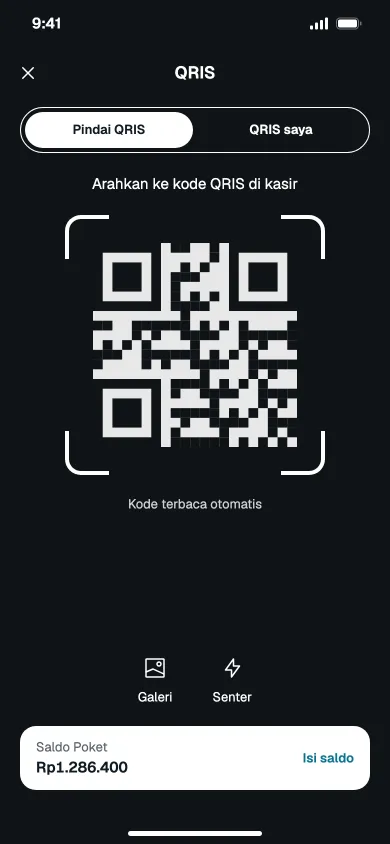
- Konfirmasi bayarPro
- Berhasil bayarPro
- Terima pembayaranPro
- Kode tidak bisa dipakaiPro
See all 5 screens, at mobile and desktop.Pro opens the whole flow in your Universe, with the prompt and code for each screen.
Upgrade to ProAlready Pro? Open in UniverseWhen to use it
USE WHEN
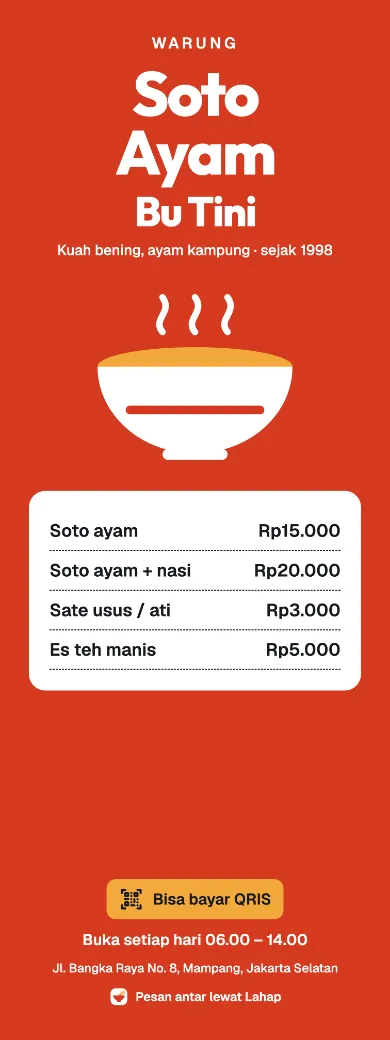
Paying a merchant by QRIS (Indonesia's national QR standard) and, for small businesses, receiving QRIS payments and printing the sticker.
AVOID WHEN
The English Poket flow already covers what you need (Finance › Scan to pay QRIS); this flow adds Bahasa copy, dynamic codes with a fixed amount, the merchant side and expired codes.
Patterns and why they work
5 decisions this flow makes, and the clarity each one buys.
Verified merchant name and NMID before any amount Trust: the payer confirms who gets the money; the NMID is what support asks for
Dynamic QRIS: the amount comes from the cashier, locked, with 'Tetap' and why it cannot change
A locked field that explains itself stops people hunting for an edit button
Paid: a receipt to show the cashier, with time, merchant, NMID and reference
The cashier checks the screen, not the app's history
Merchant side: today's total and count, the static code with download and share, the latest incoming payments
The stall owner sees money arrive in real time, which is why they keep the sticker up
Expired code: how long cashier codes last, that no money moved, and the static-code alternative No dead end: one action (scan the new code) and a reassurance
Each pattern also has its psychology, the intuition behind it and what it rules out, plus layout notes for mobile and desktop.
Open in UniverseStates to cover
The screens people forget until a user hits them.
- Scanning
- Confirm fixed amount
- Paid
- Receive (merchant)
- Code expired
- Camera blocked
- Balance too low
- Merchant not verified
Pairs with
The flows this one hands off to or comes back from.
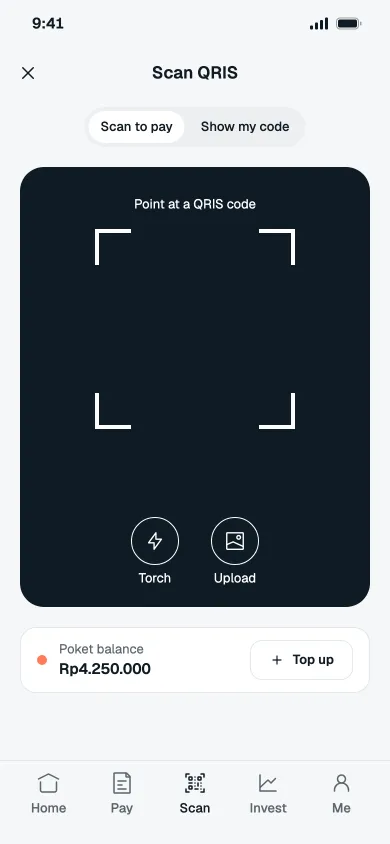
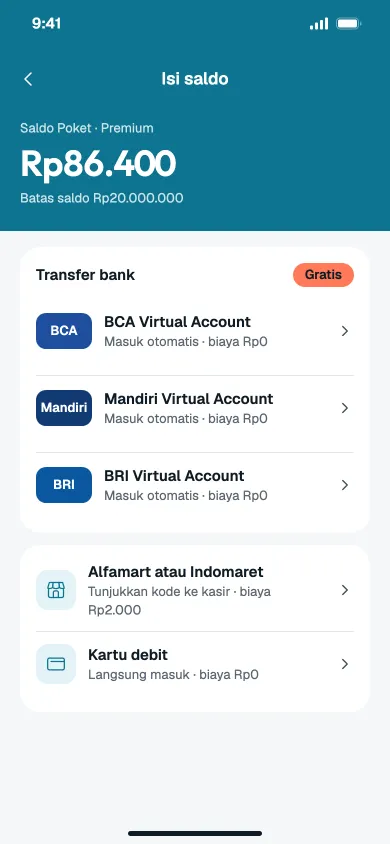
More Finance flows
Drawn for the same brand, so they fit together.
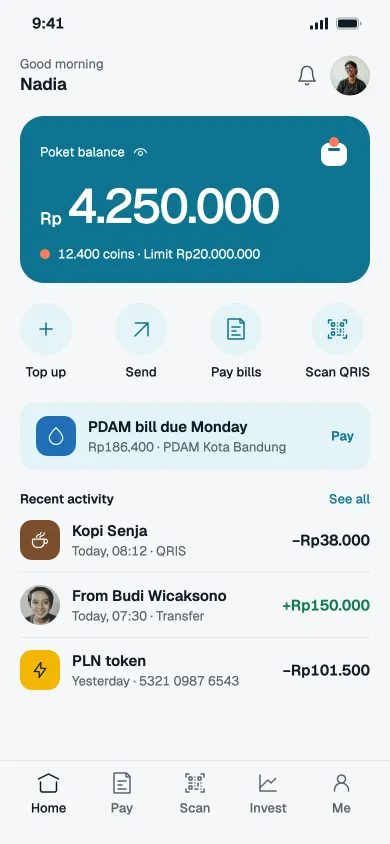
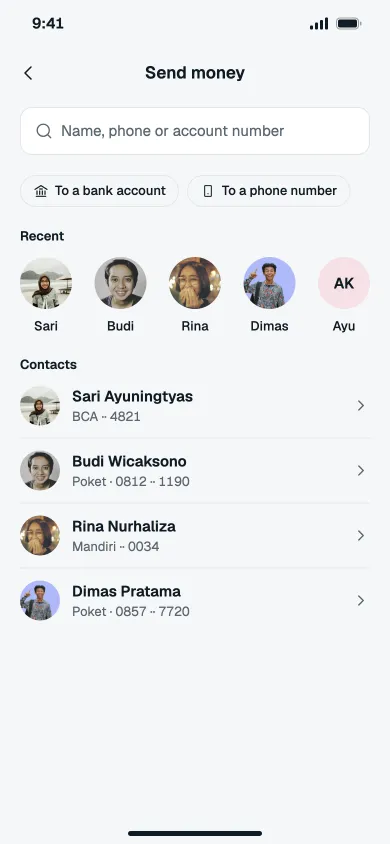
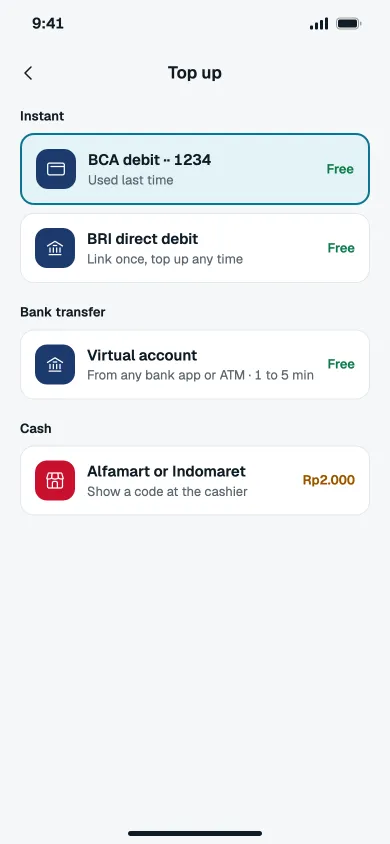
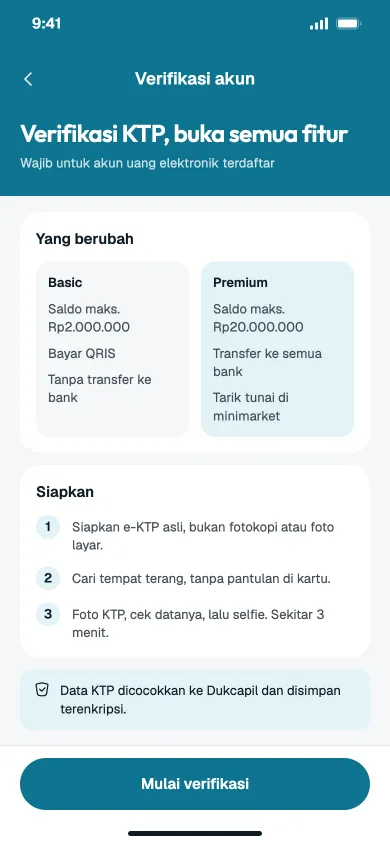
Questions
- When should I use a qris bayar dan terima flow?
- Paying a merchant by QRIS (Indonesia's national QR standard) and, for small businesses, receiving QRIS payments and printing the sticker. Use another pattern for the English Poket flow already covers what you need (Finance › Scan to pay QRIS); this flow adds Bahasa copy, dynamic codes with a fixed amount, the merchant side and expired codes.
- Which screens does it need?
- This pattern uses 5: Pindai QRIS, Konfirmasi bayar, Berhasil bayar, Terima pembayaran and Kode tidak bisa dipakai. Plan for these states too: scanning, confirm fixed amount, paid, receive (merchant).
- Is Poket a real app?
- No. Poket is a made-up e-wallet, so the screens show the pattern without copying anyone's brand. Your agent redraws the flow on your own tokens and components.
- How does my agent use this flow?
- Connect Claude Code, Codex or Claude Desktop to Wonderblok over MCP. The agent calls use_pattern for this flow, reads its screens, rules and states, and draws them in your file.
- Is it free?
- Browsing Universe is free. Full pattern notes and use with your agent are part of Pro, and the Free plan opens a few flows in full each month.