FINANCE FLOW
Verifikasi KTP dan selfie app flow
A finance flow in 8 screens, from naik ke premium to sudah premium. Start your app from it, and your agent draws it on your own design system.
- 8 screens
- 6 patterns
- Mobile and desktop
- Brand: Poket (made up)
The screens, in order
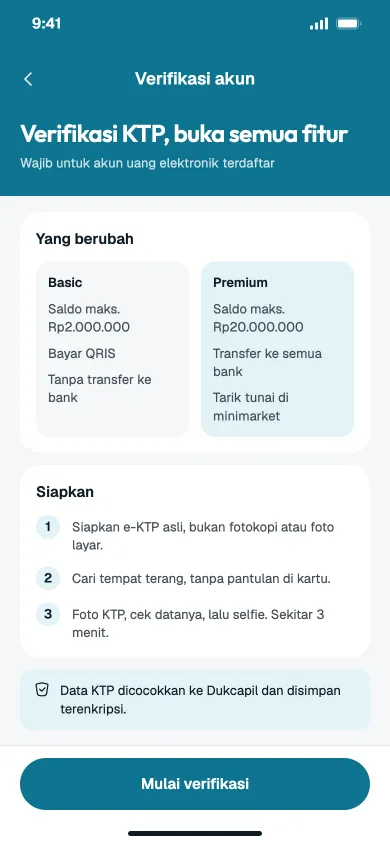
- Naik ke Premium
- Foto KTPPro
- Cek data KTPPro
- SelfiePro
- Sedang diperiksaPro
- Foto KTP kurang jelasPro
- Data tidak cocokPro
- Sudah PremiumPro
See all 8 screens, at mobile and desktop.Pro opens the whole flow in your Universe, with the prompt and code for each screen.
Upgrade to ProAlready Pro? Open in UniverseWhen to use it
USE WHEN
An Indonesian financial app verifies identity with the e-KTP and a selfie to move an account from Basic to Premium (higher balance limit, transfers, cash out).
AVOID WHEN
You only need a phone or email check (use Account › Verification), or you are outside Indonesia.
Patterns and why they work
6 decisions this flow makes, and the clarity each one buys.
Basic versus Premium side by side before starting, and what to prepare Motivation: people finish a check when they see what it unlocks and how long it takes
Card-shaped frame with auto-capture and three rules (no glare, four corners, no photocopy) Error prevention: these are the reasons photos get rejected
Data read from the photo, editable, with 'Ubah kalau ada yang beda' Control: OCR is wrong sometimes; the user fixes it before the Dukcapil match fails
Selfie with an oval and one liveness action (blink), progress shown
One instruction at a time; the progress tells people to hold still
In review: usual and longest time, notification promised, Basic still usable Trust: waiting is fine when the user knows how long and keeps using the app
Rejections that name the cause (glare on the NIK, blur; NIK and name not matching Dukcapil) with the next step and tries left No dead end: every failure has an action, including the office to visit when records are out of date
Each pattern also has its psychology, the intuition behind it and what it rules out, plus layout notes for mobile and desktop.
Open in UniverseStates to cover
The screens people forget until a user hits them.
- Intro
- KTP photo
- Check data
- Selfie
- In review
- Photo unclear
- Data does not match
- Verified
- Too many tries
- Manual review
- Under 17
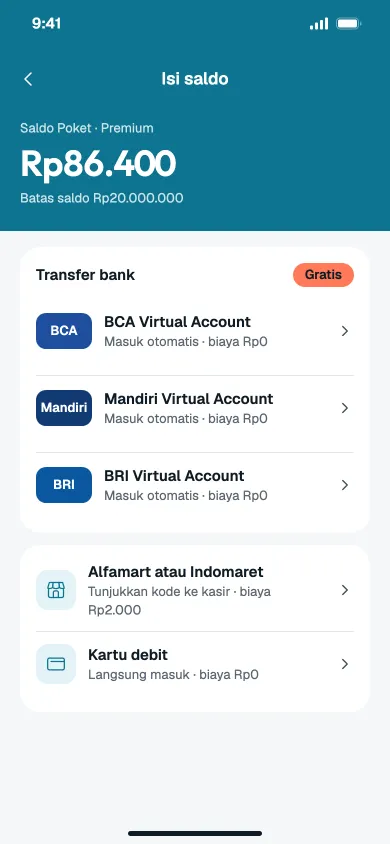
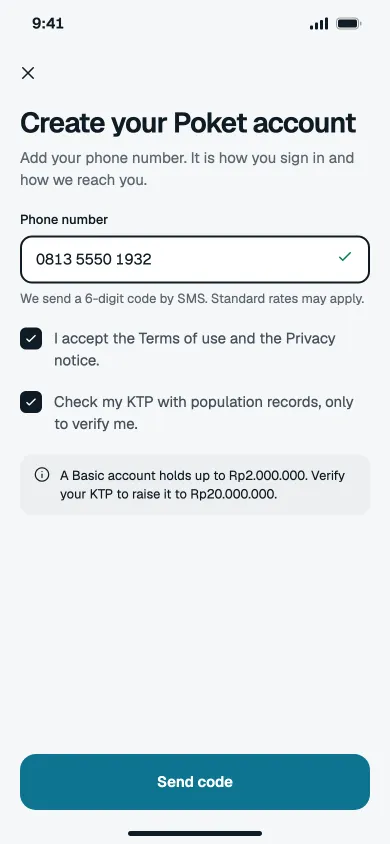
Pairs with
The flows this one hands off to or comes back from.
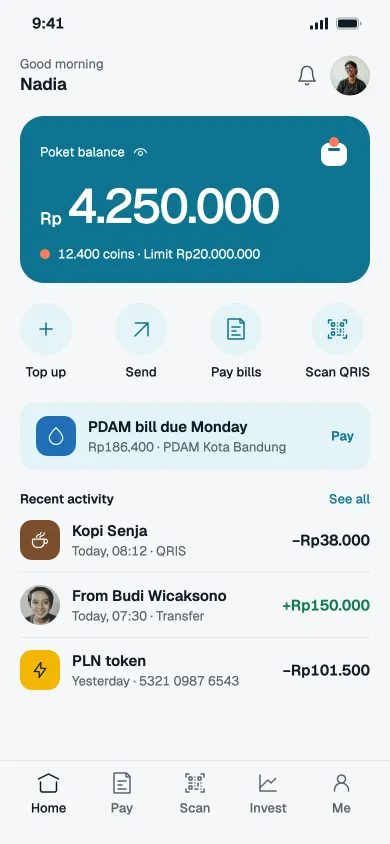
More Finance flows
Drawn for the same brand, so they fit together.
Questions
- When should I use a verifikasi ktp dan selfie flow?
- An Indonesian financial app verifies identity with the e-KTP and a selfie to move an account from Basic to Premium (higher balance limit, transfers, cash out). Use another pattern for you only need a phone or email check (use Account › Verification), or you are outside Indonesia.
- Which screens does it need?
- This pattern uses 8: Naik ke Premium, Foto KTP, Cek data KTP, Selfie, Sedang diperiksa, Foto KTP kurang jelas, Data tidak cocok and Sudah Premium. Plan for these states too: intro, ktp photo, check data, selfie.
- Is Poket a real app?
- No. Poket is a made-up e-wallet, so the screens show the pattern without copying anyone's brand. Your agent redraws the flow on your own tokens and components.
- How does my agent use this flow?
- Connect Claude Code, Codex or Claude Desktop to Wonderblok over MCP. The agent calls use_pattern for this flow, reads its screens, rules and states, and draws them in your file.
- Is it free?
- Browsing Universe is free. Full pattern notes and use with your agent are part of Pro, and the Free plan opens a few flows in full each month.