FINANCE FLOW
Isi saldo e-wallet app flow
A finance flow in 5 screens, from pilih cara isi saldo to melebihi batas saldo. Start your app from it, and your agent draws it on your own design system.
- 5 screens
- 5 patterns
- Mobile and desktop
- Brand: Poket (made up)
The screens, in order
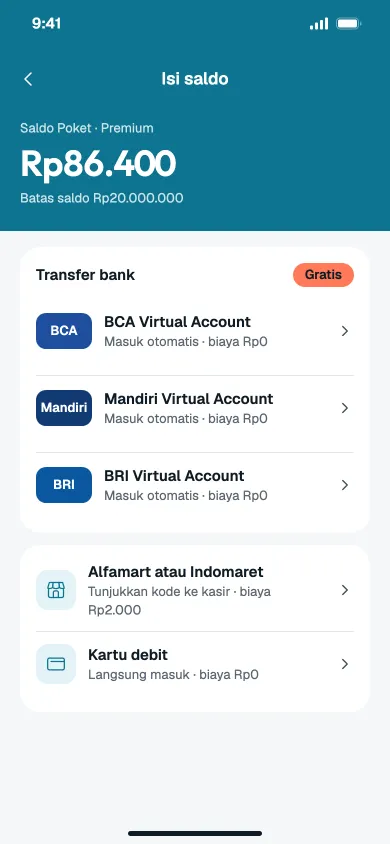
- Pilih cara isi saldo
- NominalPro
- Kode bayar minimarketPro
- Saldo masukPro
- Melebihi batas saldoPro
See all 5 screens, at mobile and desktop.Pro opens the whole flow in your Universe, with the prompt and code for each screen.
Upgrade to ProAlready Pro? Open in UniverseWhen to use it
USE WHEN
An Indonesian e-wallet is funded from a bank VA, a minimarket cashier, a debit card or a transfer from another bank, and the balance limit depends on the account level.
AVOID WHEN
The money only passes through to a merchant (use Bayar dengan Virtual Account), or the wallet is not regulated e-money.
Patterns and why they work
5 decisions this flow makes, and the clarity each one buys.
Balance and the account's limit in the header band
The limit is the first reason a top-up fails; showing it up front prevents the error
Bank VAs first with 'Gratis', then minimarket (fee paid at the till), debit card and transfer from another bank Hick's law: one free default group, the rest in one card; fees stated per method
Amount with presets, a live 'Saldo setelah isi' line and the minimum Visibility: the user sees the result before committing
Minimarket: a barcode and a code to read out, what to say to the cashier, the total including the till fee, a countdown
The cashier needs one sentence and one code; the steps match what happens at the counter
Over the limit: how much still fits, a one-tap fill to that amount, and the upgrade with its new limit No dead end: two ways forward, one of them the upgrade that removes the problem
Each pattern also has its psychology, the intuition behind it and what it rules out, plus layout notes for mobile and desktop.
Open in UniverseStates to cover
The screens people forget until a user hits them.
- Choose method
- Amount
- Minimarket code waiting
- Balance received
- Over the balance limit
- Code expired
- Card declined
- Method under maintenance
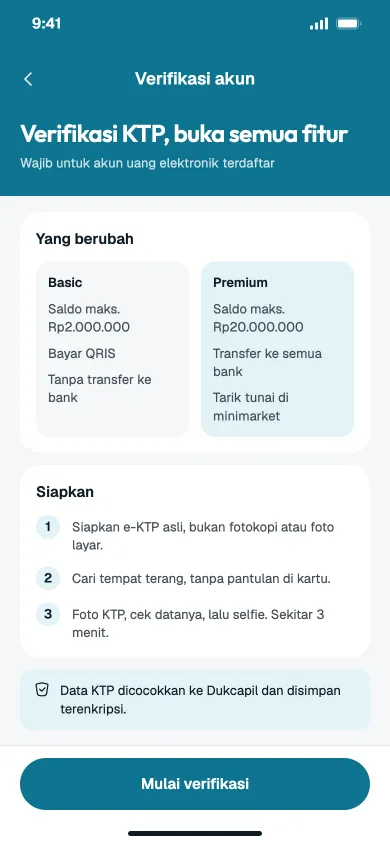
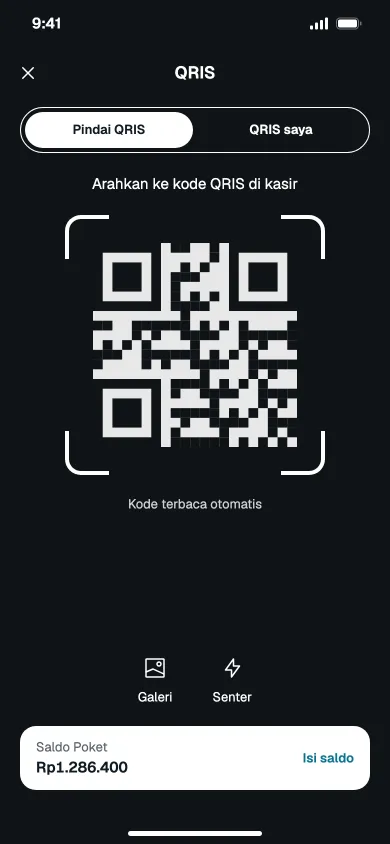
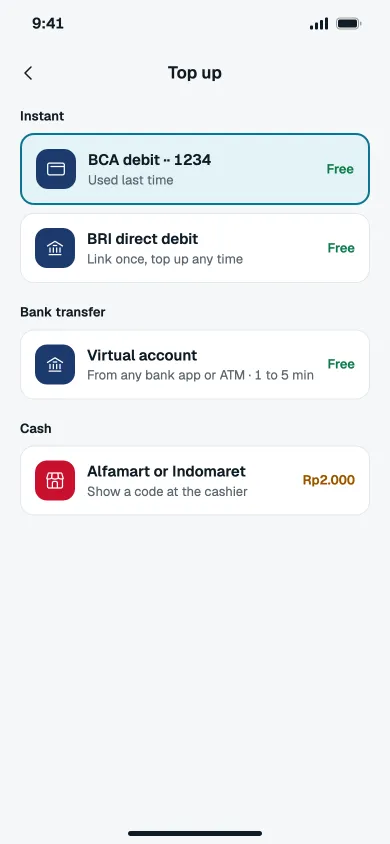
Pairs with
The flows this one hands off to or comes back from.
More Finance flows
Drawn for the same brand, so they fit together.
Questions
- When should I use a isi saldo e-wallet flow?
- An Indonesian e-wallet is funded from a bank VA, a minimarket cashier, a debit card or a transfer from another bank, and the balance limit depends on the account level. Use another pattern for the money only passes through to a merchant (use Bayar dengan Virtual Account), or the wallet is not regulated e-money.
- Which screens does it need?
- This pattern uses 5: Pilih cara isi saldo, Nominal, Kode bayar minimarket, Saldo masuk and Melebihi batas saldo. Plan for these states too: choose method, amount, minimarket code waiting, balance received.
- Is Poket a real app?
- No. Poket is a made-up e-wallet, so the screens show the pattern without copying anyone's brand. Your agent redraws the flow on your own tokens and components.
- How does my agent use this flow?
- Connect Claude Code, Codex or Claude Desktop to Wonderblok over MCP. The agent calls use_pattern for this flow, reads its screens, rules and states, and draws them in your file.
- Is it free?
- Browsing Universe is free. Full pattern notes and use with your agent are part of Pro, and the Free plan opens a few flows in full each month.