FINANCE FLOW
Top up app flow
A finance flow in 6 screens, from choose method to payment received late. Start your app from it, and your agent draws it on your own design system.
- 6 screens
- 7 patterns
- Mobile and desktop
- Brand: Poket (made up)
The screens, in order
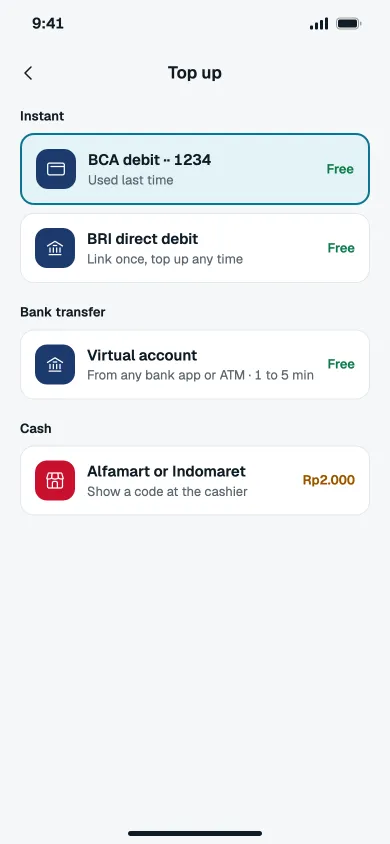
- Choose method
- AmountPro
- Transfer to virtual accountPro
- Balance updatedPro
- Account number expiredPro
- Payment received latePro
See all 6 screens, at mobile and desktop.Pro opens the whole flow in your Universe, with the prompt and code for each screen.
Upgrade to ProAlready Pro? Open in UniverseWhen to use it
USE WHEN
Wallet top up, funding a trading or savings account, adding funds to a business balance.
AVOID WHEN
Moving money to a person (Send money) or paying a biller (Pay bills).
Patterns and why they work
7 decisions this flow makes, and the clarity each one buys.
Methods grouped by speed with fee badges, last used preselected
Instant / Bank transfer / Cash headings
From → To stack on the Amount step
Money direction is spatial
Presets plus keypad, new balance and minimum shown live
The result of the amount is visible
VA number and exact amount, each with Copy
Two values, two buttons
Countdown in plain words
Pay within 23:59:12
Per-bank steps in an accordion, user's bank open
Only the relevant steps are shown
'I've transferred' plus async success and 'Still waiting?'
States that money is in flight
Each pattern also has its psychology, the intuition behind it and what it rules out, plus layout notes for mobile and desktop.
Open in UniverseStates to cover
The screens people forget until a user hits them.
- Success
- Expired error
- Payment received late
- Card declined inline
- Below minimum
- Pending (awaiting transfer)
- Method list loading
Pairs with
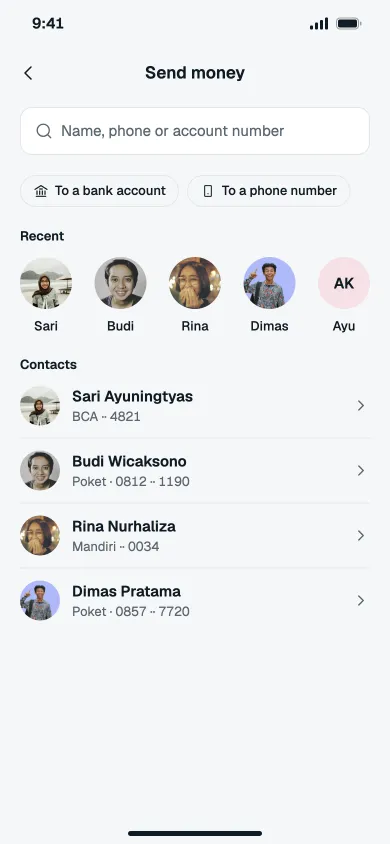
The flows this one hands off to or comes back from.
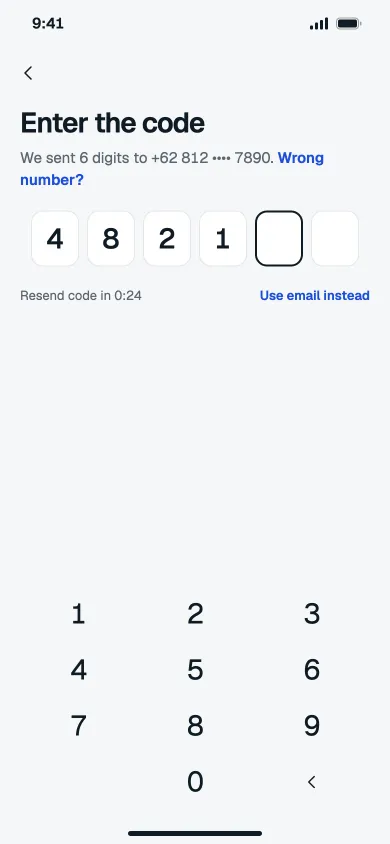
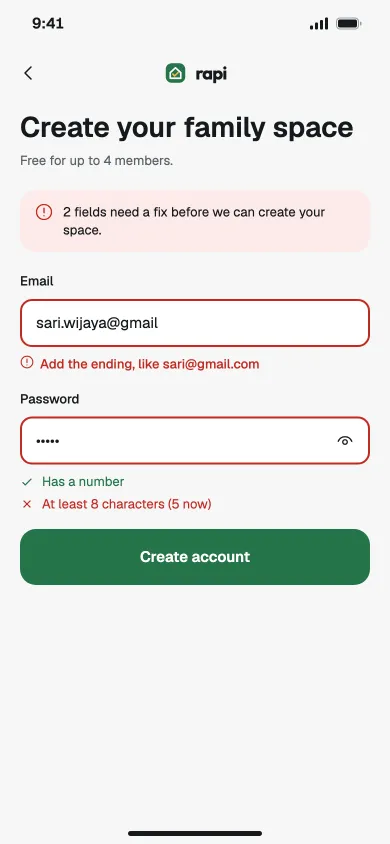
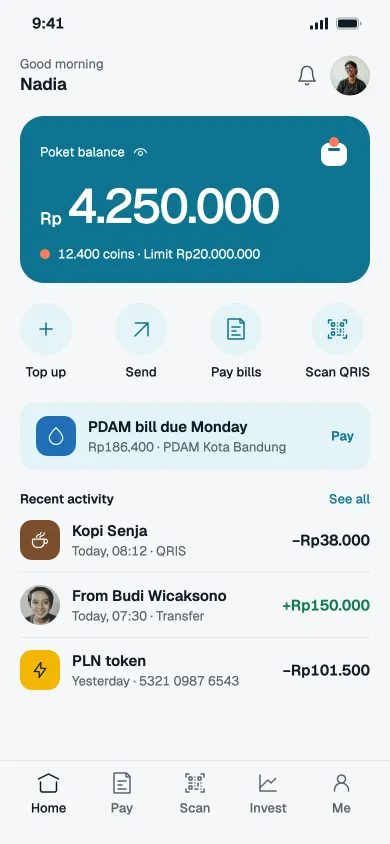
More Finance flows
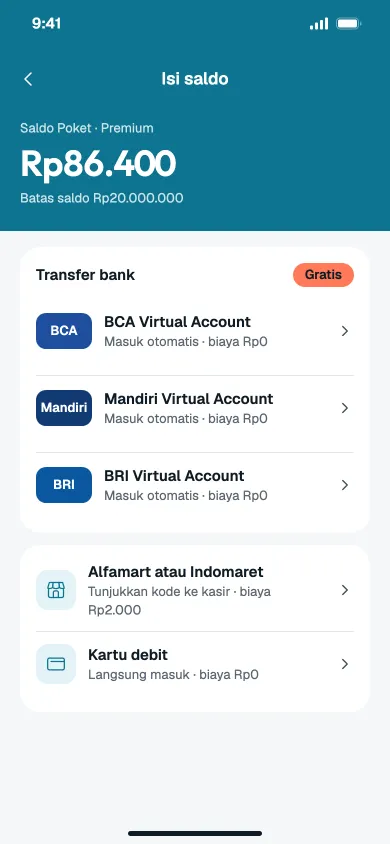
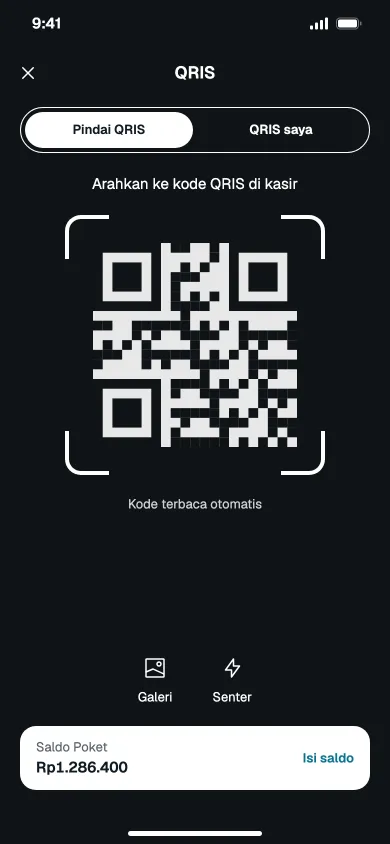
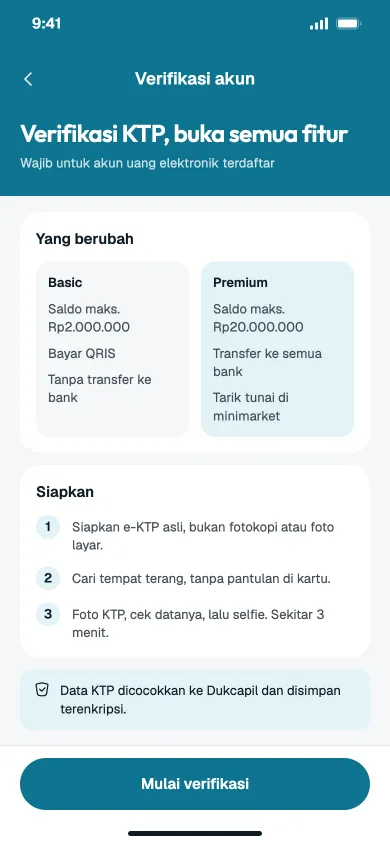
Drawn for the same brand, so they fit together.
Questions
- When should I use a top up flow?
- Wallet top up, funding a trading or savings account, adding funds to a business balance. Use another pattern for moving money to a person (Send money) or paying a biller (Pay bills).
- Which screens does it need?
- This pattern uses 6: Choose method, Amount, Transfer to virtual account, Balance updated, Account number expired and Payment received late. Plan for these states too: success, expired error, payment received late, card declined inline.
- Is Poket a real app?
- No. Poket is a made-up e-wallet, so the screens show the pattern without copying anyone's brand. Your agent redraws the flow on your own tokens and components.
- How does my agent use this flow?
- Connect Claude Code, Codex or Claude Desktop to Wonderblok over MCP. The agent calls use_pattern for this flow, reads its screens, rules and states, and draws them in your file.
- Is it free?
- Browsing Universe is free. Full pattern notes and use with your agent are part of Pro, and the Free plan opens a few flows in full each month.