FINANCE FLOW
Spending insights and budgets app flow
A finance flow in 4 screens, from this month to over budget. Start your app from it, and your agent draws it on your own design system.
- 4 screens
- 5 patterns
- Mobile and desktop
- Brand: Poket (made up)
The screens, in order
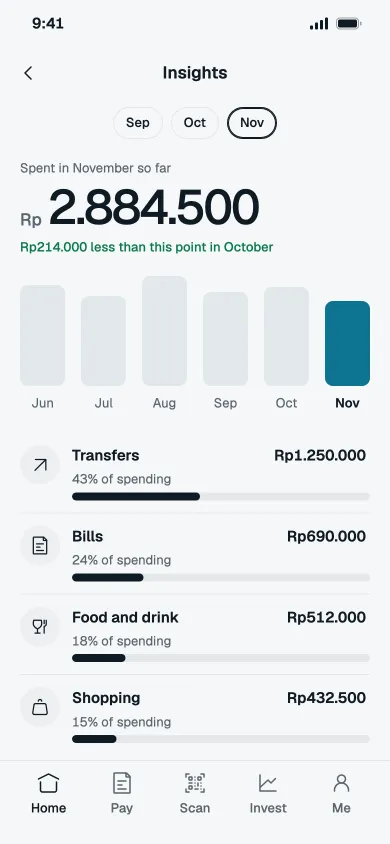
- This month
- Category detailPro
- Set a budgetPro
- Over budgetPro
See all 4 screens, at mobile and desktop.Pro opens the whole flow in your Universe, with the prompt and code for each screen.
Upgrade to ProAlready Pro? Open in UniverseWhen to use it
USE WHEN
People want to know where their money went this month and set a limit per category.
AVOID WHEN
The job is a statement or export for accounting (use Platform › Internal tools or a statement download) or investing (use Invest).
Patterns and why they work
5 decisions this flow makes, and the clarity each one buys.
Compare with the same point last month, not the whole month
A fair comparison eight days in
Category share bars
The biggest bucket is visible without reading numbers
Budgets as spent of limit with the bar turning red only when over
One rule, one colour
One alert, then quiet
The alert says when it was sent
Fixes next to the warning (raise the budget, see what you bought)
What to do now
Each pattern also has its psychology, the intuition behind it and what it rules out, plus layout notes for mobile and desktop.
Open in UniverseStates to cover
The screens people forget until a user hits them.
- No spending yet (new user)
- First month without a comparison
- Category with no budget
- Near the limit
- Over budget
- Alert sent
- Category changed by hand
Pairs with
The flows this one hands off to or comes back from.
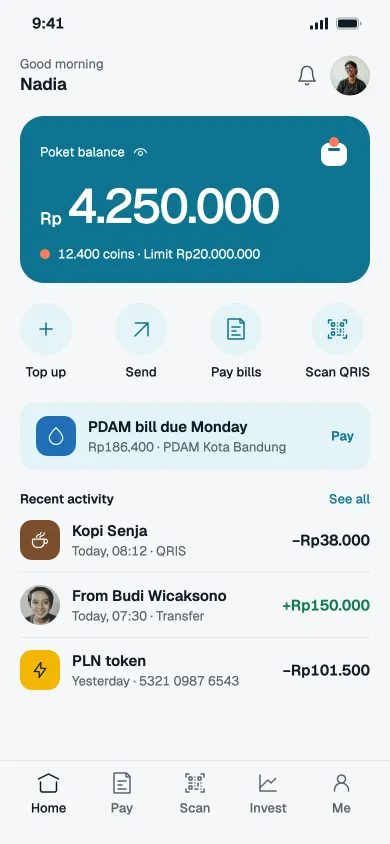
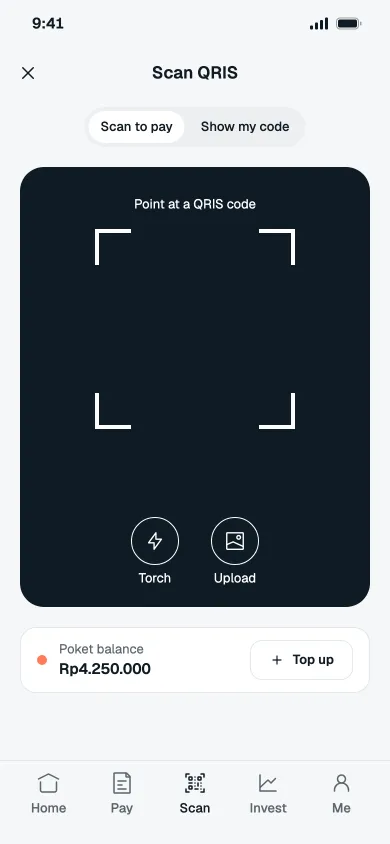
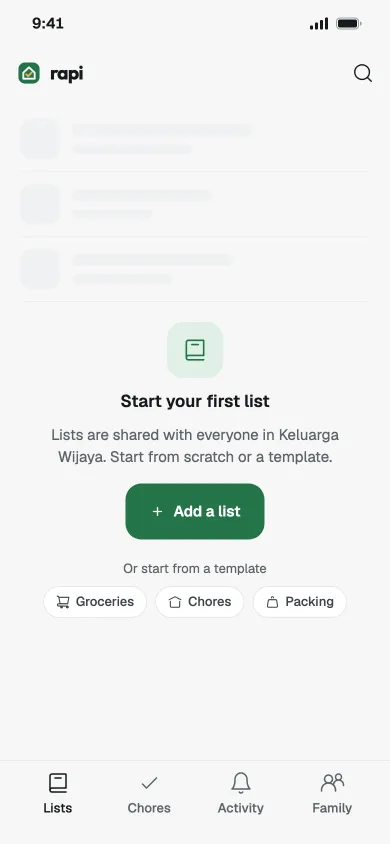
More Finance flows
Drawn for the same brand, so they fit together.
Questions
- When should I use a spending insights and budgets flow?
- People want to know where their money went this month and set a limit per category. Use another pattern for the job is a statement or export for accounting (use Platform › Internal tools or a statement download) or investing (use Invest).
- Which screens does it need?
- This pattern uses 4: This month, Category detail, Set a budget and Over budget. Plan for these states too: no spending yet (new user), first month without a comparison, category with no budget, near the limit.
- Is Poket a real app?
- No. Poket is a made-up e-wallet, so the screens show the pattern without copying anyone's brand. Your agent redraws the flow on your own tokens and components.
- How does my agent use this flow?
- Connect Claude Code, Codex or Claude Desktop to Wonderblok over MCP. The agent calls use_pattern for this flow, reads its screens, rules and states, and draws them in your file.
- Is it free?
- Browsing Universe is free. Full pattern notes and use with your agent are part of Pro, and the Free plan opens a few flows in full each month.