FINANCE FLOW
Wallet app flow
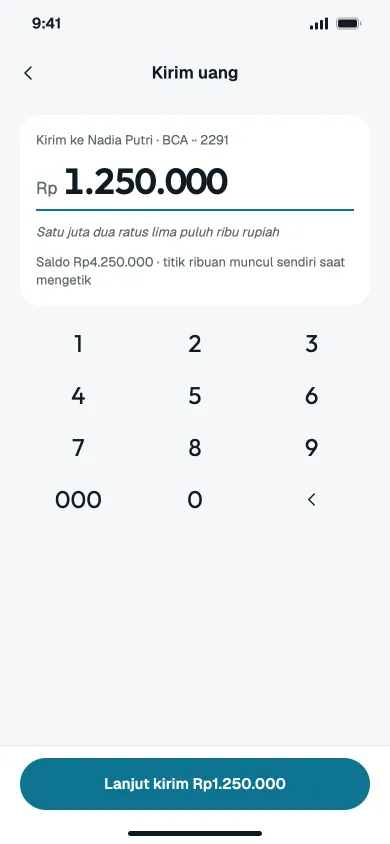
A finance flow in 9 screens, from home to card frozen. Start your app from it, and your agent draws it on your own design system.
- 9 screens
- 7 patterns
- Mobile and desktop
- Brand: Poket (made up)
The screens, in order
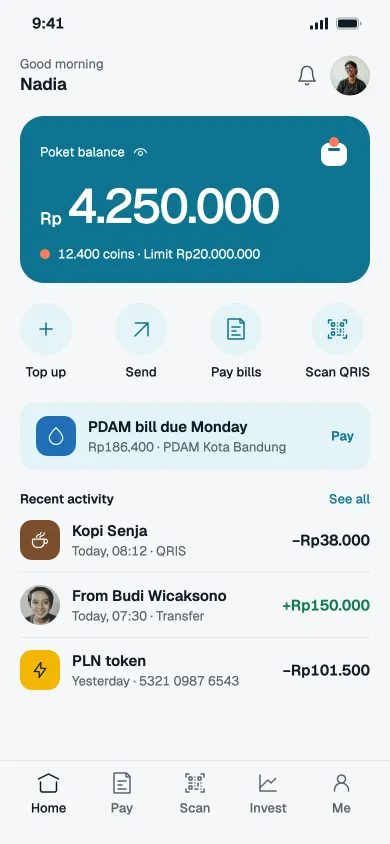
- Home
- ActivityPro
- Transaction detailPro
- CardPro
- First day (empty)Pro
- Balance hiddenPro
- Limit reachedPro
- Search and reversedPro
- Card frozenPro
See all 9 screens, at mobile and desktop.Pro opens the whole flow in your Universe, with the prompt and code for each screen.
Upgrade to ProAlready Pro? Open in UniverseWhen to use it
USE WHEN
E-wallet or neobank home, merchant balance dashboard, multi-currency account.
AVOID WHEN
A single-purpose payment screen. Never put promos above the balance.
Patterns and why they work
7 decisions this flow makes, and the clarity each one buys.
Balance as hero with a hide toggle
The most-checked number is the biggest thing on screen
4 primary actions as big tiles (Top up, Send, Pay bills, Scan QRIS)
Labelled icons, one job each
Activity grouped by day with daily totals
Scannable chunks instead of a flat list
Signed amounts (+ green in, neutral out) and status pills
Direction is visible without reading the label
Transaction detail as a timeline with copyable reference
Shows where the money is now
Card masked by default, Freeze as a reversible tile
Two clear tiles: Freeze, Show details (needs PIN)
First day: zero balance plus ONE next step
Empty state says what will appear here
Each pattern also has its psychology, the intuition behind it and what it rules out, plus layout notes for mobile and desktop.
Open in UniverseStates to cover
The screens people forget until a user hits them.
- Empty
- Pending and failed rows
- Pending detail
- Balance hidden
- Limit reached on an unverified account
- Search with a reversed row
- Frozen card
- Loading skeleton
- Sync error with Retry
Pairs with
The flows this one hands off to or comes back from.
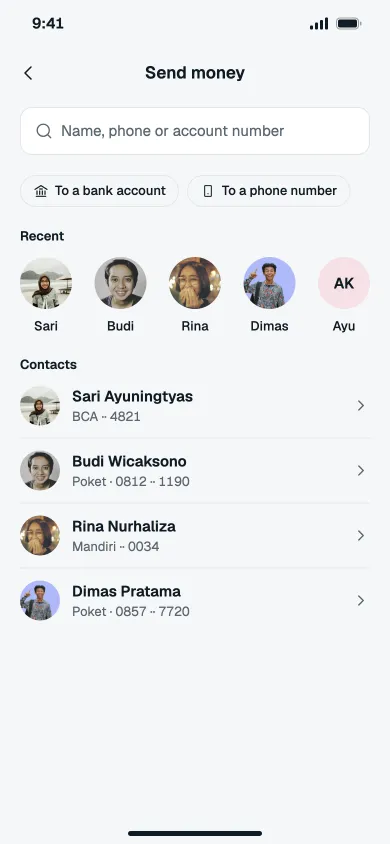
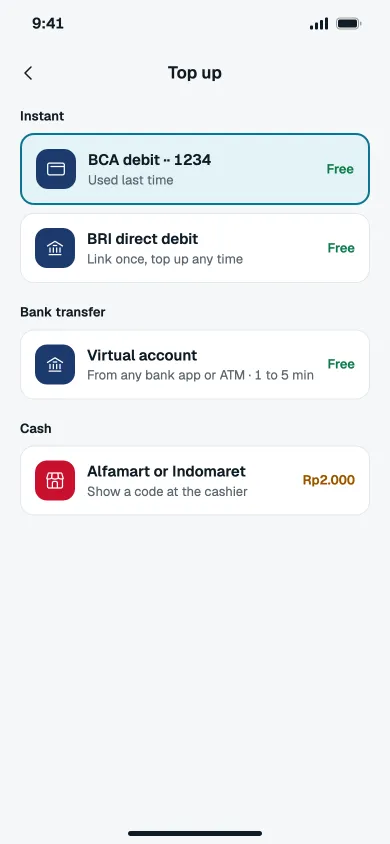
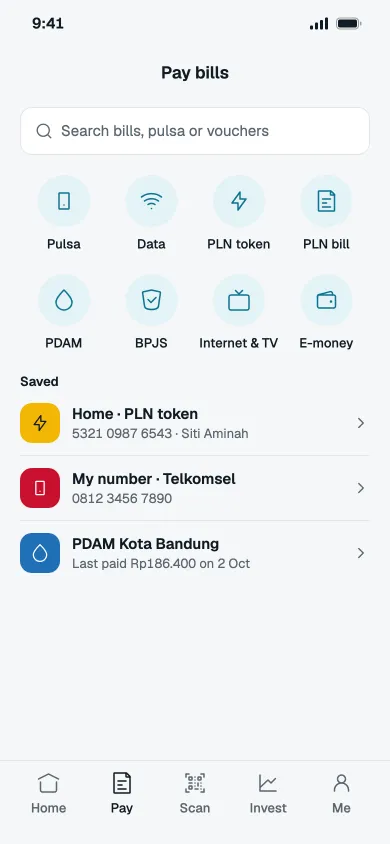
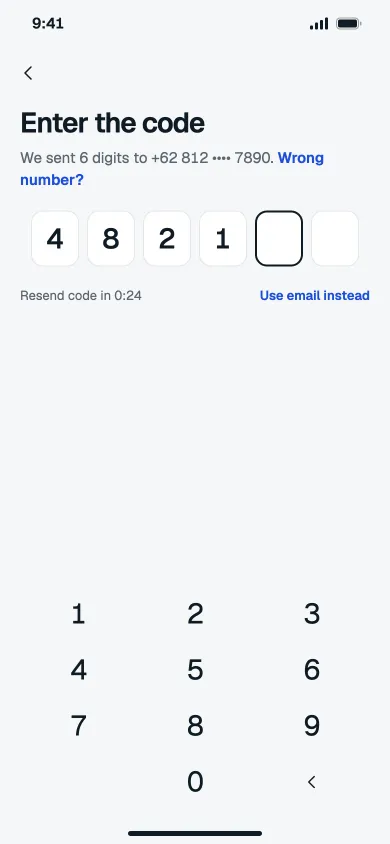
More Finance flows
Drawn for the same brand, so they fit together.
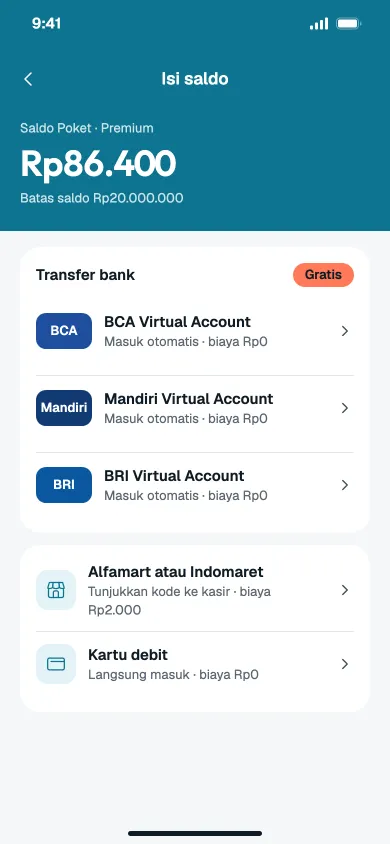
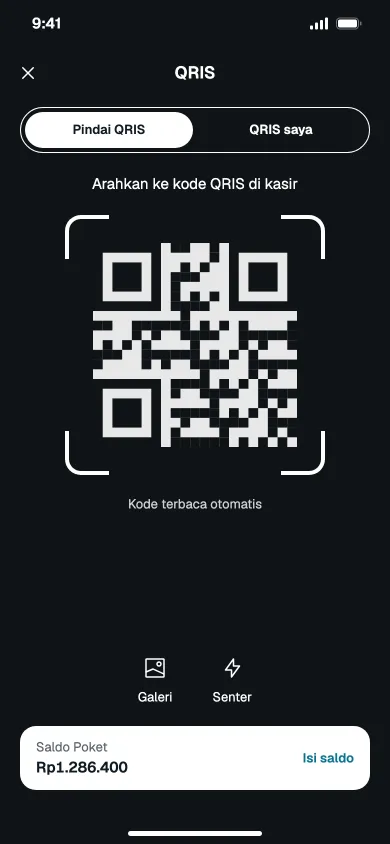
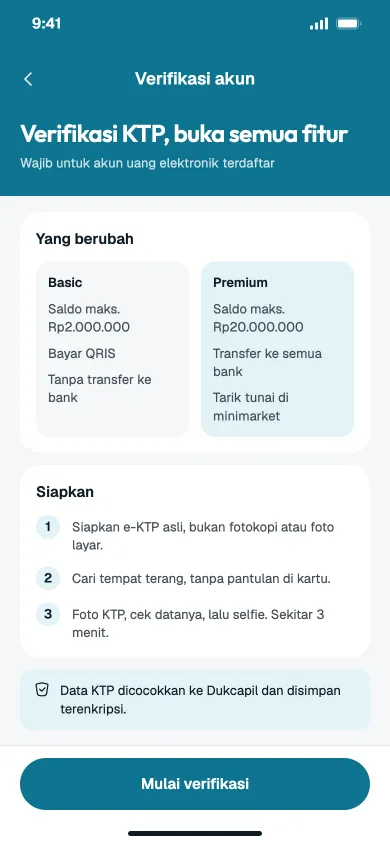
Questions
- When should I use a wallet flow?
- E-wallet or neobank home, merchant balance dashboard, multi-currency account. Use another pattern for a single-purpose payment screen. Never put promos above the balance.
- Which screens does it need?
- This pattern uses 9: Home, Activity, Transaction detail, Card, First day (empty), Balance hidden, Limit reached, Search and reversed and Card frozen. Plan for these states too: empty, pending and failed rows, pending detail, balance hidden.
- Is Poket a real app?
- No. Poket is a made-up e-wallet, so the screens show the pattern without copying anyone's brand. Your agent redraws the flow on your own tokens and components.
- How does my agent use this flow?
- Connect Claude Code, Codex or Claude Desktop to Wonderblok over MCP. The agent calls use_pattern for this flow, reads its screens, rules and states, and draws them in your file.
- Is it free?
- Browsing Universe is free. Full pattern notes and use with your agent are part of Pro, and the Free plan opens a few flows in full each month.