ENTERTAINMENT FLOW
Search titles app flow
A entertainment flow in 4 screens, from search home to not in catalogue. Start your app from it, and your agent draws it on your own design system.
- 4 screens
- 5 patterns
- Mobile and desktop
- Brand: Panggung (made up)
The screens, in order
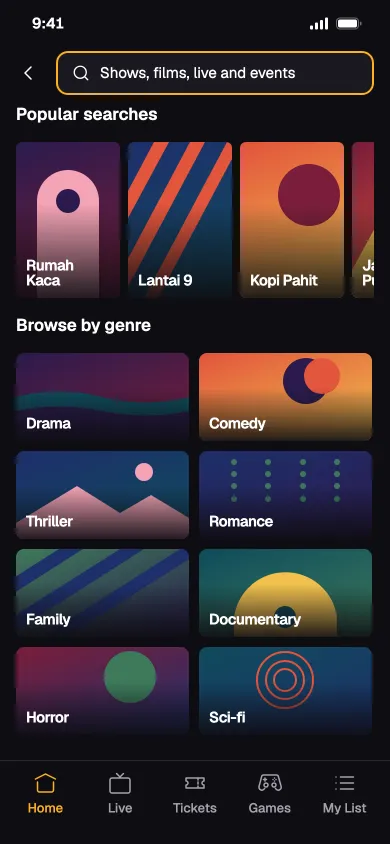
- Search home
- Typing with suggestionsPro
- Results with genre chipsPro
- Not in cataloguePro
See all 4 screens, at mobile and desktop.Pro opens the whole flow in your Universe, with the prompt and code for each screen.
Upgrade to ProAlready Pro? Open in UniverseWhen to use it
USE WHEN
A viewer looks for a show, film, live channel or event by name or genre inside a streaming catalogue.
AVOID WHEN
The search is generic records or settings (use Platform › Search and filter) or audio and podcasts (use Music › Search).
Patterns and why they work
5 decisions this flow makes, and the clarity each one buys.
Popular searches and genre tiles before typing
There is something to tap at once
Typeahead with a type label per row (SERIES, FILM, KIDS, LIVE)
Which Kota Hujan you mean
Top hit with the two usual actions
The best match plays from the search page
Results grid with type chips and More like this
Filter by kind without leaving
"We don't have it, you might like"
The title is not on the service, said plainly
Each pattern also has its psychology, the intuition behind it and what it rules out, plus layout notes for mobile and desktop.
Open in UniverseStates to cover
The screens people forget until a user hits them.
- Search home
- Focused empty field
- Typing with suggestions
- Top hit
- Recent searches
- Results all
- Results filtered by type
- Sort
- Locked title in results
- Upcoming live result
- No exact match with close matches
- Not in catalogue
- Request sent
- Offline search error
Pairs with
The flows this one hands off to or comes back from.
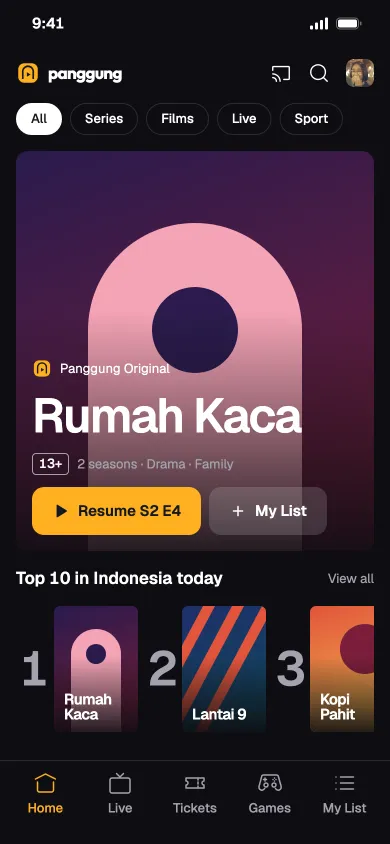
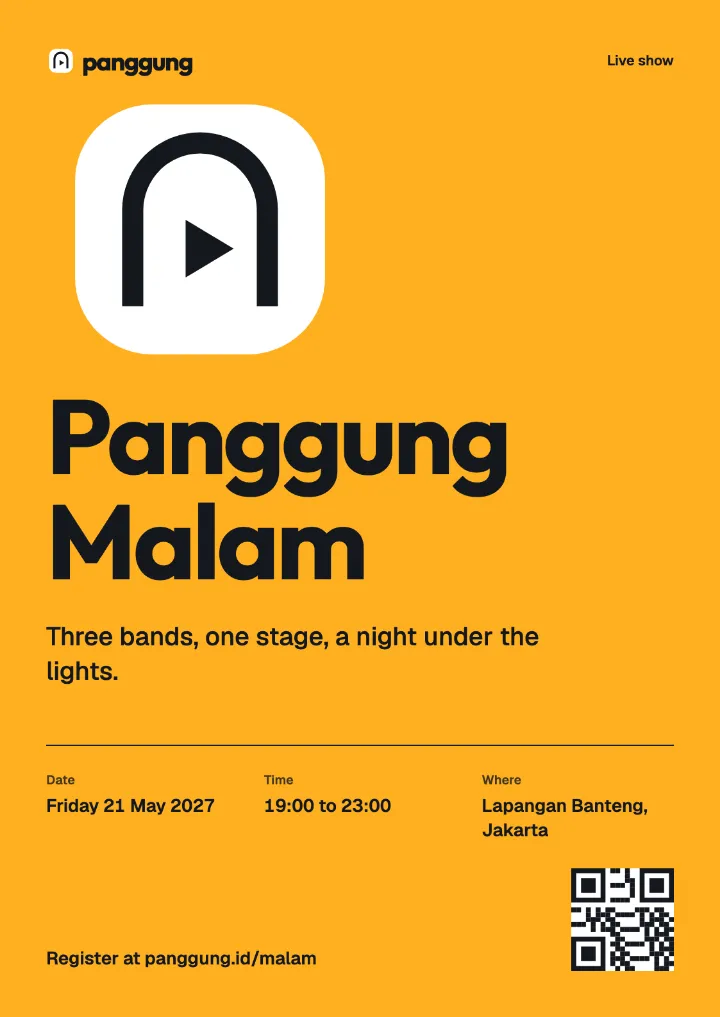
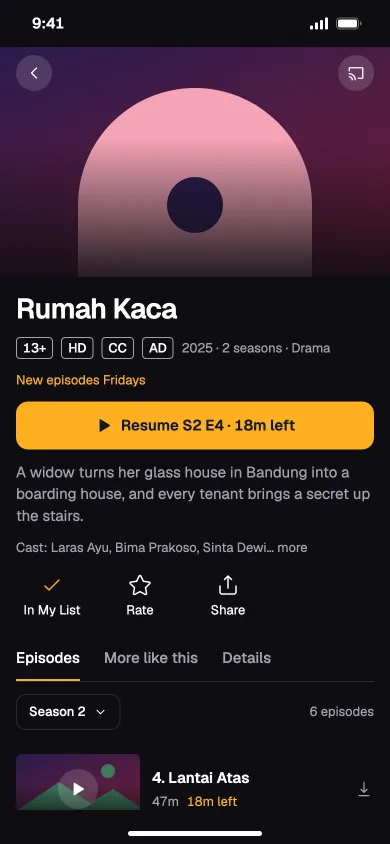
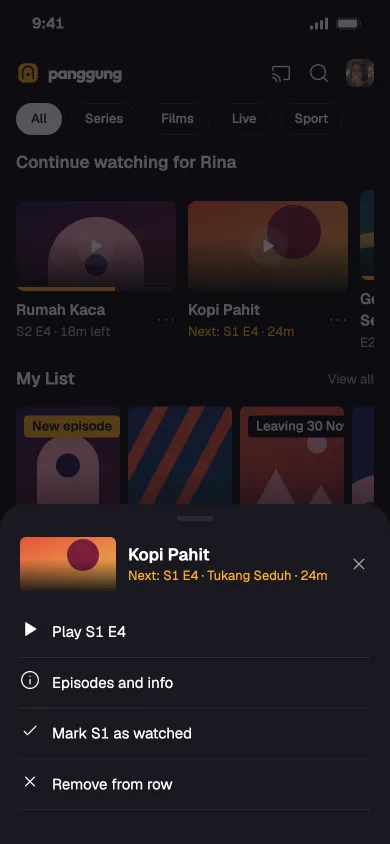
More Entertainment flows
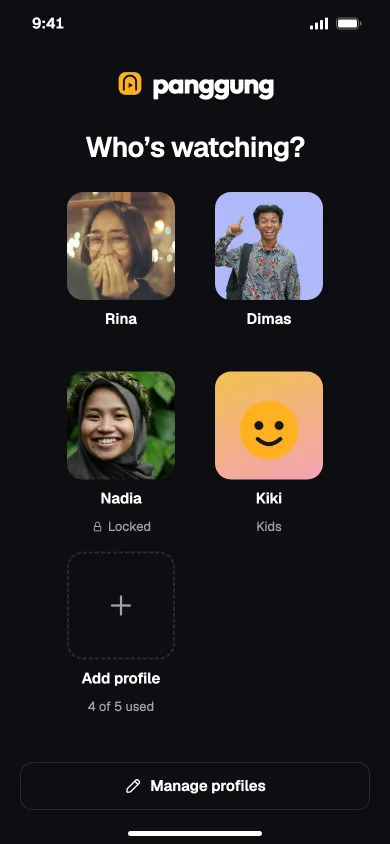
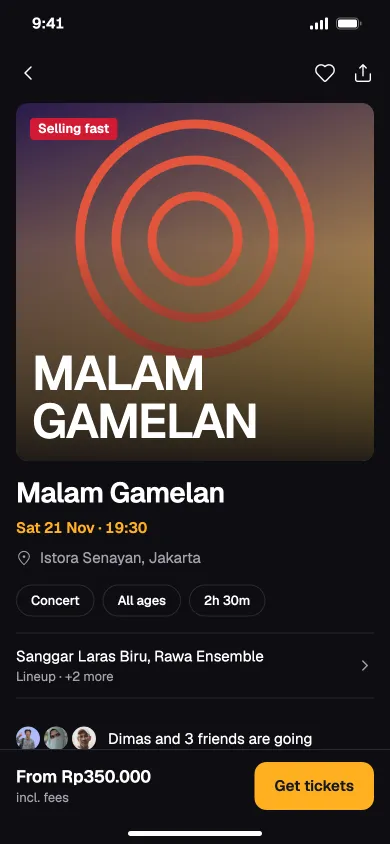
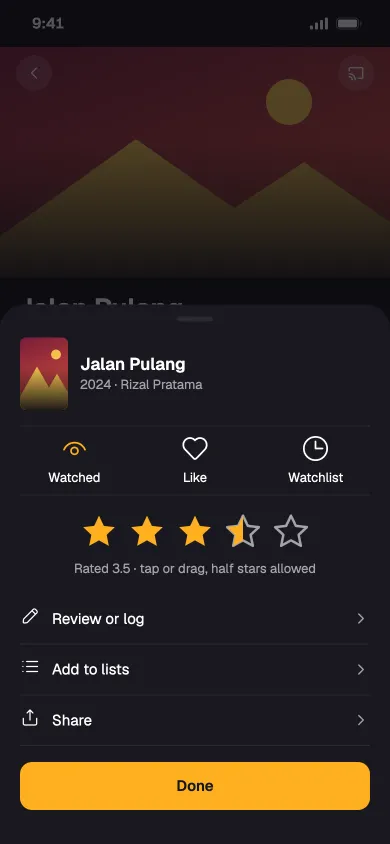
Drawn for the same brand, so they fit together.
Questions
- When should I use a search titles flow?
- A viewer looks for a show, film, live channel or event by name or genre inside a streaming catalogue. Use another pattern for the search is generic records or settings (use Platform › Search and filter) or audio and podcasts (use Music › Search).
- Which screens does it need?
- This pattern uses 4: Search home, Typing with suggestions, Results with genre chips and Not in catalogue. Plan for these states too: search home, focused empty field, typing with suggestions, top hit.
- Is Panggung a real app?
- No. Panggung is a made-up entertainment app: series and films, live TV and sport, concert tickets and games on one stage, set in Jakarta, so the screens show the pattern without copying anyone's brand. Your agent redraws the flow on your own tokens and components.
- How does my agent use this flow?
- Connect Claude Code, Codex or Claude Desktop to Wonderblok over MCP. The agent calls use_pattern for this flow, reads its screens, rules and states, and draws them in your file.
- Is it free?
- Browsing Universe is free. Full pattern notes and use with your agent are part of Pro, and the Free plan opens a few flows in full each month.