ENTERTAINMENT FLOW
Create account and choose a plan app flow
A entertainment flow in 5 screens, from choose a plan to who is watching. Start your app from it, and your agent draws it on your own design system.
- 5 screens
- 3 patterns
- Mobile and desktop
- Brand: Panggung (made up)
The screens, in order
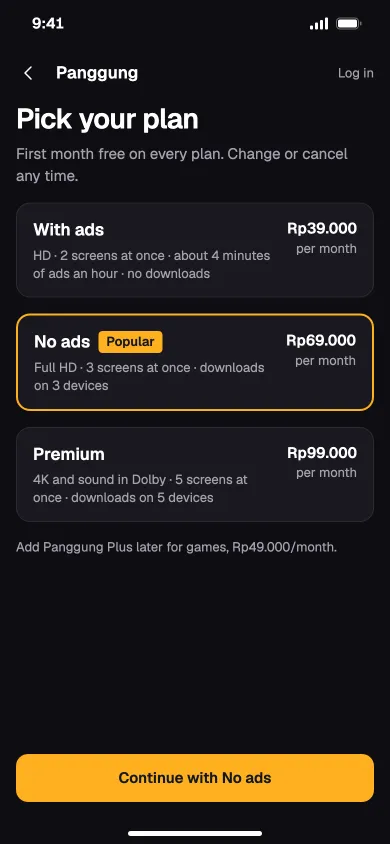
- Choose a plan
- Create accountPro
- PaymentPro
- Card declinedPro
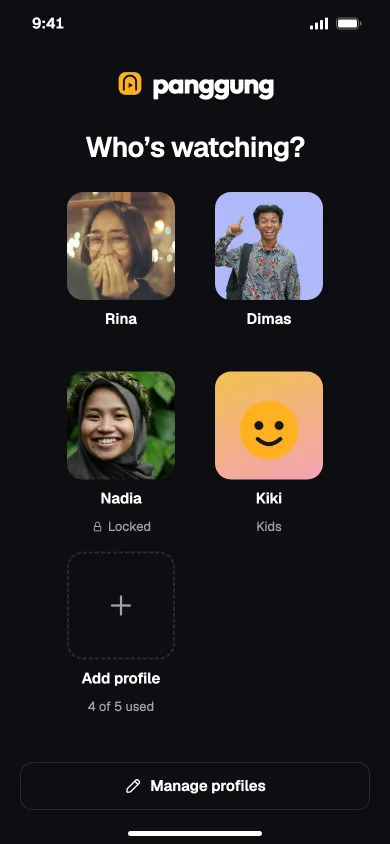
- Who is watchingPro
See all 5 screens, at mobile and desktop.Pro opens the whole flow in your Universe, with the prompt and code for each screen.
Upgrade to ProAlready Pro? Open in UniverseWhen to use it
USE WHEN
A viewing app where the plan comes before the account: compare tiers including one with ads, make the account, pay for a free month, handle a declined card, and land on who is watching.
AVOID WHEN
A plain return sign-in (use Account › Log in and out) or a games add-on offer (use Entertainment › Games hub).
Patterns and why they work
3 decisions this flow makes, and the clarity each one buys.
Ads tier first in the compare
Three tiers with the differences as ticks and crosses
Pay nothing today, and say when
A summary shows Today Rp0 and the first charge date
A declined card is a calm state
Bank declined, nothing charged
Each pattern also has its psychology, the intuition behind it and what it rules out, plus layout notes for mobile and desktop.
Open in UniverseStates to cover
The screens people forget until a user hits them.
- Plan picked
- Account created
- Payment method chosen
- Promo applied
- Card declined (try another or pay with GoPay)
- Region not supported (name the country, offer a waitlist)
- Email already used
- Free month already used
- Plans
- Account
- Payment
- Declined and profiles are drawn
Pairs with
The flows this one hands off to or comes back from.
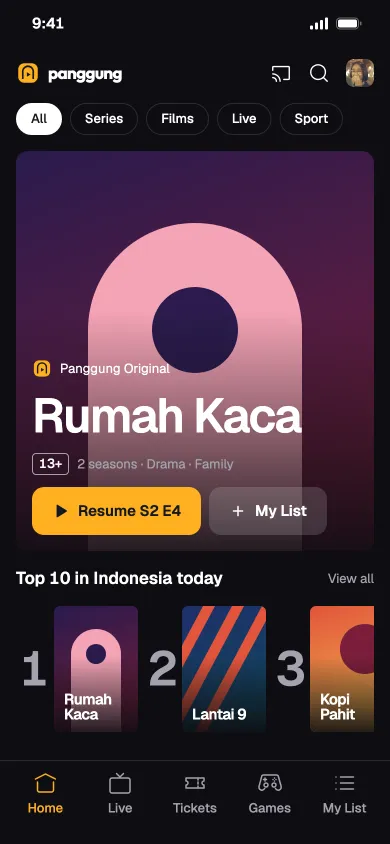
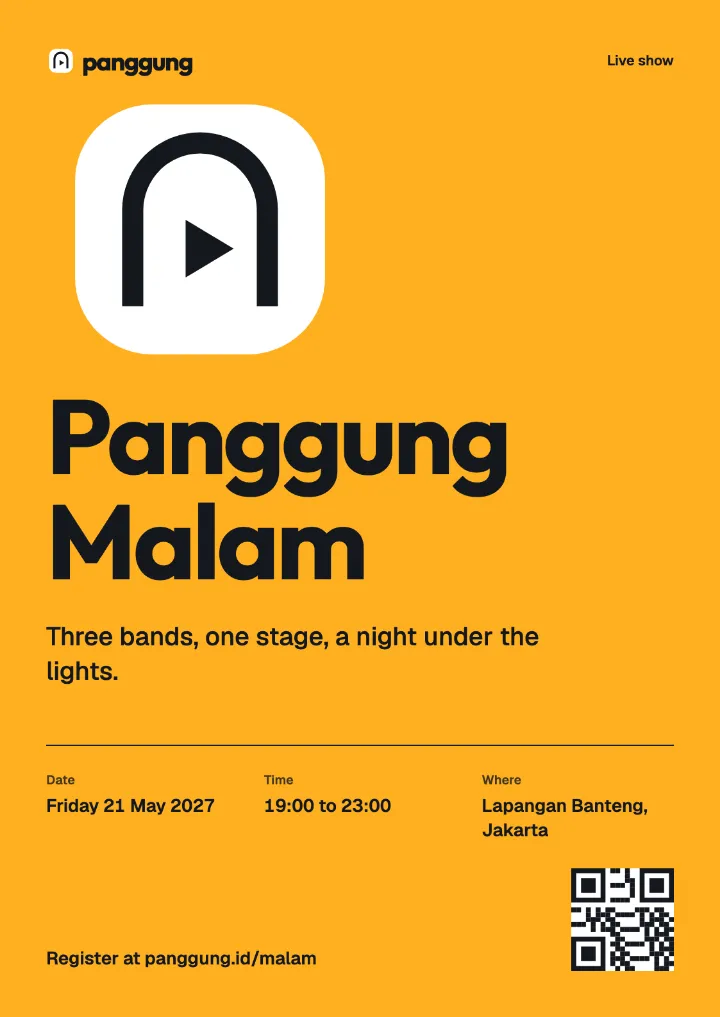
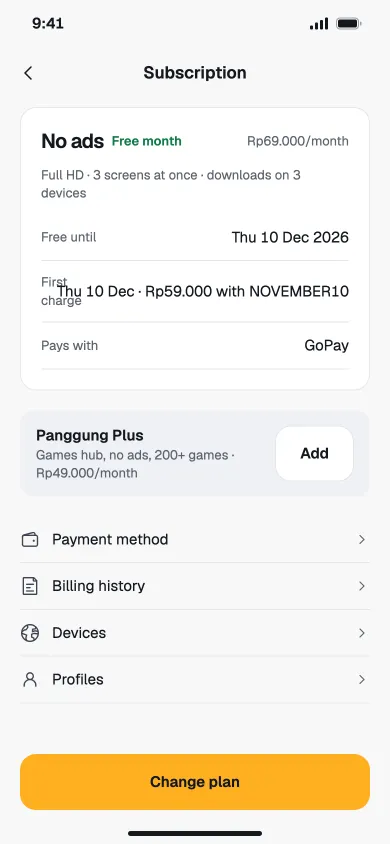
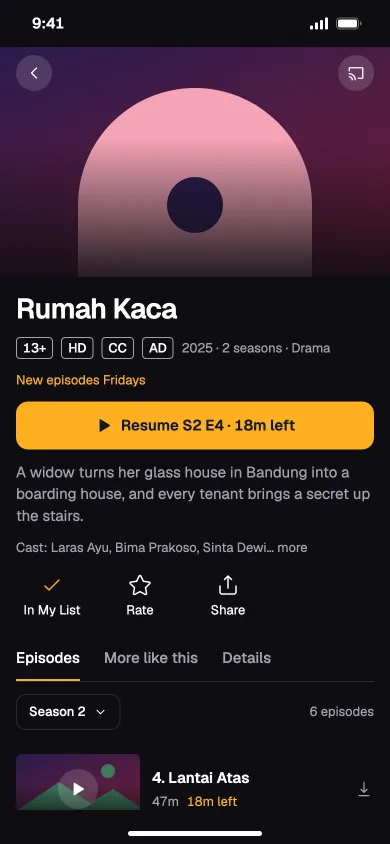
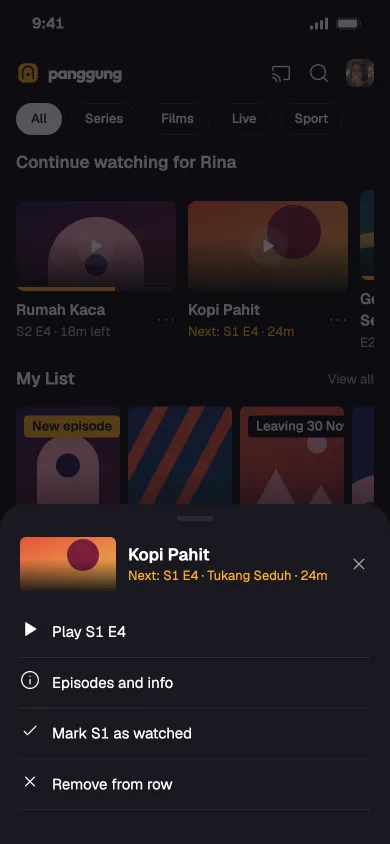
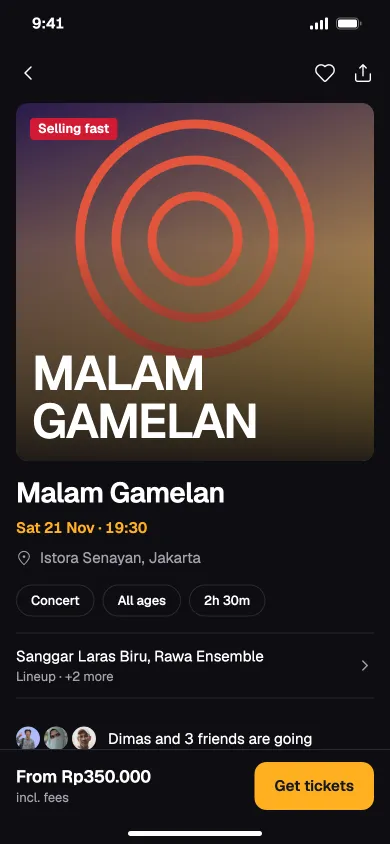
More Entertainment flows
Drawn for the same brand, so they fit together.
Questions
- When should I use a create account and choose a plan flow?
- A viewing app where the plan comes before the account: compare tiers including one with ads, make the account, pay for a free month, handle a declined card, and land on who is watching. Use another pattern for a plain return sign-in (use Account › Log in and out) or a games add-on offer (use Entertainment › Games hub).
- Which screens does it need?
- This pattern uses 5: Choose a plan, Create account, Payment, Card declined and Who is watching. Plan for these states too: plan picked, account created, payment method chosen, promo applied.
- Is Panggung a real app?
- No. Panggung is a made-up entertainment app: series and films, live TV and sport, concert tickets and games on one stage, set in Jakarta, so the screens show the pattern without copying anyone's brand. Your agent redraws the flow on your own tokens and components.
- How does my agent use this flow?
- Connect Claude Code, Codex or Claude Desktop to Wonderblok over MCP. The agent calls use_pattern for this flow, reads its screens, rules and states, and draws them in your file.
- Is it free?
- Browsing Universe is free. Full pattern notes and use with your agent are part of Pro, and the Free plan opens a few flows in full each month.