ENTERTAINMENT FLOW
Continue watching and watchlist app flow
A entertainment flow in 5 screens, from continue watching rail to finished titles. Start your app from it, and your agent draws it on your own design system.
- 5 screens
- 6 patterns
- Mobile and desktop
- Brand: Panggung (made up)
The screens, in order
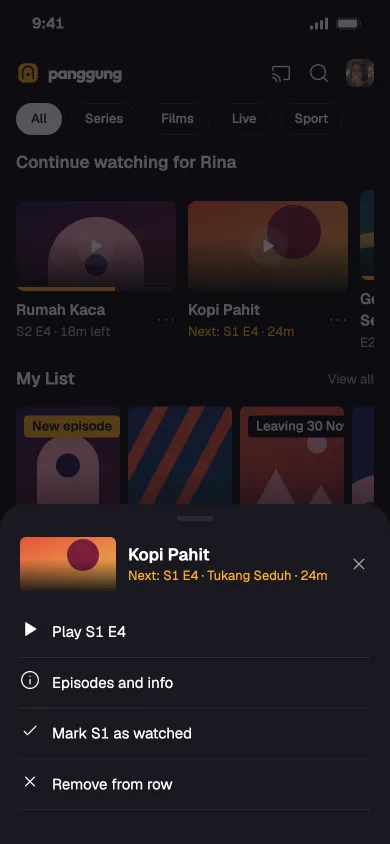
- Continue watching rail
- Saved to My ListPro
- My List gridPro
- Edit and empty statesPro
- Finished titlesPro
See all 5 screens, at mobile and desktop.Pro opens the whole flow in your Universe, with the prompt and code for each screen.
Upgrade to ProAlready Pro? Open in UniverseWhen to use it
USE WHEN
Any catalogue where people come back over days (series, courses, live schedules, events they plan to attend).
AVOID WHEN
Content is one-off and short (clips) where history adds noise, or when the user is on a shared profile with no profile gate.
Patterns and why they work
6 decisions this flow makes, and the clarity each one buys.
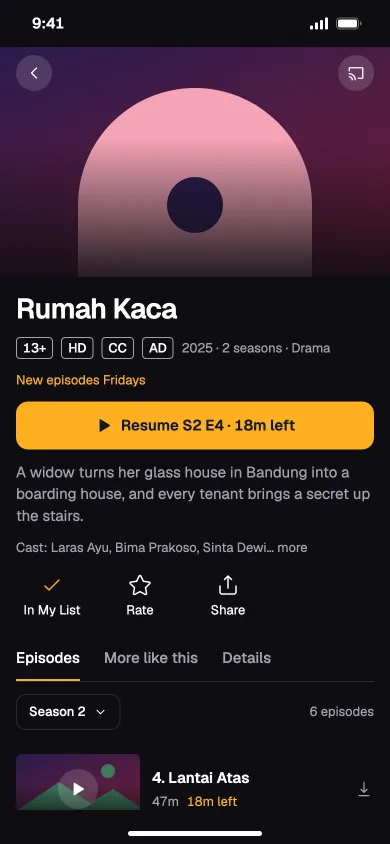
+ becomes a check in place
Saved state is visible on the same button
Resume label on the primary action
Where you left off
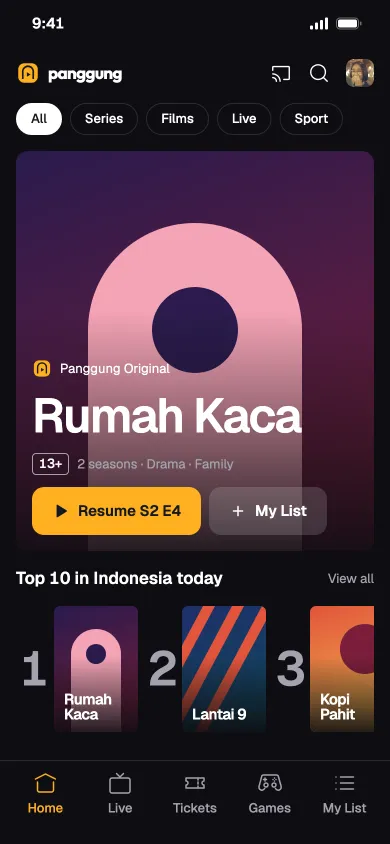
Continue watching and My List as the first rails
Your stuff before discovery
Watchlist tabs by type
Live items have dates, VOD does not
Empty state that explains the +
What this page is for
Edit mode for bulk removal
Removal is deliberate
Each pattern also has its psychology, the intuition behind it and what it rules out, plus layout notes for mobile and desktop.
Open in UniverseStates to cover
The screens people forget until a user hits them.
- + default
- Saved check with toast and undo
- Continue watching rail with progress
- Finished episode advanced to next
- Tile menu (remove from row)
- My List grid
- List tab Live and upcoming with dates
- Sort menu
- Edit mode with selection
- Remove confirmation
- Empty list
- New episode tag
- Leaving soon tag
- Title no longer available
- DRAWN IN WAVE 3: finished episode advanced to Next up
- Finished titles listed with Rate and Watch again
- Toast with undo
- Remove from row is in screen 1
Pairs with
The flows this one hands off to or comes back from.
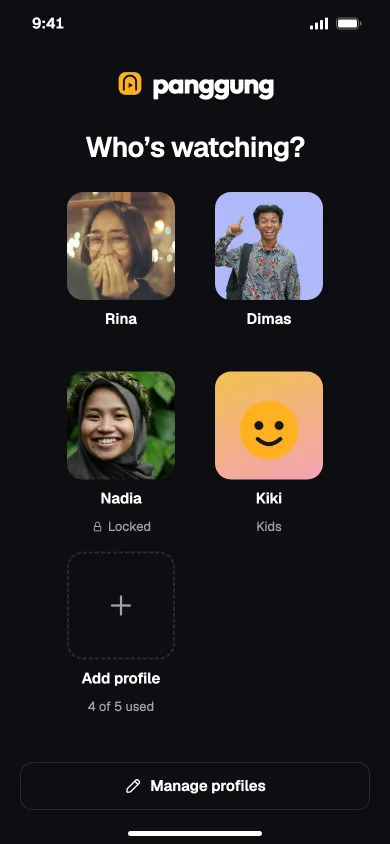
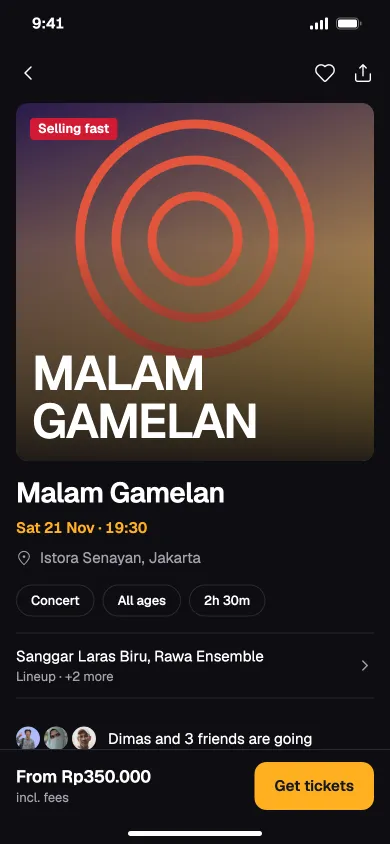
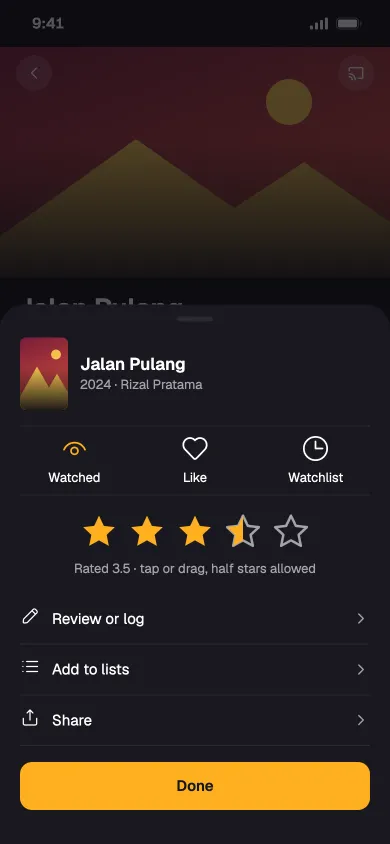
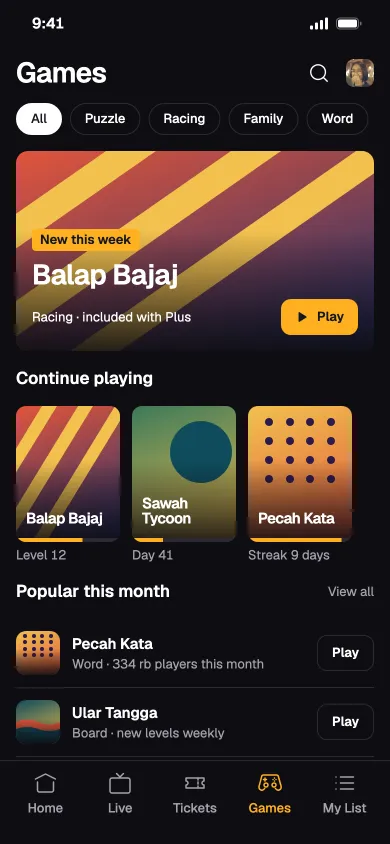
More Entertainment flows
Drawn for the same brand, so they fit together.
Questions
- When should I use a continue watching and watchlist flow?
- Any catalogue where people come back over days (series, courses, live schedules, events they plan to attend). Use another pattern for content is one-off and short (clips) where history adds noise, or when the user is on a shared profile with no profile gate.
- Which screens does it need?
- This pattern uses 5: Continue watching rail, Saved to My List, My List grid, Edit and empty states and Finished titles. Plan for these states too: + default, saved check with toast and undo, continue watching rail with progress, finished episode advanced to next.
- Is Panggung a real app?
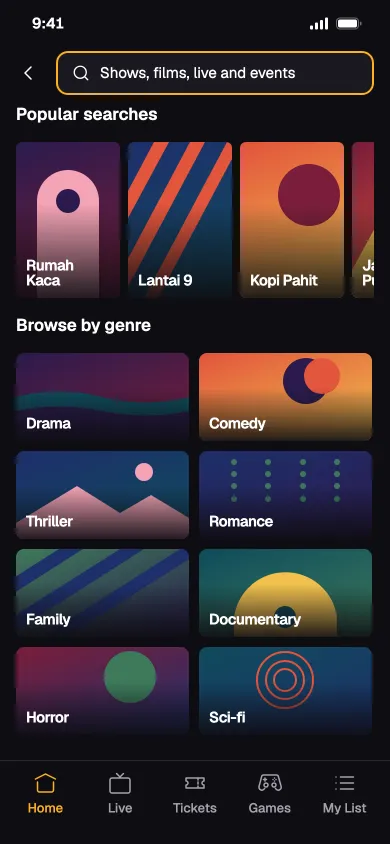
- No. Panggung is a made-up entertainment app: series and films, live TV and sport, concert tickets and games on one stage, set in Jakarta, so the screens show the pattern without copying anyone's brand. Your agent redraws the flow on your own tokens and components.
- How does my agent use this flow?
- Connect Claude Code, Codex or Claude Desktop to Wonderblok over MCP. The agent calls use_pattern for this flow, reads its screens, rules and states, and draws them in your file.
- Is it free?
- Browsing Universe is free. Full pattern notes and use with your agent are part of Pro, and the Free plan opens a few flows in full each month.