ENTERTAINMENT FLOW
Title detail with seasons app flow
A entertainment flow in 6 screens, from title header and actions to not available in your region. Start your app from it, and your agent draws it on your own design system.
- 6 screens
- 6 patterns
- Mobile and desktop
- Brand: Panggung (made up)
The screens, in order
- Title header and actions
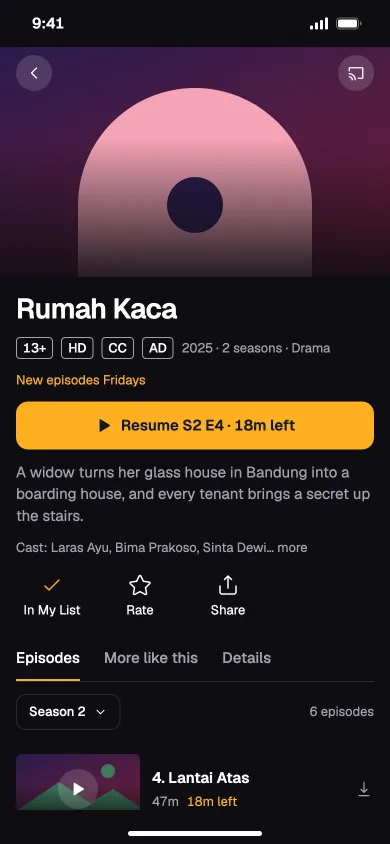
- Episodes with season pickerPro
- More like thisPro
- Details and castPro
- Leaving soon and rent or buyPro
- Not available in your regionPro
See all 6 screens, at mobile and desktop.Pro opens the whole flow in your Universe, with the prompt and code for each screen.
Upgrade to ProAlready Pro? Open in UniverseWhen to use it
USE WHEN
Any title with more than one part (series, seasons, multi-part documentaries, event replays with sessions).
AVOID WHEN
The item is a single short clip (play it directly) or the catalogue has no metadata to fill the page (use a lightweight preview).
Patterns and why they work
6 decisions this flow makes, and the clarity each one buys.
Primary button names the episode
Exactly what will play
Season dropdown above the list
Which season is shown
Episode row with still, runtime and synopsis
What happens and how long
Badges in one row
Suitability and quality at a glance
Tabs for depth
Watching vs exploring
Release cadence line
When more is coming
Each pattern also has its psychology, the intuition behind it and what it rules out, plus layout notes for mobile and desktop.
Open in UniverseStates to cover
The screens people forget until a user hits them.
- Series default
- Movie variant (no seasons)
- Trailer playing muted
- Season dropdown open
- Season 2 selected
- Episode in progress
- Episodes watched
- New episode tag
- Coming soon season
- Locked episode
- Download not allowed
- Added to My List
- More Like This tab
- Extras tab
- About or Details
- Unavailable in region
- DRAWN IN WAVE 3: leaving soon tag with days left
- Watch options (included until the end date, rent, buy)
- Title not available in the account region with a reminder
Pairs with
The flows this one hands off to or comes back from.
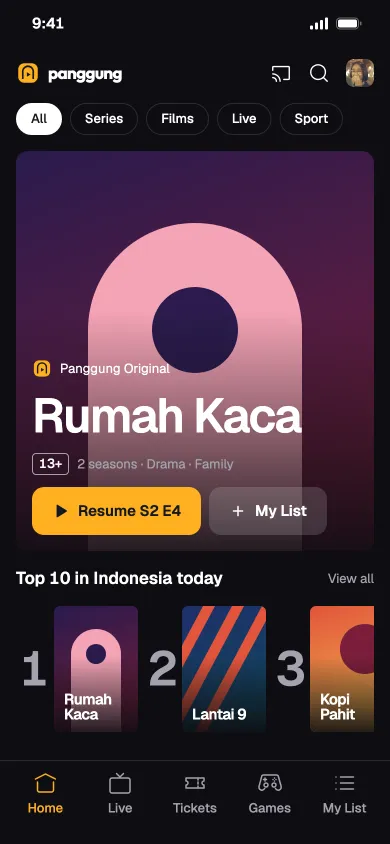
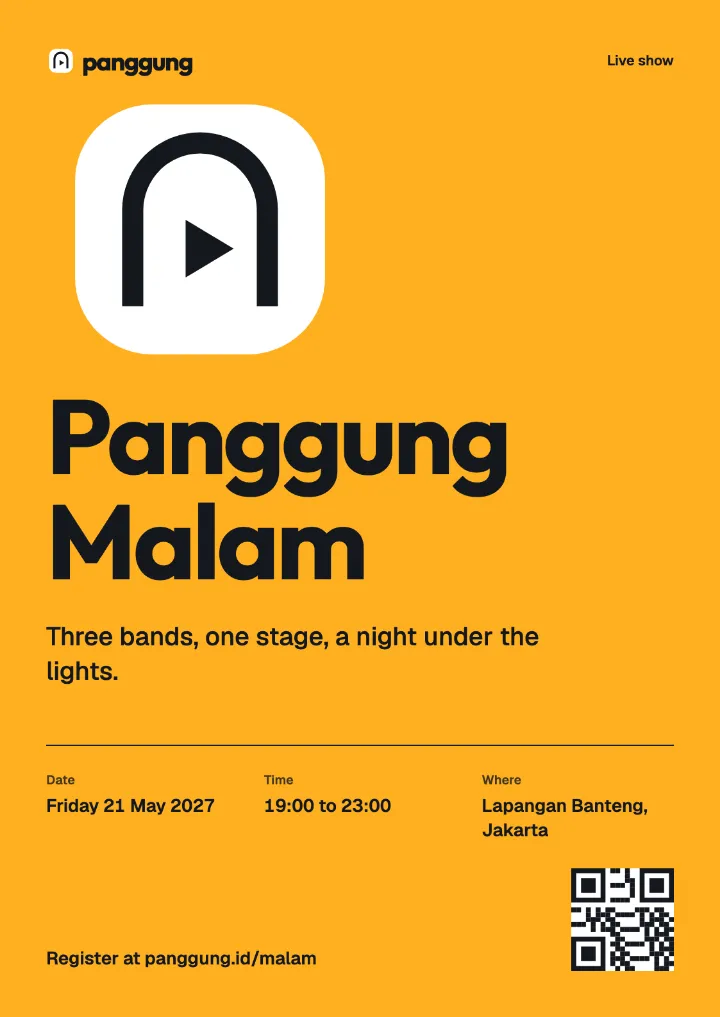
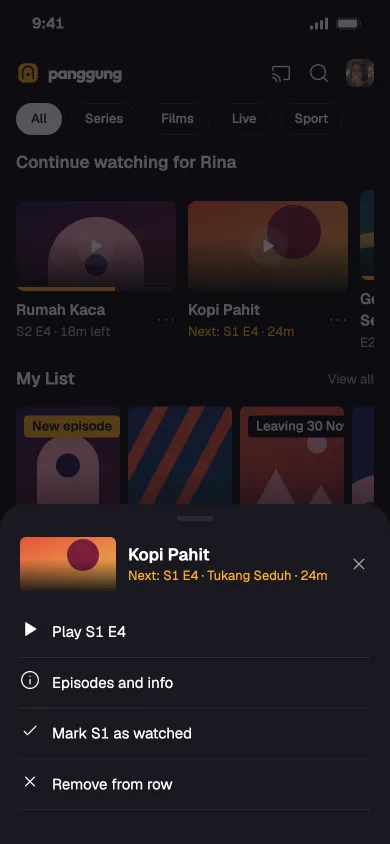
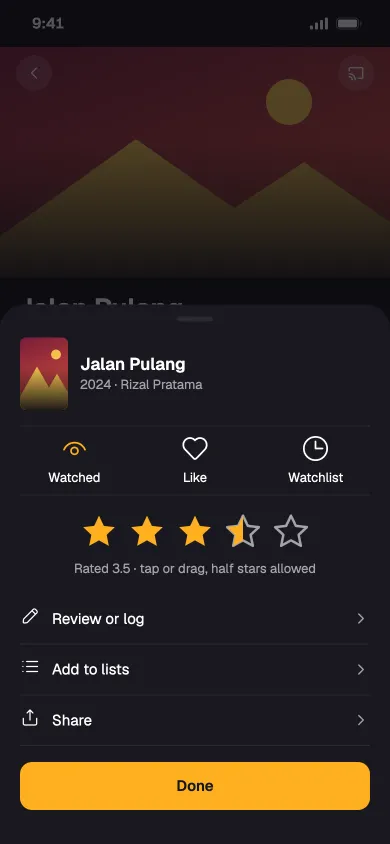
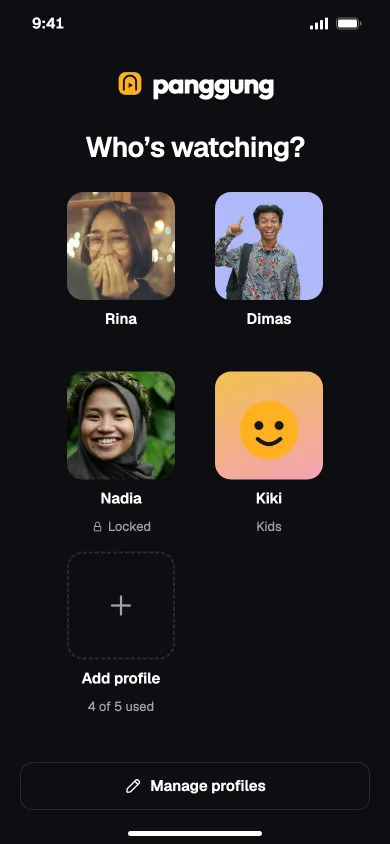
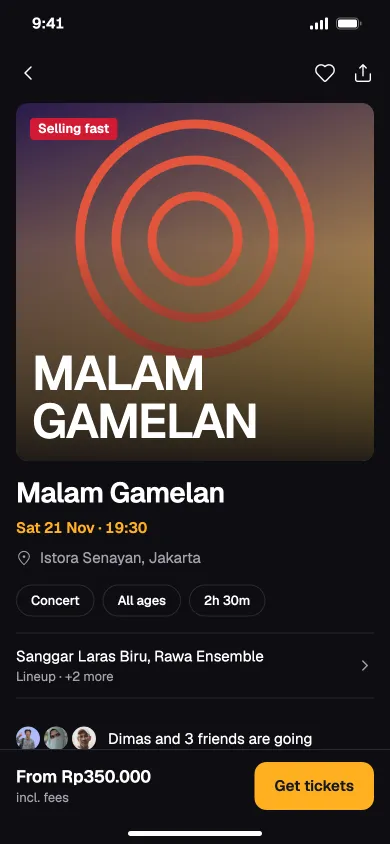
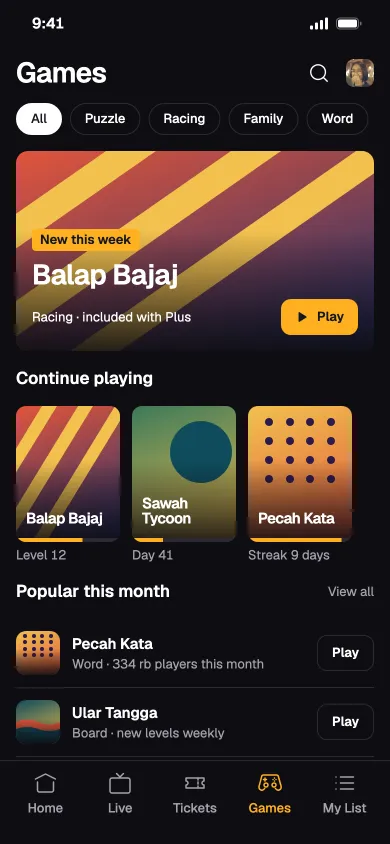
More Entertainment flows
Drawn for the same brand, so they fit together.
Questions
- When should I use a title detail with seasons flow?
- Any title with more than one part (series, seasons, multi-part documentaries, event replays with sessions). Use another pattern for the item is a single short clip (play it directly) or the catalogue has no metadata to fill the page (use a lightweight preview).
- Which screens does it need?
- This pattern uses 6: Title header and actions, Episodes with season picker, More like this, Details and cast, Leaving soon and rent or buy and Not available in your region. Plan for these states too: series default, movie variant (no seasons), trailer playing muted, season dropdown open.
- Is Panggung a real app?
- No. Panggung is a made-up entertainment app: series and films, live TV and sport, concert tickets and games on one stage, set in Jakarta, so the screens show the pattern without copying anyone's brand. Your agent redraws the flow on your own tokens and components.
- How does my agent use this flow?
- Connect Claude Code, Codex or Claude Desktop to Wonderblok over MCP. The agent calls use_pattern for this flow, reads its screens, rules and states, and draws them in your file.
- Is it free?
- Browsing Universe is free. Full pattern notes and use with your agent are part of Pro, and the Free plan opens a few flows in full each month.