ENTERTAINMENT FLOW
Manage subscription and devices app flow
A entertainment flow in 5 screens, from plan and renewal to cancelled. Start your app from it, and your agent draws it on your own design system.
- 5 screens
- 3 patterns
- Mobile and desktop
- Brand: Panggung (made up)
The screens, in order
- Plan and renewal
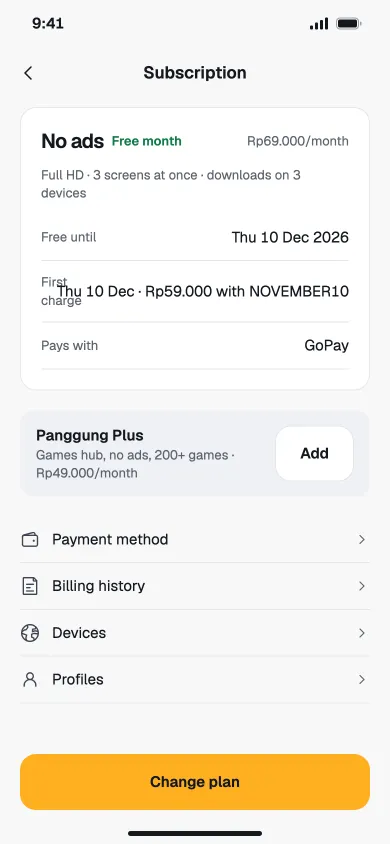
- Change planPro
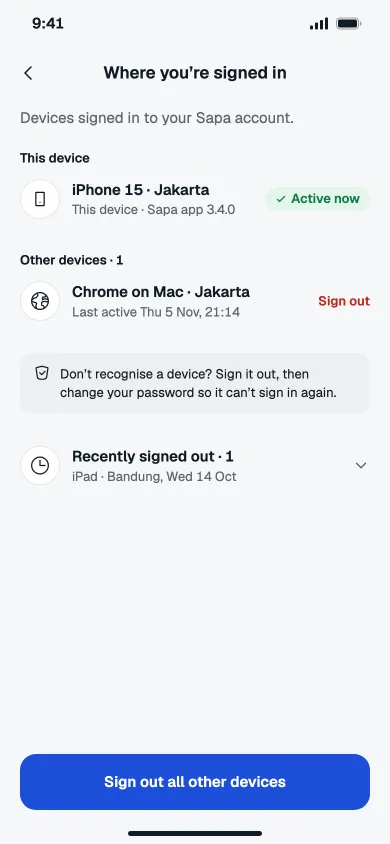
- Devices and sign outPro
- Pause or cancelPro
- CancelledPro
See all 5 screens, at mobile and desktop.Pro opens the whole flow in your Universe, with the prompt and code for each screen.
Upgrade to ProAlready Pro? Open in UniverseWhen to use it
USE WHEN
The account owner needs one calm place for the plan, the next charge, a plan change, the devices signed in with a limit, and a way to pause or cancel with the end date stated.
AVOID WHEN
Security of your sign-ins (use Account › Devices and sessions) or a first-time plan choice (use Entertainment › Create account and choose a plan).
Patterns and why they work
3 decisions this flow makes, and the clarity each one buys.
The next charge and its date, first
Free until Thu 10 Dec, then the amount
Pause before cancel, and say what stays
Three choices with the effect of each
Devices with a limit, not a mystery
5 of 5 with the device name, place and last seen
Each pattern also has its psychology, the intuition behind it and what it rules out, plus layout notes for mobile and desktop.
Open in UniverseStates to cover
The screens people forget until a user hits them.
- Payment failed (retry or change method)
- Device limit reached
- Cancelled but active until a date
- Paused
- Plan changed on the web
- Promo lost on cancel
- No devices
- Offline
- Plan
- Change
- Devices
- Cancel and cancelled are drawn
Pairs with
The flows this one hands off to or comes back from.
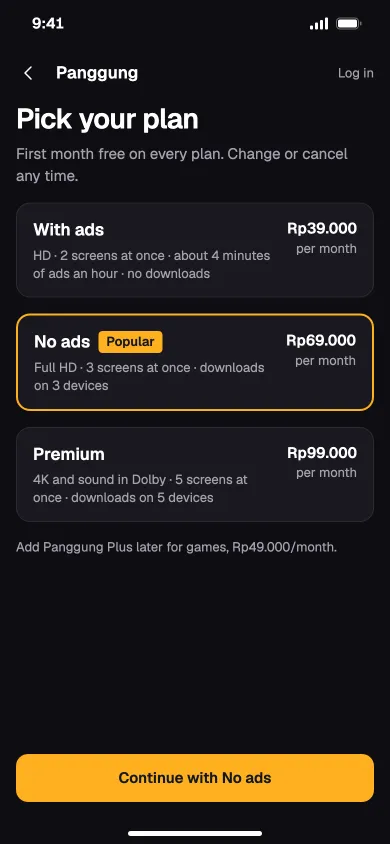
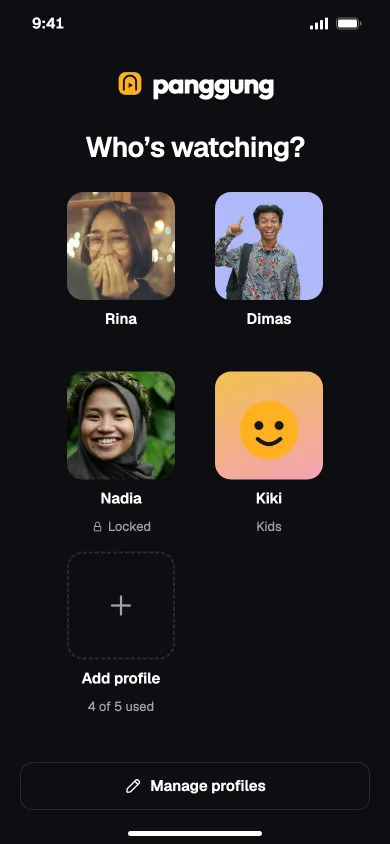
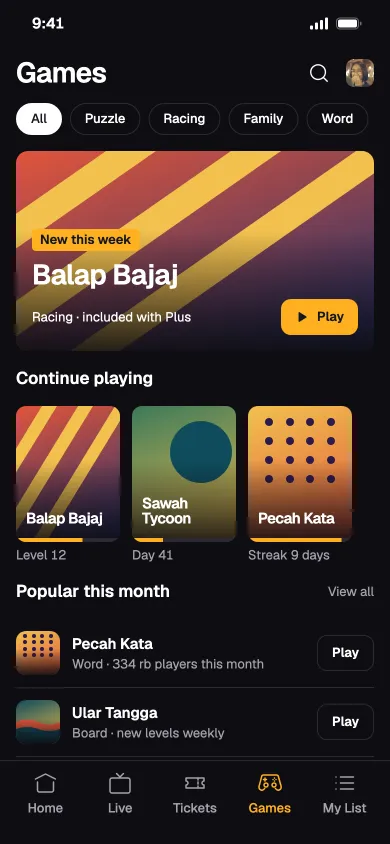
More Entertainment flows
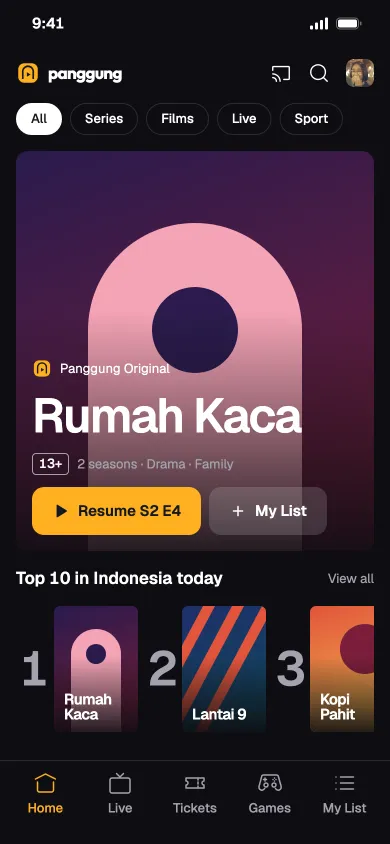
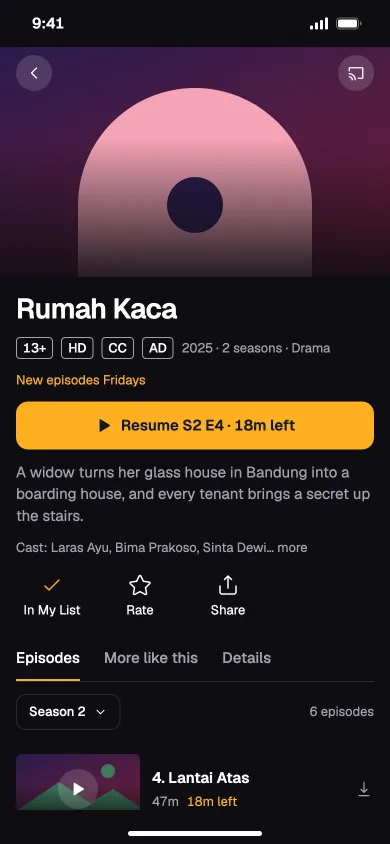
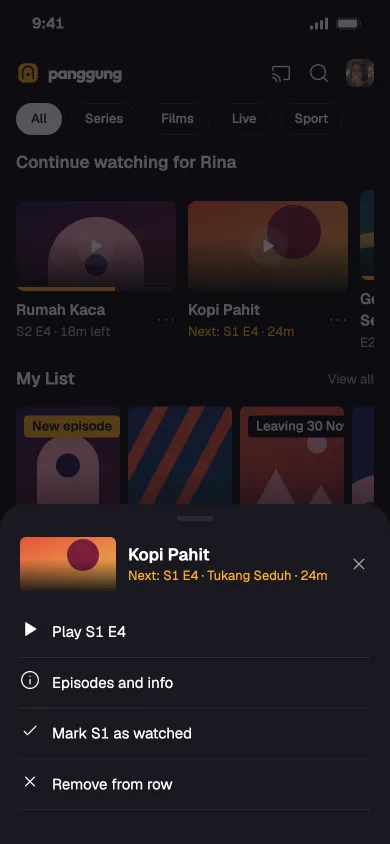
Drawn for the same brand, so they fit together.
Questions
- When should I use a manage subscription and devices flow?
- The account owner needs one calm place for the plan, the next charge, a plan change, the devices signed in with a limit, and a way to pause or cancel with the end date stated. Use another pattern for security of your sign-ins (use Account › Devices and sessions) or a first-time plan choice (use Entertainment › Create account and choose a plan).
- Which screens does it need?
- This pattern uses 5: Plan and renewal, Change plan, Devices and sign out, Pause or cancel and Cancelled. Plan for these states too: payment failed (retry or change method), device limit reached, cancelled but active until a date, paused.
- Is Panggung a real app?
- No. Panggung is a made-up entertainment app: series and films, live TV and sport, concert tickets and games on one stage, set in Jakarta, so the screens show the pattern without copying anyone's brand. Your agent redraws the flow on your own tokens and components.
- How does my agent use this flow?
- Connect Claude Code, Codex or Claude Desktop to Wonderblok over MCP. The agent calls use_pattern for this flow, reads its screens, rules and states, and draws them in your file.
- Is it free?
- Browsing Universe is free. Full pattern notes and use with your agent are part of Pro, and the Free plan opens a few flows in full each month.