ENTERTAINMENT FLOW
Games hub app flow
A entertainment flow in 5 screens, from games hub to device not supported. Start your app from it, and your agent draws it on your own design system.
- 5 screens
- 6 patterns
- Mobile and desktop
- Brand: Panggung (made up)
The screens, in order
- Games hub
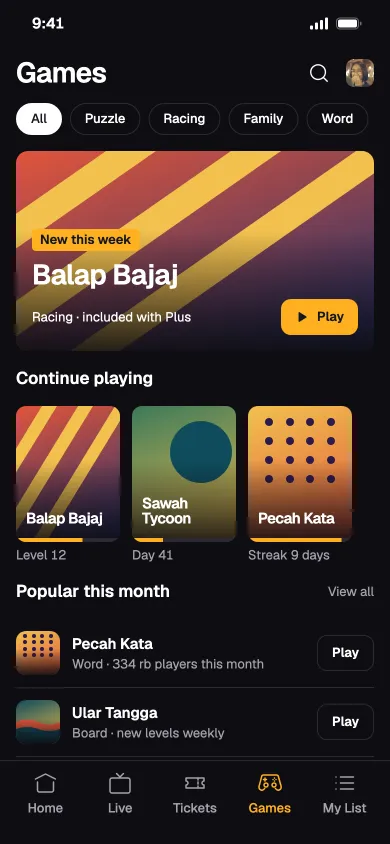
- Game detailPro
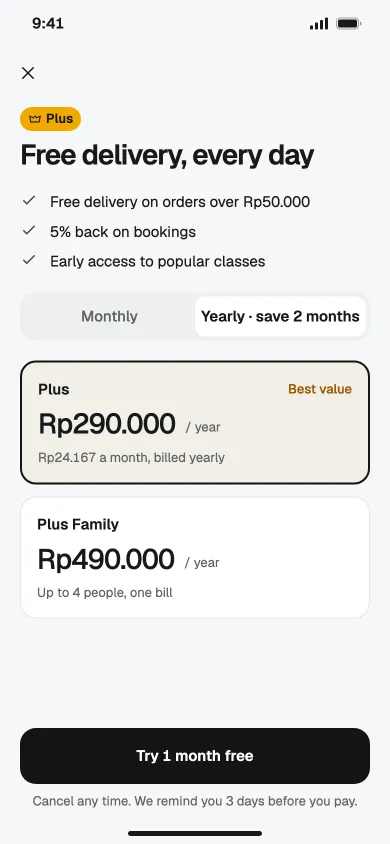
- Plan offerPro
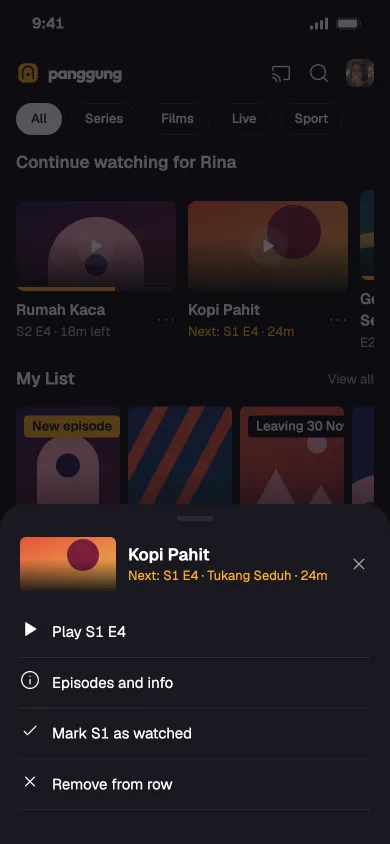
- Library and continue playingPro
- Device not supportedPro
See all 5 screens, at mobile and desktop.Pro opens the whole flow in your Universe, with the prompt and code for each screen.
Upgrade to ProAlready Pro? Open in UniverseWhen to use it
USE WHEN
An entertainment or subscription app adds games, casual instant games, a game catalogue in a bundle.
AVOID WHEN
Games are a single title (link to it) or the platform cannot run games on the current device (show the device requirement first).
Patterns and why they work
6 decisions this flow makes, and the clarity each one buys.
Plan offer with the exact after-trial price
What it costs after the trial
Continue playing row
One tap back into a game
Play button on the card
Instant games need no detail page
Coming soon with a date
When it lands
Social proof per game
What is popular now
Randomiser for the undecided
A way out of choice overload
Each pattern also has its psychology, the intuition behind it and what it rules out, plus layout notes for mobile and desktop.
Open in UniverseStates to cover
The screens people forget until a user hits them.
- Hub with plan offer
- Hub with plan active
- Chips filtered
- Coming soon with notify me
- Game detail
- Device not supported
- Plan required
- Trial offer sheet
- Downloading or launching
- Continue playing
- Library
- Update available
- Empty library
- Pick for me result
- DRAWN IN WAVE 3: game not supported on this phone with Send to TV and Play on the web
Pairs with
The flows this one hands off to or comes back from.
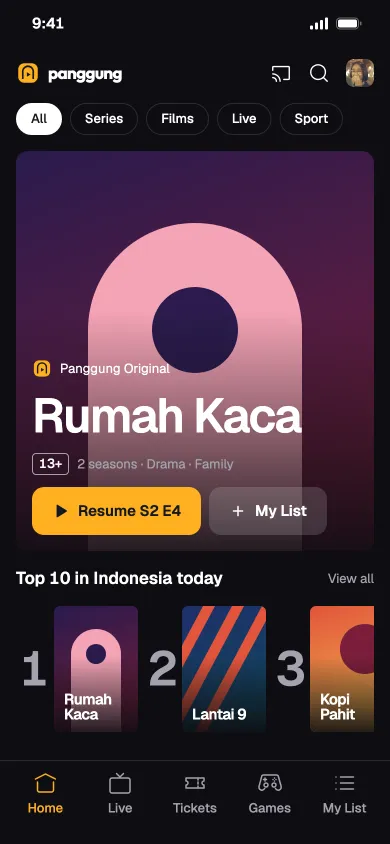
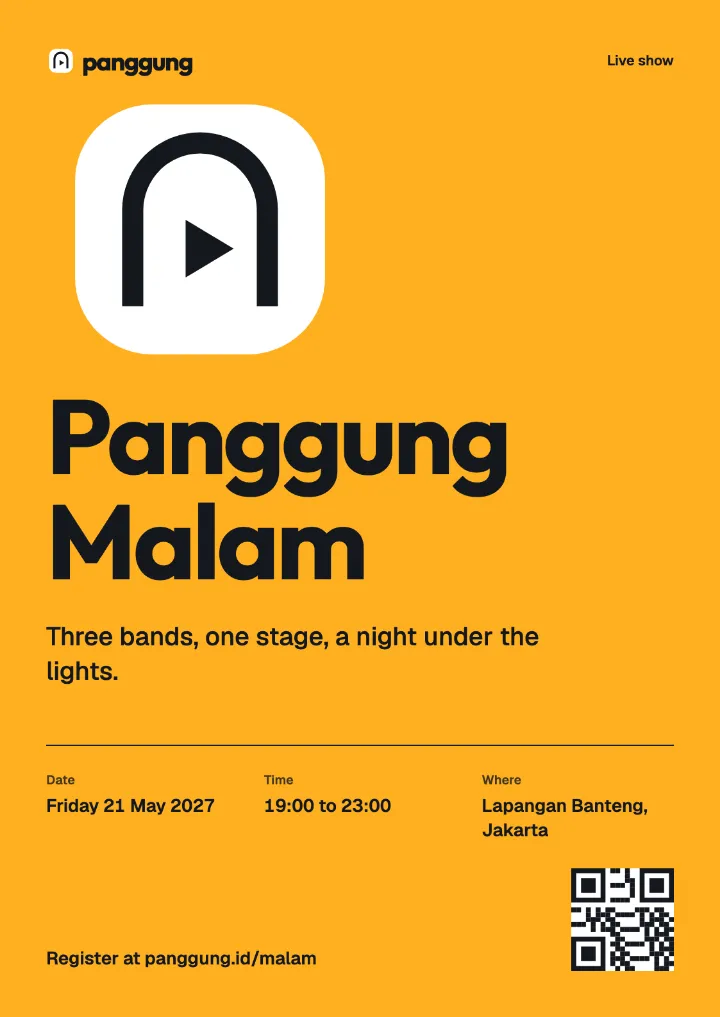
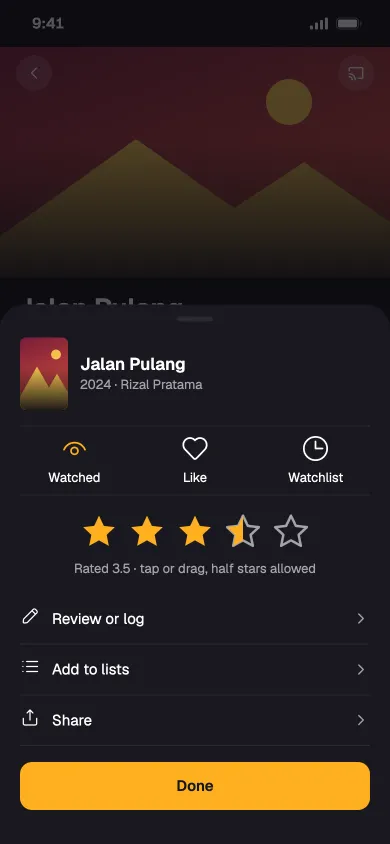
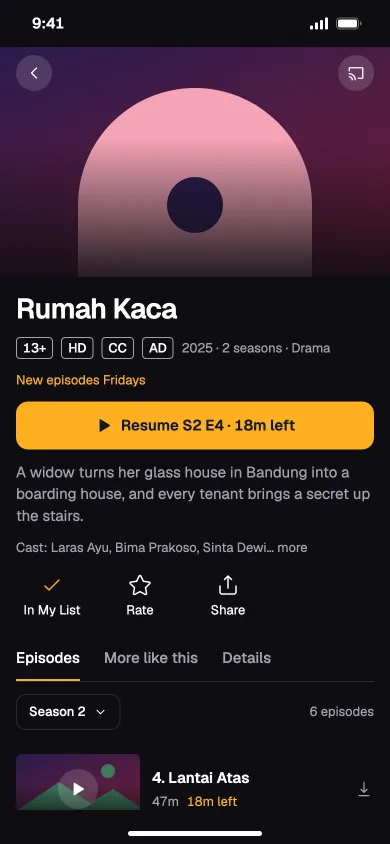
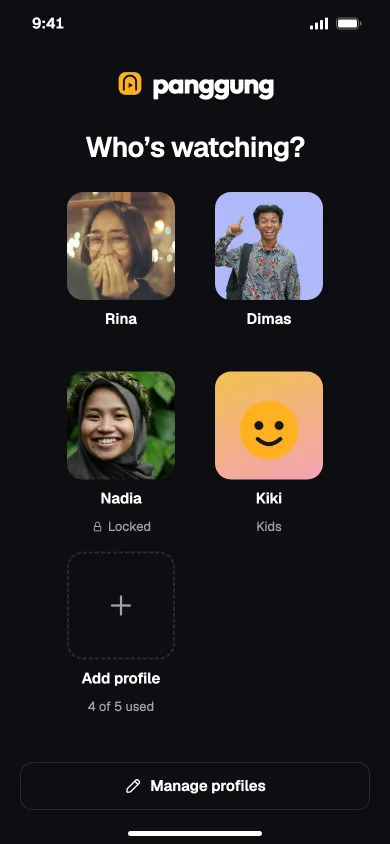
More Entertainment flows
Drawn for the same brand, so they fit together.
Questions
- When should I use a games hub flow?
- An entertainment or subscription app adds games, casual instant games, a game catalogue in a bundle. Use another pattern for games are a single title (link to it) or the platform cannot run games on the current device (show the device requirement first).
- Which screens does it need?
- This pattern uses 5: Games hub, Game detail, Plan offer, Library and continue playing and Device not supported. Plan for these states too: hub with plan offer, hub with plan active, chips filtered, coming soon with notify me.
- Is Panggung a real app?
- No. Panggung is a made-up entertainment app: series and films, live TV and sport, concert tickets and games on one stage, set in Jakarta, so the screens show the pattern without copying anyone's brand. Your agent redraws the flow on your own tokens and components.
- How does my agent use this flow?
- Connect Claude Code, Codex or Claude Desktop to Wonderblok over MCP. The agent calls use_pattern for this flow, reads its screens, rules and states, and draws them in your file.
- Is it free?
- Browsing Universe is free. Full pattern notes and use with your agent are part of Pro, and the Free plan opens a few flows in full each month.