ENTERTAINMENT FLOW
Event tickets and seats app flow
A entertainment flow in 7 screens, from event page to hold expired. Start your app from it, and your agent draws it on your own design system.
- 7 screens
- 7 patterns
- Mobile and desktop
- Brand: Panggung (made up)
The screens, in order
- Event page
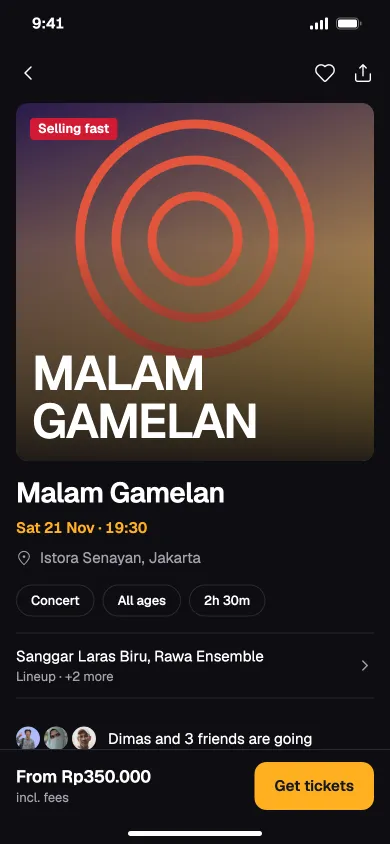
- Pick quantity and sectionPro
- Choose seatsPro
- Checkout and ticketPro
- Sold outPro
- Waiting roomPro
- Hold expiredPro
See all 7 screens, at mobile and desktop.Pro opens the whole flow in your Universe, with the prompt and code for each screen.
Upgrade to ProAlready Pro? Open in UniverseWhen to use it
USE WHEN
Concerts, theatre, sports, festivals, cinema; any time-bound event with inventory.
AVOID WHEN
Free open events with no capacity (use RSVP), or pure streaming of a live event (use Browse catalogue and live).
Patterns and why they work
7 decisions this flow makes, and the clarity each one buys.
Ask quantity before showing seats
Listings fit the group
Price pins on the venue map
Where cheap seats are
Seat grid with a price legend and initials
Which seat is whose and what it costs
Total including fees up front
No surprise at checkout
Hold timer in checkout
Seats are held, for how long
Sticky price and Buy bar
Cost always visible
Ticket as a stub with wallet and calendar
This is your ticket
Each pattern also has its psychology, the intuition behind it and what it rules out, plus layout notes for mobile and desktop.
Open in UniverseStates to cover
The screens people forget until a user hits them.
- Discover home
- Search with filters
- Map view
- Event page
- Sold out with waitlist
- Quantity dialog
- Section map with pins
- Listings sorted
- Seat grid empty
- Seats selected
- Seat taken by someone else
- Ticket types with steppers
- Checkout with timer
- Hold expired
- Payment failed
- Confirmation
- Ticket wallet
- Ticket QR
- Transfer ticket
- Event postponed or cancelled
- DRAWN IN WAVE 3: sold out with waitlist and live alternative
- Waiting room with place in line
- Hold expired dialog with seats free again
Pairs with
The flows this one hands off to or comes back from.
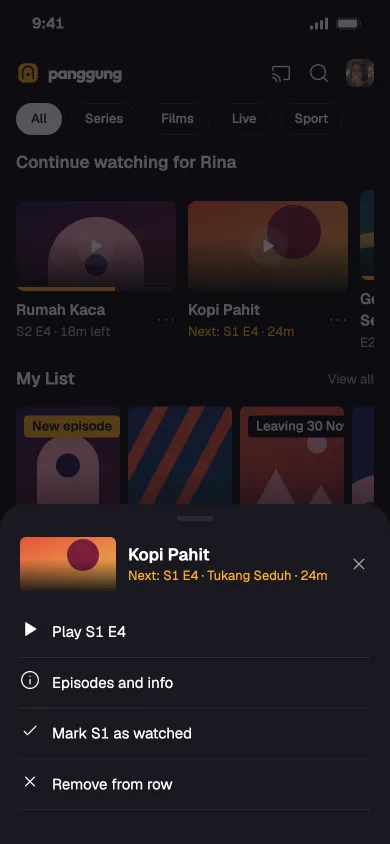
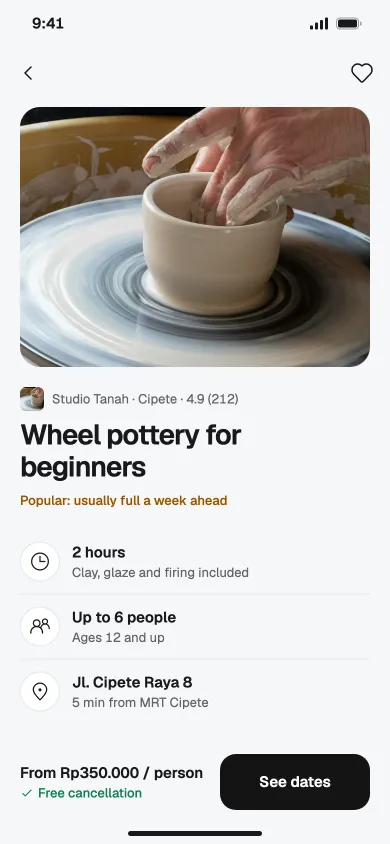
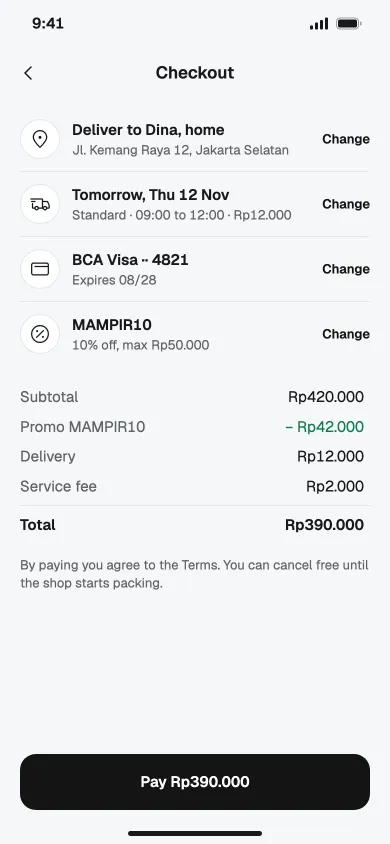
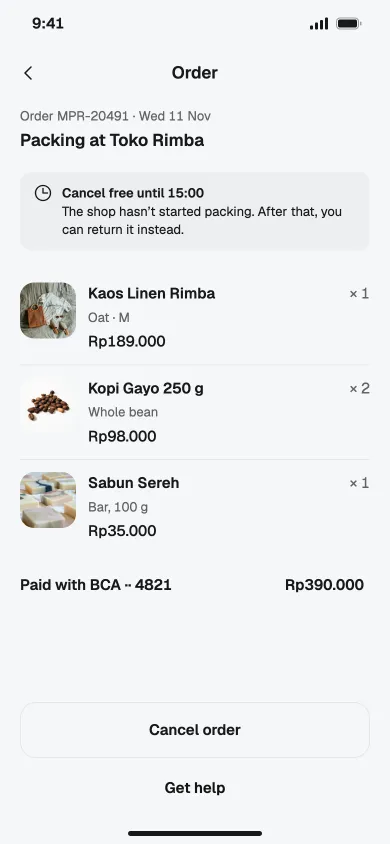
More Entertainment flows
Drawn for the same brand, so they fit together.
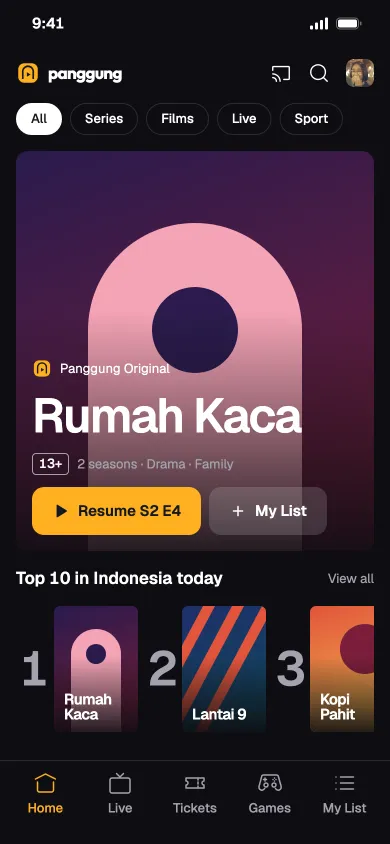
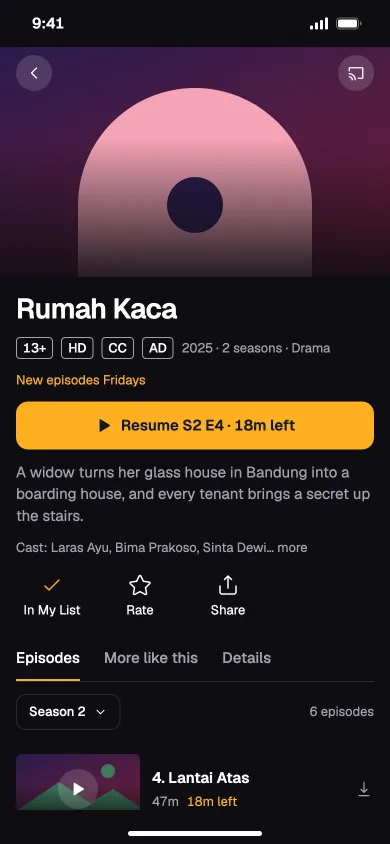
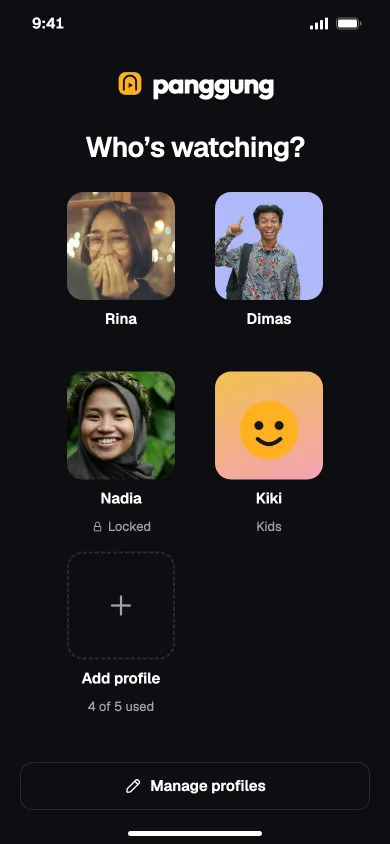
Questions
- When should I use a event tickets and seats flow?
- Concerts, theatre, sports, festivals, cinema; any time-bound event with inventory. Use another pattern for free open events with no capacity (use RSVP), or pure streaming of a live event (use Browse catalogue and live).
- Which screens does it need?
- This pattern uses 7: Event page, Pick quantity and section, Choose seats, Checkout and ticket, Sold out, Waiting room and Hold expired. Plan for these states too: discover home, search with filters, map view, event page.
- Is Panggung a real app?
- No. Panggung is a made-up entertainment app: series and films, live TV and sport, concert tickets and games on one stage, set in Jakarta, so the screens show the pattern without copying anyone's brand. Your agent redraws the flow on your own tokens and components.
- How does my agent use this flow?
- Connect Claude Code, Codex or Claude Desktop to Wonderblok over MCP. The agent calls use_pattern for this flow, reads its screens, rules and states, and draws them in your file.
- Is it free?
- Browsing Universe is free. Full pattern notes and use with your agent are part of Pro, and the Free plan opens a few flows in full each month.