AI FLOW
Usage limits and upgrade app flow
A ai flow in 6 screens, from low balance banner to payment failed. Start your app from it, and your agent draws it on your own design system.
- 6 screens
- 6 patterns
- Mobile and desktop
- Brand: Arunika (made up)
The screens, in order
- Low balance banner
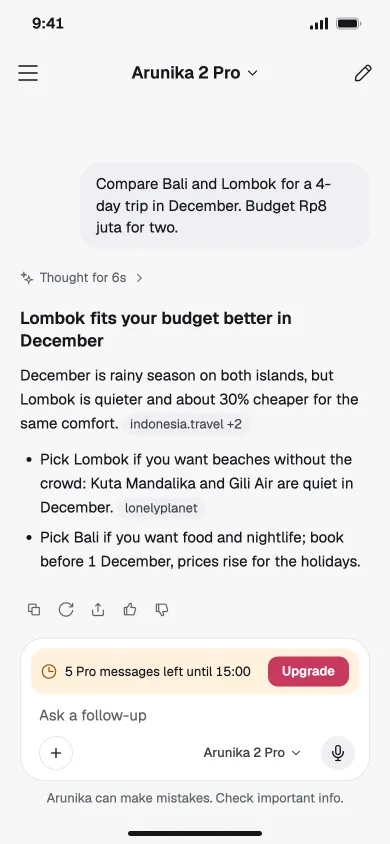
- Limit reached in composerPro
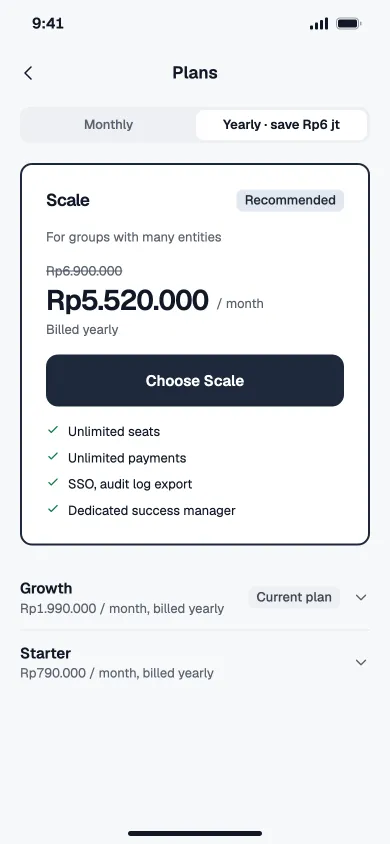
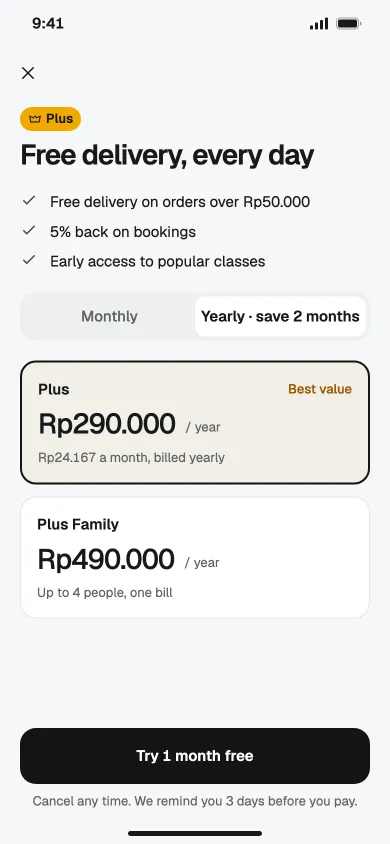
- Plan sheetPro
- Usage pagePro
- Answered by a smaller modelPro
- Payment failedPro
See all 6 screens, at mobile and desktop.Pro opens the whole flow in your Universe, with the prompt and code for each screen.
Upgrade to ProAlready Pro? Open in UniverseWhen to use it
USE WHEN
Any AI product with metered compute (messages, credits, generations, uploads, agent runs).
AVOID WHEN
The plan is truly unlimited for the user's tier (do not show meters that never move) or the user is mid-task: let the current answer finish before showing the wall.
Patterns and why they work
6 decisions this flow makes, and the clarity each one buys.
Meter where the cost happens
Balance is visible before spending
Soft banner before the hard wall
Limit is near
Concrete multiples, not vague tiers
What more you get
Used / total with renewal
How much is left and when it resets
Alternatives to paying
More than one way forward
Trial with the exact end and price
What happens after the trial
Each pattern also has its psychology, the intuition behind it and what it rules out, plus layout notes for mobile and desktop.
Open in UniverseStates to cover
The screens people forget until a user hits them.
- Drawn: low balance warning
- Limit reached with reset time
- Switch-to-smaller-model offer
- Answer from the smaller model with a notice that says why and when Pro is back
- Plan sheet monthly and annual
- Usage page normal and near limit
- Payment failed (card declined, still on Plus, Try again and Use another card)
- Listed
- Not drawn: plenty left
- Trial offer
- Purchase success
- Top-up added
- Team limit set by admin
- Downgraded
Pairs with
The flows this one hands off to or comes back from.
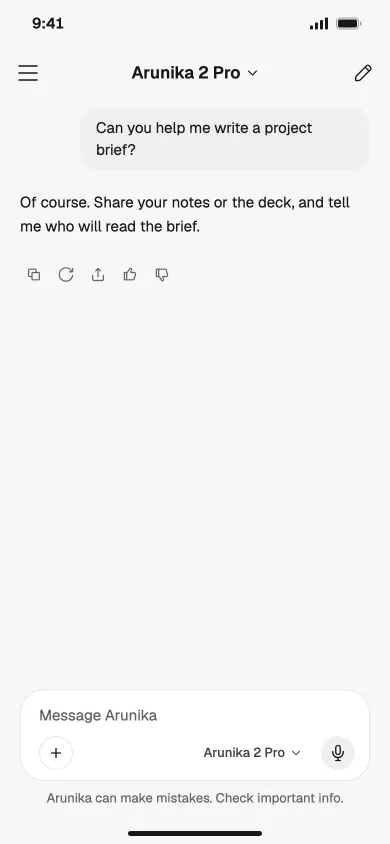
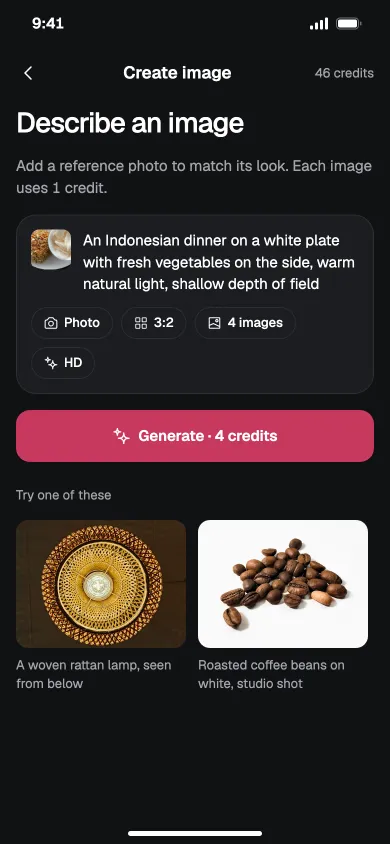
More AI flows
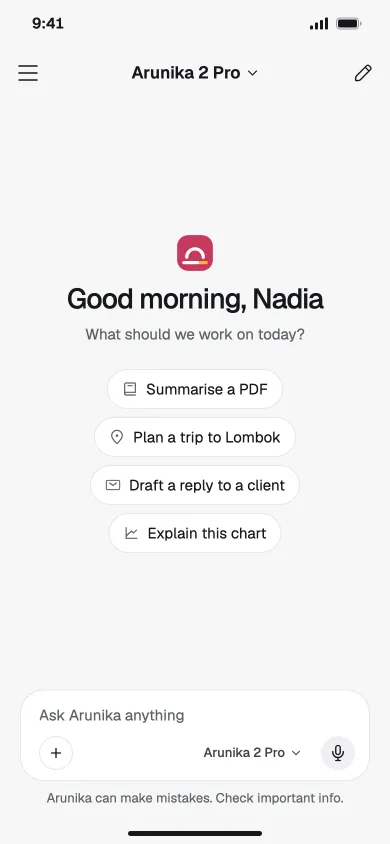
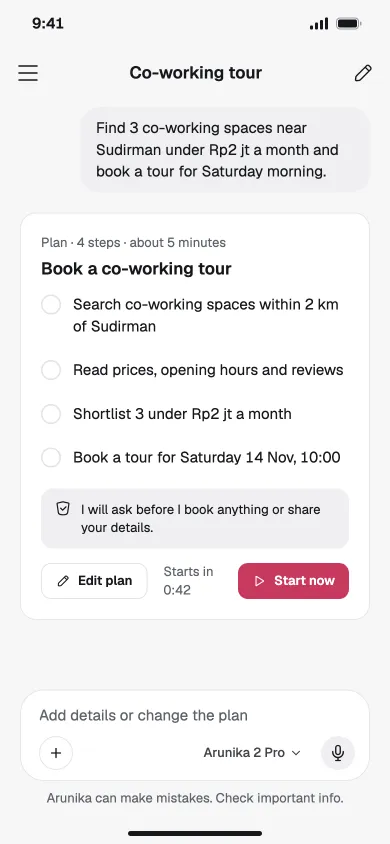
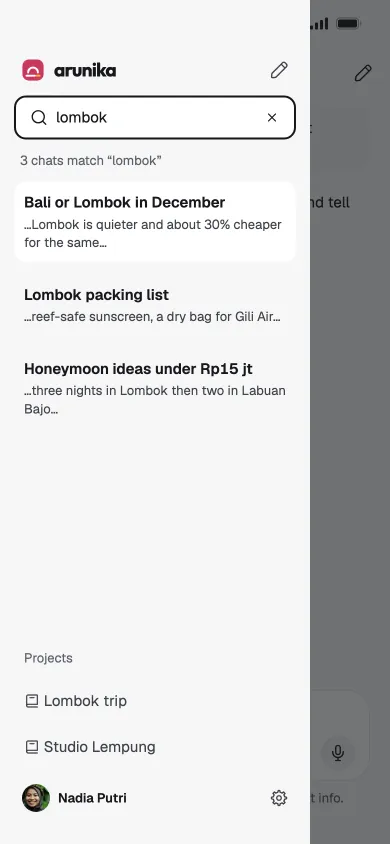
Drawn for the same brand, so they fit together.
Questions
- When should I use a usage limits and upgrade flow?
- Any AI product with metered compute (messages, credits, generations, uploads, agent runs). Use another pattern for the plan is truly unlimited for the user's tier (do not show meters that never move) or the user is mid-task: let the current answer finish before showing the wall.
- Which screens does it need?
- This pattern uses 6: Low balance banner, Limit reached in composer, Plan sheet, Usage page, Answered by a smaller model and Payment failed. Plan for these states too: drawn: low balance warning, limit reached with reset time, switch-to-smaller-model offer, answer from the smaller model with a notice that says why and when pro is back.
- Is Arunika a real app?
- No. Arunika is a made-up AI assistant: chat with sources, attachments, image generation, agent tasks, projects, memory and plans, so the screens show the pattern without copying anyone's brand. Your agent redraws the flow on your own tokens and components.
- How does my agent use this flow?
- Connect Claude Code, Codex or Claude Desktop to Wonderblok over MCP. The agent calls use_pattern for this flow, reads its screens, rules and states, and draws them in your file.
- Is it free?
- Browsing Universe is free. Full pattern notes and use with your agent are part of Pro, and the Free plan opens a few flows in full each month.