AI FLOW
Launch campaign app flow
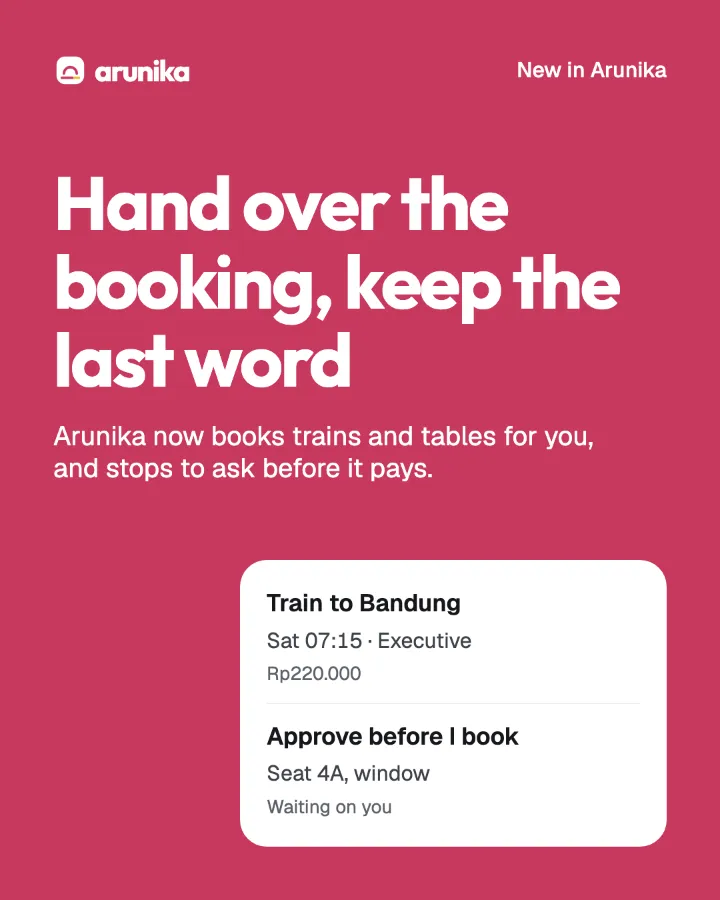
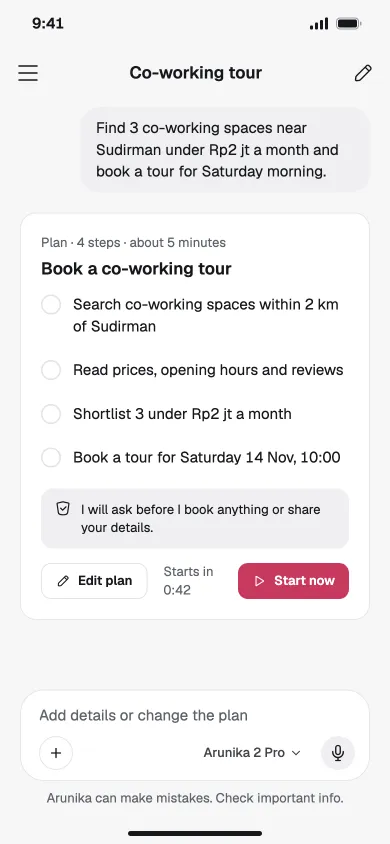
A ai flow in 5 screens, from post to email. Start your app from it, and your agent draws it on your own design system.
- 5 screens
- 8 patterns
- Mobile and desktop
- Brand: Arunika (made up)
The screens, in order
- Post
- CarouselPro
- StoryPro
- BannerPro
- EmailPro
See all 5 screens, at export size per format.Pro opens the whole flow in your Universe, with the prompt and code for each screen.
Upgrade to ProAlready Pro? Open in UniverseWhen to use it
USE WHEN
A product launches one feature and has to say it everywhere at once: a feed post, a carousel that shows how, a story with a link, a banner for link previews and ads, and an email to existing customers. Here: hand over the booking, keep the last word.
AVOID WHEN
The message is a one-off reply or a support answer (write it in the app), or the brand has no feature to show yet (start with Brand identity).
Patterns and why they work
8 decisions this flow makes, and the clarity each one buys.
One message, five formats: the same headline ("Hand over the booking, keep the last word") and the same button in every format
People meet a campaign in several places; repeating one promise is what makes it stick
The product as the picture: a card of the real feature, with real names and amounts, instead of stock photos
It shows what the feature does before anyone reads the copy
Post at 1080 x 1350: the tallest a feed shows without cropping, headline at 112 px so it reads at a third of the size
On a phone the post is shown at about 360 px wide, so 32 px is the smallest text that still reads
Carousel of five 1080 x 1350 slides: a cover that makes the promise, one idea per slide (ask in plain words, arunika finds options, you approve the payment), the action on the last
Each swipe pays off with one step, and the last slide asks only once
Story at 1080 x 1920 with the top 250 and bottom 340 px left clear, the button above the reply bar
The app draws its profile row and reply bar over those areas
Banner at 1200 x 628: logo, one line, one button, the product card on the brand colour
Link previews and ads are glanced at; one line is all that gets read
Email 600 wide: live text (not one big image), one button, the steps as a short list, a footer with the sender's address and a working unsubscribe Trust: readable with images off and in dark mode, and anti-spam rules ask for the address and the way out
Every frame is at its export size, each carousel slide a layer of its own named after its headline
Export a PNG straight from the frame, no resizing
Each pattern also has its psychology, the intuition behind it and what it rules out, plus layout notes for mobile and desktop.
Open in UniverseStates to cover
The screens people forget until a user hits them.
- Not screen states
- The set covers the five formats of one message
- For an offer or a reminder
- Keep the layout and change the copy
Pairs with
The flows this one hands off to or comes back from.

More AI flows
Drawn for the same brand, so they fit together.
Questions
- When should I use a launch campaign flow?
- A product launches one feature and has to say it everywhere at once: a feed post, a carousel that shows how, a story with a link, a banner for link previews and ads, and an email to existing customers. Here: hand over the booking, keep the last word. Use another pattern for the message is a one-off reply or a support answer (write it in the app), or the brand has no feature to show yet (start with Brand identity).
- Which screens does it need?
- This pattern uses 5: Post, Carousel, Story, Banner and Email. Plan for these states too: not screen states, the set covers the five formats of one message, for an offer or a reminder, keep the layout and change the copy.
- Is Arunika a real app?
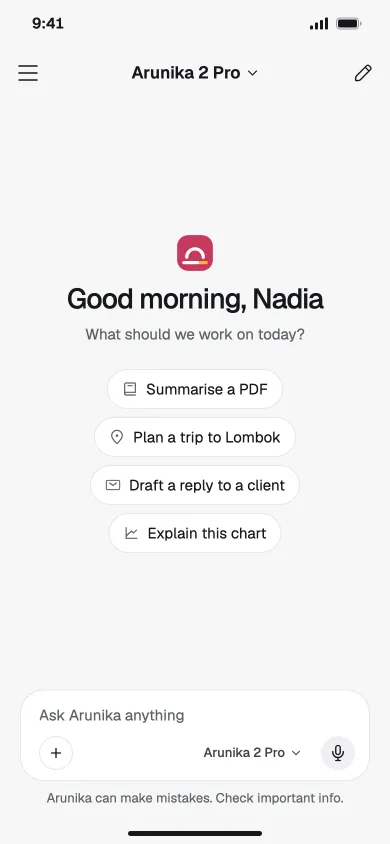
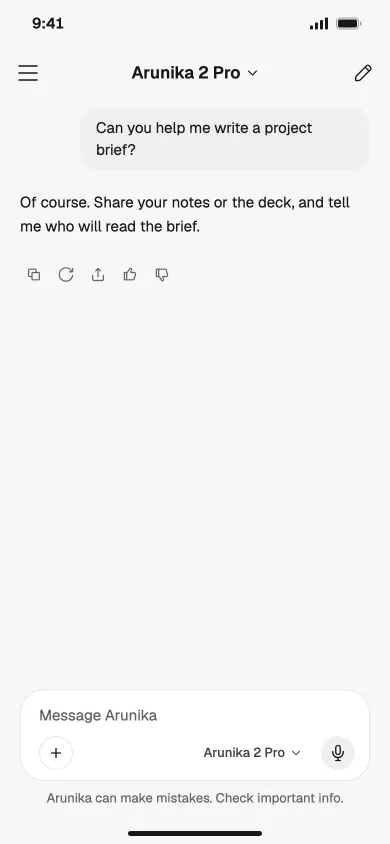
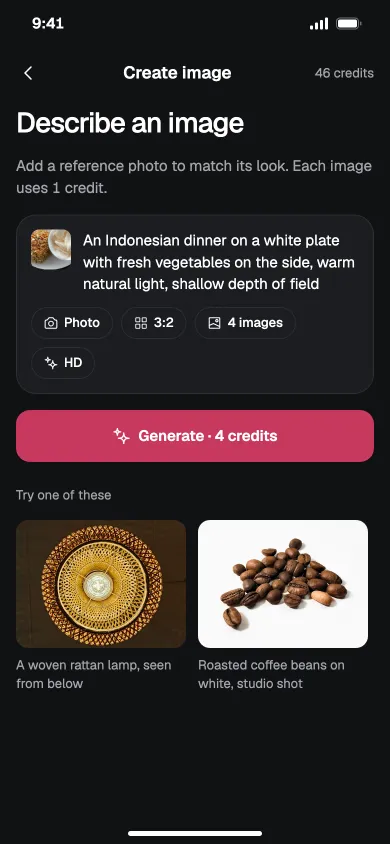
- No. Arunika is a made-up AI assistant: chat with sources, attachments, image generation, agent tasks, projects, memory and plans, so the screens show the pattern without copying anyone's brand. Your agent redraws the flow on your own tokens and components.
- How does my agent use this flow?
- Connect Claude Code, Codex or Claude Desktop to Wonderblok over MCP. The agent calls use_pattern for this flow, reads its screens, rules and states, and draws them in your file.
- Is it free?
- Browsing Universe is free. Full pattern notes and use with your agent are part of Pro, and the Free plan opens a few flows in full each month.