AI FLOW
Generate images and media app flow
A ai flow in 6 screens, from prompt and parameters to blocked and failed. Start your app from it, and your agent draws it on your own design system.
- 6 screens
- 6 patterns
- Mobile and desktop
- Brand: Arunika (made up)
The screens, in order
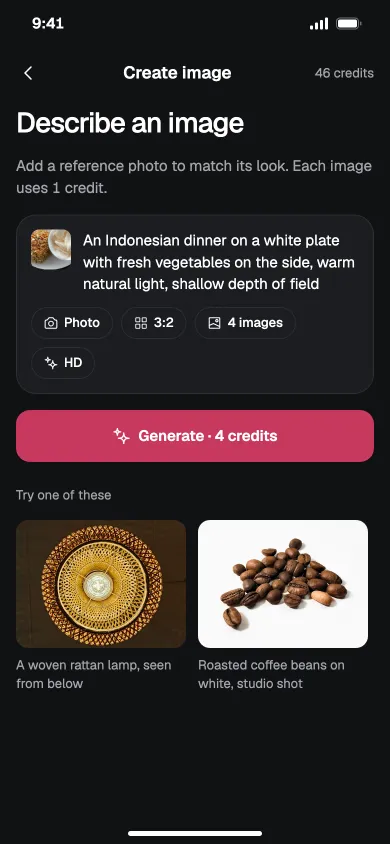
- Prompt and parameters
- Generating gridPro
- Results grid with actionsPro
- Image detail and variationsPro
- QueuedPro
- Blocked and failedPro
See all 6 screens, at mobile and desktop.Pro opens the whole flow in your Universe, with the prompt and code for each screen.
Upgrade to ProAlready Pro? Open in UniverseWhen to use it
USE WHEN
Text-to-image, image-to-video, audio or any output where users pick among several candidates.
AVOID WHEN
There is one correct output (use a single answer or artifact) or the user is not paying attention to visual nuance (generate one and offer Regenerate).
Patterns and why they work
6 decisions this flow makes, and the clarity each one buys.
Parameters as chips in the composer
Settings are visible at the point of generating
Grid of variations with the prompt echoed above
What produced these images
Graded variation actions
How much will change
Remix path from any result
Each image is a starting point
Credit cost before generating
What this costs
Responsibility and policy line
Rules are stated where content is made
Each pattern also has its psychology, the intuition behind it and what it rules out, plus layout notes for mobile and desktop.
Open in UniverseStates to cover
The screens people forget until a user hits them.
- Drawn: cold start with examples
- Prompt typed
- Generating placeholders
- 4 results
- One selected (detail)
- Queued behind other requests
- Blocked prompt with the reason and no credits used
- Failed generation with the credit refunded and Try again
- Listed
- Not drawn: reference added
- Partial results
- Variation in progress
- Upscaled
- Downloaded toast
- Saved to library
- Out of credits
- Library grid with filters
- Empty library
Pairs with
The flows this one hands off to or comes back from.
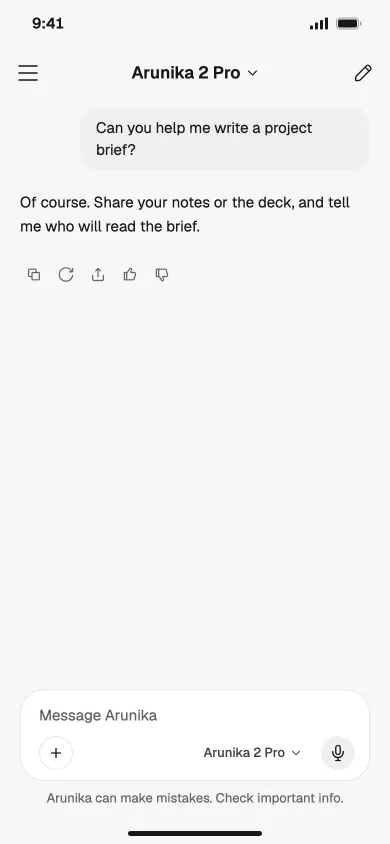
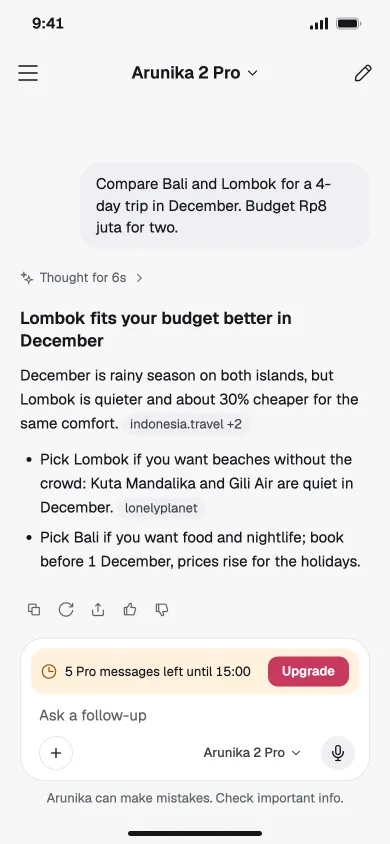
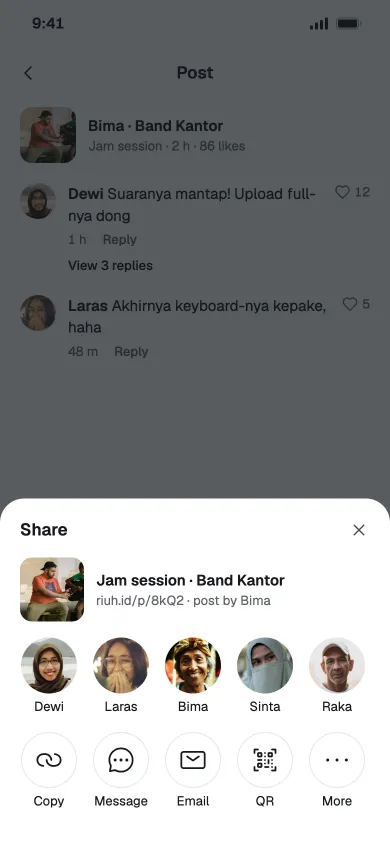
More AI flows
Drawn for the same brand, so they fit together.
Questions
- When should I use a generate images and media flow?
- Text-to-image, image-to-video, audio or any output where users pick among several candidates. Use another pattern for there is one correct output (use a single answer or artifact) or the user is not paying attention to visual nuance (generate one and offer Regenerate).
- Which screens does it need?
- This pattern uses 6: Prompt and parameters, Generating grid, Results grid with actions, Image detail and variations, Queued and Blocked and failed. Plan for these states too: drawn: cold start with examples, prompt typed, generating placeholders, 4 results.
- Is Arunika a real app?
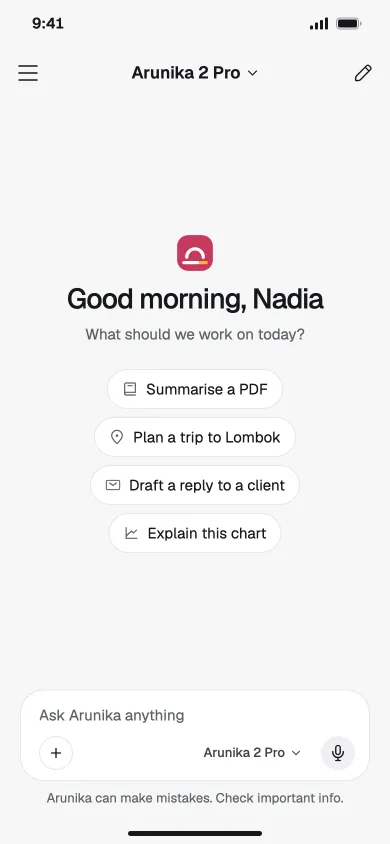
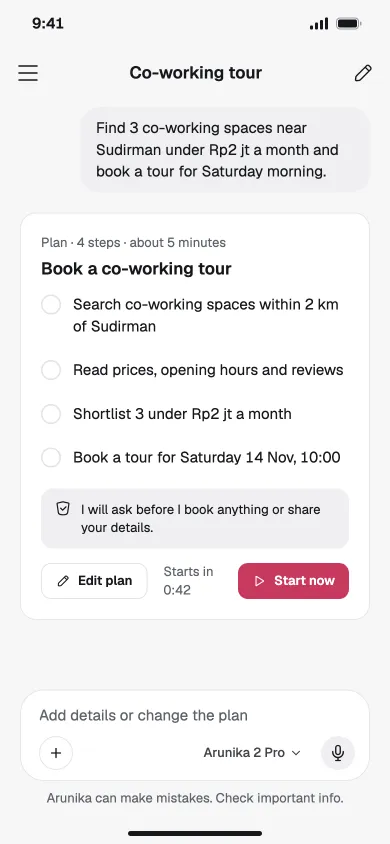
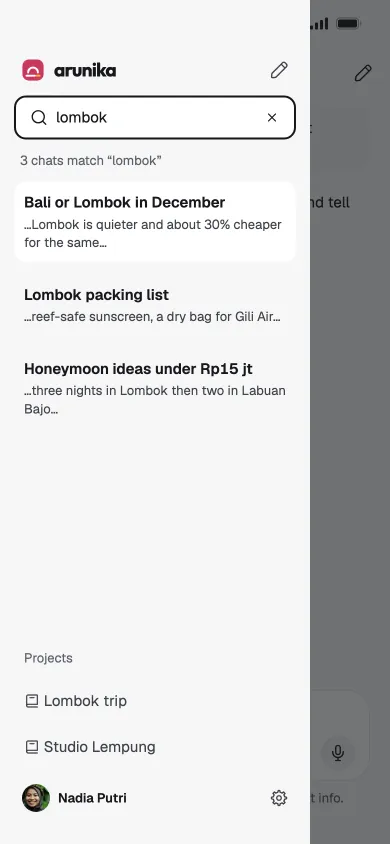
- No. Arunika is a made-up AI assistant: chat with sources, attachments, image generation, agent tasks, projects, memory and plans, so the screens show the pattern without copying anyone's brand. Your agent redraws the flow on your own tokens and components.
- How does my agent use this flow?
- Connect Claude Code, Codex or Claude Desktop to Wonderblok over MCP. The agent calls use_pattern for this flow, reads its screens, rules and states, and draws them in your file.
- Is it free?
- Browsing Universe is free. Full pattern notes and use with your agent are part of Pro, and the Free plan opens a few flows in full each month.