AI FLOW
Memory and personalization app flow
A ai flow in 5 screens, from personalization settings to memory full. Start your app from it, and your agent draws it on your own design system.
- 5 screens
- 6 patterns
- Mobile and desktop
- Brand: Arunika (made up)
The screens, in order
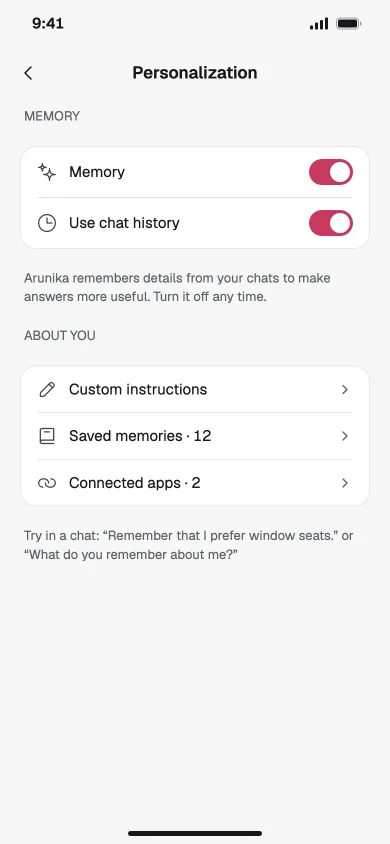
- Personalization settings
- Custom instructions editorPro
- Saved memories listPro
- Data controlsPro
- Memory fullPro
See all 5 screens, at mobile and desktop.Pro opens the whole flow in your Universe, with the prompt and code for each screen.
Upgrade to ProAlready Pro? Open in UniverseWhen to use it
USE WHEN
Any assistant that remembers across chats, uses connected data, or accepts persistent instructions.
AVOID WHEN
The product is stateless by design; never ship memory without a visible list and delete control.
Patterns and why they work
6 decisions this flow makes, and the clarity each one buys.
Master toggle with a plain sentence of scope
What is remembered and from where
Memories as readable sentences
The user sees exactly what the AI believes
Instructions with an example in the placeholder
What good input looks like
Teach by example prompts
Memory works through normal chat
Card per personalization source
Separate controls for separate data
Temporary chat and opt-out in reach
A private mode exists
Each pattern also has its psychology, the intuition behind it and what it rules out, plus layout notes for mobile and desktop.
Open in UniverseStates to cover
The screens people forget until a user hits them.
- Drawn: memory on
- Instructions with an example and near the limit
- Memories list
- Search memories
- Delete one with undo (this is also forgetting a single memory)
- Delete all
- Memory full (nothing new is saved until space is freed, oldest first)
- Data controls with training opt-out and temporary chat
- Listed
- Not drawn: memory off (dependent rows locked)
- First-use explainer sheet
- Saved toast
- Connected apps list
- Import memory
- Temporary chat active
Pairs with
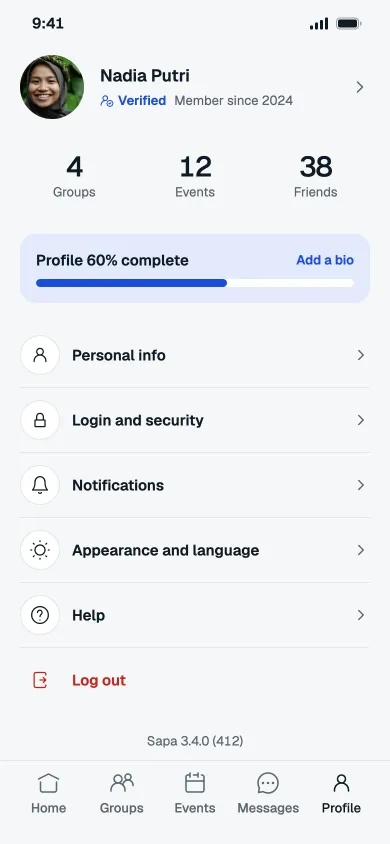
The flows this one hands off to or comes back from.
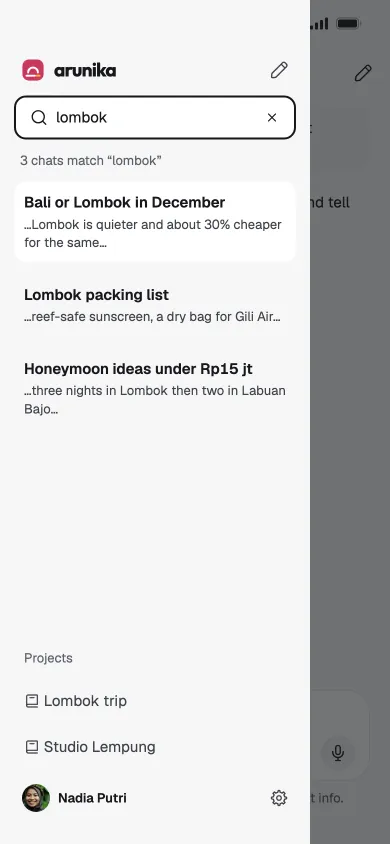
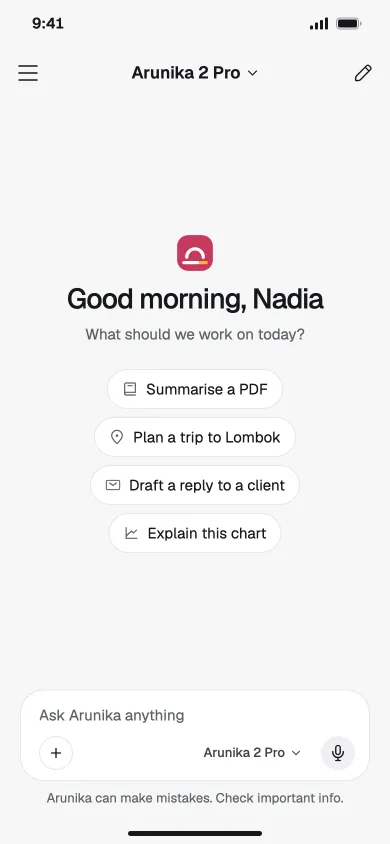
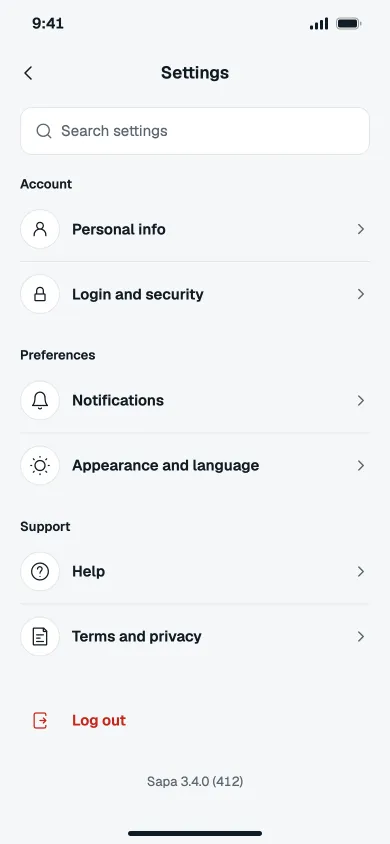
More AI flows
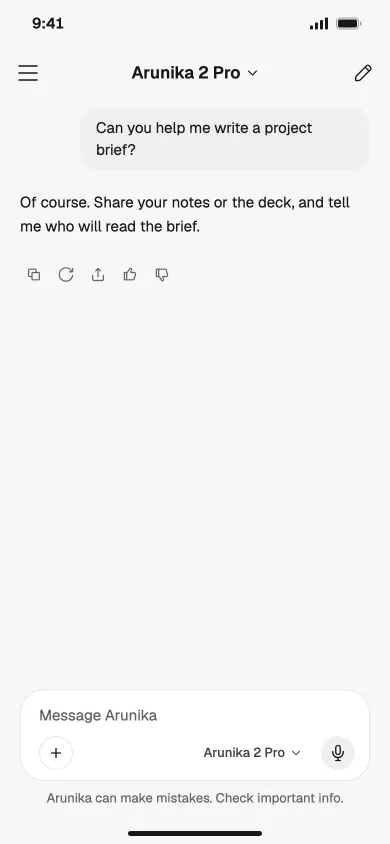
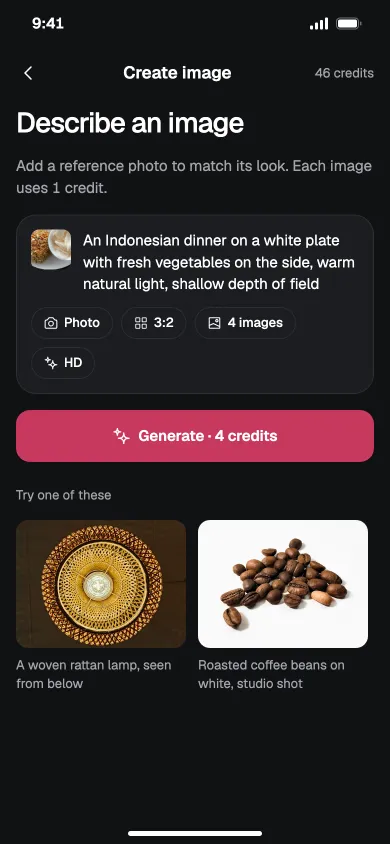
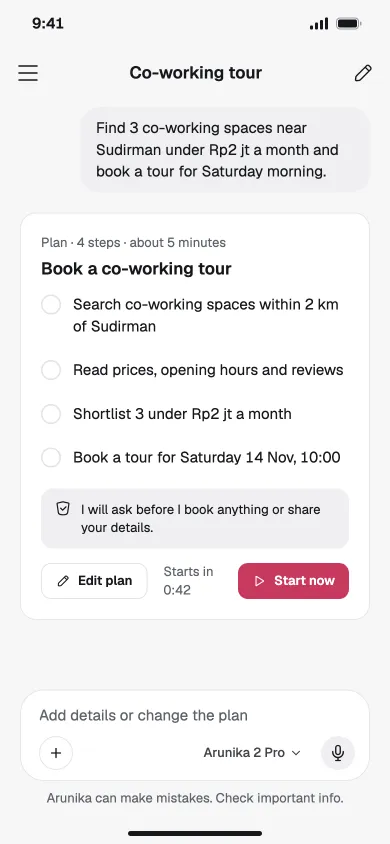
Drawn for the same brand, so they fit together.
Questions
- When should I use a memory and personalization flow?
- Any assistant that remembers across chats, uses connected data, or accepts persistent instructions. Use another pattern for the product is stateless by design; never ship memory without a visible list and delete control.
- Which screens does it need?
- This pattern uses 5: Personalization settings, Custom instructions editor, Saved memories list, Data controls and Memory full. Plan for these states too: drawn: memory on, instructions with an example and near the limit, memories list, search memories.
- Is Arunika a real app?
- No. Arunika is a made-up AI assistant: chat with sources, attachments, image generation, agent tasks, projects, memory and plans, so the screens show the pattern without copying anyone's brand. Your agent redraws the flow on your own tokens and components.
- How does my agent use this flow?
- Connect Claude Code, Codex or Claude Desktop to Wonderblok over MCP. The agent calls use_pattern for this flow, reads its screens, rules and states, and draws them in your file.
- Is it free?
- Browsing Universe is free. Full pattern notes and use with your agent are part of Pro, and the Free plan opens a few flows in full each month.