AI FLOW
Chat with an assistant app flow
A ai flow in 7 screens, from empty greeting to request refused. Start your app from it, and your agent draws it on your own design system.
- 7 screens
- 7 patterns
- Mobile and desktop
- Brand: Arunika (made up)
The screens, in order
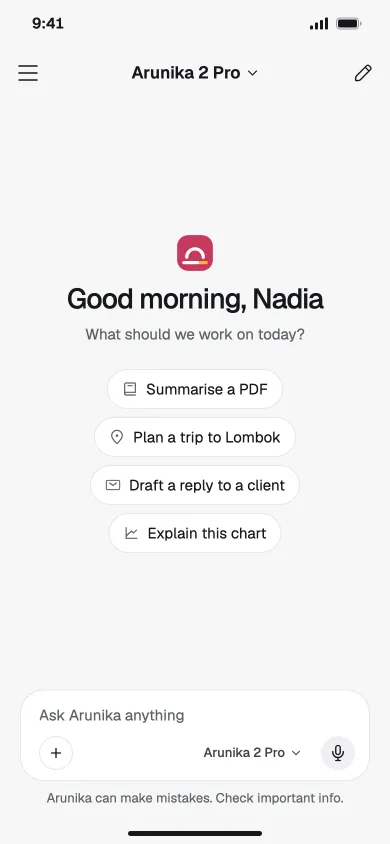
- Empty greeting
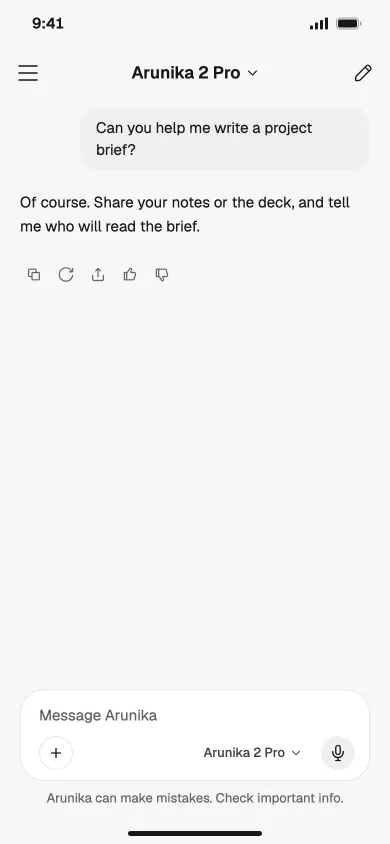
- Streaming answerPro
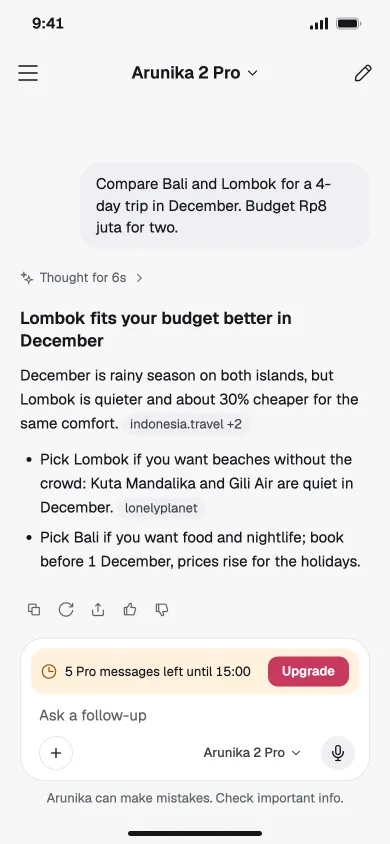
- Answer with citations and actionsPro
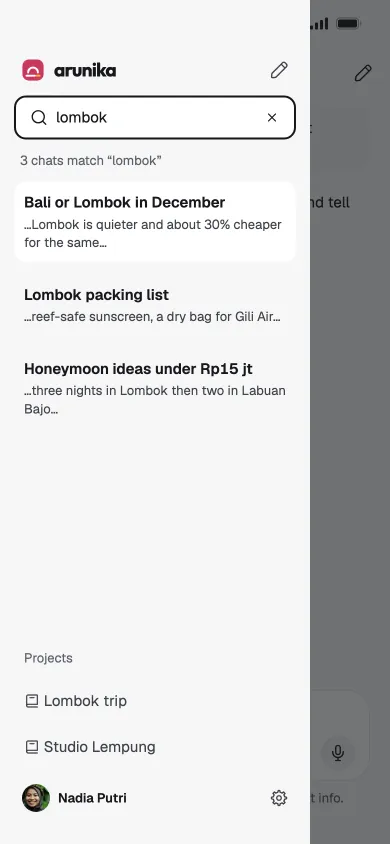
- Sources panelPro
- Edit a sent messagePro
- Stopped and connection lostPro
- Request refusedPro
See all 7 screens, at mobile and desktop.Pro opens the whole flow in your Universe, with the prompt and code for each screen.
Upgrade to ProAlready Pro? Open in UniverseWhen to use it
USE WHEN
Any free-form question and answer, support assistants, in-product copilots, research answers with citations.
AVOID WHEN
The task is a fixed form with known fields (use a form) or the output is primarily an image or file (use Generate images and media or an artifact panel).
Patterns and why they work
7 decisions this flow makes, and the clarity each one buys.
Answer without a bubble, user turn as a pill
The answer reads like a document
Collapsible reasoning line
Work happened and how long
Inline source chips plus a Sources sheet
Which claim came from where
Version stepper after regenerate
The old answer is kept
Feedback that confirms
The vote registered
Follow-up suggestions
Obvious next steps
Clarifying-question picker
The assistant needs one answer
Each pattern also has its psychology, the intuition behind it and what it rules out, plus layout notes for mobile and desktop.
Open in UniverseStates to cover
The screens people forget until a user hits them.
- Drawn: empty thread with greeting and suggestions
- Streaming
- Answer with citations
- Sources panel
- Regenerated arrows
- Edit a sent message (inline editor, the answer below is replaced on send)
- Stopped mid-answer with Continue and Regenerate
- Network lost mid-stream with Retry and a disabled composer
- Refusal with the reason and what Arunika can do instead
- Listed
- Not drawn: thumbs up confirmed
- Thumbs down reason picker (see Rate and report a response)
- Clarifying question picker
- Long answer with scroll-to-bottom button
Pairs with
The flows this one hands off to or comes back from.
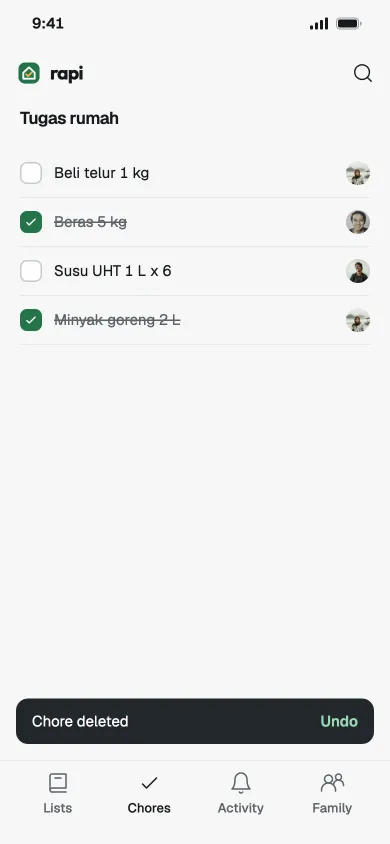
More AI flows
Drawn for the same brand, so they fit together.
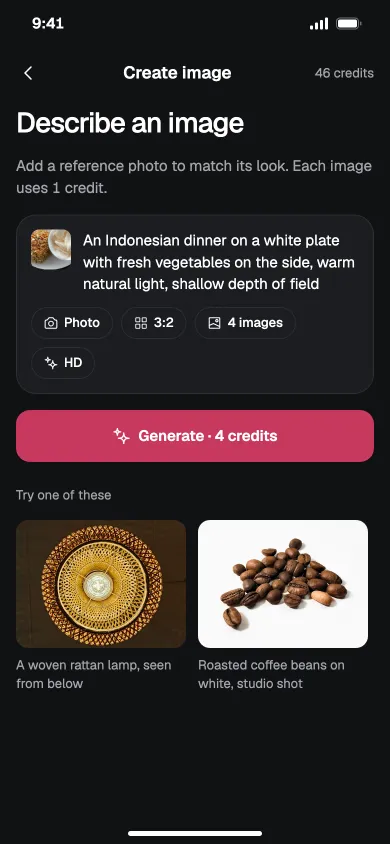
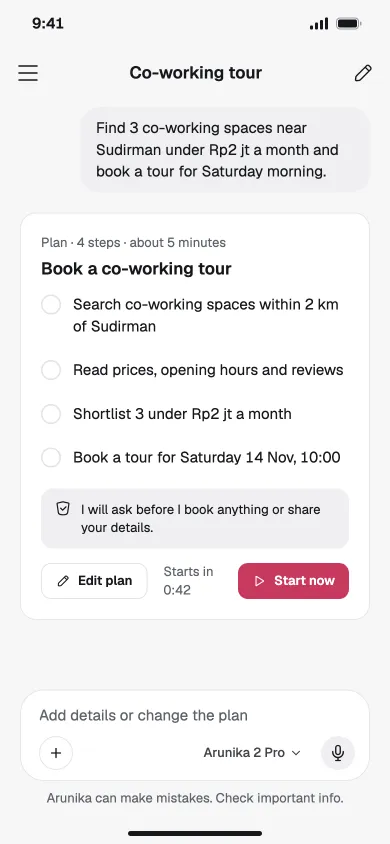
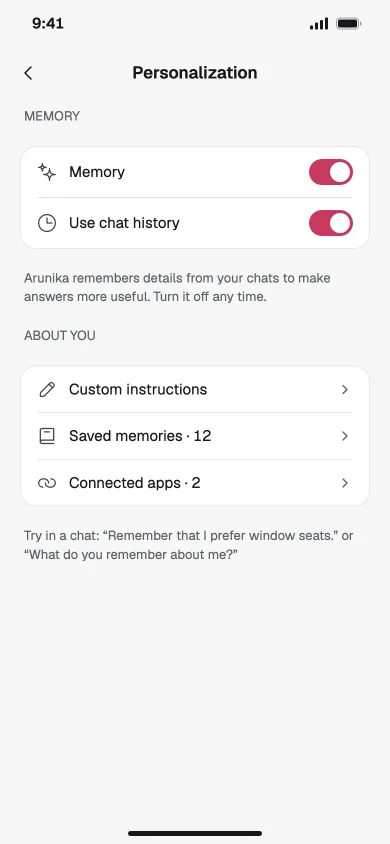
Questions
- When should I use a chat with an assistant flow?
- Any free-form question and answer, support assistants, in-product copilots, research answers with citations. Use another pattern for the task is a fixed form with known fields (use a form) or the output is primarily an image or file (use Generate images and media or an artifact panel).
- Which screens does it need?
- This pattern uses 7: Empty greeting, Streaming answer, Answer with citations and actions, Sources panel, Edit a sent message, Stopped and connection lost and Request refused. Plan for these states too: drawn: empty thread with greeting and suggestions, streaming, answer with citations, sources panel.
- Is Arunika a real app?
- No. Arunika is a made-up AI assistant: chat with sources, attachments, image generation, agent tasks, projects, memory and plans, so the screens show the pattern without copying anyone's brand. Your agent redraws the flow on your own tokens and components.
- How does my agent use this flow?
- Connect Claude Code, Codex or Claude Desktop to Wonderblok over MCP. The agent calls use_pattern for this flow, reads its screens, rules and states, and draws them in your file.
- Is it free?
- Browsing Universe is free. Full pattern notes and use with your agent are part of Pro, and the Free plan opens a few flows in full each month.