ACCOUNT AND ONBOARDING FLOW
Appearance and text size app flow
A account and onboarding flow in 4 screens, from choose appearance to larger text applied. Start your app from it, and your agent draws it on your own design system.
- 4 screens
- 3 patterns
- Mobile and desktop
- Brand: Sapa (made up)
The screens, in order
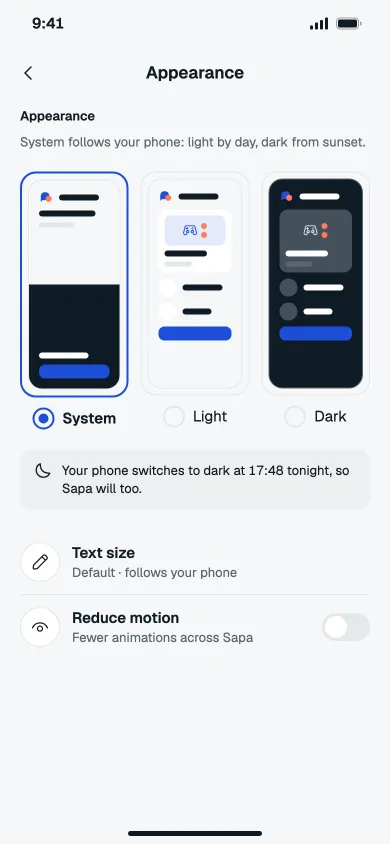
- Choose appearance
- Dark appliedPro
- Text sizePro
- Larger text appliedPro
See all 4 screens, at mobile and desktop.Pro opens the whole flow in your Universe, with the prompt and code for each screen.
Upgrade to ProAlready Pro? Open in UniverseWhen to use it
USE WHEN
An app that offers light, dark and system appearance and its own text size: previews of each mode, the app in dark, a text size slider with a live preview, and the layout at a large size.
AVOID WHEN
A brand theme or accent colour picker (use Account › Settings) or a reading view for long articles.
Patterns and why they work
3 decisions this flow makes, and the clarity each one buys.
Preview with the app's own screen, not a colour swatch: each option is a small Sapa Home in light, dark or both halves for System. People pick by recognising their own screen
Put the preview above the slider: as the knob moves, the event title and Rina's message grow in place. The change shows before the person commits, so nobody has to guess what Larger means
Let large text reflow instead of shrinking it back: titles wrap to two lines, rows stack and chips sit under the text. Nothing is cut off at the largest size, which is what people who need it rely on
Each pattern also has its psychology, the intuition behind it and what it rules out, plus layout notes for mobile and desktop.
Open in UniverseStates to cover
The screens people forget until a user hits them.
- Choose appearance
- Dark applied
- Text size with live preview
- Larger text applied with nothing cut off
- Bold text and reduce motion are toggles only
Pairs with
The flows this one hands off to or comes back from.
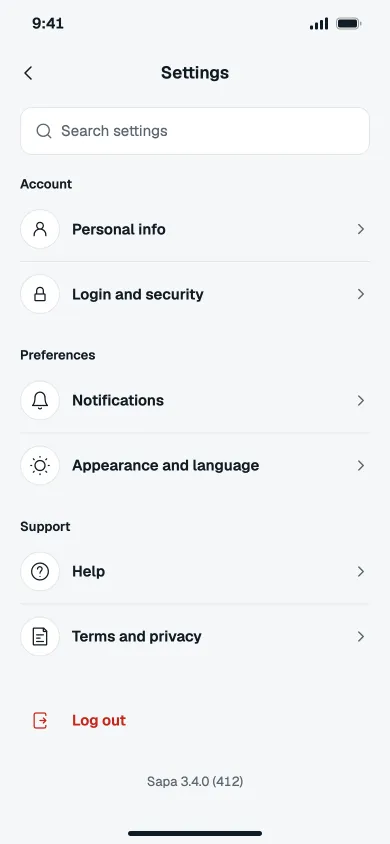
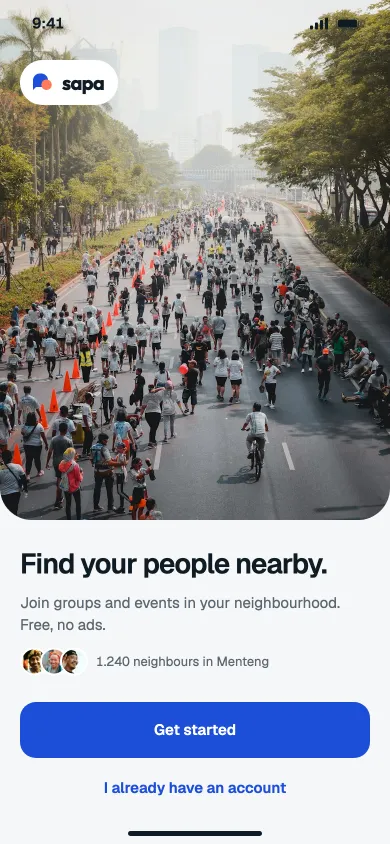
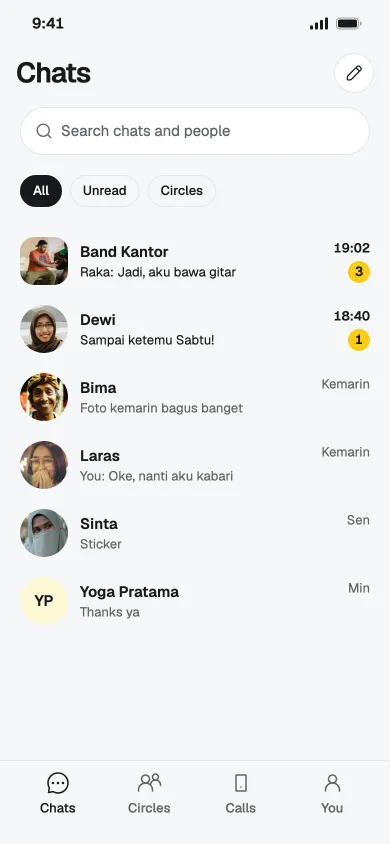
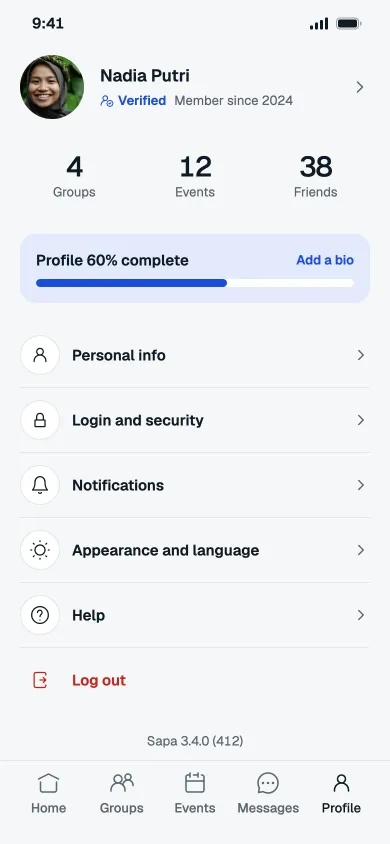
More Account and Onboarding flows
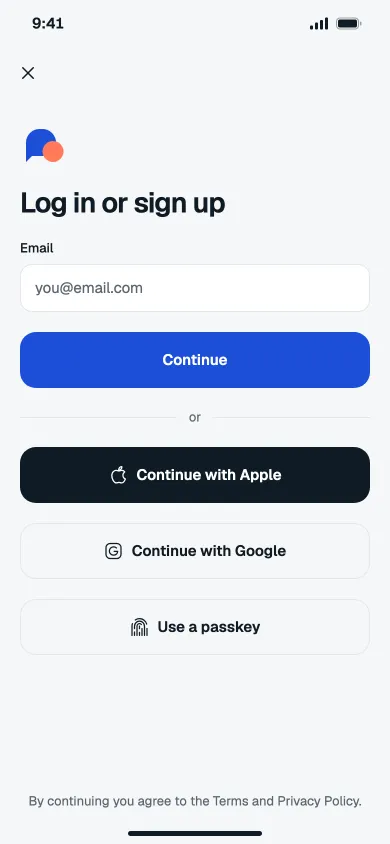
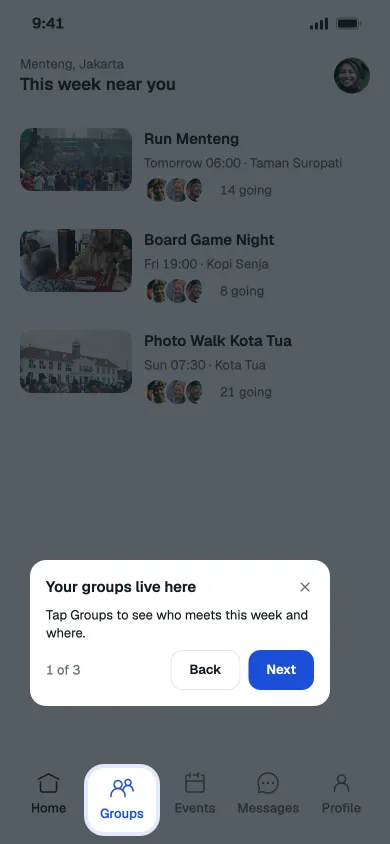
Drawn for the same brand, so they fit together.
Questions
- When should I use a appearance and text size flow?
- An app that offers light, dark and system appearance and its own text size: previews of each mode, the app in dark, a text size slider with a live preview, and the layout at a large size. Use another pattern for a brand theme or accent colour picker (use Account › Settings) or a reading view for long articles.
- Which screens does it need?
- This pattern uses 4: Choose appearance, Dark applied, Text size and Larger text applied. Plan for these states too: choose appearance, dark applied, text size with live preview, larger text applied with nothing cut off.
- Is Sapa a real app?
- No. Sapa is a made-up neighbourhood groups-and-events app, so the screens show the pattern without copying anyone's brand. Your agent redraws the flow on your own tokens and components.
- How does my agent use this flow?
- Connect Claude Code, Codex or Claude Desktop to Wonderblok over MCP. The agent calls use_pattern for this flow, reads its screens, rules and states, and draws them in your file.
- Is it free?
- Browsing Universe is free. Full pattern notes and use with your agent are part of Pro, and the Free plan opens a few flows in full each month.